Best Compact USB-C Cables for EDC
The right USB-C cable can make or break your EDC charging setup. We compared compact options by maker specs for build, length and compatibility.
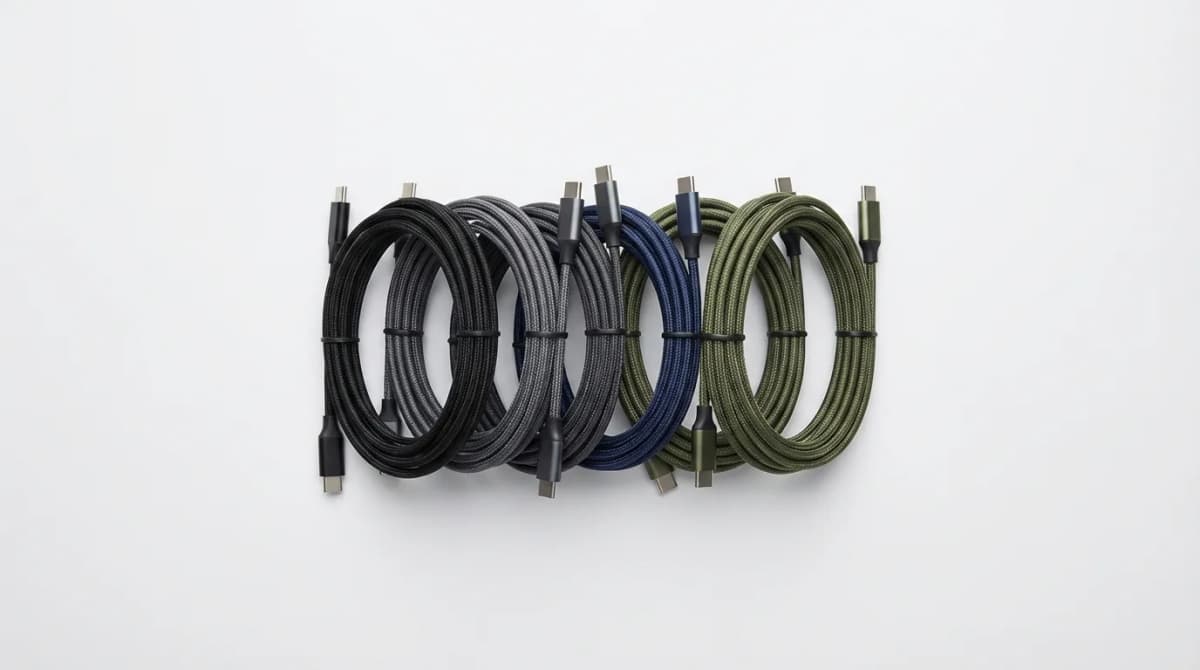
A dead phone at 3 PM ruins productivity faster than anything else. The cable you carry matters more than the brand name printed on it.
Quick Picks
Our top recommendations at a glance:
- 1
- 2
- 3
- 4
- 5
Most people overthink chargers and ignore cables entirely. That's backwards. A quality compact USB-C cable determines charging speed, durability, and whether you'll actually carry it daily. We compared dozens of options to find cables that survive pocket carry, deliver proper wattage, and don't tangle into chaos.
The best EDC cables share three traits: they're short enough to stay organized, tough enough to handle daily abuse, and fast enough to actually matter. Everything else is marketing.
Why Cable Length Changes Everything for EDC
Six-foot cables belong at desks, not in pockets. For everyday carry, 6-12 inches is the sweet spot. Shorter cables coil tighter, reduce bulk, and eliminate the tangled mess that happens in bags.
Length affects more than convenience. Physics dictates that longer cables mean more resistance and slower charging. A 3-foot cable can lose 5-10% efficiency compared to a 1-foot cable at the same wattage. When you're grabbing 20 minutes of charge before a meeting, that difference matters.
Most manufacturers default to 3 or 6 feet because it's cheaper to produce one length. But EDC users need different tools. A 10-inch cable charges your phone from a battery pack in your bag without excess slack. It takes up one-third the space and survives being stuffed into pockets daily.
Having two cables works better than one compromise length. Keep a 6-12 inch cable for portable charging and a 3-footer for stationary use. Don't try to make one cable do both jobs badly.
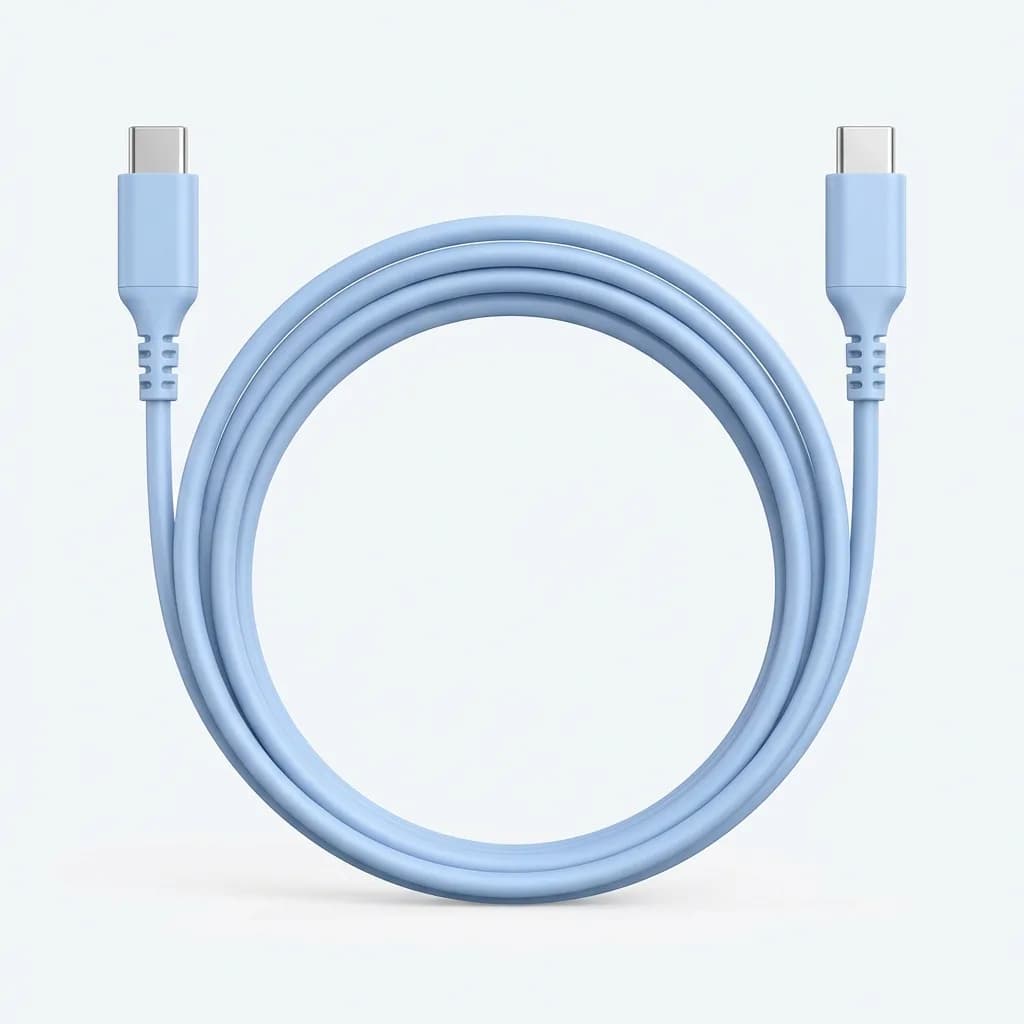
Anker PowerLine III Flow USB-C to USB-C Cable (3ft)
$15
Silicone coating resists tangles, supports 100W Power Delivery, and uses reinforced stress points. The most durable option here for daily pocket carry.
Durability: What Actually Breaks First
Cables fail at the connector, not the wire. Every cable we've killed died within two inches of the plug. That's where bending stress concentrates, where pocket lint accumulates, and where cheap construction shows itself fast.
Braided cables resist kinking better than rubber or silicone, but they fray. Rubber jackets stay flexible but tear at stress points. Silicone offers the best balance if it's properly reinforced. The real test is the strain relief design - that thickened section where the cable meets the connector. If it's longer than half an inch and made from the same material as the cable body, it'll last.
Cables using aramid fiber cores are a good bet. This is the same material in bulletproof vests, scaled down. It prevents the copper wires from separating when you yank the cable out at an angle. Most people pull cables wrong, and aramid fiber forgives that.
Connector quality matters more than cable construction. Look for one-piece molded connectors, not two-piece shells that can separate. The USB-C spec requires 10,000 insertion cycles minimum. Quality cables exceed 20,000. Budget cables sometimes fail before 5,000.
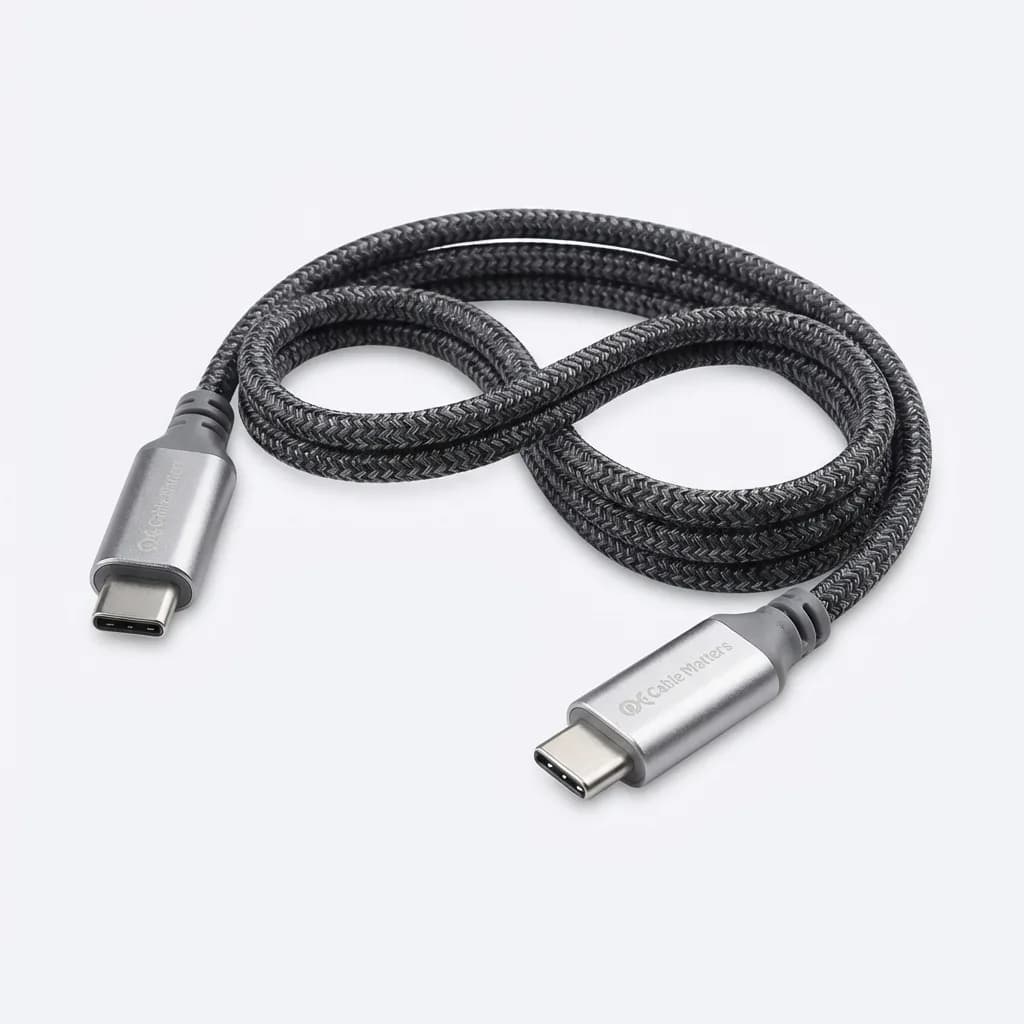
Cable Matters 60W Braided USB-C Cable (6in)
$10
Kevlar-reinforced core, aluminum housings, and triple-layer braiding. Certified for 60W charging, compact 6-inch length perfect for battery pack pairing.
Power Delivery Ratings You Actually Need
USB-C supports up to 240W under the latest spec, but your phone doesn't need that. Most smartphones max out at 20-30W. Laptops need 45-100W depending on size. The cable must support the wattage your device draws, or charging slows to USB 2.0 speeds (2.5W - basically worthless).
Every USB-C cable carries data, but not every cable carries fast charging. The cheap cables bundled with devices often lack the wiring for Power Delivery. They'll charge your phone overnight but won't quick-charge in 30 minutes. Check the spec sheet for "USB-IF certified" or "USB PD" marking. If it doesn't say, assume it's 15W maximum.
For EDC purposes, a 60W cable handles everything except gaming laptops. It'll fast-charge phones, tablets, small laptops, battery packs, and accessories at full speed. 100W cables cost more and only matter if you're charging a MacBook Pro or similar. Don't overpay for capacity you won't use.
One warning: some cables claim high wattage but aren't certified. Some "100W" cables throttle well below their rating because they use undersized wire gauge. Stick with brands that publish USB-IF certification numbers. Anker, Cable Matters, and Belkin consistently deliver rated performance.
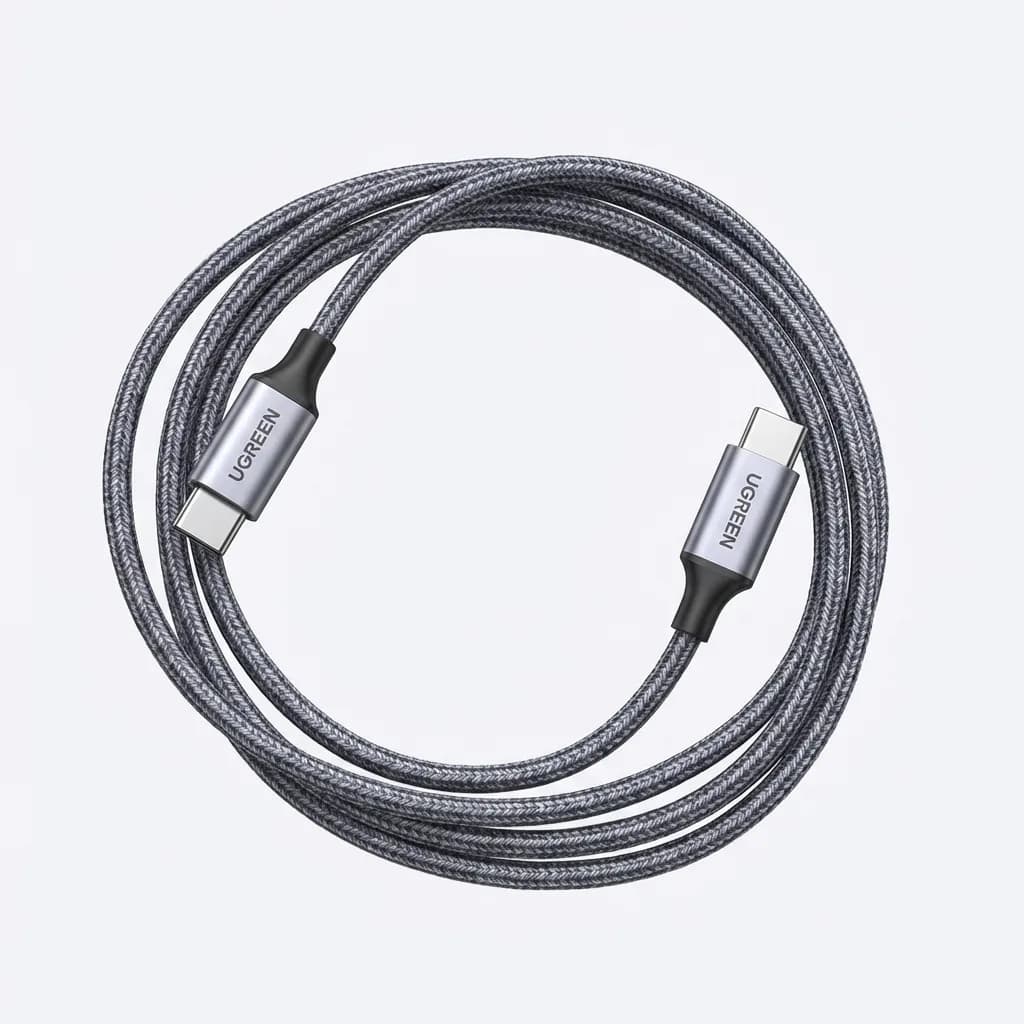
UGREEN 100W USB-C to USB-C Cable (1ft)
$13
E-Marker chip verified for 100W Power Delivery, aluminum connector housings, nylon braiding. True 1-foot length for minimal bulk in EDC kits.
Multi-Tip Cables: When They Make Sense
Multi-tip cables promise one cable for everything. They usually disappoint. The extra connectors add bulk, create more failure points, and often compromise charging speed because of the switching circuitry.
That said, some designs work. Retractable multi-tip cables with built-in spools solve the tangle problem. Magnetic tip systems let you swap connectors without carrying multiple cables. Both approaches make sense if you carry devices with different ports - say, USB-C phone, Lightning earbuds, and micro-USB backup battery.
The catch is cost and complexity. Multi-tip cables typically charge at 15-20W maximum, even if they claim higher. The internal switching and thinner wires limit current flow. If you need fast charging for everything, carry dedicated cables. If you need backup charging for mixed devices, one quality multi-tip cable beats three separate cables tangled in your bag.
We recommend multi-tip cables as secondary options, not primary EDC. Keep a dedicated USB-C cable for your phone and battery pack. Add a multi-tip cable if you support multiple devices and can accept slower charging speeds.
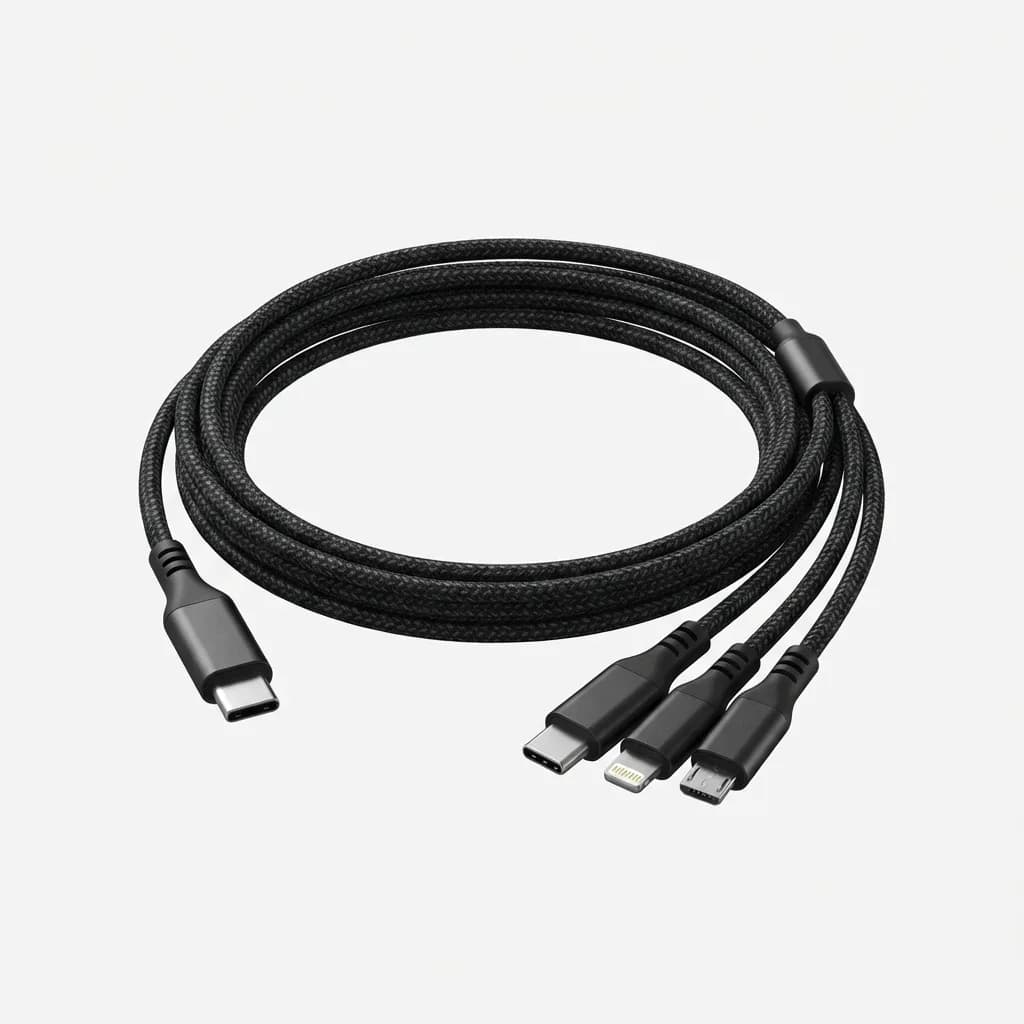
Nomad Universal Cable with Kevlar
$35
USB-C, Lightning, and Micro-USB tips integrated into one braided cable. Kevlar core for durability, supports 18W charging across all connector types.
What About Right-Angle Connectors?
Right-angle USB-C connectors reduce strain when charging in tight spaces - pockets, bags, or against walls. The cable exits parallel to the device instead of sticking straight out. This matters for EDC because it prevents the connector from catching on fabric and bending.
The downside is compatibility. Some phone cases with tight port cutouts block right-angle connectors. And if you rotate your phone, the cable ends up in the wrong orientation. Straight connectors work universally. Right-angle connectors work brilliantly in specific situations and poorly in others.
Right-angle designs excel for laptop charging in backpacks and phone charging while navigating in cars. For general EDC, straight connectors offer more flexibility. Consider a right-angle cable as a specialized tool, not a daily driver.
If you do go right-angle, verify the angle orientation matches your use case. Some cables angle left, some right, some up, some down. The product photos usually show this, but manufacturers don't always specify. Buy from retailers with easy returns until you confirm the fit.
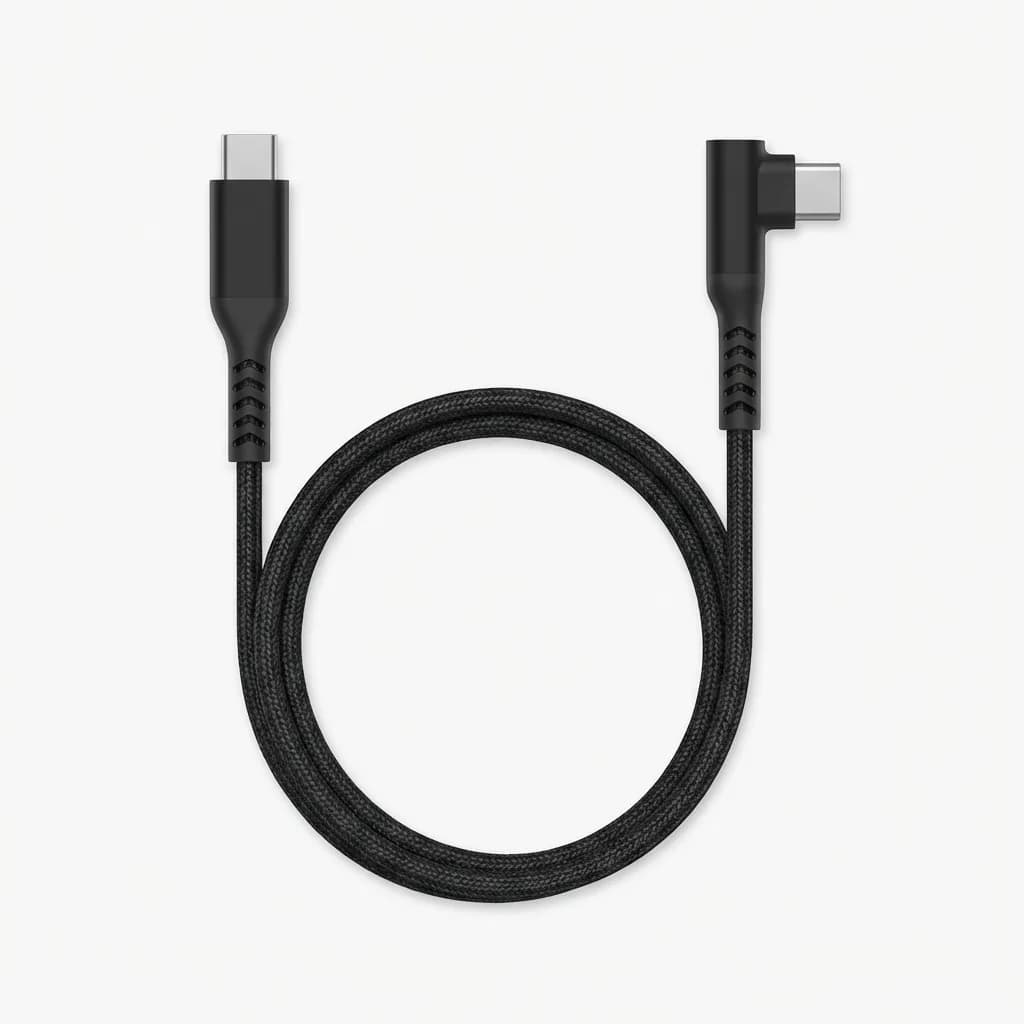
Belkin BoostCharge USB-C Cable (6in, Right Angle)
$18
90-degree connector reduces port stress, supports 60W Power Delivery, reinforced strain relief. Compact 6-inch design ideal for car and bag charging.
The Cable You'll Actually Carry
The best cable for EDC is the one you don't leave at home. That means prioritizing size, weight, and durability over features you might use once.
Start with an 8-12 inch USB-C to USB-C cable rated for 60W. This handles phone charging from battery packs, laptop charging from wall adapters, and accessory charging from any USB-C power source. Add a retractable multi-tip cable if you support multiple device types. Skip the 6-foot cables unless you specifically need desk length.
Spend $12-20 on a quality cable from a known brand rather than $5 on whatever Amazon suggests. The durability difference pays back in six months. And buy two - one for daily carry, one as backup. Cables die, usually at the worst possible time.
The charging ecosystem has finally standardized on USB-C. Take advantage by carrying the right cable, cut to the right length, built to survive daily use. It's one of the simplest EDC upgrades that makes a disproportionate difference.
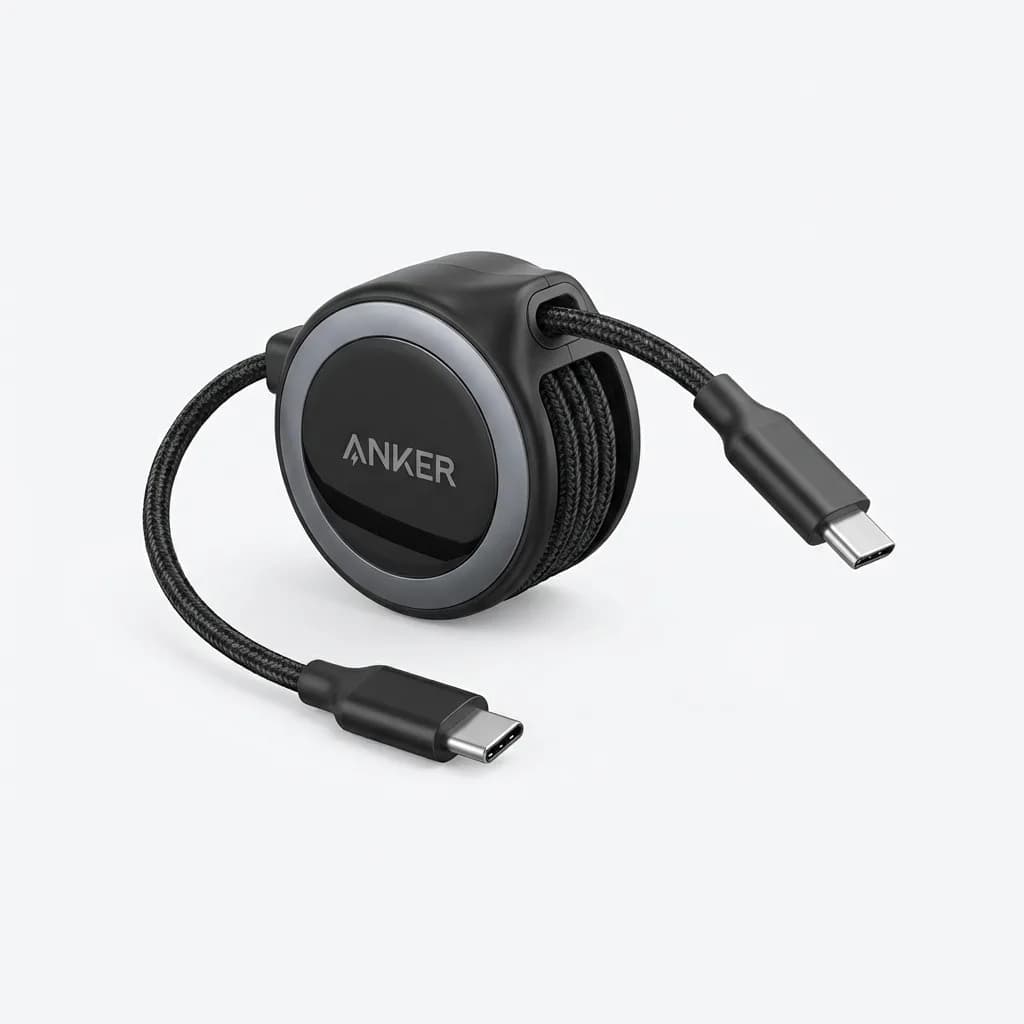
Anker 643 Retractable USB-C Cable
$20
Self-retracting design extends to 3 feet, collapses to 2 inches. Supports 60W Power Delivery, tangle-free storage in any pocket or bag.
Cable length, durability, and wattage rating determine whether you're prepared or stuck waiting for a charge. Skip the cheap bundles and choose based on how you actually use your gear. Your future self will thank you when your phone hits 50% in 20 minutes instead of dying while you search for a working cable.
The Weekly Dispatch
Enjoying this article?
Subscribe and get our best gear picks delivered every Sunday morning.
Related Posts
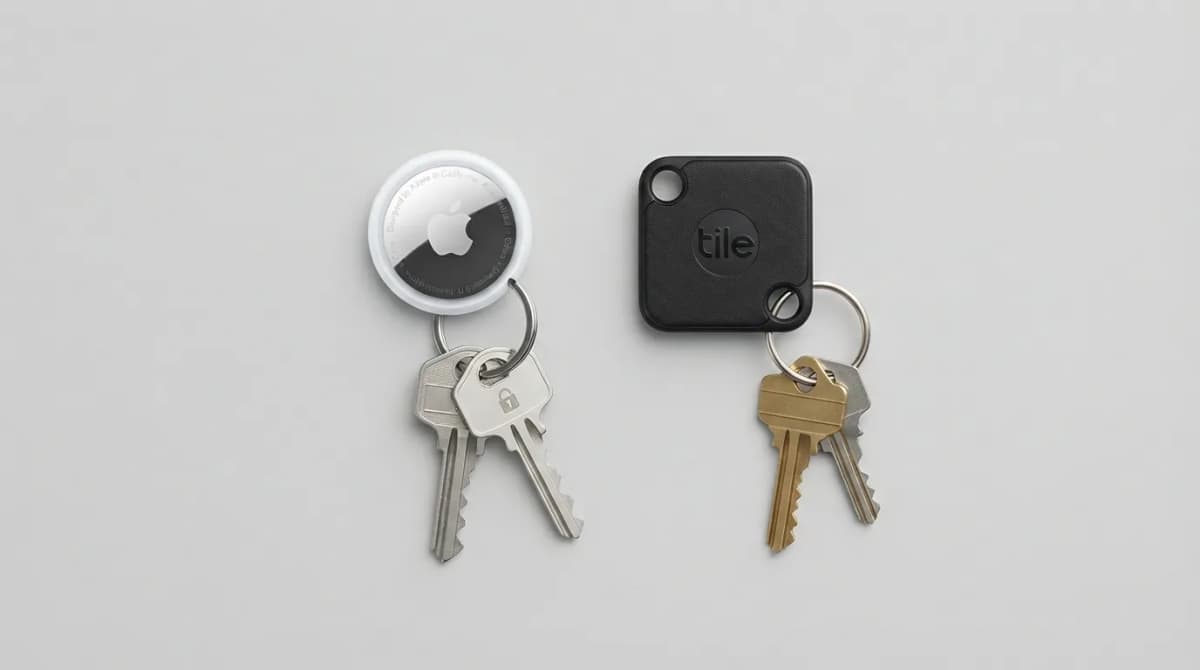
AirTag vs Tile Mate (2026): Which Key Tracker to Buy
Apple AirTag vs Tile Mate for keys: phone compatibility, range, battery and price compared from Apple and Tile maker pages, as of Oct 2026.
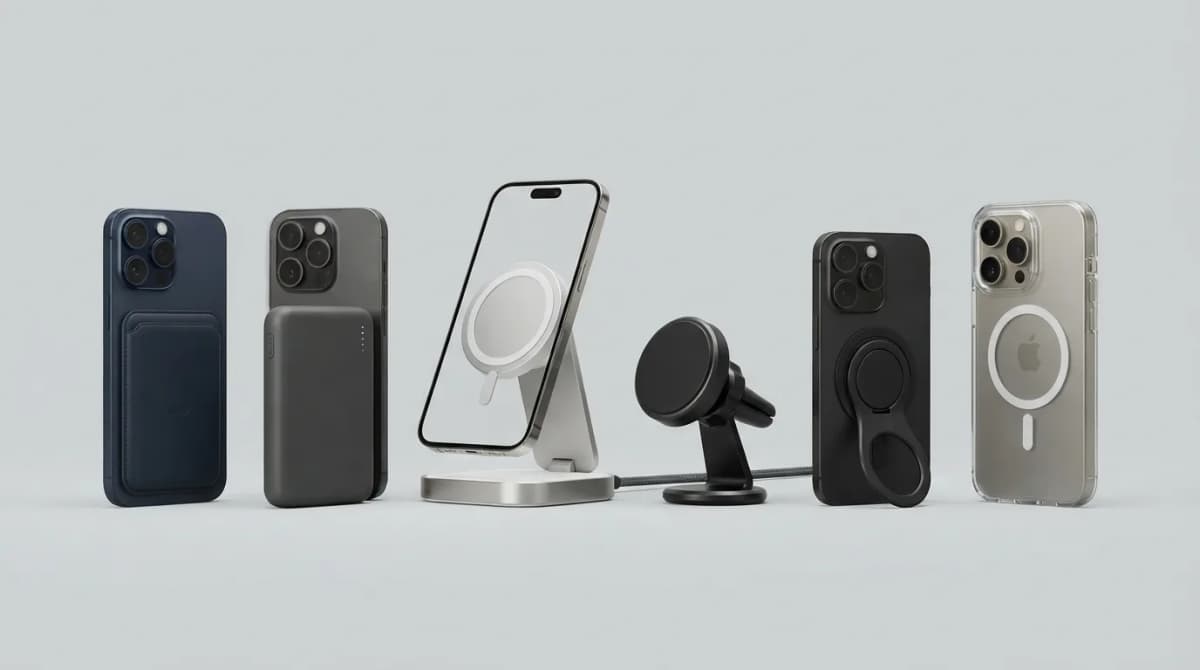
Best MagSafe Accessories for iPhone 18 Pro (2026)
MagSafe and Qi2 accessories for iPhone 18 Pro and Pro Max: wallets, power banks, a dock, car mount, grips, cases, a keyboard, a controller, an SSD and more, with maker specs and prices as of Oct 2026.
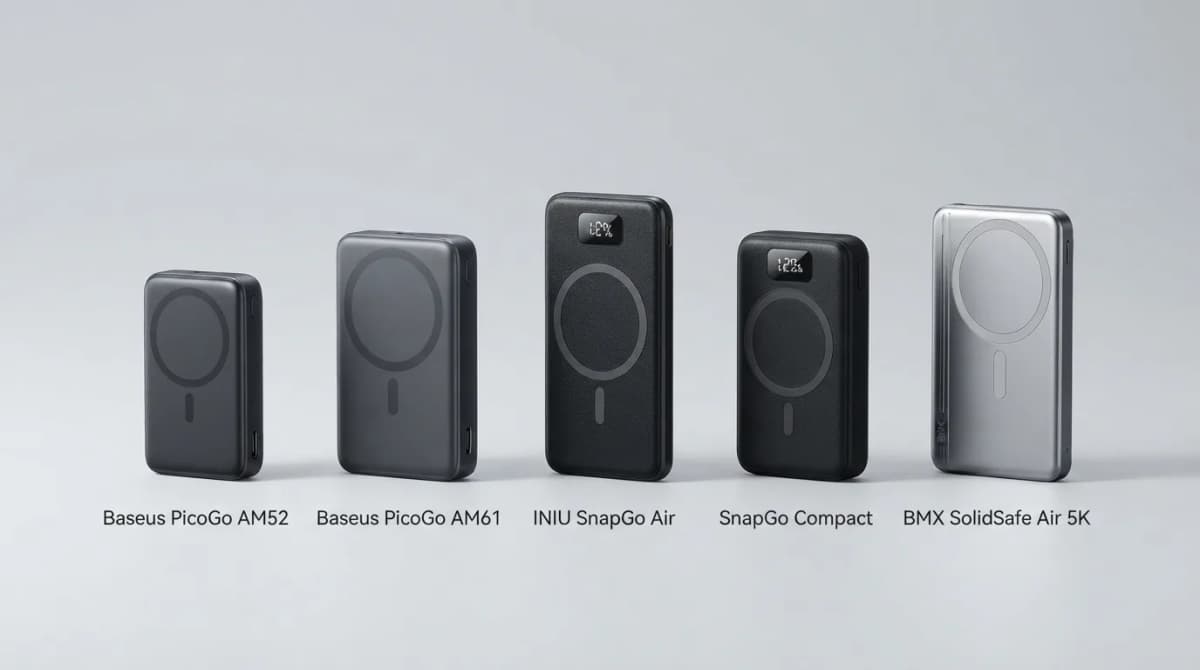
Best Qi2 Power Banks 2026 for iPhone and Android
The best Qi2 and Qi2.2 magnetic power banks for 2026: Baseus PicoGo AM52 and AM61, INIU SnapGo Air and SnapGo Compact, and BMX SolidSafe Air 5K. Prices at publish, Oct 2026.
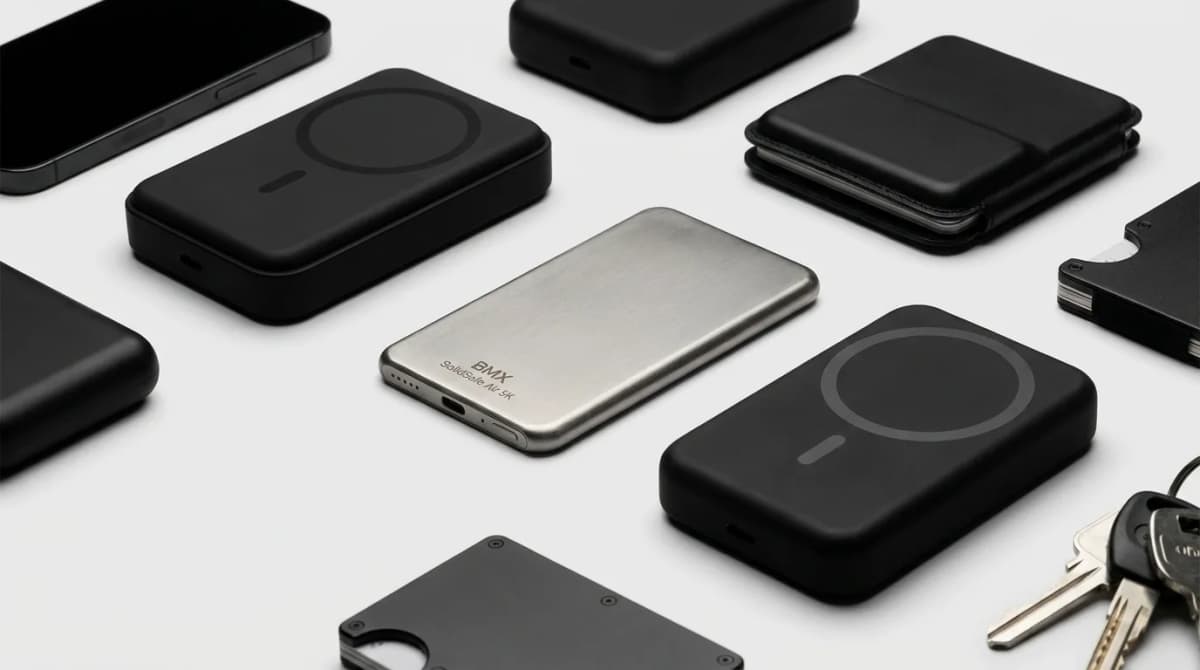
BMX SolidSafe Air 5K: Thinnest Qi2 Power Bank
Thick MagSafe banks die in the bag. BMX SolidSafe Air 5K hits 6.8mm titanium, Qi2 15W, and a semi-solid-state safety pitch — pocket-first EDC power, not another brick. Who buys, who skips.