Best USB-C Flash Drive for iPhone and Android
USB-C flash drives bridge the gap between your phone and computer. We break down speed, capacity, and durability to find the best dual-purpose drives worth buying.
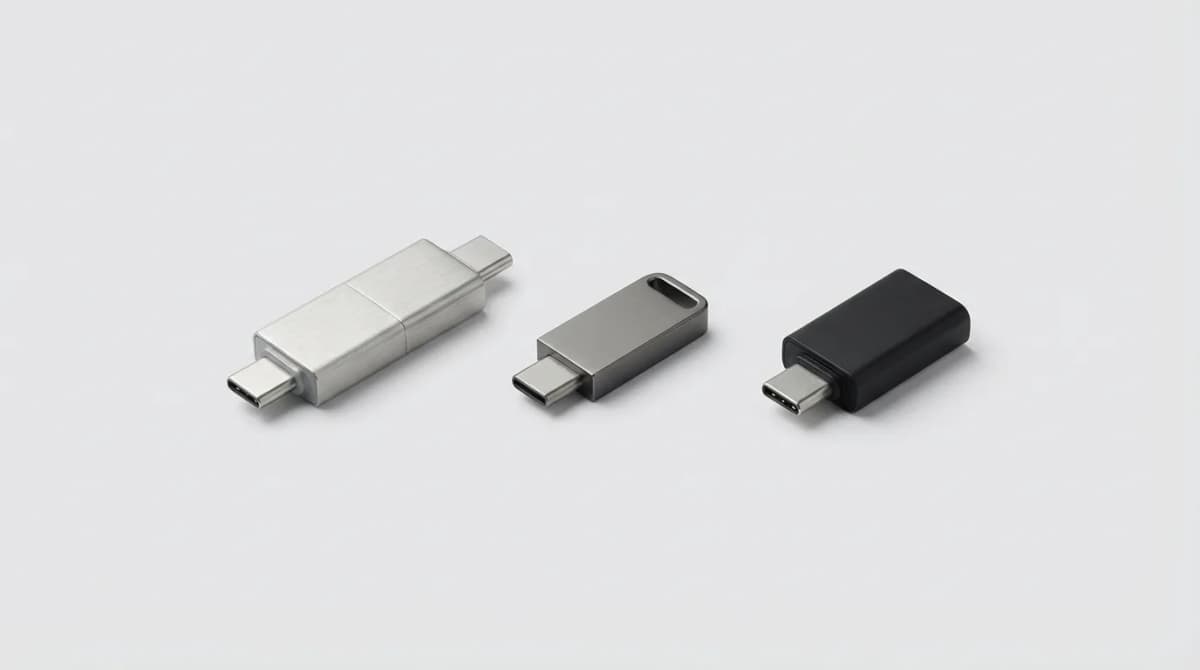
Your phone ran out of storage during a photo shoot. Again. Cloud backup costs keep climbing, and you need files available offline anyway. A USB-C flash drive solves both problems without monthly fees or Wi-Fi dependency.
Quick Picks
Our top recommendations at a glance:
- 1SanDisk Ultra Dual Drive Luxe USB Type-CSee current price
- 2Samsung BAR Plus USB 3.1 Flash DriveSee current price
- 3SanDisk Extreme Pro USB 3.2 Solid State Flash DriveSee current price
- 4Kingston DataTraveler 70 USB-C Flash DriveSee current price
- 5SanDisk iXpand Flash Drive LuxeSee current price
The right drive moves 4K video files in seconds, not minutes. It survives drops, water exposure, and the bottom of your bag. Most importantly, it works across all your devices without reformatting or adapter hunting.
What Makes a Good Cross-Platform Flash Drive
Speed matters more than you think. A 256GB drive that writes at 30 MB/s takes over two hours to fill. One that hits 150 MB/s finishes in 30 minutes. For quick backups between shoots or transfers at the coffee shop, read and write speeds determine whether you actually use the drive or let it collect dust.
The USB-C standard doesn't guarantee performance. Some drives use USB 2.0 protocols over a USB-C connector, maxing out around 35 MB/s. Others support USB 3.2 Gen 2, hitting 400+ MB/s. Check the spec sheet, not just the port shape.
Build quality separates drives that last years from ones that fail after six months. Metal housings dissipate heat better than plastic. Water and dust resistance (IP ratings) protect against real-world accidents. A keychain loop matters if you actually plan to carry it daily.
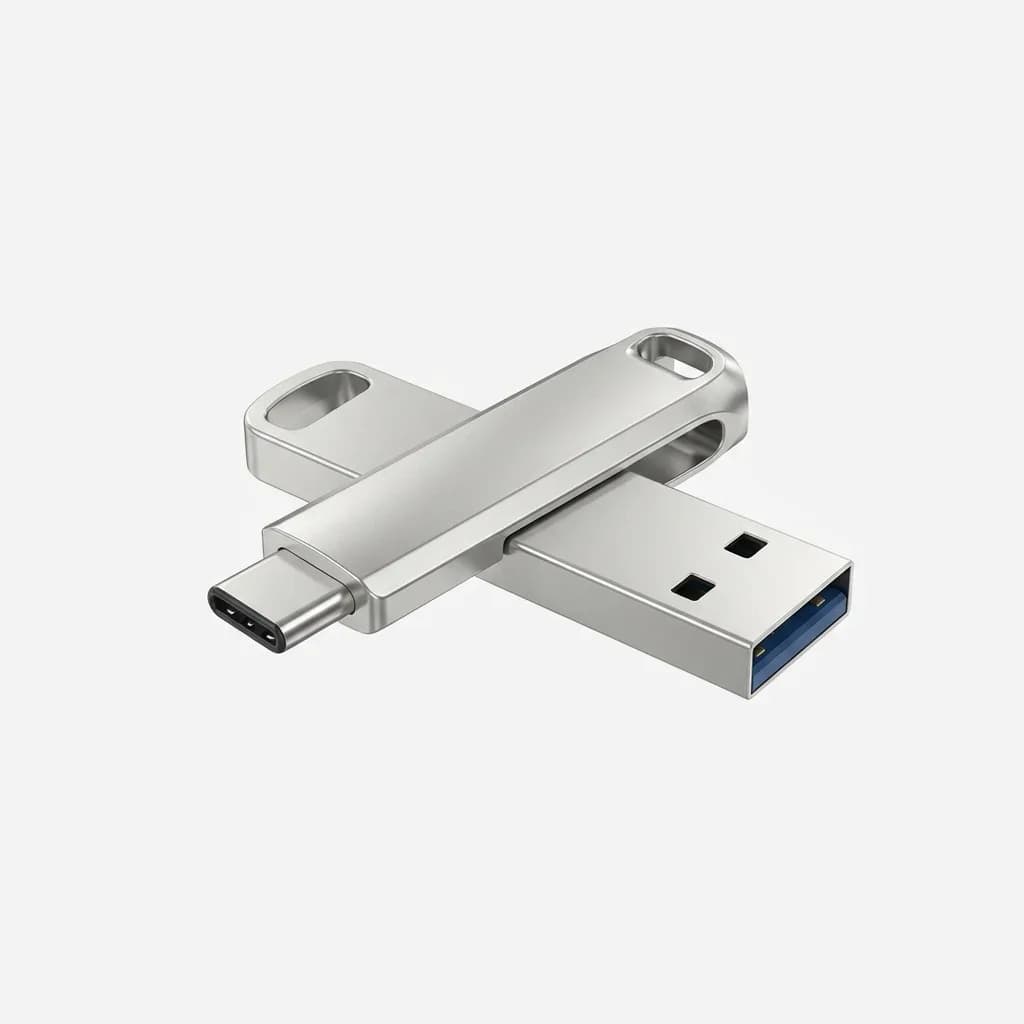
SanDisk Ultra Dual Drive Luxe USB Type-C
See current price
All-metal construction with USB 3.1 Gen 1 performance. Read speeds up to 150 MB/s. Available in 64GB to 1TB capacities.
iPhone compatibility changed with the iPhone 15 lineup. Older iPhones use Lightning, newer ones use USB-C. If you're upgrading soon or support both devices, a dual-connector drive (USB-C on one end, USB-A on the other) handles the transition period. Just verify iOS file system support, as some drives require specific formatting.
Android support is broader but not universal. Most Android phones since 2018 support OTG (On-The-Go), which enables USB storage access. Samsung, Google Pixel, OnePlus, and Motorola devices handle it natively. Budget phones sometimes disable OTG in firmware, so check reviews specific to your model before buying.
Fastest Drives for Large File Transfers
Samsung's BAR Plus consistently outperforms competitors in sustained write tests. Where budget drives slow down after the first few gigabytes, the BAR Plus maintains 300+ MB/s reads across the entire capacity. That matters when moving a week's worth of RAW photos or 4K drone footage.
The metal casing gets warm during long transfers, which is normal for high-speed drives. It's not uncomfortable to touch, just noticeably warmer than ambient temperature. That heat dissipation actually prevents thermal throttling that slows down plastic-bodied drives.
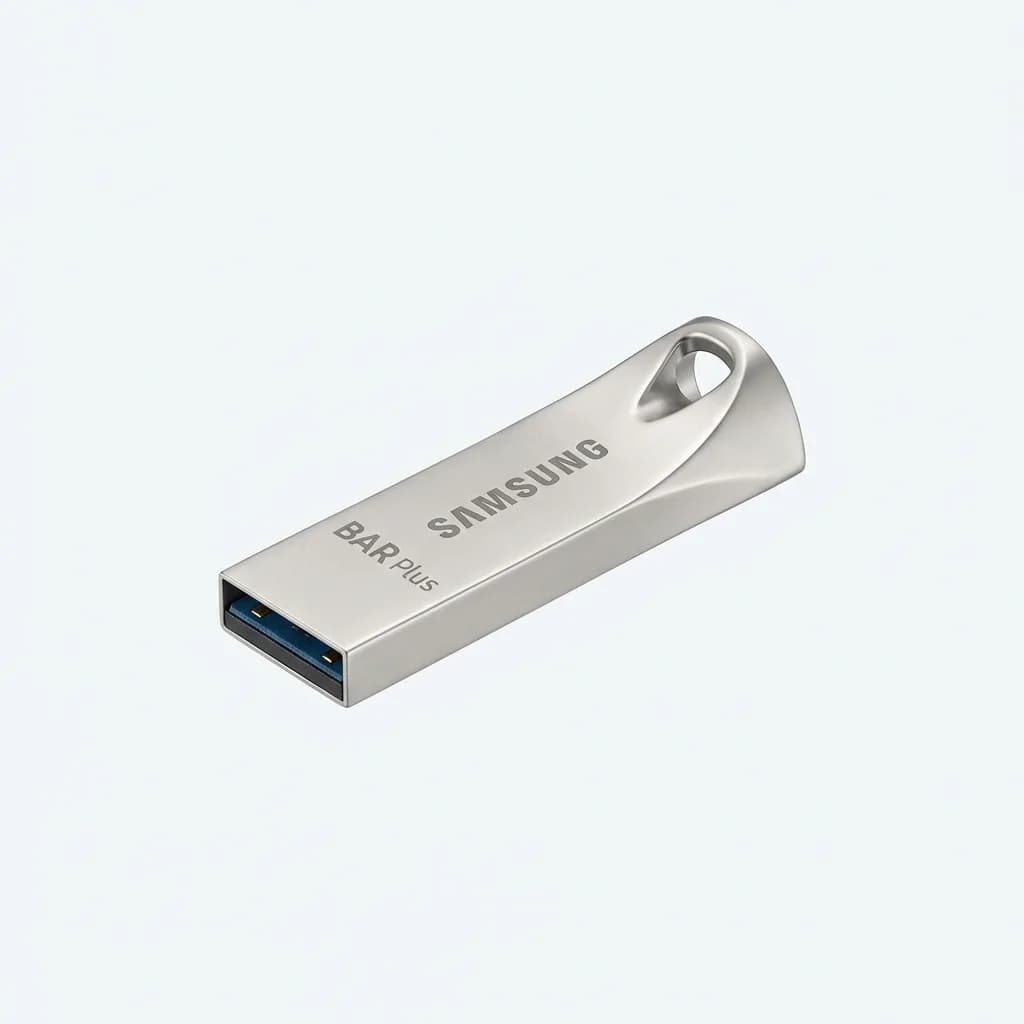
Samsung BAR Plus USB 3.1 Flash Drive
See current price
Metal unibody design with read speeds up to 400 MB/s. Shock-proof, waterproof, temperature-proof, magnet-proof, and x-ray-proof. 128GB to 256GB options.
SanDisk's Extreme Pro targets professionals who can't afford transfer bottlenecks. It uses solid-state construction without moving parts, rated for extreme temperatures (-40F to 185F). Password protection and 256-bit AES hardware encryption add security for sensitive client work.
Read speeds hit 420 MB/s, write speeds reach 380 MB/s. In practical terms, a 100GB project folder transfers in under five minutes. The aluminum shell includes a sliding connector protector that actually stays attached, unlike the removable caps that vanish immediately.
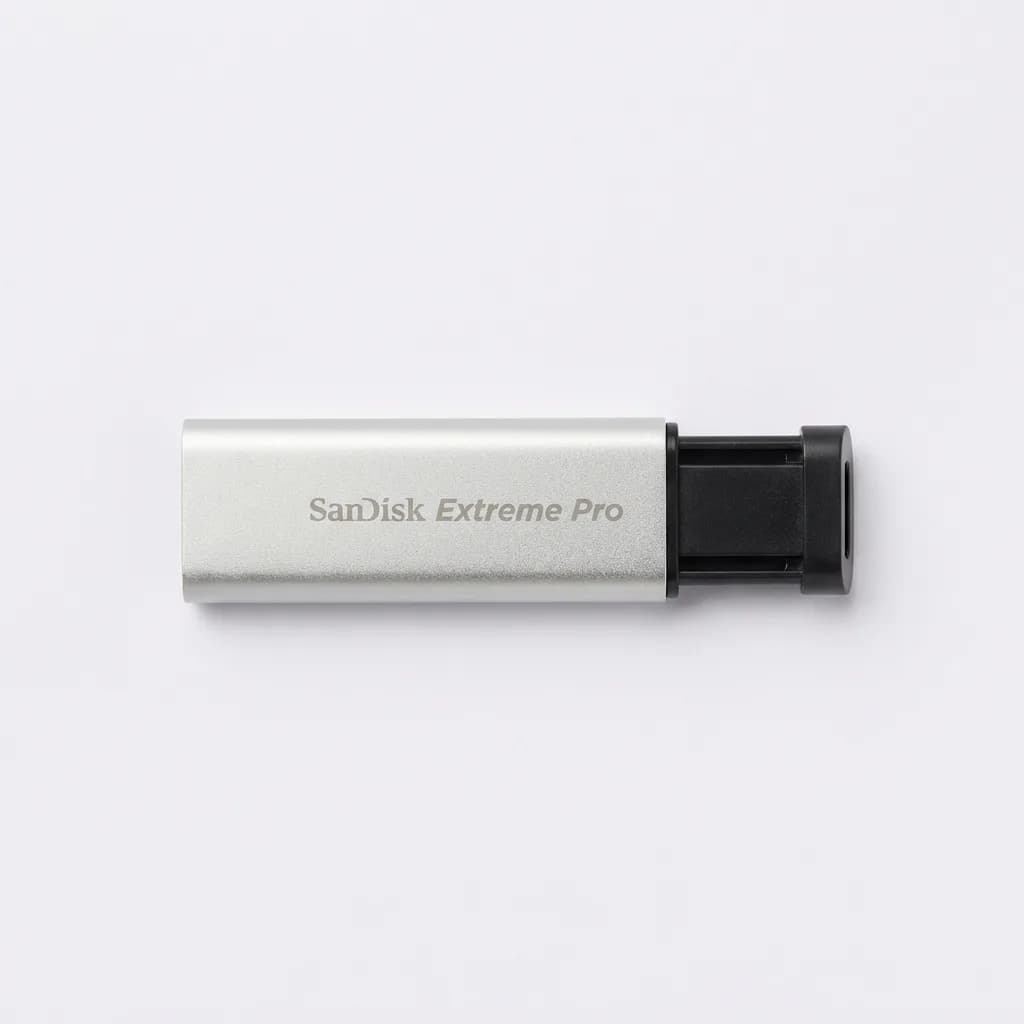
SanDisk Extreme Pro USB 3.2 Solid State Flash Drive
See current price
Premium performance with 420 MB/s reads and hardware encryption. Aluminum chassis with retractable connector. Available up to 1TB capacity.
Best Value Without Sacrificing Speed
Kingston's DataTraveler 70 delivers USB 3.2 Gen 1 speeds (up to 150 MB/s reads) at half the price of flagship drives. It won't match the Samsung BAR Plus in benchmarks, but for everyday backups and media transfers, the difference between 150 MB/s and 300 MB/s rarely matters.
The plastic housing feels less premium but keeps weight minimal. At 0.3 ounces, it disappears on a keychain. The flip cap attaches permanently, solving the lost-cap problem through mechanical design rather than a sliding mechanism that adds cost.
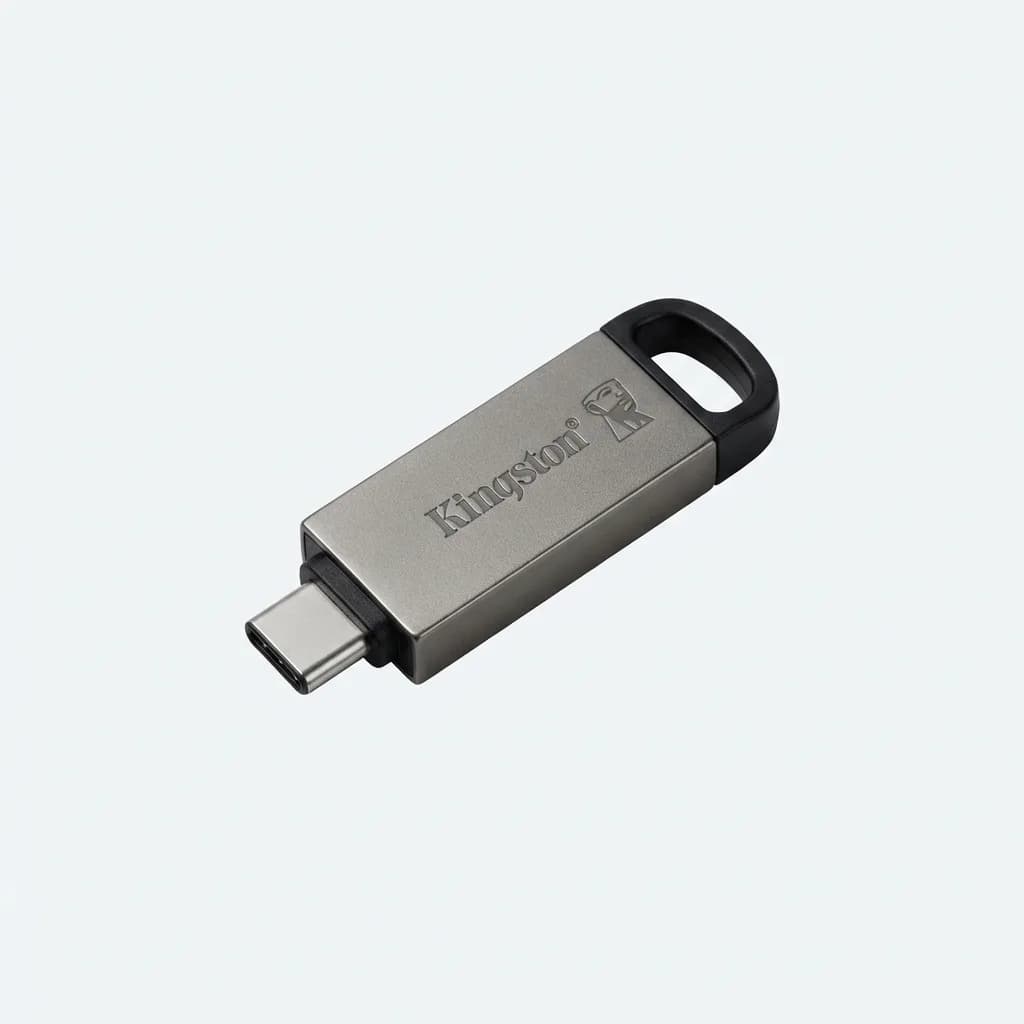
Kingston DataTraveler 70 USB-C Flash Drive
See current price
Budget-friendly USB 3.2 Gen 1 performance with read speeds up to 150 MB/s. Capless design with built-in loop. 32GB to 256GB capacities.
Dual-Connector Drives for Maximum Compatibility
The SanDisk iXpand Flash Drive Luxe puts USB-C on one end, Lightning on the other. It's the bridge drive for households with mixed iOS devices or anyone upgrading from iPhone 14 to iPhone 15 series. The dedicated iOS app handles file management since iOS doesn't expose a standard file browser for external drives.
Performance sits in the middle tier: 150 MB/s reads, around 90 MB/s writes. That's adequate for photos and documents, slower for video projects. The swivel design protects both connectors without requiring a cap, though it adds bulk compared to single-connector drives.
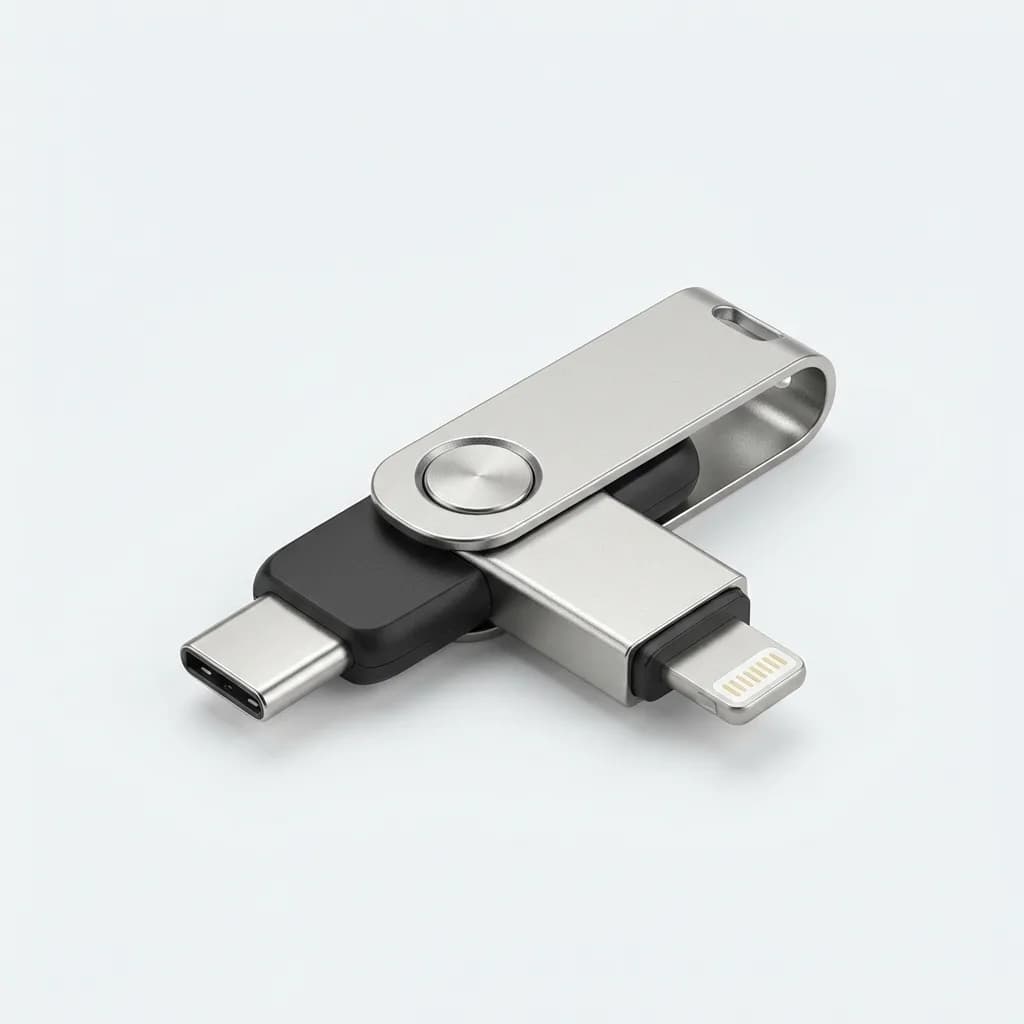
SanDisk iXpand Flash Drive Luxe
See current price
Dual connector design with USB-C and Lightning. Automatic photo and video backup on iOS. 64GB to 256GB storage with dedicated app.
Rugged Options for Outdoor Use
Corsair's Flash Survivor Stealth looks like overkill until you actually need it. The anodized aluminum housing with rubber dampers survives 40-foot drops. IP68 water resistance means it handles submersion, not just splashes.
Speed takes a back seat to durability here: USB 3.0 performance tops out around 85 MB/s reads. If your priority is bombproof construction for field work, expedition documentation, or job site conditions, the speed tradeoff makes sense. For office and home use, faster drives offer better value.
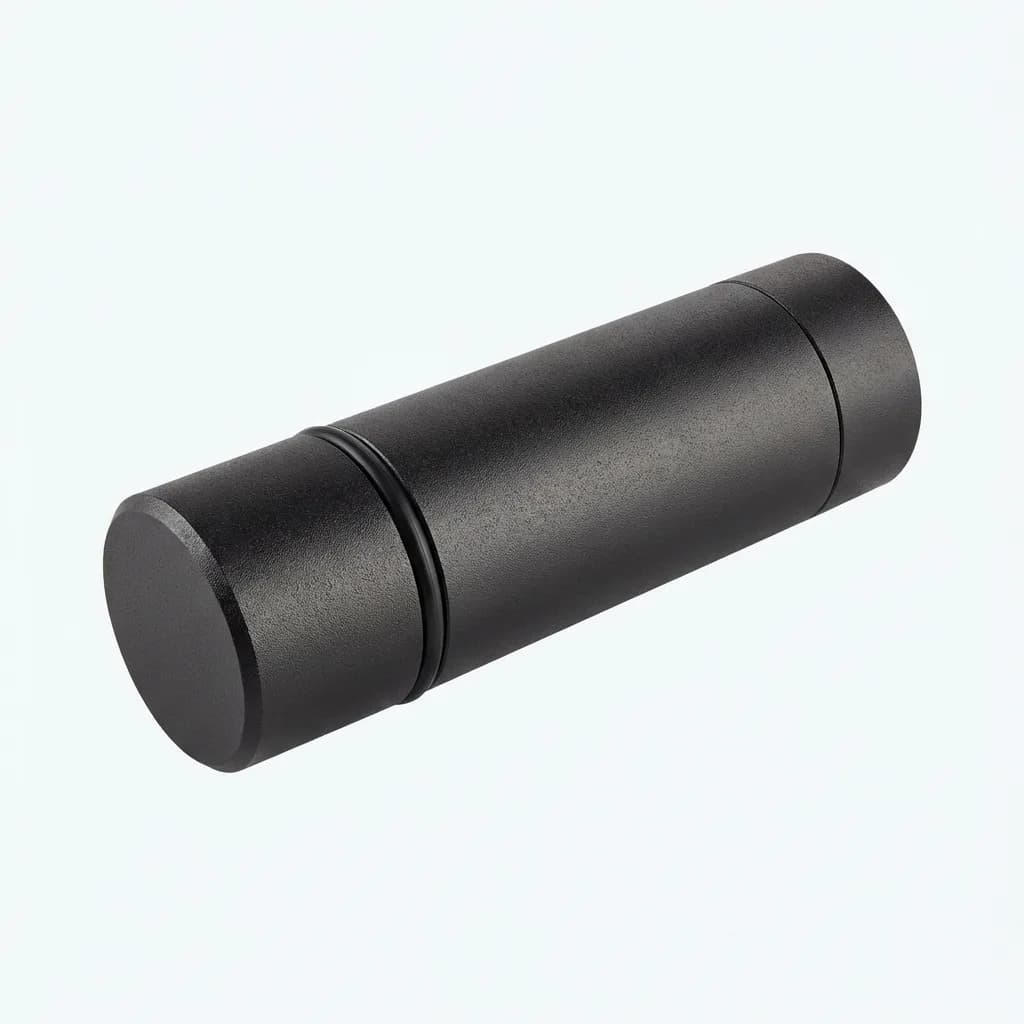
Corsair Flash Survivor Stealth USB 3.0 Drive
See current price
Military-grade aluminum housing with IP68 waterproofing. Shock and vibration resistant. Read speeds up to 85 MB/s. Available in 32GB to 1TB.
How Much Storage Capacity Do You Actually Need
64GB handles document workflows, app backups, and moderate photo libraries. If you shoot RAW or record 4K video, it fills up fast. A single hour of 4K60 footage consumes 40-50GB depending on bitrate.
128GB hits the sweet spot for most users. It stores 30,000-40,000 iPhone photos, 80+ hours of music, or 15-20 hours of 4K video. Price per gigabyte drops significantly at this tier compared to 64GB models.
256GB and higher make sense for professional workflows or consolidating multiple devices onto one drive. A 512GB drive can mirror your laptop's working files, app data from your phone, and still have room for media libraries. Just remember that larger capacities take longer to back up and increase the impact if the drive fails.
File System Format Matters
exFAT works across Windows, Mac, iOS, and Android without size limitations. It's the default choice for cross-platform drives over 32GB. Format new drives to exFAT before first use unless they ship pre-formatted.
FAT32 offers broader device compatibility, including older Android phones and cameras, but limits individual files to 4GB. That breaks support for full-length 4K video recordings or large database files.
NTFS and APFS optimize for Windows and Mac respectively but create compatibility headaches. Android can read NTFS with third-party apps, iOS generally can't. Stick with exFAT unless you have specific reasons to do otherwise.
Common Mistakes to Avoid
Buying based on capacity alone ignores speed differences that affect daily usability. A slow 512GB drive frustrates more than a fast 256GB model. Check read/write specs, not just storage numbers.
Skipping the eject process corrupts files. Both iOS and Android cache write operations. Pulling the drive before the OS flushes that cache to storage creates partial files and filesystem errors. Always use the system eject or unmount option.
Assuming all USB-C drives work with all USB-C devices misses protocol mismatches. Some phones disable OTG in power-saving modes. Some drives require USB 3.1 hosts and won't mount on USB 2.0 systems despite physical compatibility. Read product reviews mentioning your specific phone model.
Which Drive Should You Buy
For most people, the SanDisk Ultra Dual Drive Luxe balances speed, durability, and price. The all-metal build survives daily carry, 150 MB/s transfers finish quickly enough for regular use, and capacity options scale from casual to heavy users.
Power users moving large video files daily should step up to the Samsung BAR Plus or SanDisk Extreme Pro. The speed difference compounds over time when you're transferring hundreds of gigabytes weekly.
If you support both Lightning and USB-C iOS devices, the SanDisk iXpand Luxe solves immediate compatibility needs. Just plan to replace it with a USB-C-only drive once your Lightning devices phase out, since the dual-connector design adds cost and bulk.
Budget-conscious buyers get solid performance from the Kingston DataTraveler 70. It's not the fastest, but 150 MB/s handles typical phone backup and file sharing without frustration. Spend the savings on higher capacity instead of premium speed you might not notice in daily use.
The Weekly Dispatch
Enjoying this article?
Subscribe and get our best gear picks delivered every Sunday morning.
Related Posts
AirTag vs Tile Mate (2026): Which Key Tracker to Buy
Apple AirTag vs Tile Mate for keys: phone compatibility, range, battery and price compared from Apple and Tile maker pages, as of Oct 2026.
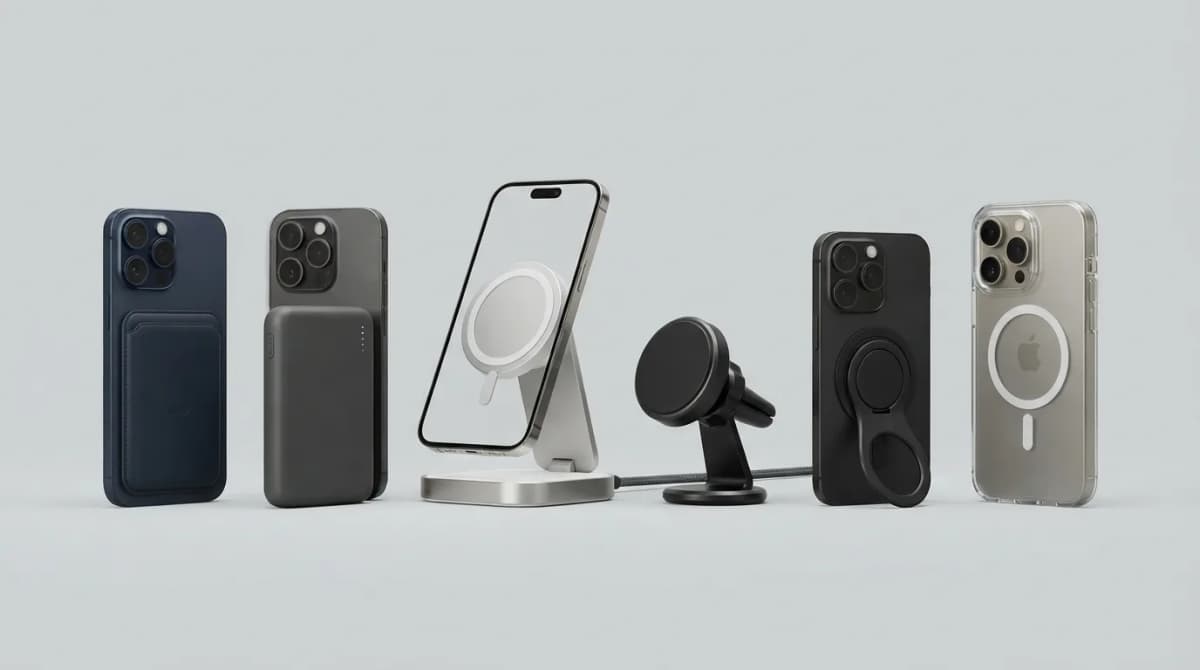
Best MagSafe Accessories for iPhone 18 Pro (2026)
MagSafe and Qi2 accessories for iPhone 18 Pro and Pro Max: wallets, power banks, a dock, car mount, grips, cases, a keyboard, a controller, an SSD and more, with maker specs and prices as of Oct 2026.
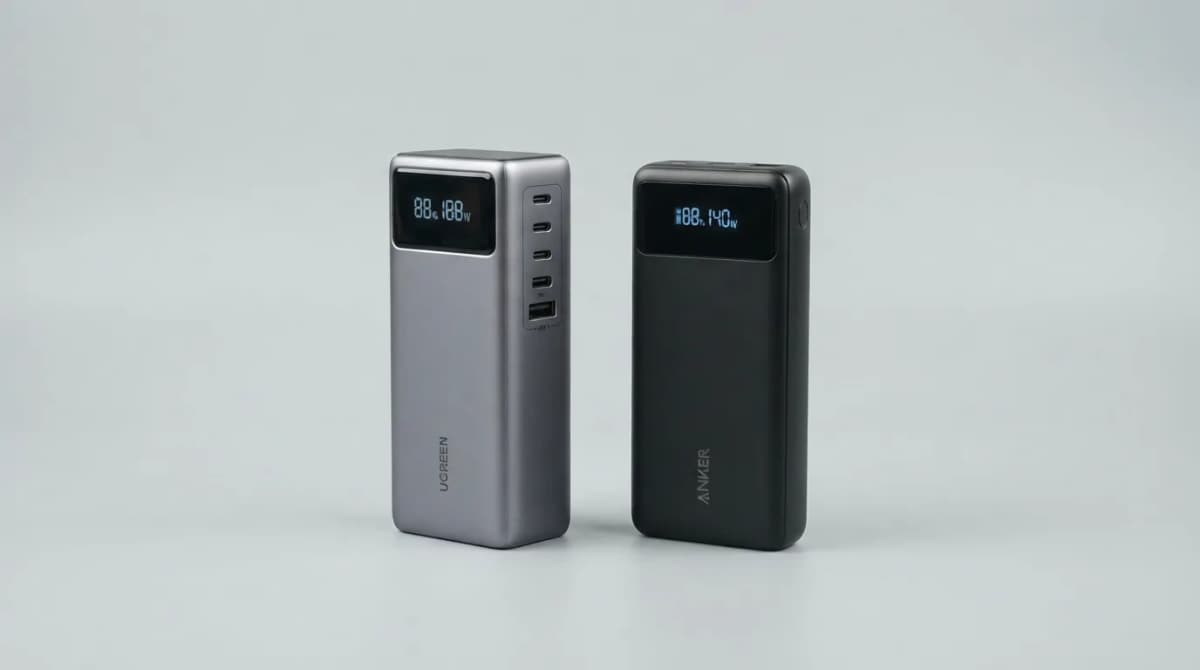
UGREEN Nexode 25000 vs Anker 737 Power Bank (2026)
UGREEN Nexode 25000mAh 200W vs Anker 737: two 140W laptop power banks compared on capacity, ports, recharge speed and weight from maker specs (Oct 2026).
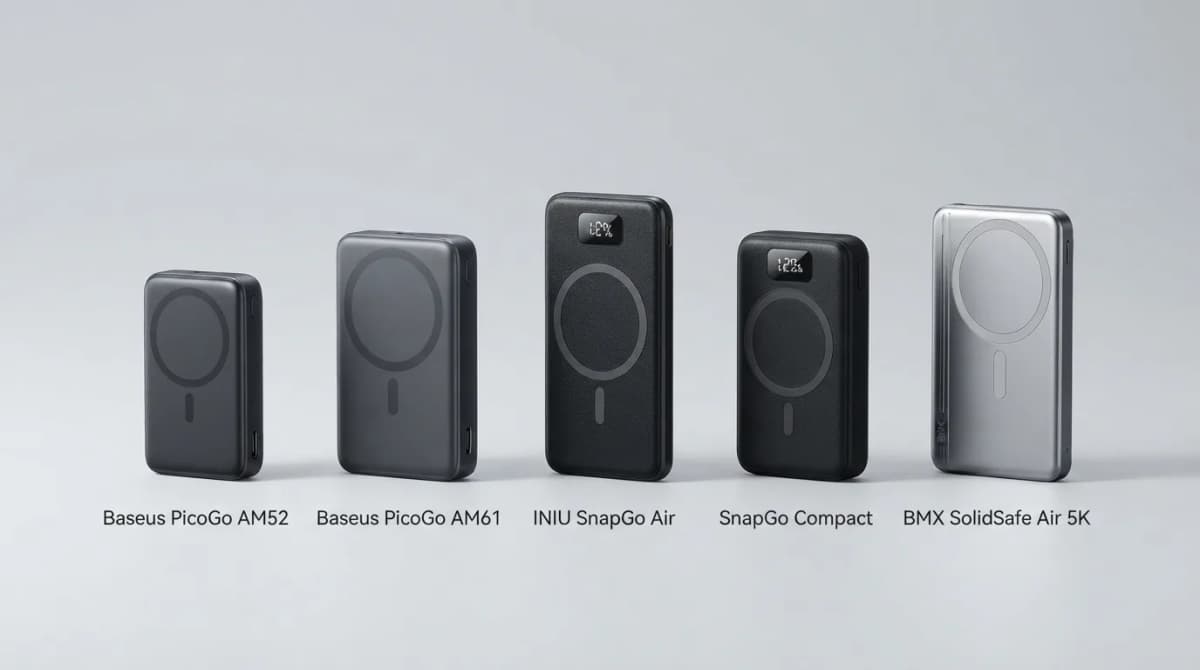
Best Qi2 Power Banks 2026 for iPhone and Android
The best Qi2 and Qi2.2 magnetic power banks for 2026: Baseus PicoGo AM52 and AM61, INIU SnapGo Air and SnapGo Compact, and BMX SolidSafe Air 5K. Prices at publish, Oct 2026.