Travel WiFi Hotspot vs eSIM: Which Is Better?
Hotspots share battery-draining data with multiple devices. eSIMs live inside your phone but lock you to one device. Here's how to choose based on speed, cost, and your trip.
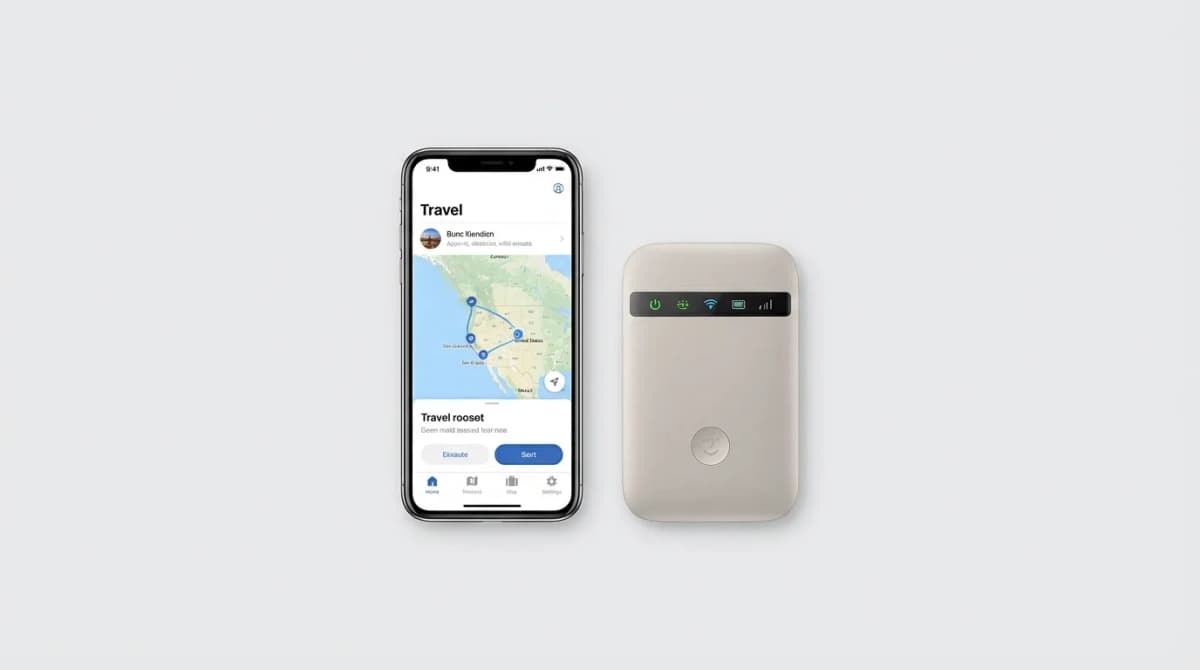
You land in Tokyo, power on your phone, and watch your signal bars do nothing. Hotel WiFi won't cut it for navigation, rideshares, or staying reachable. The question isn't whether you need data abroad - it's how you get it without paying $10 per megabyte to your carrier.
Quick Picks
Our top recommendations at a glance:
- 1Skyroam Solis XSee current price
- 2GlocalMe G4 ProSee current price
- 3Airalo eSIMFrom $4.50
- 4Netgear Nighthawk M1See current price
- 5Holafly eSIMFrom $19
Two options dominate: portable WiFi hotspots and eSIMs. Hotspots are physical devices that create a local network for your phone, laptop, and travel companions. eSIMs are digital SIM cards activated through software, turning your phone into a local device without swapping physical cards. Both beat international roaming charges, but they solve different problems.
Here's what actually matters when choosing between them for trips to Europe, Asia, and South America.
Why Speed Depends More on Networks Than Device Type
Hotspots and eSIMs both pull data from local carriers. A hotspot running on Vodafone's 4G network delivers the same speeds as an eSIM on the same network. The difference shows up in how that speed reaches your devices.
Hotspots add a translation layer. Your phone connects to the hotspot over WiFi, which connects to the cellular network. That extra hop introduces latency - typically 20-40ms more than a direct connection. For browsing and maps, you won't notice. For video calls or gaming, it creates noticeable lag.
eSIMs give your phone direct network access. You get carrier speeds without WiFi overhead. The gap widens on 5G, where hotspots often throttle speeds to manage heat and battery.
Network selection matters more than the technology. A hotspot on a premium carrier beats an eSIM on a budget network every time. Check which local networks your provider partners with - that determines your real-world speeds.
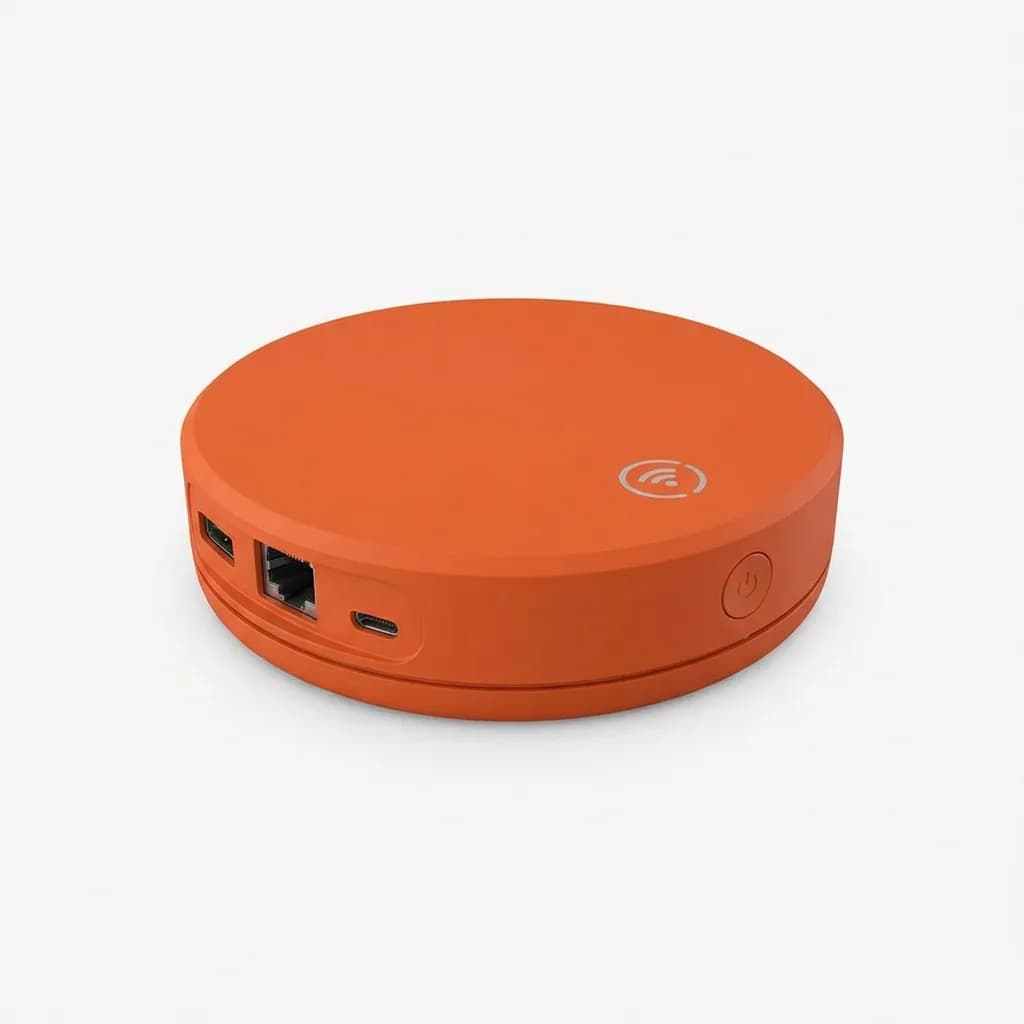
Skyroam Solis X
See current price
WiFi hotspot with 4G LTE speeds in 135+ countries, built-in power bank, connects up to 10 devices simultaneously with pay-as-you-go or unlimited day passes.
Battery Life: The Hidden Cost of Sharing
Hotspots drain battery fast. The Skyroam Solis X advertises 16 hours of use but delivers 8-10 hours with three devices connected and active use. More devices mean faster drain - each connection pulls power even when idle.
Your phone's battery takes a secondary hit. WiFi uses more power than cellular data because it constantly scans for networks and maintains the hotspot connection. Expect noticeably faster battery drain on a hotspot than when using eSIM data directly.
eSIMs run through your phone's cellular radio, the same hardware that handles your home carrier. Battery impact matches normal usage - no additional drain beyond standard data consumption. A phone lasting a full day at home lasts a full day abroad with an eSIM.
The tradeoff: hotspots let you keep your phone in airplane mode to save battery while still accessing data. That strategy works for secondary devices but defeats the purpose if the hotspot itself dies by mid-afternoon.
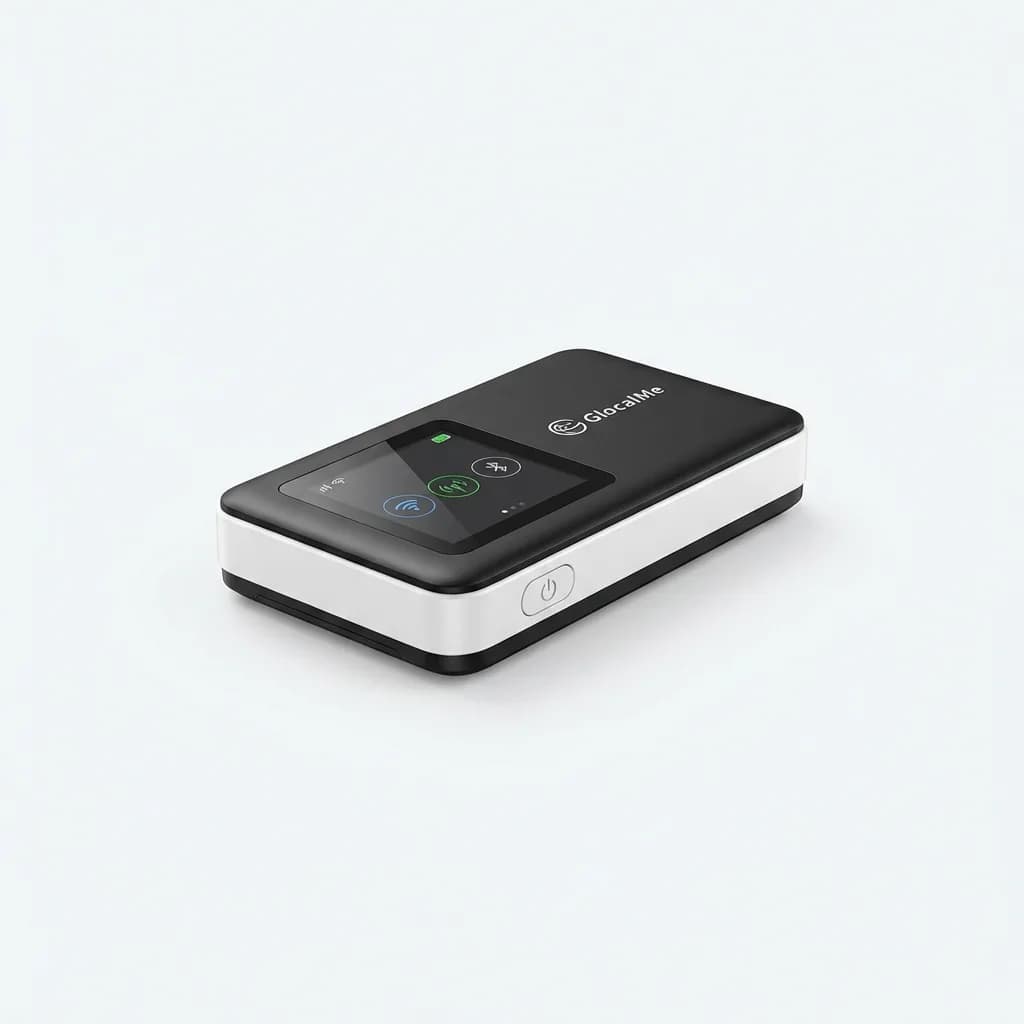
GlocalMe G4 Pro
See current price
Portable 4G hotspot with no SIM required, works in 140+ countries, supports 5 devices, includes 1.4GB initial data and pay-as-you-go or subscription options.
Cost Breakdown: Daily Rates vs Data Pools
Hotspot providers charge per day or per gigabyte. Skyroam's unlimited daily pass costs $9-12 depending on the country. That's $63-84 for a week, regardless of whether you use 500MB or 50GB. Data-based plans typically run $8-15 per gigabyte with bulk discounts.
eSIM pricing follows data tiers. Airalo charges $4.50 for 1GB in Japan (7 days), $9.50 for 3GB, or $16 for 5GB. Holafly offers unlimited data for $19-27 per week depending on region, but "unlimited" often means throttled after 1-2GB daily.
The math shifts based on device count. Solo travelers save 40-60% with eSIMs over hotspot daily passes. Groups of three or more sharing one hotspot beat individual eSIM costs - $12 split three ways is $4 per person daily versus $19-27 per eSIM.
Hidden costs matter. Hotspots require upfront hardware purchase ($100-150) unless you rent ($6-10 daily). eSIMs need an unlocked phone with eSIM capability - iPhones from XS/XR forward, recent Google Pixels, and most Samsung flagships since 2020. If your phone lacks eSIM support, a hotspot becomes the only option.
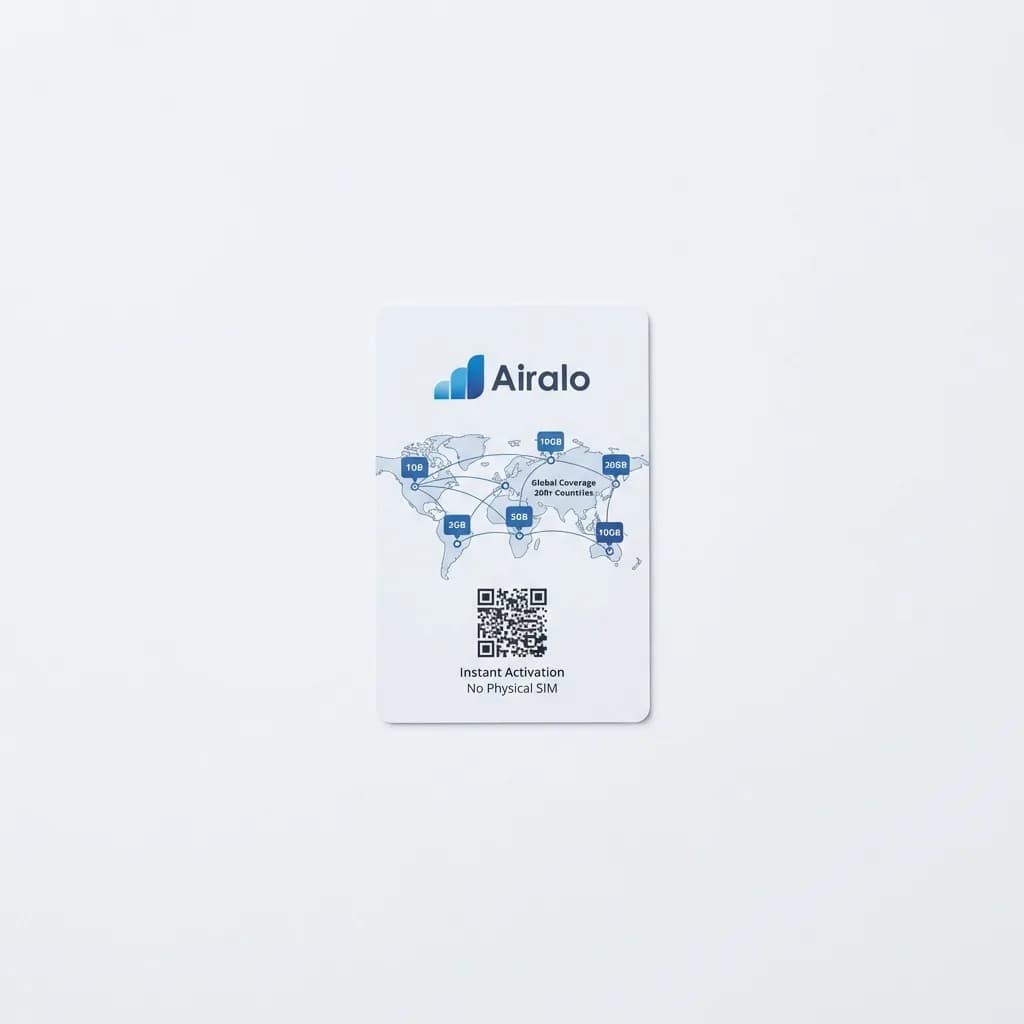
Airalo eSIM
From $4.50
Digital eSIM service covering 200+ countries and regions with prepaid data plans ranging from 1GB to 20GB, instant activation via app, no physical SIM required.
Multi-Device Coverage: When Hotspots Win
Laptops don't support eSIMs. Tablets rarely do. Cameras with WiFi transfer, portable gaming devices, e-readers - none of them can use eSIM data. A hotspot connects all of them without thinking about it.
We travel with a laptop, phone, camera, and Kindle. One hotspot covers everything. The alternative - USB tethering the laptop to the phone, manually connecting the camera when needed - adds friction to every task.
Hotspot device limits matter. Budget models cap at 5 connections, premium units handle 10-15. Most people travel with 2-4 devices, leaving headroom for travel companions to piggyback. Just know that each active connection splits available bandwidth and accelerates battery drain.
eSIMs lock to a single phone. You can enable hotspot mode on that phone to share data, but that's the same battery-draining WiFi setup you'd get from a dedicated hotspot - with the added strain on your primary device. If your phone dies, everything goes dark.
For single-phone travelers who only need data for navigation, messaging, and social media, eSIMs handle 90% of needs. The moment you add a laptop for work or a tablet for entertainment, hotspots become worth the extra bulk and cost.
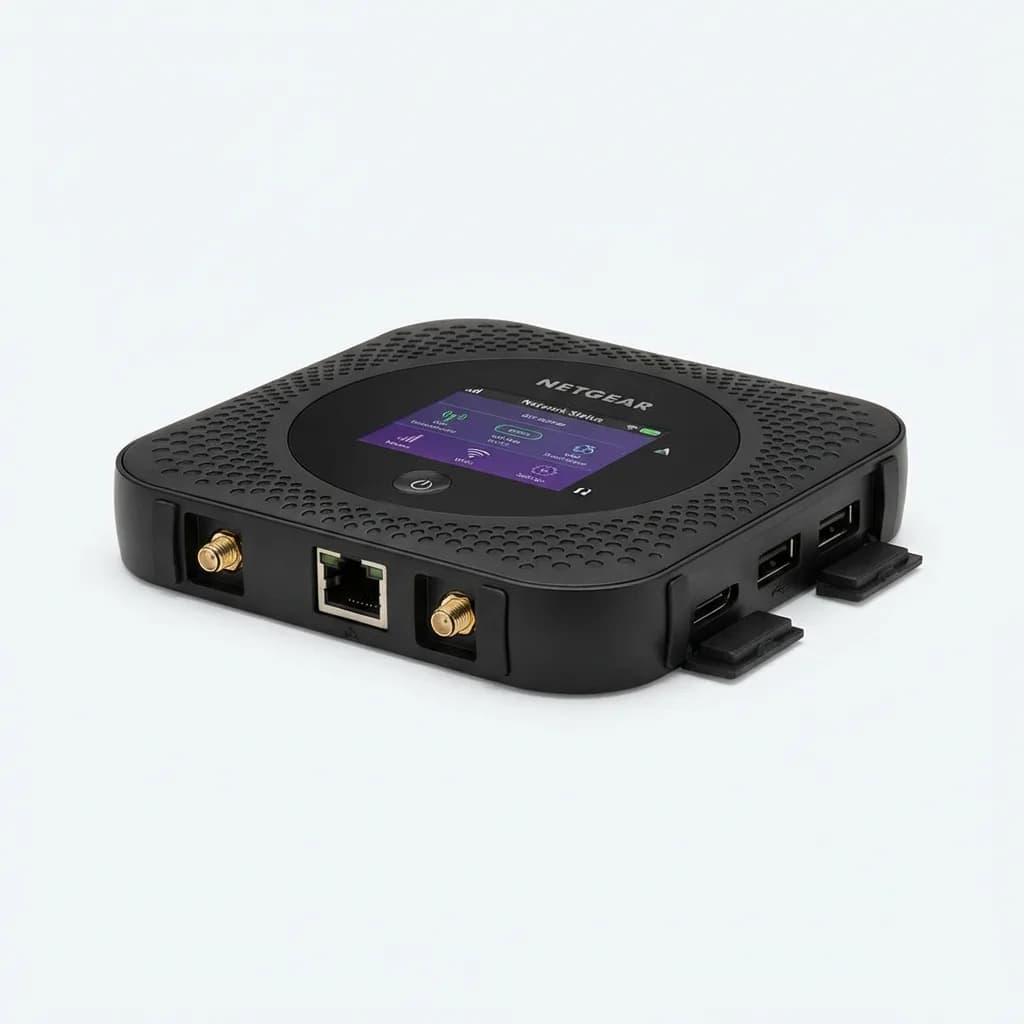
Netgear Nighthawk M1
See current price
High-performance 4G LTE hotspot supporting up to 20 devices with gigabit speeds, long-lasting battery, external antenna ports, and ethernet connectivity for laptops.
Setup Speed: Instant Activation vs Hardware Hassles
eSIMs activate in minutes. Download the provider app, purchase a plan, scan a QR code, and flip the data switch. No airport kiosk visits, no waiting for shipping, no juggling SIM ejector tools in a taxi. Your phone connects to local networks before you leave baggage claim.
The catch: setup requires existing internet. Hotel WiFi works, but ideally you configure the eSIM before departure using your home connection. Some providers let you purchase and install the eSIM days in advance, then activate it when you land. Others start the data clock immediately upon installation.
Hotspots require charging, powering on, and waiting 30-60 seconds for network acquisition. First-time setup adds another 5-10 minutes to configure device names and passwords. After initial setup, it's press-and-wait at each location.
Physical maintenance becomes a factor. Hotspots need charging cables (often micro-USB on older models), take up pocket or bag space, and can be forgotten in hotel rooms. We've had to overnight ship a forgotten hotspot twice. You can't forget an eSIM.
Holafly eSIM
From $19
Unlimited data eSIM plans for 170+ destinations with no speed caps, 24/7 customer support, keep your WhatsApp number, instant activation via QR code.
Network Flexibility: Switching Carriers on the Fly
Most eSIM providers lock you to one carrier per country. If coverage is poor in your hotel or neighborhood, you're stuck until the plan expires or you buy a second eSIM. Some phones support multiple eSIM profiles - you can install several and toggle between them, but only one works at a time.
Premium hotspots include multi-carrier SIMs that automatically switch to the strongest available network. GlocalMe's cloud SIM technology connects to multiple carriers without manual intervention. If Vodafone's signal drops, the device jumps to T-Mobile or Orange seamlessly.
That flexibility costs more and matters less than marketing suggests. Automatic carrier switching adds 5-15 seconds of downtime during transitions. For static use - working from a cafe, navigating on foot - single-carrier eSIMs provide stable connections. For road trips through rural areas with spotty coverage, multi-carrier hotspots reduce dead zones.
Reality check: we've rarely needed to switch carriers mid-trip. Major cities have reliable coverage across carriers. Remote areas lack coverage entirely - no carrier switching helps when no towers exist. The feature provides peace of mind more than practical benefit.
Best Scenarios for Each Option
Choose a hotspot when you're traveling with others, need laptop connectivity, or visiting countries where eSIM network options are limited. Week-long trips with 2-4 people sharing costs make hotspot daily passes economical. Business travelers who need simultaneous laptop and phone data on video calls benefit from dedicated hardware that doesn't drain the primary device.
Choose an eSIM when traveling solo with just a phone, making short 1-3 day stops in multiple countries, or wanting zero additional gear. Digital nomads moving between cities every few days avoid the hassle of charging and carrying extra devices. Weekend trips where you only check maps and messages don't justify hotspot hardware.
We've settled on a hybrid approach: eSIMs for solo trips under a week, hotspots for group travel or any trip where we're working remotely. The $150 hotspot investment pays for itself after 3-4 week-long trips compared to daily eSIM costs for multiple devices.
One underrated factor: backup connectivity. Having both an eSIM and a hotspot on different carriers creates redundancy. If one fails or runs out of data, the other keeps you connected. That matters most in countries with unstable infrastructure or when traveling to remote regions.
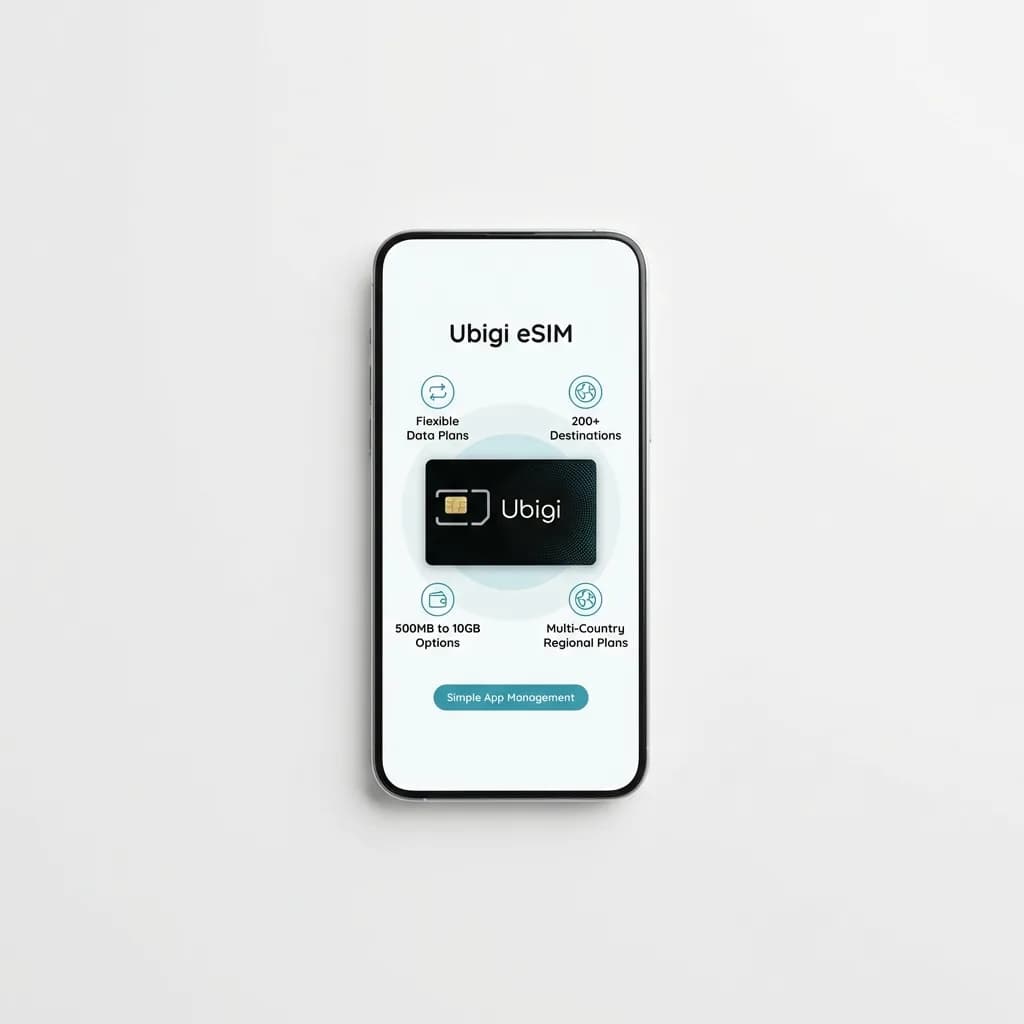
Ubigi eSIM
From $3
Flexible eSIM data plans for 200+ destinations with options from 500MB to 10GB, multi-country regional plans available, simple app-based management and activation.
Common Mistakes That Cost You Money
Buying unlimited data plans when you'll use under 2GB. Most travelers consume 1-3GB weekly checking maps, messaging apps, and occasional social media. Premium unlimited plans charge 3-5x more than tiered data for peace of mind you won't use.
Forgetting to deactivate auto-renewal on eSIM plans. Many providers automatically charge your card for renewal unless manually disabled. A forgotten eSIM can bill you for months of unused data in countries you've long since left.
Running hotspots at maximum device capacity constantly. Connecting 10 devices because the hardware supports it kills battery life and splits bandwidth to unusable speeds. Limit active connections to devices you're currently using.
Choosing hotspots based on advertised country coverage without checking specific networks. A hotspot claiming "100+ countries" might only work on 3G networks in half of them. Verify the specific carriers and network speeds for your destination countries before purchasing.
Not testing eSIM activation before departure. Airport WiFi is notoriously unreliable for downloading eSIM profiles or troubleshooting activation issues. Install and test eSIMs at home, even if you don't activate them until landing.
What Actually Matters for Most Travelers
Coverage reliability beats speed for 90% of use cases. A consistent 10Mbps connection that works everywhere matters more than 100Mbps that drops in subway stations. Check user reviews for your specific destinations, not global coverage maps.
Total cost over the trip duration determines value, not per-day rates. A $150 hotspot used on five trips costs $30 per trip. A $9 daily eSIM costs $63 for the same week. Hardware investments pay off for frequent travelers; eSIMs win for once-yearly trips.
Device ecosystem dictates the right choice more than any single feature. Multiple devices or group travel tilts toward hotspots. Phone-only solo travel favors eSIMs. Trying to force the wrong solution for your setup creates frustration worth more than any cost savings.
Both technologies deliver reliable international data for a fraction of carrier roaming fees. The question isn't which is better universally - it's which matches how you actually travel.
The Weekly Dispatch
Enjoying this article?
Subscribe and get our best gear picks delivered every Sunday morning.
Related Posts
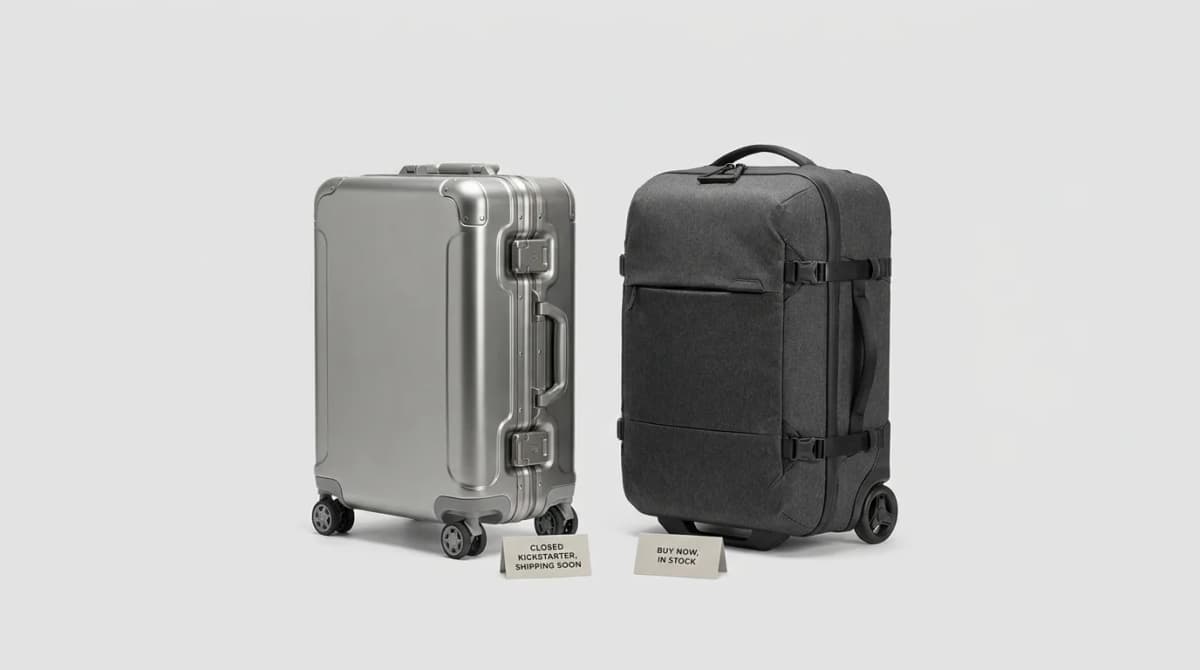
Titaner Voyager vs Peak Design: Titanium Carry-On
Peak Design owns Kickstarter travel bags. Titaner answered with a Grade 1 titanium latch spinner - not another backpack. Closed KS ship watch vs Roller Pro buy-today: who waits for Voyager, who buys Peak now.
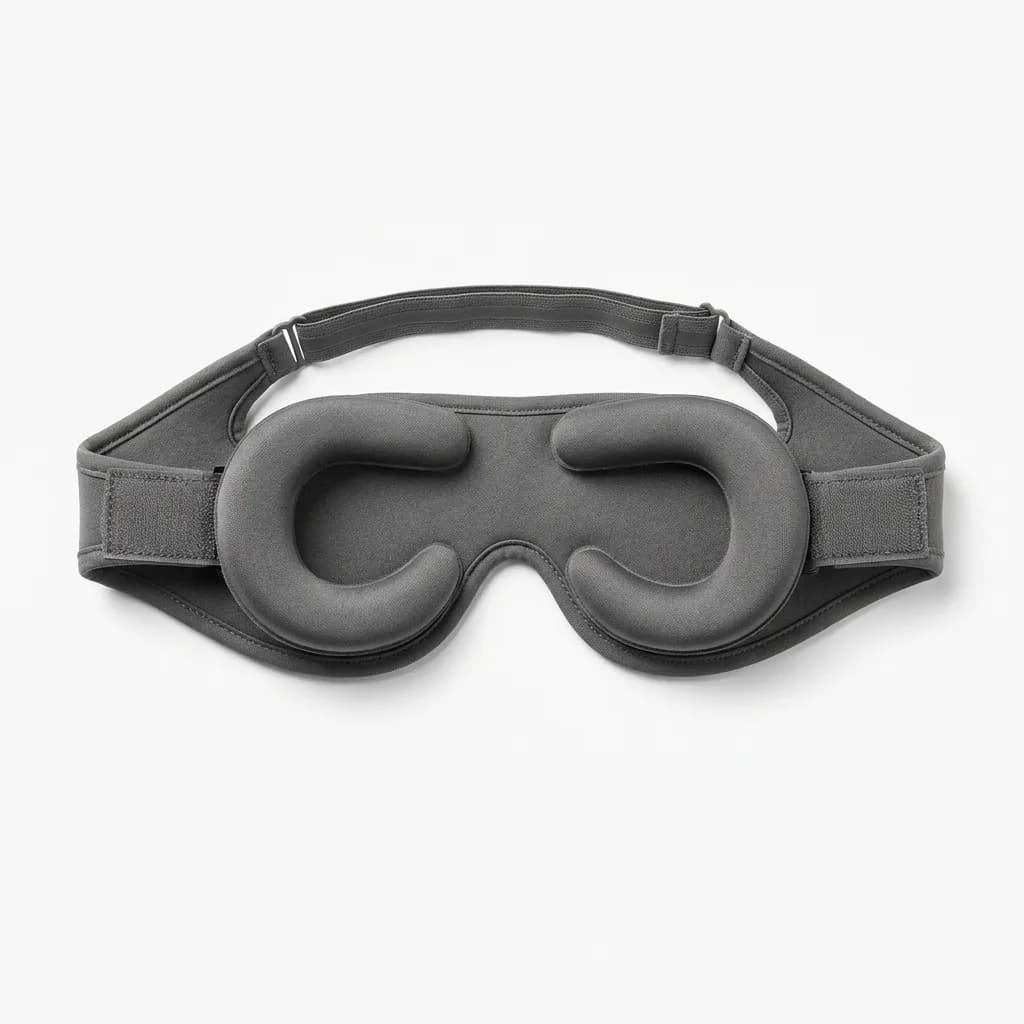
Best Sleep Masks for Flights and Hotels
Foam blocks more? Not always. We compare contoured, silk, and eye-cup sleep masks for flights and hotels so you pick blackout that still packs small.

Best Travel Pillows That Pack Small
Compact travel pillows compared: inflatable vs memory foam, what actually supports your neck on flights, and which ones compress small enough to matter.
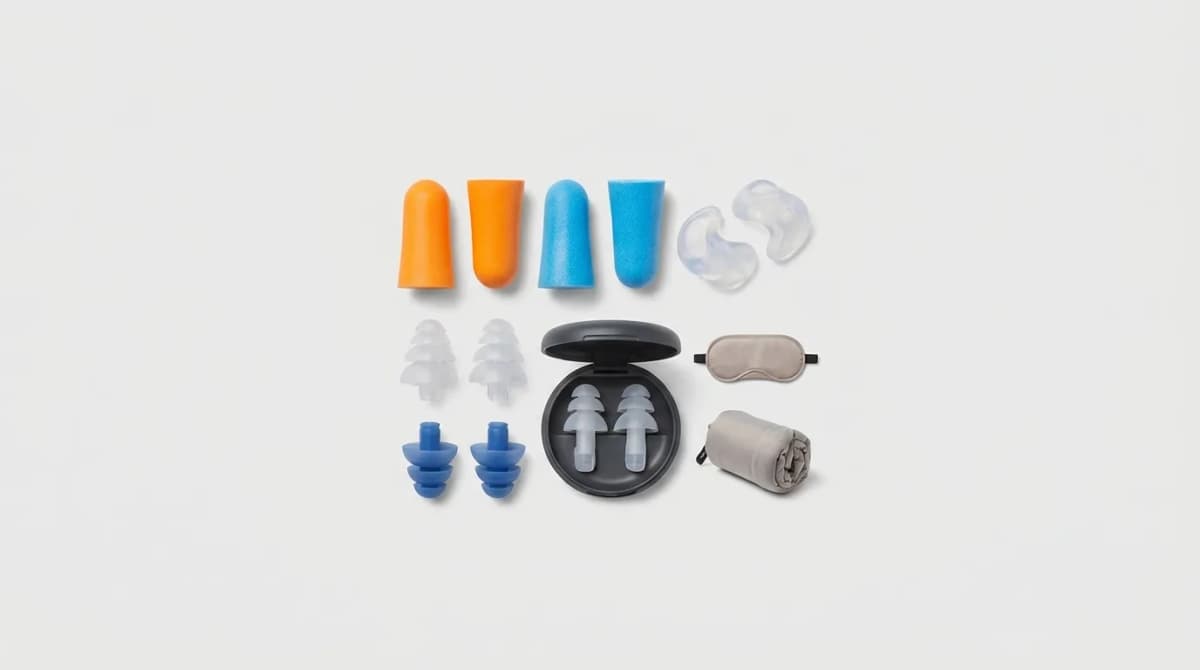
Earplugs for Travel: Which Type Works Best
Foam blocks more noise but silicone lasts longer. We compared every type by NRR ratings and materials for flights, hotels and noisy neighbors.