Laptop vs Tablet: Finding the Right Travel Computer
Choosing between a laptop and tablet for travel depends on what you do, not just what fits in your bag. Here's how to match your device to your actual workflow.

The three-week trip to Portugal taught me something uncomfortable. I brought both my MacBook Air and iPad Pro, convinced I needed options. The MacBook never left the hotel safe after day two.
Quick Picks
Our top recommendations at a glance:
- 1
- 2
- 3
- 4
- 5
That experience changed how I think about travel computing. Most advice assumes you need maximum capability. But traveling light means choosing the device that matches what you actually do, not what you might theoretically need to do.
What You'll Actually Do Determines Everything
Start with your honest workflow, not your aspirational one. If your travel involves responding to emails, editing photos from your phone, reading, and video calls, a tablet handles all of that. If you're coding, doing complex spreadsheet work, or managing multiple browser windows with dozens of tabs, you need a laptop.
The mistake is packing for edge cases. Yes, a laptop can do everything a tablet can do plus more. But that extra capability costs you weight, battery anxiety, and the constant need to find a flat surface. A tablet disappears into your daily carry. A laptop demands accommodation.
Content consumption heavily favors tablets. Reading, watching, browsing, and light communication work better on a device you can hold. The moment you need sustained typing or serious multitasking, that equation flips. Video editing, writing long documents, running specialized software, these tasks fight against tablet constraints.

Apple iPad Air 11-inch (M2, 2024)
$599
M2 chip with 8GB RAM handles most productivity tasks. 462g weight and 11-inch screen balance portability with usability. All-day battery life and USB-C charging.
Take the iPad Air on a two-week trip: emails, photo editing in Lightroom Mobile, FaceTime calls, and note-taking with Apple Pencil are all easy without the bulk. But a contract review in Google Docs with tracked changes is a reminder of why lawyers still carry laptops.
When Tablets Can't Replace Laptops
File management breaks tablets. Moving files between apps, organizing complex folder structures, working with external drives, these workflows remain clunky on iOS and iPadOS. Android tablets fare slightly better with their file system but still lag behind desktop operating systems.
Professional software often doesn't exist in tablet form. Full Adobe Creative Suite, CAD programs, advanced audio production tools, development environments. Mobile versions sacrifice features or don't exist at all. If your work depends on specific desktop applications, a tablet becomes a secondary device.
Multi-window workflows expose tablet limitations. Research in three browser tabs while writing in a fourth window with Slack on the side? Possible on iPad with Stage Manager, but it's cramped and awkward. Laptops give you screen real estate and window management that actually works.
Peripheral support matters for specialized work. Tablets handle keyboards and mice now, but connecting multiple monitors, professional audio interfaces, or specialized USB devices hits compatibility walls. Laptops accept whatever you plug in.

Apple MacBook Air 13-inch (M3, 2024)
$1,099
M3 chip with 8GB or 16GB RAM handles demanding workflows. 1.24kg weight makes it the lightest full-capability laptop. 15-18 hour battery life eliminates charging anxiety.
The MacBook Air defines the modern travel laptop. Powerful enough for video editing, light enough to forget you're carrying it. The M3 version runs cool and quiet, never needs a fan, and delivers battery life that actually lasts intercontinental flights.
The 2-in-1 Compromise: Does It Work?
Hybrid devices promise laptop capability in tablet form. Microsoft's Surface line pioneered this category. The idea works better in some configurations than others.
Detachable keyboards create the purest tablet experience. The Surface Pro works as a genuine standalone tablet when you remove the keyboard. But the kickstand demands a stable surface, ruling out lap typing on planes or trains. The combined weight with keyboard often exceeds a traditional laptop.
Convertible laptops with 360-degree hinges stay laptop-first. Lenovo's Yoga series and HP's Spectre x360 fold into tablet mode, but they're heavy tablets with keyboards permanently attached. The advantage is full Windows with touch capability. The downside is carrying laptop weight for occasional tablet use.
The best 2-in-1s acknowledge they're primarily one thing. Surface Laptop with a touchscreen? Laptop first, touch second. iPad with Magic Keyboard? Tablet first, typing second. Devices that try to be perfectly both usually compromise both experiences.

Microsoft Surface Pro 9
$999
Intel 12th Gen i5 or i7 with 8-16GB RAM runs full Windows 11. 879g tablet weight plus 297g keyboard creates 1.17kg total. Removable keyboard and adjustable kickstand.
We've used Surface devices on dozens of trips. They excel at flexibility but demand trade-offs. The kickstand needs space behind it. The keyboard, while excellent, costs extra and adds bulk. Full Windows gives you complete software compatibility but tablet apps feel like afterthoughts.
Battery Life Changes Everything on the Road
Real-world battery performance matters more while traveling than in any other scenario. You can't always find outlets. Airport charging stations fill up. Hotel rooms have outlets in the wrong places.
Modern tablets deliver 8-12 hours of mixed use. iPads often exceed their rated battery life. Android tablets vary widely, check reviews carefully. This longevity means day trips without chargers and flights without outlet anxiety.
Laptops improved dramatically with ARM processors. M-series MacBooks and Snapdragon-powered Windows laptops reach 12-18 hours. Intel and AMD chips still hover around 6-10 hours depending on workload. Video calls and processor-intensive tasks drain any battery faster than the rated specs suggest.
Charging speed and cable consolidation reduce daily friction. USB-C charging means one cable for laptop, tablet, phone, headphones, and battery pack. Fast charging recovers 50% battery in 30 minutes during airport layovers. Older laptops with proprietary chargers force you to pack extra weight and remember another cable.

Anker 737 Power Bank (24,000mAh)
$149
140W USB-C output charges laptops at full speed. 24,000mAh capacity provides 1.5 laptop charges or 4+ tablet charges. TSA-compliant size for carry-on bags.
This power bank changed our approach to device selection. Knowing you can fully charge a MacBook or iPad twice eliminates the pressure to find outlets. The 140W output handles even power-hungry 16-inch MacBooks. It's heavy at 620g, but it replaces outlet anxiety.
Screen Size vs Weight: The Core Trade-Off
Every inch of screen adds weight and bulk. Tablets top out around 13 inches. Laptops range from 13 to 17 inches. The sweet spot depends on your work and your bag.
11-inch tablets like the iPad Air strike the best balance for pure portability. They fit in small bags, weigh under 500g, and provide enough screen for most tasks. Reading feels comfortable. Split-screen multitasking gets cramped but works for short sessions.
13-inch devices, tablet or laptop, offer the best compromise between usability and portability. Enough screen for sustained work without the bulk of larger options. The 13-inch MacBook Air at 1.24kg and iPad Pro at 579g represent the gold standard in their categories.
15-inch and larger laptops sacrifice travel-friendliness for workspace. If you need that screen size, you've likely already accepted the weight penalty. But for most travelers, the extra screen doesn't justify the extra bulk.

Lenovo ThinkPad X1 Carbon Gen 11
$1,399
Intel 13th Gen processors with 16-32GB RAM handle heavy workloads. 1.12kg weight makes it the lightest business laptop. 14-inch 1920x1200 display balances size and portability.
The X1 Carbon proves Windows laptops can match MacBook portability. Legendary keyboard, business-grade durability, and impressive battery life. It's the choice for corporate travelers who need Windows compatibility without the weight penalty.
What About Budget and Ecosystem Lock-In?
Price creates real constraints. Flagship tablets cost $500-$1,000 depending on storage and connectivity. Quality laptops start around $800 and quickly exceed $1,500 for premium models. Budget options exist in both categories but compromise performance or build quality.
Apple's ecosystem rewards commitment. If you own an iPhone, the iPad integrates seamlessly. AirDrop, Universal Control, and Handoff features actually work as advertised. The same applies to MacBooks. But you're locked into Apple's pricing and product cycles.
Windows offers flexibility. Dozens of manufacturers compete on features and price. You can repair and upgrade more easily. But the experience varies wildly between brands. Quality control at the sub-$1,000 level remains inconsistent.
Android tablets lag behind in app quality and software support. Samsung's Galaxy Tab S series comes closest to iPad capability, but the Android tablet app ecosystem still treats tablets like oversized phones. ChromeOS Chromebooks offer another alternative for basic computing at budget prices, but they're laptops with severe software limitations.

Samsung Galaxy Tab S9
$799
Snapdragon 8 Gen 2 processor with 8-12GB RAM matches iPad performance. 498g weight and 11-inch AMOLED screen. S Pen included, IP68 water resistance, and microSD expansion.
The Tab S9 gives Android users a genuine iPad alternative. The AMOLED screen looks incredible. DeX mode provides desktop-like multitasking. But app quality still lags behind iOS, especially for professional creative tools. It excels at media consumption and Samsung ecosystem integration.
Making the Decision for Your Next Trip
Think about your last three trips. What did you actually do on your computer? If you spent most time in a browser, email, and media apps, a tablet probably sufficed. If you remember fighting with software limitations or wishing for a real keyboard, you needed a laptop.
Consider your backup plan. If something breaks or gets stolen, can you complete essential tasks on your phone? If yes, a tablet makes sense because your phone already covers true emergencies. If your work absolutely requires desktop software, a laptop is mandatory insurance.
Weight tolerance varies by person and trip type. A week-long business trip with lots of meetings in one city? Laptop weight matters less. Multi-week backpacking trip constantly moving between hostels? Every gram counts, and a tablet's weight advantage compounds daily.
The honest answer for many people: you need both eventually, but start with the one that matches your most common use case. Tablets work for 70% of tasks but fail catastrophically at the remaining 30%. Laptops handle 100% of tasks but feel like overkill for the majority of them.
We rotate between devices based on the trip. Beach vacation or festival trip? iPad only. Client meetings or conference with presentations? MacBook required. The flexibility comes from owning both, but if you're choosing one first, be honest about what you actually do versus what you think you might need to do.
Which One Do You Actually Need?
Your email habits tell the story. If you respond to emails throughout the day in short bursts, a tablet works perfectly. If you write long emails with attachments, formatting, and multiple recipients, you want a laptop keyboard.
The same applies to your work. Creative professionals using tablet-optimized apps (Procreate, Lightroom Mobile, LumaFusion) thrive on iPads. Developers, analysts, and anyone working in complex desktop applications need laptops.
Travel frequency and duration matter too. Occasional weekend trips favor tablets for their convenience. Extended travel or digital nomad lifestyles reveal tablet limitations quickly. You'll know within two weeks whether you're fighting against your device or working with it.
Start with the device that handles your daily 80%, not your occasional 20%. Most people overestimate how often they need laptop capability while traveling. But when you need it, you really need it. There's no universal right answer, only the right answer for your specific workflow and travel style.
The Weekly Dispatch
Enjoying this article?
Subscribe and get our best gear picks delivered every Sunday morning.
Related Posts
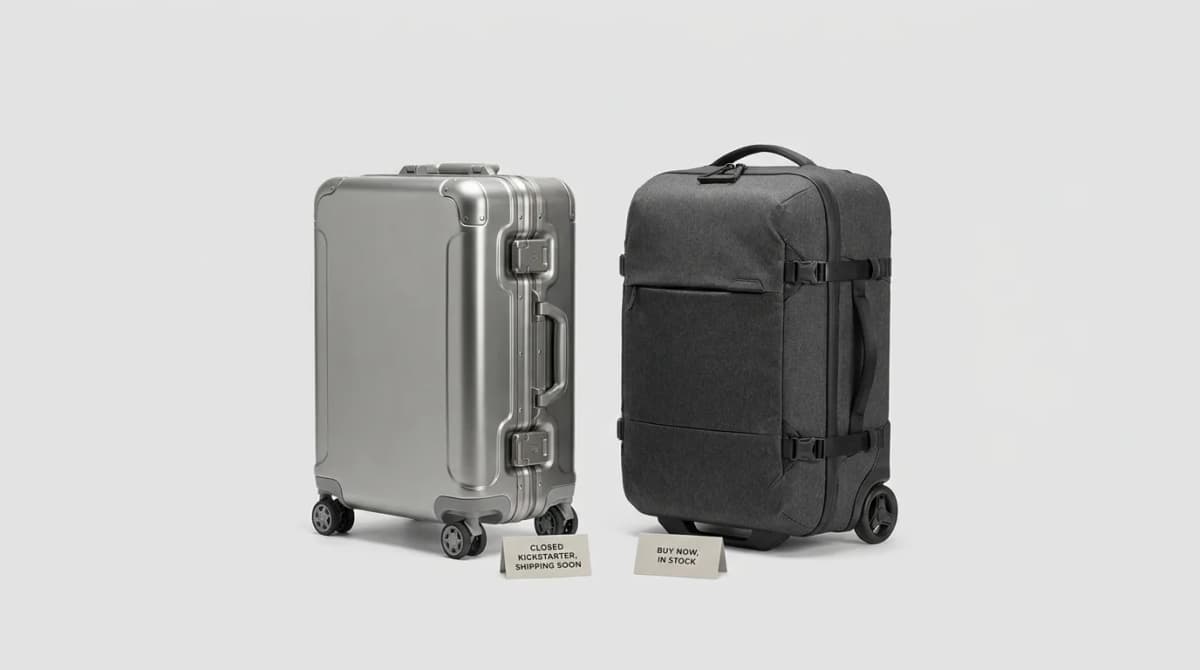
Titaner Voyager vs Peak Design: Titanium Carry-On
Peak Design owns Kickstarter travel bags. Titaner answered with a Grade 1 titanium latch spinner - not another backpack. Closed KS ship watch vs Roller Pro buy-today: who waits for Voyager, who buys Peak now.
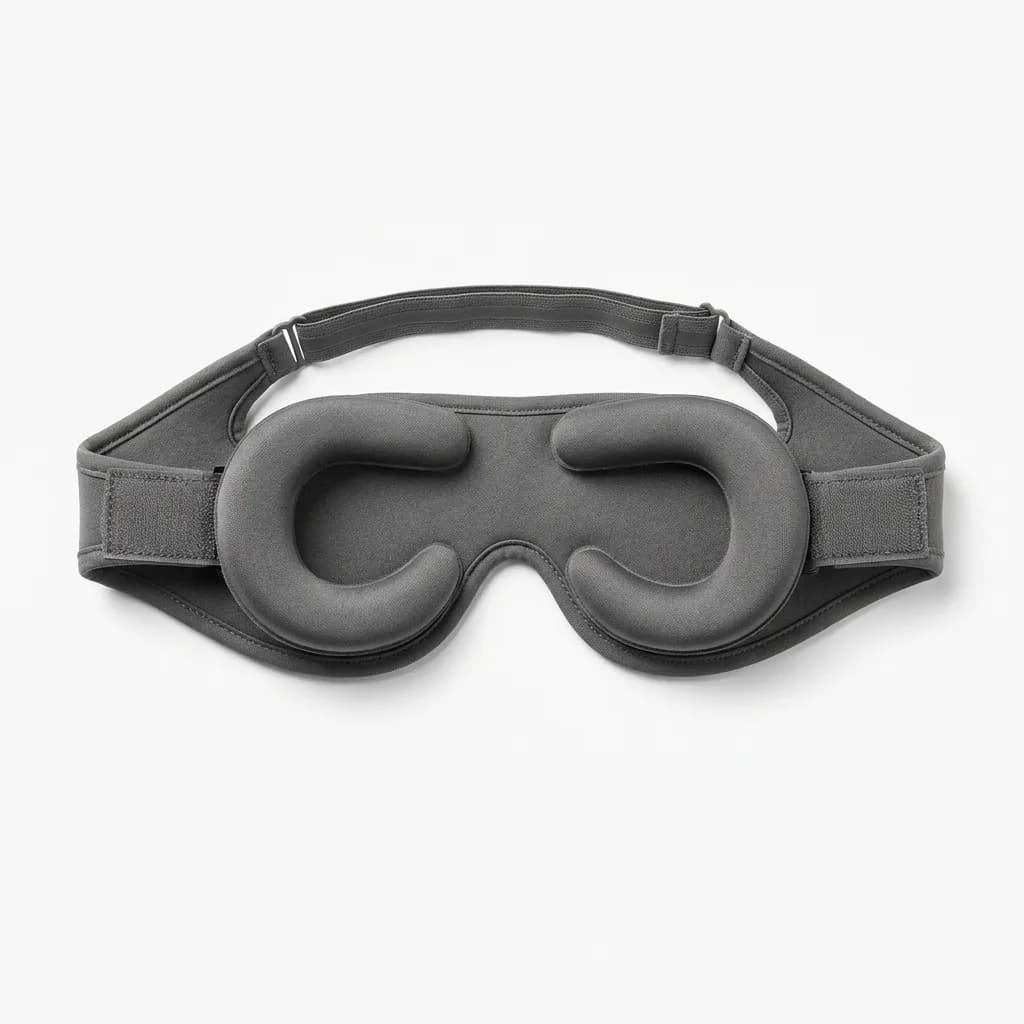
Best Sleep Masks for Flights and Hotels
Foam blocks more? Not always. We compare contoured, silk, and eye-cup sleep masks for flights and hotels so you pick blackout that still packs small.

Best Travel Pillows That Pack Small
Compact travel pillows compared: inflatable vs memory foam, what actually supports your neck on flights, and which ones compress small enough to matter.
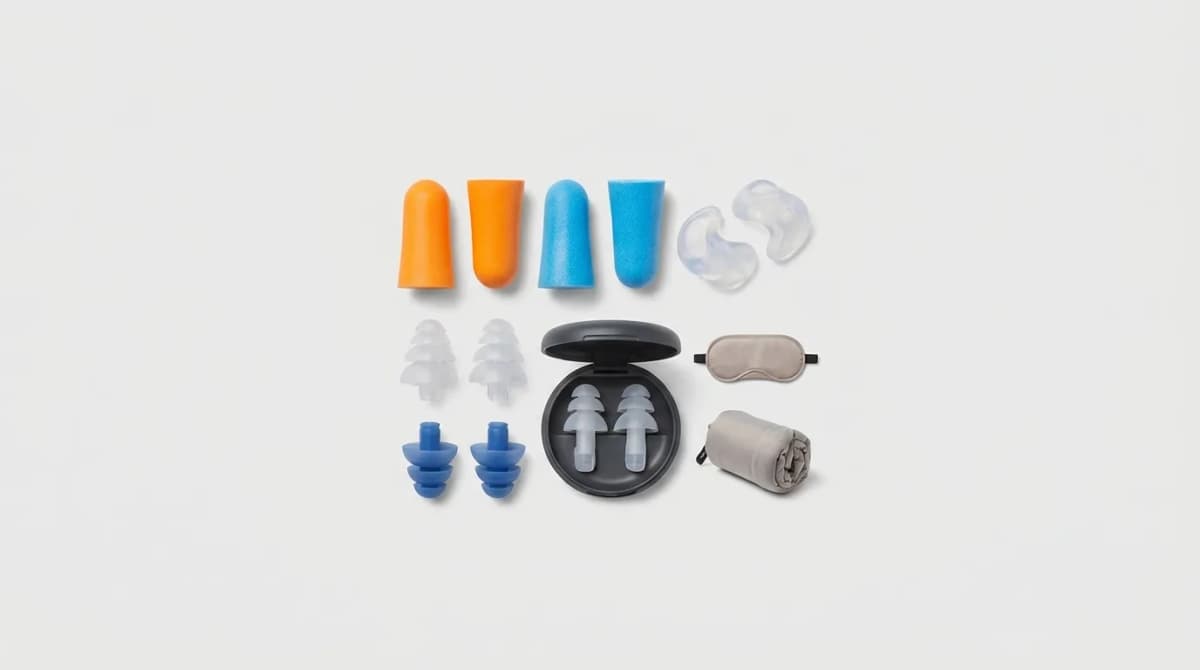
Earplugs for Travel: Which Type Works Best
Foam blocks more noise but silicone lasts longer. We compared every type by NRR ratings and materials for flights, hotels and noisy neighbors.