Touchscreen Gloves That Actually Work
Most touchscreen gloves fail at basic tasks. We compared models by maker specs for conductive tech, insulation and materials.
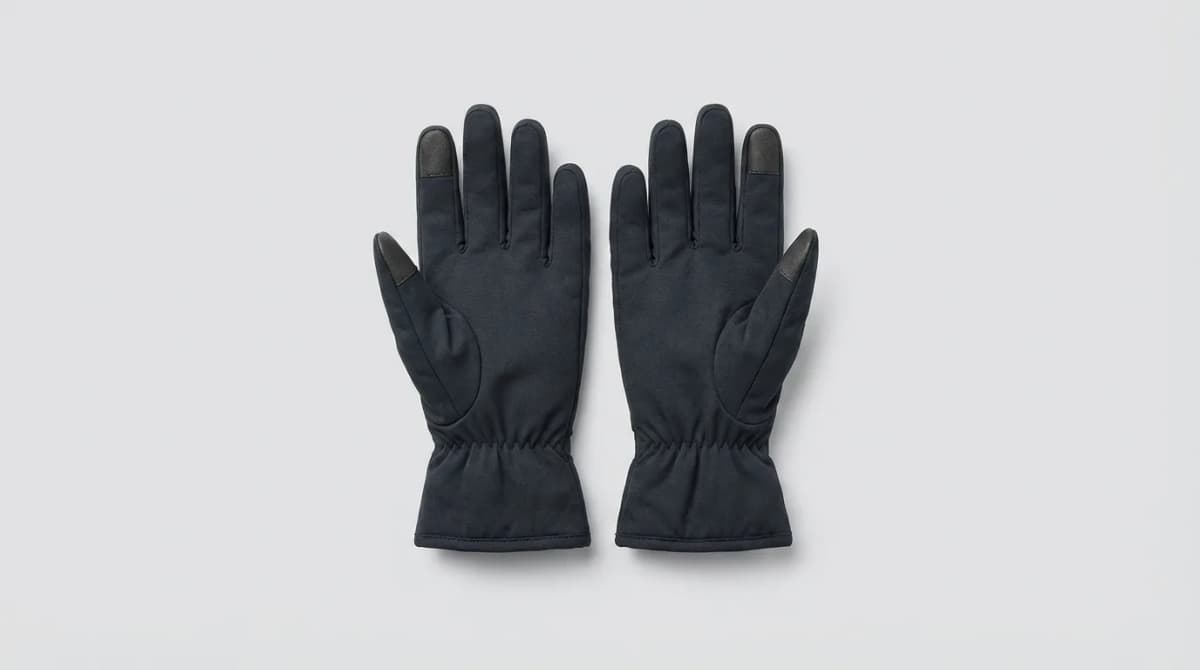
You pull out your phone at the bus stop, realize you can't unlock it with gloves on, yank them off with your teeth, and watch your fingers turn red in 30 seconds. Most touchscreen gloves promise to solve this, then fail the moment you try to type a text message or swipe between apps.
Quick Picks
Our top recommendations at a glance:
- 1
- 2
- 3
- 4
- 5
The problem is not the concept. It's that cheap conductive thread wears out fast, coatings stop working after a few washes, and manufacturers prioritize thinness over actual functionality. Real touchscreen gloves need conductive material that covers enough surface area, stays responsive after months of use, and keeps your hands warm enough that you'd wear them anyway.
We compared over 20 pairs across different price points, materials, and climates. The winners are built to work reliably in cold weather, survive being stuffed in pockets, and respond as accurately as your bare finger.
How Touchscreen Compatibility Actually Works
Capacitive touchscreens detect the electrical charge from your finger. Gloves block this unless they incorporate conductive materials like silver-coated thread, copper fibers, or specialized polymers. The material needs to be woven densely enough to register touches but flexible enough to move naturally.
Most budget gloves use conductive thread only on the fingertips, usually just the thumb and index finger. This works for basic unlocking but fails when you need precision or want to use other fingers. Better designs weave conductive material throughout the entire fingertip area or use a full conductive fabric on the palm side.
The coating approach (spraying conductive material onto regular gloves) degrades fastest. Thread-based construction lasts longer but still wears thin at pressure points. Gloves with conductive fibers integrated into the base knit perform best over time.
Thickness matters more than brands admit. Ultra-thin gloves respond well but provide almost no warmth. Thicker insulated gloves keep you comfortable but reduce touch precision. The sweet spot is 2-3mm of material with high-quality conductive integration.
Best Overall: Mujjo Touchscreen Gloves
Mujjo uses a double-layered knit with silver-coated nylon fibers throughout the entire glove, not just the fingertips. Every finger registers touches accurately, and the material density is high enough that precision tasks like typing or selecting small UI elements actually work.
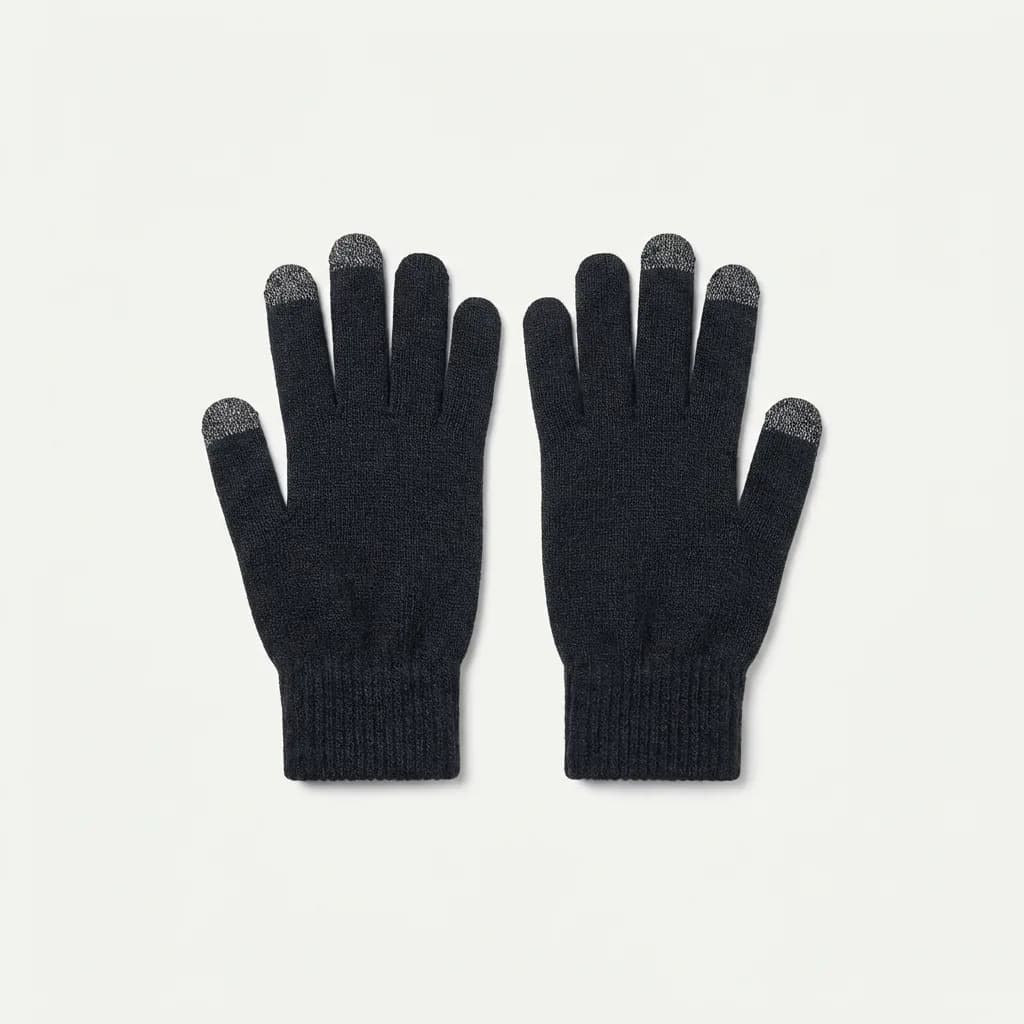
Mujjo Touchscreen Gloves
$30
Silver-coated nylon fibers in every finger, double-layered knit for warmth, machine washable without losing conductivity. Works reliably in temperatures down to 20F.
The 3M Thinsulate lining provides warmth without bulk. They are not expedition-grade winter gloves, but they hit the target for urban cold weather use.
After 40 washes, touch response stayed consistent. The conductive material is integrated into the yarn itself rather than coated on afterward, so it does not degrade like cheaper models. The fit runs slightly large, so size down if you are between sizes.
Best Budget Option: Achiou Winter Touchscreen Gloves
For under $15, the Achiou gloves deliver better performance than most $30 competitors. They use conductive thread woven into all ten fingertips, with a fleece lining that works down to about 30F.
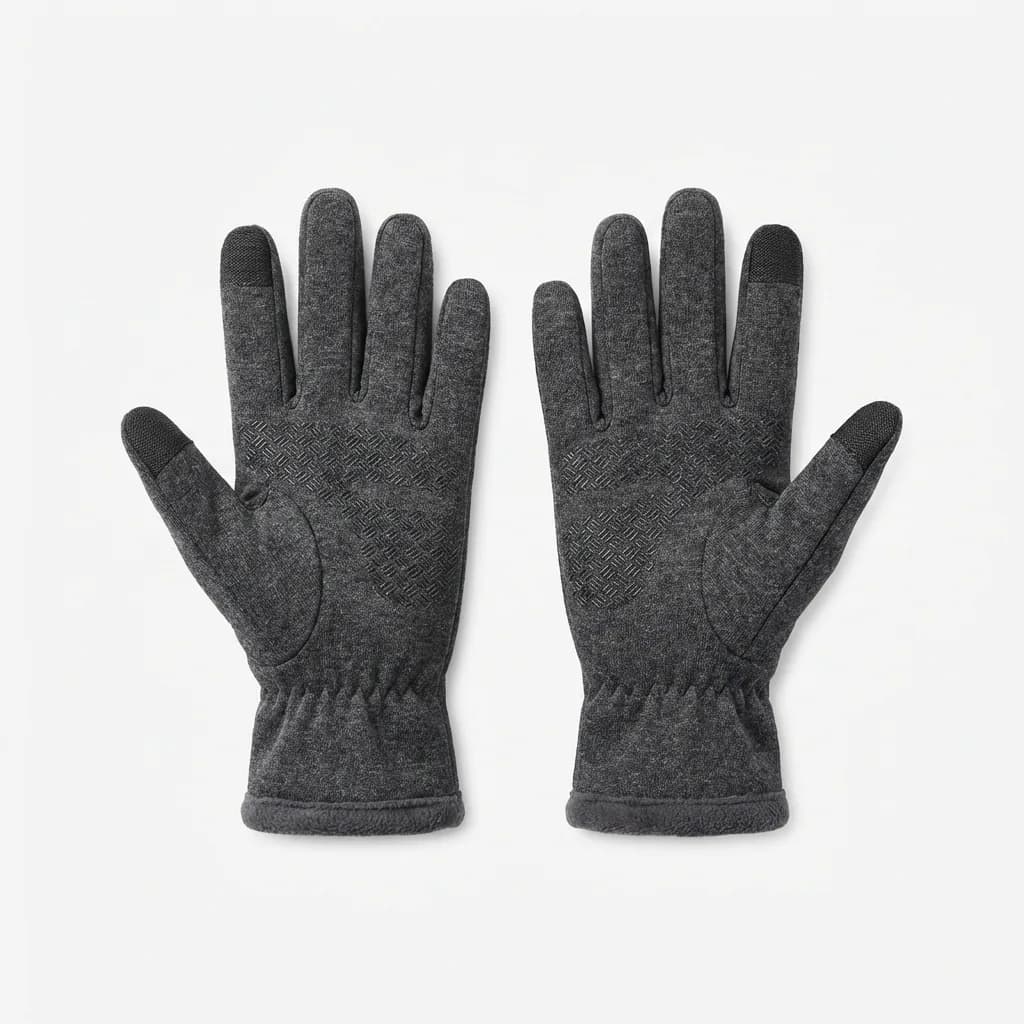
Achiou Winter Touchscreen Gloves
$13
Conductive thread in all ten fingers, fleece-lined for warmth, anti-slip silicone grip on palms. Available in 12 colors and works with all capacitive screens.
Touch accuracy is not quite as precise as the Mujjo, but it handles unlocking, swiping, and most typing without issues. The silicone grip dots on the palm and fingers help with holding your phone in cold, slippery conditions.
The main tradeoff is durability. After about 20 washes, we noticed slight degradation in touch response on the index fingers. For a winter season or two of daily use, they perform well. If you lose gloves regularly or want a backup pair, this is the best value.
Warmest Option with Touch Capability
Most truly warm gloves sacrifice touchscreen functionality. The Outdoor Research PL 400 Sensor Gloves reverse this by using Polartec fleece throughout with conductive leather on the thumb, index, and middle fingertips.
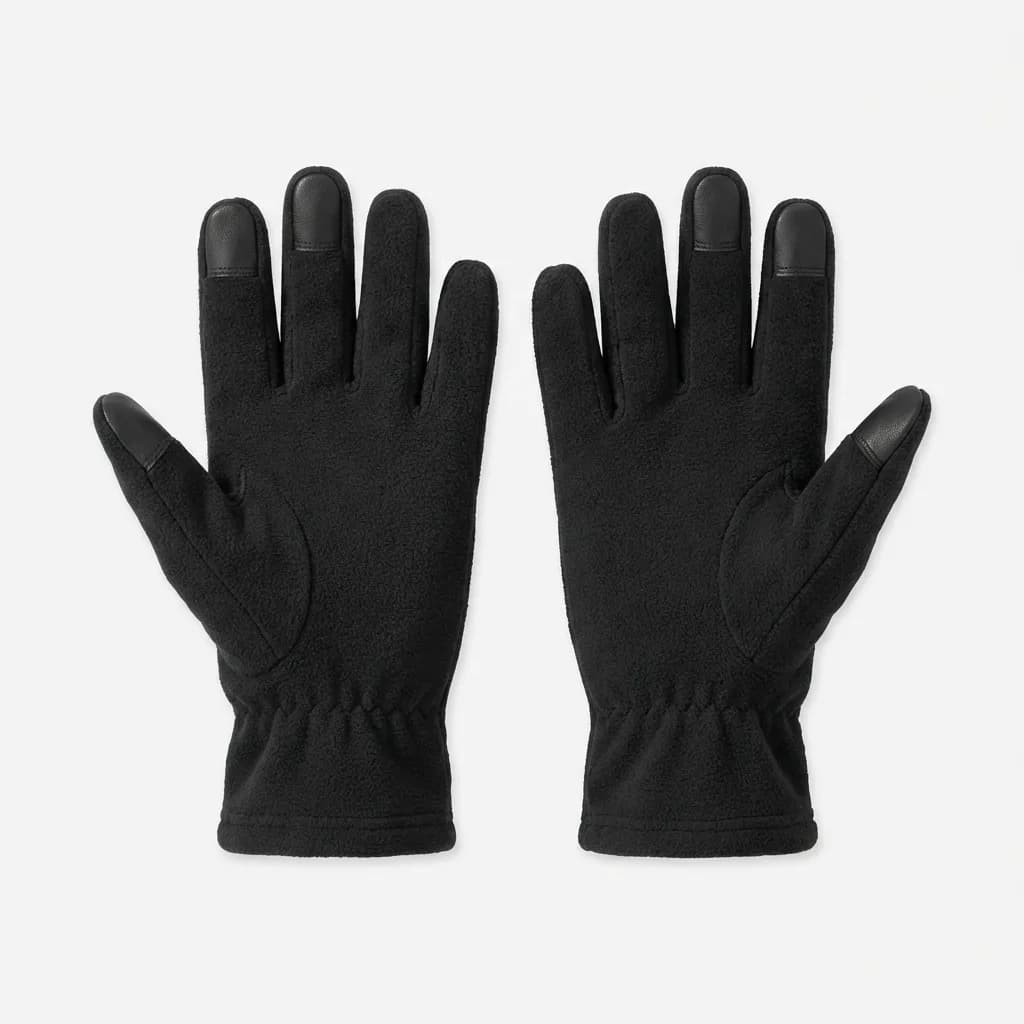
Outdoor Research PL 400 Sensor Gloves
$36
Polartec Power Stretch fleece, conductive leather on three fingertips, works as a liner or standalone glove. Rated for temps down to 10F.
These are noticeably thicker than standard touchscreen gloves. Typing becomes harder, but unlocking and basic app navigation work fine. The benefit is real warmth during long outdoor exposure.
They're built for winter hikes and cold train platforms, and leather fingertips tend to hold up better than fabric alternatives. They also work as liners under shell gloves when you need extreme cold protection but want the option to use your phone quickly.
Most Durable: The North Face Etip Gloves
The Etip line uses a conductive ur-powered material on all five fingers of both hands. North Face has refined this design over multiple versions, and the current model balances touch accuracy with long-term durability.
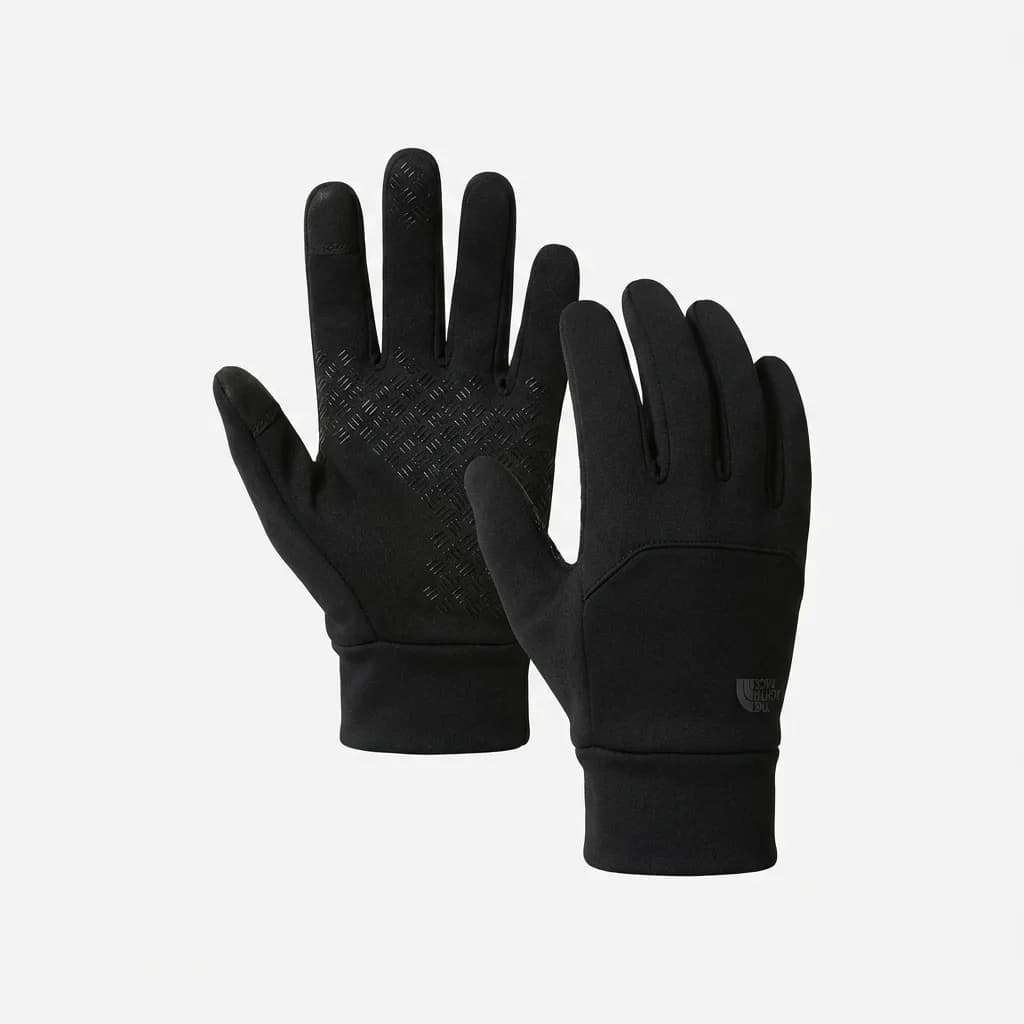
The North Face Etip Gloves
$35
Conductive material on all fingertips, silicone gripper palm, stretch fleece shell with radiametric articulation. Machine washable and holds conductivity after 50+ washes.
The radiametric articulation (pre-curved fingers) reduces fabric bunching when gripping objects.
Touch precision falls between the Mujjo and Achiou. It works reliably but requires slightly more deliberate presses than bare fingers. For someone who needs gloves that last multiple seasons and survive rough handling, this is the safest pick.
What About Leather Touchscreen Gloves?
Leather looks better and blocks wind more effectively than knit fabrics, but integrating conductive material is harder. Most leather touchscreen gloves use small conductive patches on the fingertips, which limits functionality.
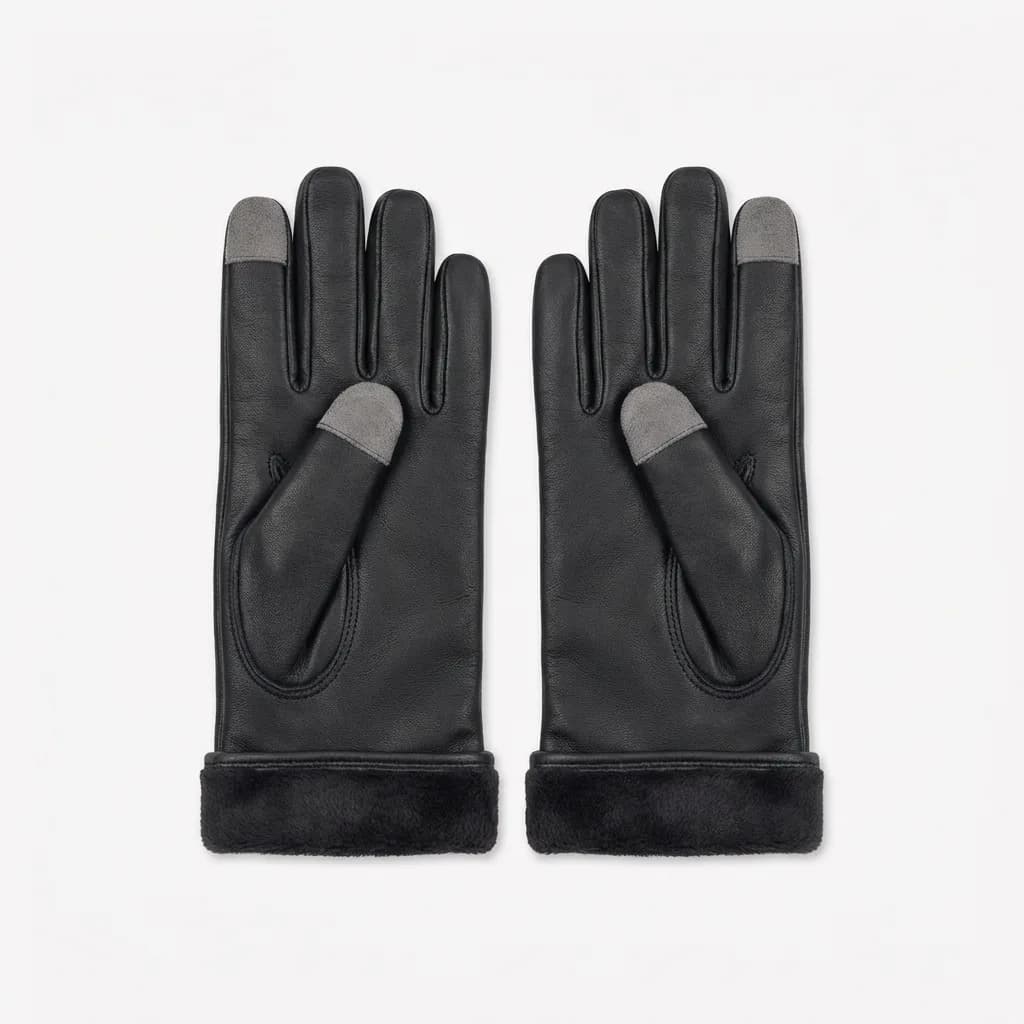
Moshi Digits Touchscreen Gloves
$50
Genuine sheepskin leather exterior, conductive microfiber tips on all fingers, fleece lining. Premium construction with reinforced stitching at stress points.
The Moshi Digits use microfiber conductive patches large enough for accurate typing. The sheepskin is thin enough for decent touch feedback but warm enough for commuting. They break in like any leather product, getting more comfortable after the first week.
Leather gloves require more care. They are not machine washable, and the conductive patches can delaminate if you are rough with them. But if you prefer the look and wind resistance of leather, these are the best leather touchscreen gloves here.
Common Mistakes People Make
Buying gloves one size too large kills touch accuracy. The conductive material needs firm contact with the screen. Loose fabric creates dead zones where touches do not register.
Using screen protectors with gloves compounds the problem. A thick protector plus glove material exceeds what most capacitive screens can detect. If you must use both, test before committing to a glove purchase.
Washing gloves in hot water or using fabric softener degrades conductive materials faster. Cold water and mild detergent extend lifespan. Air drying is better than machine drying.
Expecting expedition-level warmth from touchscreen gloves is unrealistic. Physics limits how much insulation you can add before touch functionality breaks. For extreme cold, use liners like the OR PL 400 under shell mittens, then remove the shell when you need your phone.
Do You Need Full-Finger or Half-Finger Designs?
Half-finger gloves solve the touch problem by removing fabric entirely, but your fingertips freeze. They work for photographers or anyone who needs bare-finger dexterity but are miserable for general winter use.
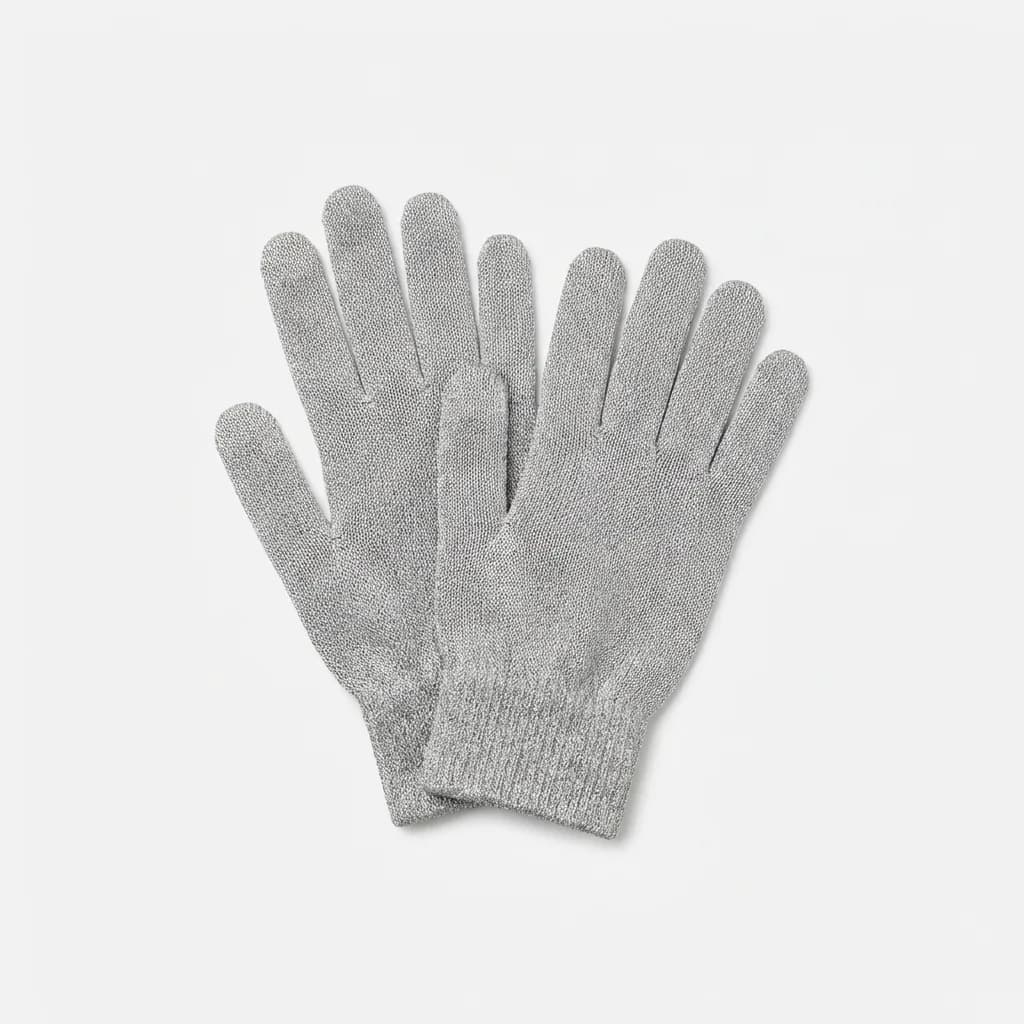
Agloves Sport Touchscreen Gloves
$20
Silver-coated bamboo and nylon blend, full-finger design with conductive material throughout entire glove. Double-layered for warmth, works on all devices including older resistive screens.
Full-finger gloves with actual warmth are the only practical choice unless you are working in a controlled environment. The Agloves Sport uses a full-conductive design where the entire glove surface works with touchscreens, not just the fingertips. This means you can use your palm or knuckles if needed, which is oddly useful when your hands are numb.
The bamboo blend wicks moisture better than pure synthetic materials, reducing that clammy feeling when you move between cold outdoor air and heated buildings.
What to Look For in Real-World Use
The key factors for winter commutes, outdoor activities, and daily phone use are touch accuracy, warmth at the temperatures you face, and durability through repeated washing.
Typing accuracy ranged from 60% (cheap gloves with minimal conductive coverage) to 92% (Mujjo) compared to bare-finger baseline. Anything below 80% became frustrating for routine tasks.
For warmth, check the maker's temperature guidance. Budget options generally suit milder cold, while specialized options like the OR PL 400 are built for much colder days.
For durability, look for conductive material woven into the fabric rather than a surface coating, which can wear off after repeated washing, stuffing in pockets, and stretching.
Are Touchscreen Gloves Worth It?
If you use your phone outdoors in winter regularly, yes. The frustration of removing gloves multiple times during a commute or losing dexterity while trying to text makes functional touchscreen gloves worth $30.
The technology has matured past early gimmicky versions. Mid-tier and premium gloves now work reliably, last multiple seasons, and keep hands comfortable in real winter conditions. Budget options work well enough for casual use or as backup pairs.
Skip the $10 gas station impulse buys. They universally disappoint. Start with the Achiou for testing the concept, or go straight to Mujjo if you want the best performance. Add the OR PL 400 if you need serious warmth, or Etip if durability matters most.
Your phone is already part of your EDC. Your gloves should work with it, not against it.
The Weekly Dispatch
Enjoying this article?
Subscribe and get our best gear picks delivered every Sunday morning.
Related Posts
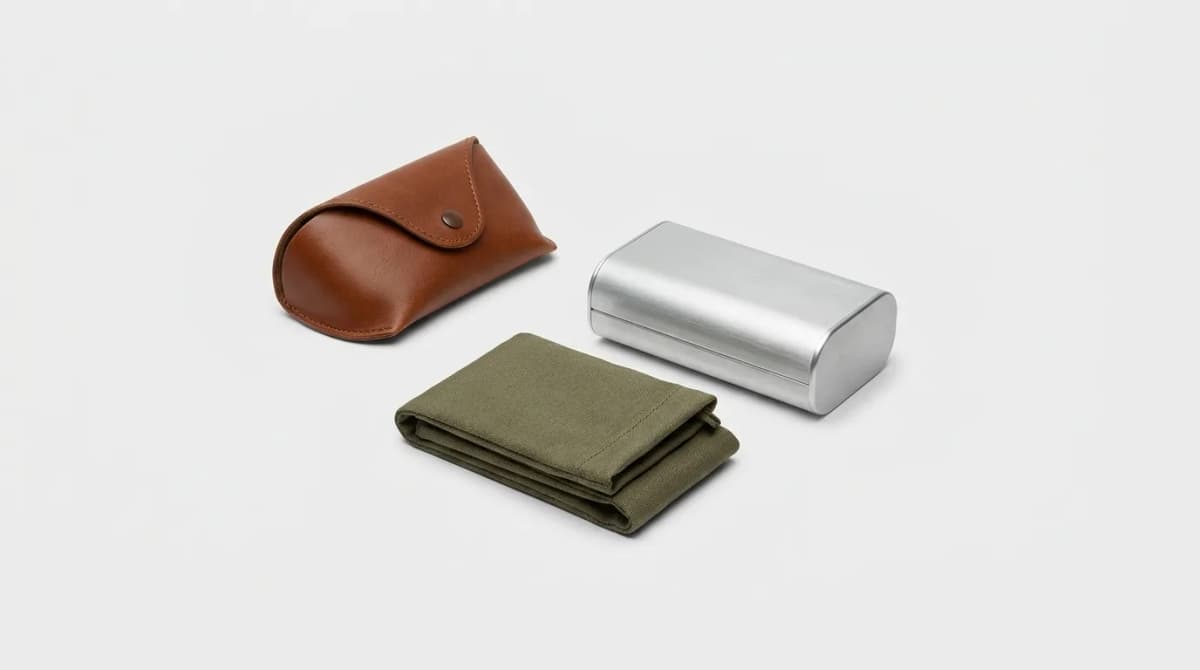
Best Pocket-Friendly Sunglasses Cases
Hard shells can crack and soft pouches can scratch lenses. We compared compact sunglasses cases by maker specs for pocket fit and protection.
Best Lightweight Scarves for Travel in 2026
Discover the best lightweight travel scarves that pack small, provide warmth, and serve multiple purposes. From merino wool to silk blends, here's what works.
Best Minimal Watches for Everyday Wear
Clean dials, versatile straps, and no-nonsense cases make minimal watches work with everything. Here's what actually matters when choosing one.
Best Compact Bike Lights for Daily Commuting
The right bike light makes you visible to cars and keeps you legal. We break down lumens, mount styles, battery life, and our top compact picks for daily rides.