Laptop Sleeve vs Backpack: Which One Do You Need?
Laptop sleeves and backpacks solve different problems. One protects during short trips, the other hauls your whole setup. Here's how to pick the right one.
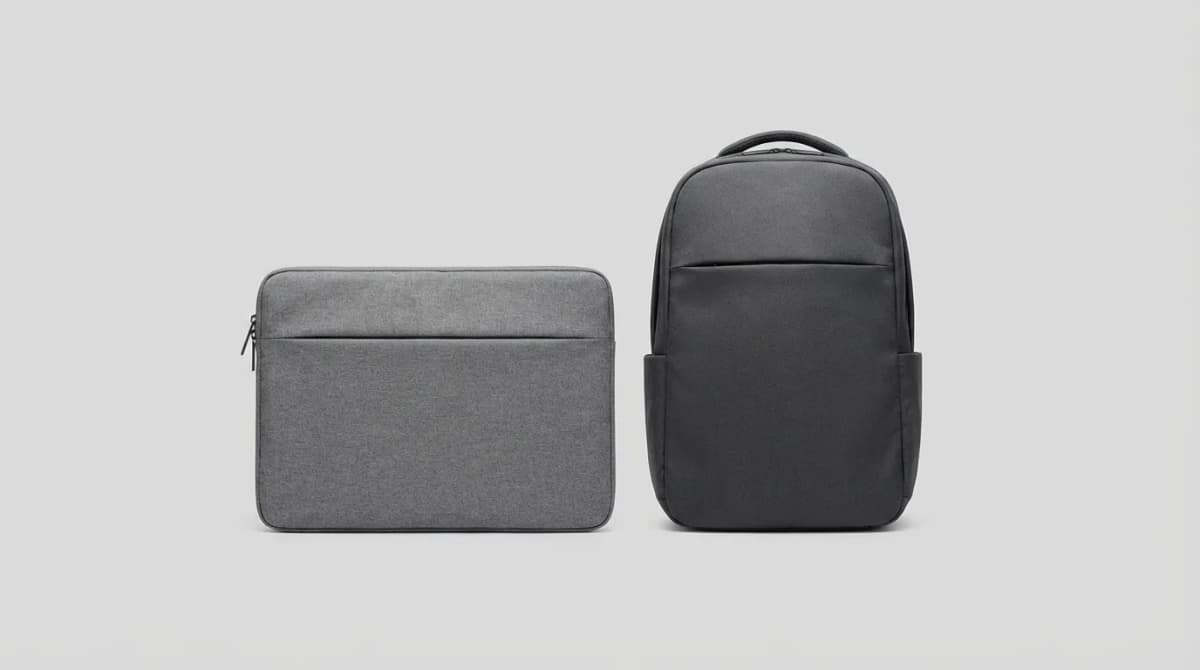
Your laptop gets banged around more than you realize. A sleeve slides into another bag for padding. A backpack carries everything you need for the day. They're not interchangeable, and most people who buy the wrong one end up buying both anyway.
The real question isn't which is better. It's what you're actually carrying and how far you're going. A sleeve makes sense when your laptop moves between predictable locations. A backpack works when you need your laptop plus charger, mouse, notebook, water bottle, and lunch. Let's break down when each makes sense.
When a Laptop Sleeve Is Enough
A sleeve gives you one thing: impact protection. It's a padded layer that keeps your laptop safe from scratches and minor bumps when it's inside another bag. If you carry a tote, messenger bag, or briefcase that wasn't designed for laptops, a sleeve turns it into viable laptop carry.
Sleeves shine in short-distance situations. Walking from your car to the office. Moving between meeting rooms. Carrying your laptop from your desk to the couch. You're not hauling extra gear, you don't need organization, and you're never more than ten minutes from putting it down somewhere.
The best sleeves use dense foam padding on all sides, not just front and back. Corner protection matters because that's where impacts concentrate. A quality sleeve should fit your laptop snugly enough that it doesn't slide around, but loose enough that you're not forcing it in.
Weight matters here. A 16-inch MacBook Pro already weighs 4.7 pounds. Add a bulky sleeve and you're pushing six pounds before you even start adding other items to your bag. Thin sleeves (under 8oz) disappear inside another bag. Thick ones add noticeable bulk.
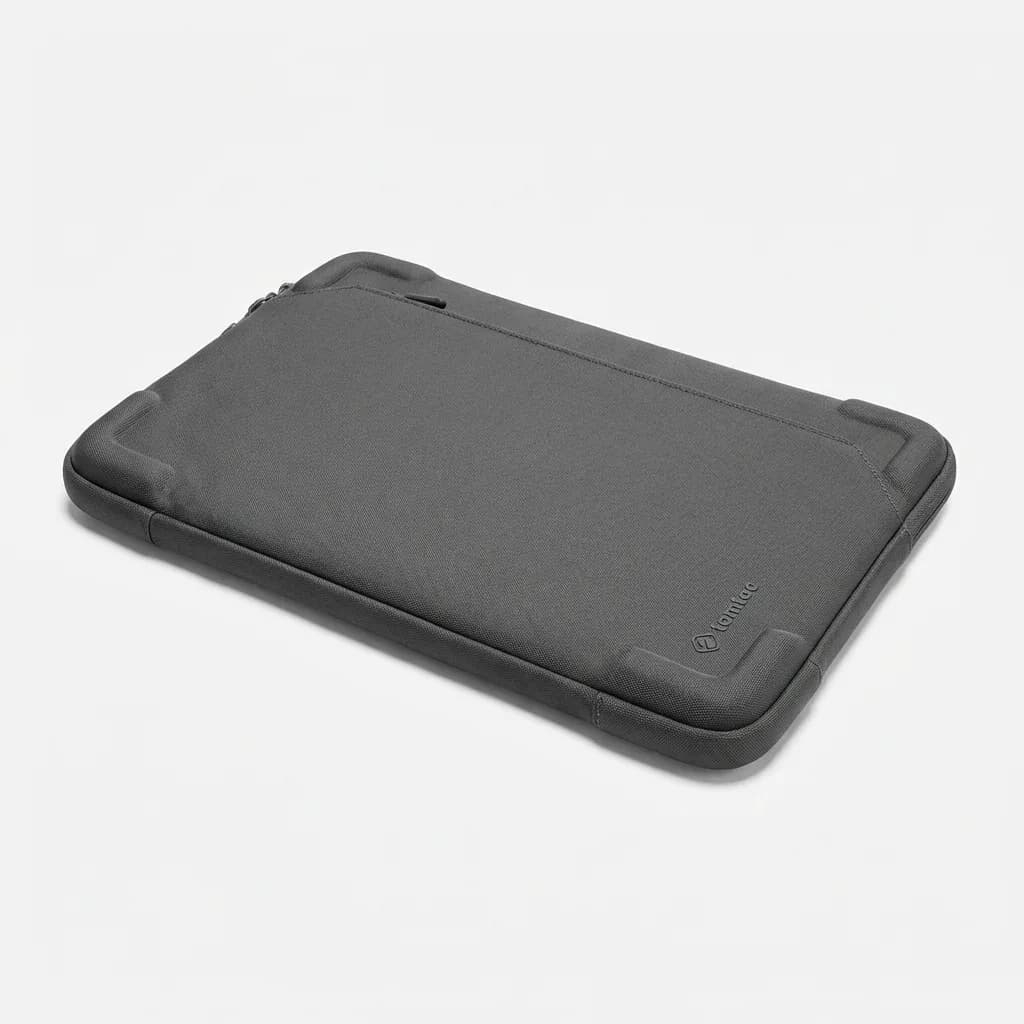
Tomtoc 360 Protective Laptop Sleeve
$20-30
Dense CornerArmor padding protects all edges, slim 0.7-inch profile, fits snugly in other bags without adding bulk. Available for 13-16 inch laptops.
One overlooked benefit: a sleeve lets you swap your primary bag without rebuying laptop protection. Your laptop stays in the same sleeve whether you're using a tote, backpack, or duffel. That flexibility matters if you don't carry the same bag every day.
When You Need a Dedicated Laptop Backpack
A laptop backpack becomes necessary the moment you need to carry more than just the laptop. If your daily carry includes a charger, you need a backpack. Chargers stuffed loose in bags get cable damage, and replacing a MacBook charger costs $80-100.
Laptop backpacks organize your tech. Separate compartments keep your laptop away from water bottles and lunch containers. Cable organizers prevent your charging cables from turning into a tangled mess at the bottom of the bag. Quick-access pockets put your phone and wallet within reach without digging.
The laptop compartment design matters more than most people realize. Good backpacks suspend the laptop away from the bottom and back panel. That means when you set the bag down hard or bump into something, the laptop doesn't absorb the impact directly. Cheap backpacks just put a sleeve against the back panel with no air gap.
Comfort becomes critical once your load exceeds 10-12 pounds. A laptop, charger, mouse, water bottle, and a few other items easily hit that threshold. Padded shoulder straps distribute weight, but the real difference comes from sternum straps and hip belts on larger packs. They transfer weight from your shoulders to your core.
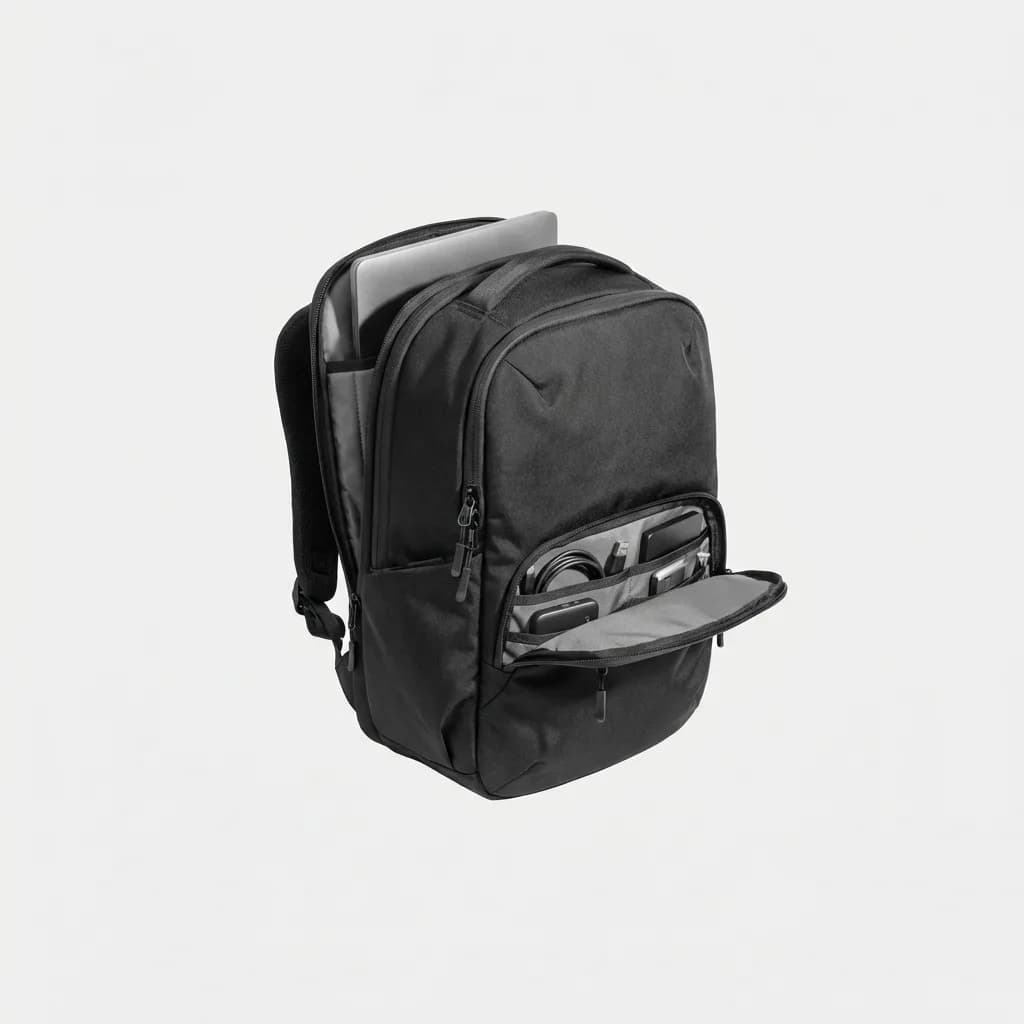
Aer Tech Pack 2
$200
Suspended laptop compartment up to 16 inches, quick-access tech pocket, water-resistant Cordura exterior. Designed specifically for daily tech carry with excellent organization.
Weather protection separates premium laptop backpacks from budget ones. A laptop caught in a downpour is a laptop that might not turn on again. Water-resistant fabrics (YKK water-resistant zippers, DWR-coated materials) give you time to find shelter. Fully waterproof backpacks with roll-tops or sealed zippers let you bike through rain without worry.
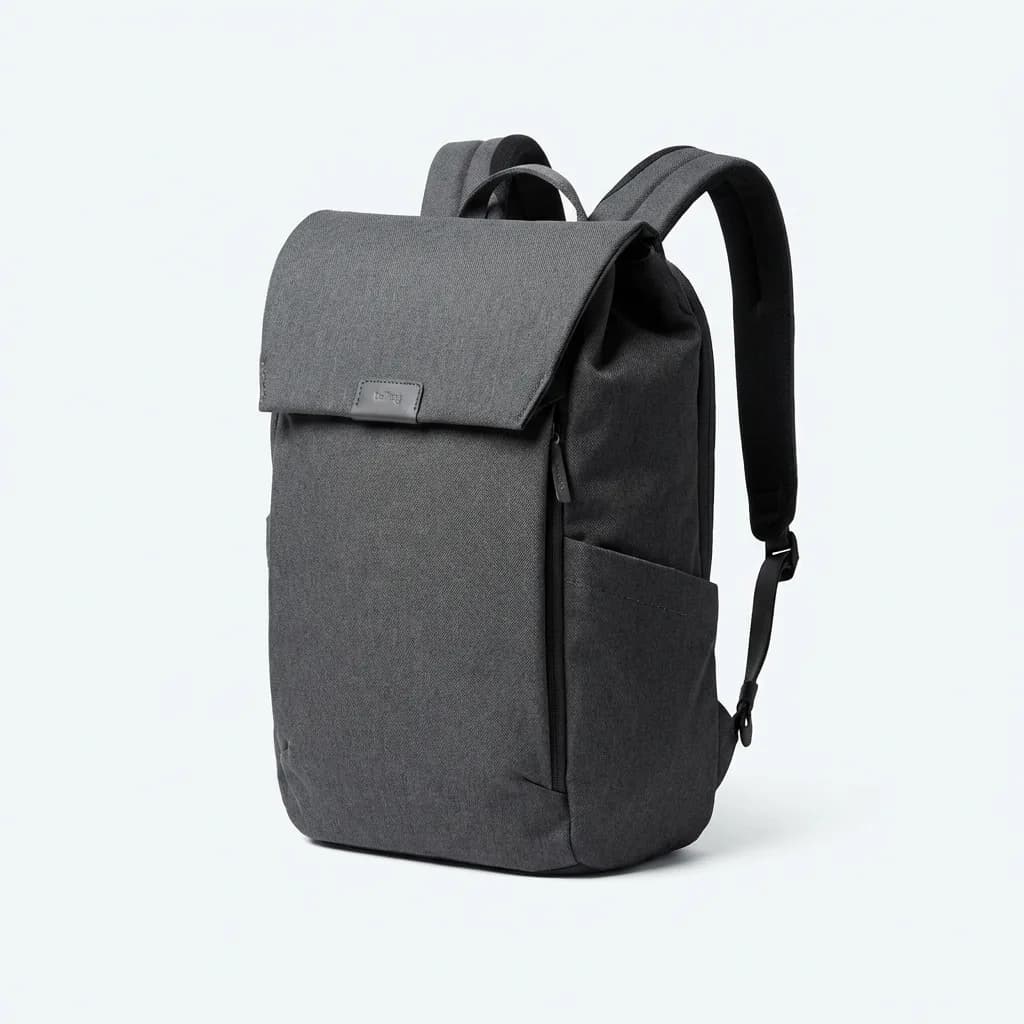
Bellroy Classic Backpack Plus
$229
Water-resistant recycled materials, dedicated laptop compartment (15 inch), organizational pockets for tech accessories, magnetic closure for quick access. Slim 20L capacity perfect for daily commutes.
The Hidden Third Option: Sleeve Inside a Backpack
Here's what we actually do: sleeve inside a backpack. Even dedicated laptop backpacks benefit from an extra layer of padding. The sleeve gives you flexibility to pull your laptop out and leave the backpack behind. Going to a coffee shop for an hour? Grab the sleeved laptop and leave everything else in your car.
This setup also future-proofs your gear. Laptop backpacks are designed for specific size ranges. A sleeve gives you perfect-fit protection even as laptop dimensions change. When you upgrade from a 14-inch to a 16-inch laptop, you buy a new $25 sleeve instead of a new $200 backpack.
The downside is added weight and bulk. A sleeve plus backpack adds 12-16 ounces compared to just a backpack. If you're counting ounces for bike commuting or minimalist travel, that matters. For everyone else, the added protection and flexibility outweigh the weight penalty.

Incase ICON Laptop Backpack
$120
Dedicated fleece-lined laptop compartment (up to 15 inch), Tensaerlite bumper protection, multiple organization pockets, weather-resistant 840D nylon. Designed for Apple users but works with any laptop.
What About Laptop Messenger Bags and Briefcases?
Messenger bags and briefcases occupy the middle ground. They carry more than a sleeve but less than a backpack. The problem is weight distribution. Anything over 8-10 pounds on one shoulder gets uncomfortable fast during long carries.
Messengers make sense for short commutes where you're mostly sitting (subway, bus, car). The single-strap design lets you swing the bag around to access contents without taking it off. That's genuinely useful in crowded public transit.
But for walking more than 15-20 minutes or cycling, the single-strap design becomes a liability. Your shoulder fatigues. You compensate by tensing your back and neck. By the end of the day, you feel it.
If you prefer the professional look of a messenger or briefcase, consider convertible designs with hideaway backpack straps. You get the clean aesthetic for client meetings but can switch to two-strap carry for longer distances.
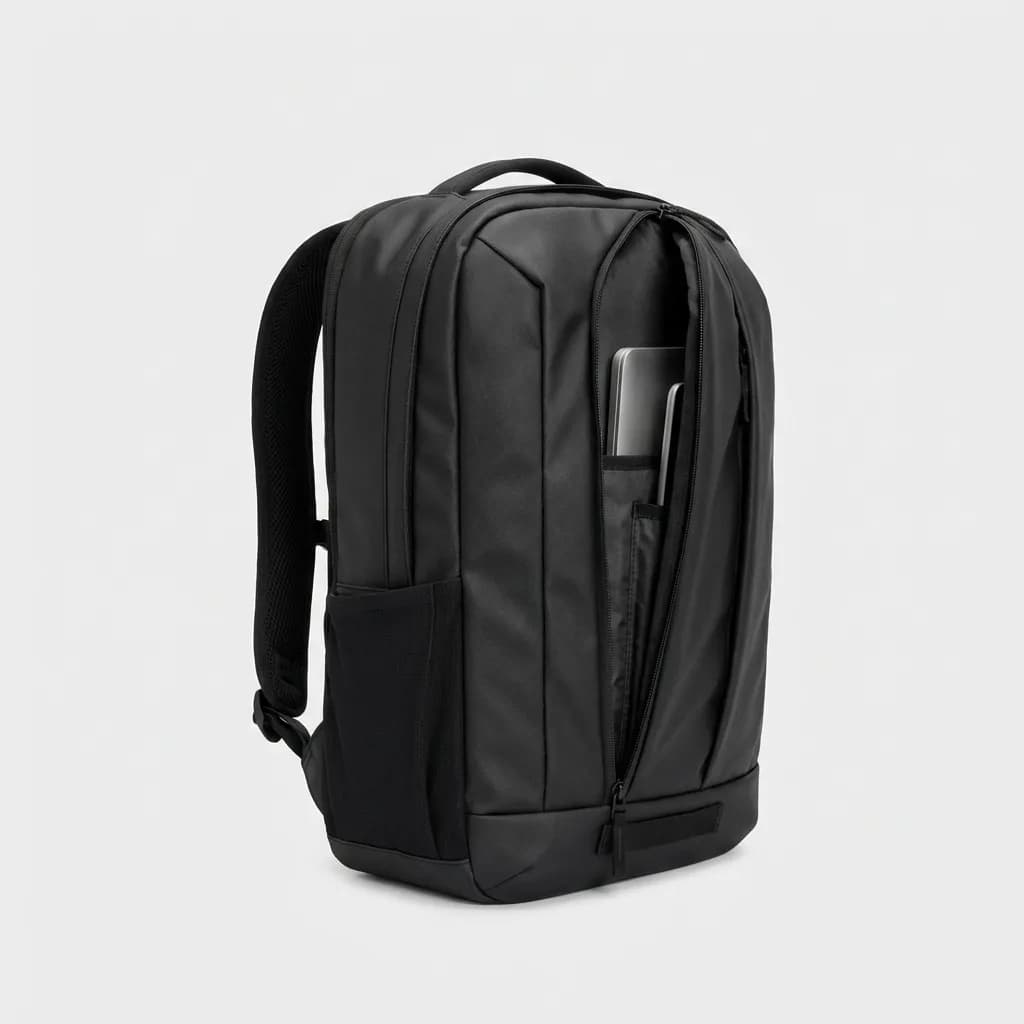
Timbuk2 Authority Laptop Backpack
$89
TSA-friendly laptop compartment (fits 17 inch), dedicated tablet pocket, water-resistant TPU liner, ventilated back panel. Affordable option with solid organization at under $100.
How to Decide What You Actually Need
Start by tracking what you carry for one week. Not what you think you carry or what you wish you carried. What actually ends up in your bag every day. If it's just a laptop with no accessories, a sleeve works. The moment you're regularly carrying three or more items beyond the laptop, you need a backpack.
Consider your carry distance. Walking less than five minutes from parking to desk? A sleeve in a tote or briefcase works fine. Walking 10+ minutes, using stairs, or commuting on foot or bike? You want proper backpack carry with weight distributed across both shoulders.
Think about weather exposure. Covered parking to covered office with minimal outdoor time means weather protection isn't critical. Walking or biking in variable weather makes water resistance non-negotiable. Don't learn this lesson the expensive way.
Your laptop's value matters too. A $300 Chromebook for basic tasks can survive more abuse than a $3,000 MacBook Pro or high-end Windows machine. The more expensive the laptop, the more protection makes sense. Repairs and replacements cost real money.
Common Mistakes People Make
Buying a laptop backpack that's too large is mistake number one. A 30-liter backpack designed for overnight trips is overkill for daily laptop carry. Your laptop slides around inside, and you end up filling extra space with things you don't need. Stick to 15-20 liters for dedicated laptop carry unless you're specifically using it for travel.
Cheap sleeves with thin padding waste money. A sleeve that compresses flat when you press on it won't protect your laptop from a real impact. You need dense foam that resists compression. Press hard on the sleeve before buying. If you can feel a hard surface underneath, it's not enough padding.
Ignoring zipper quality leads to failures at the worst times. YKK zippers aren't just marketing, they're engineered to handle repeated daily use. Generic zippers on cheap bags fail after 6-12 months. You save $30 upfront and spend $150 replacing the bag when the zipper breaks with your laptop inside.
Overlooking weight when empty seems minor until you carry it daily. A heavy backpack (over 2 pounds empty) adds noticeable fatigue over time. Premium materials like Dyneema or X-Pac offer durability with minimal weight. Cheaper bags use heavy fabrics and overbuilt designs that sound tough but feel burdensome.
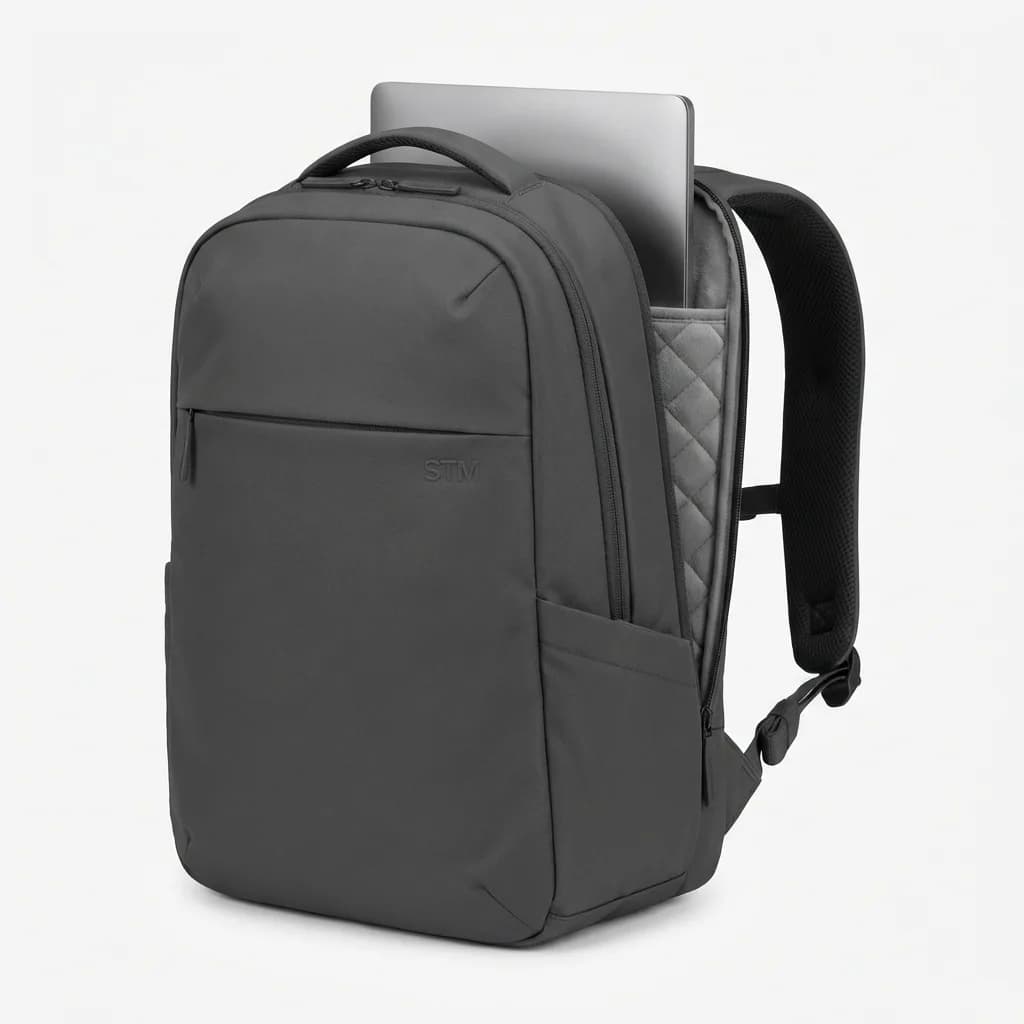
STM Myth Laptop Backpack
$130
Lightweight EVA-padded laptop compartment (fits 16 inch), luggage pass-through, RFID-safe pocket, water-resistant fabric. Australian design focused on minimalism and protection.
The Real Answer for Most People
If you only buy one thing, buy a laptop backpack. It handles more situations and provides better protection for all-day carry. You can use a laptop backpack with just a laptop inside. You can't use a sleeve by itself comfortably for distances over 50 feet.
But the best setup remains a thin sleeve inside a quality backpack. It costs an extra $20-30 and adds minimal weight for significantly better protection and flexibility. You can pull the laptop out for TSA screening faster. You can grab just the laptop for quick trips. You get an extra layer between your laptop and anything that might damage it.
The only time to skip the backpack entirely is if you genuinely never carry anything except the laptop and you have another bag (tote, briefcase, messenger) that you already own and use daily. Even then, test it for a week. If you find yourself wishing for organization or better weight distribution, you need the backpack.
Your laptop is too expensive and too important to your work to trust it to inadequate protection. Whether that's a sleeve, a backpack, or both depends on your specific carry situation. But skimping on protection to save $50 makes no sense when you're protecting a $1,000+ device that stores your work and personal data.
Get the protection that matches your carry pattern. Your laptop and your back will both thank you.
The Weekly Dispatch
Enjoying this article?
Subscribe and get our best gear picks delivered every Sunday morning.
Related Posts
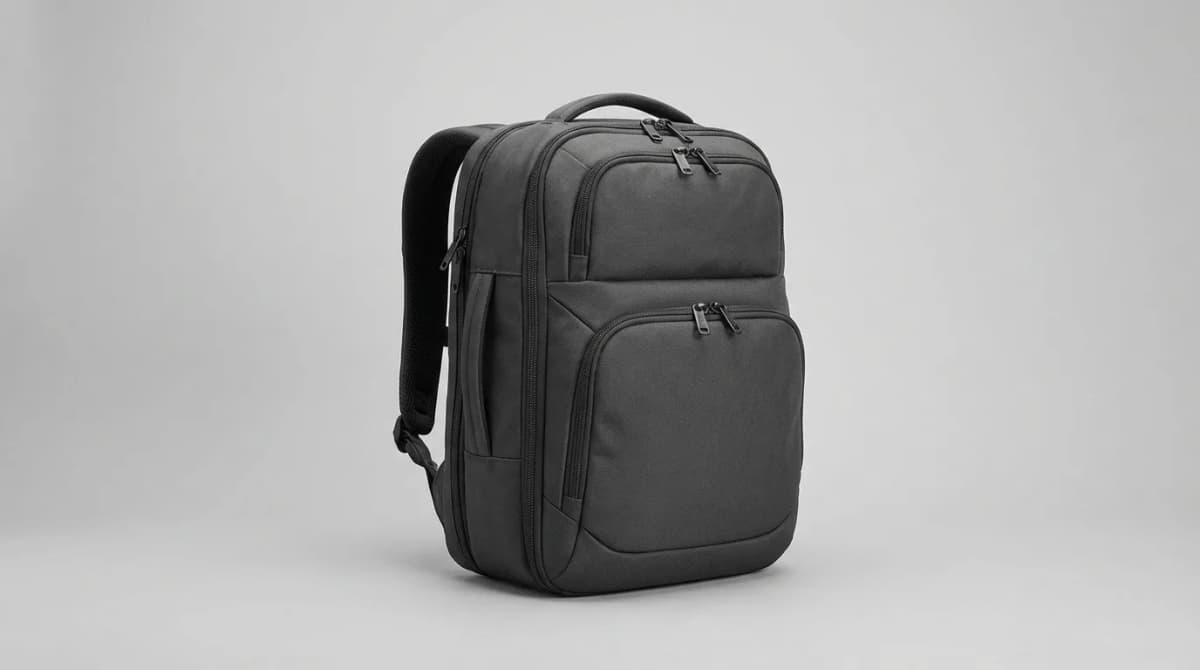
Best Expandable Carry-On Backpack for Flying
Expandable carry-ons let you compress for security screening then grow for souvenirs. We picked bags that maximize airline limits without checking luggage.
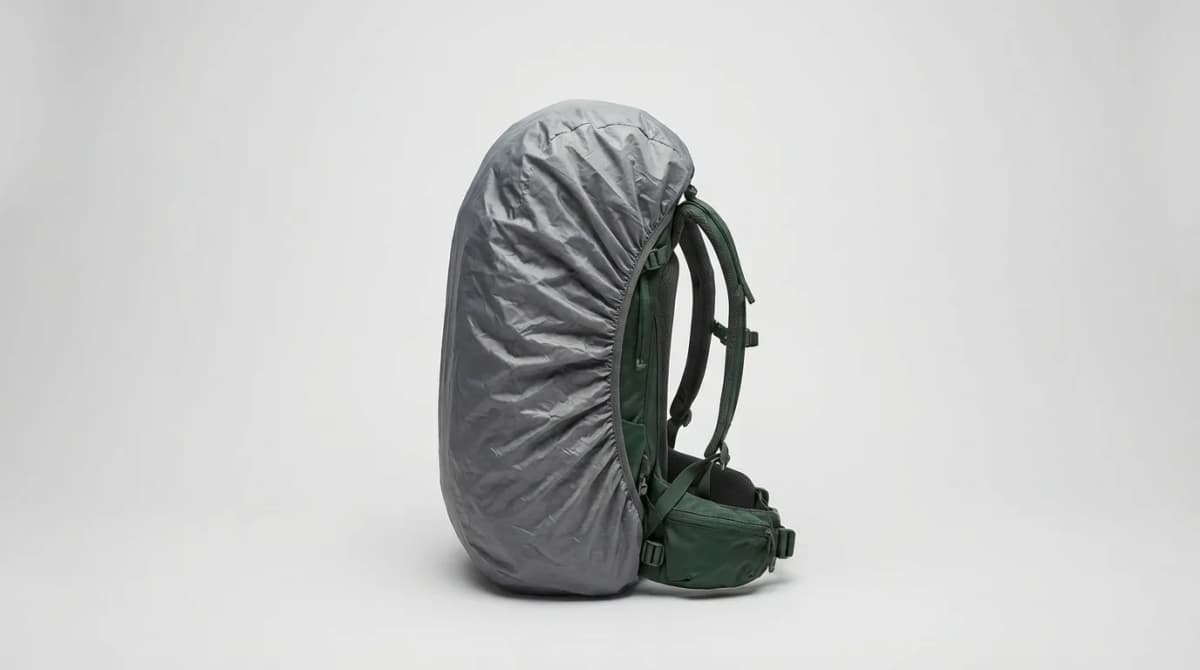
Best Backpack Rain Covers 2026: Packable, Ultralight Picks
Packable backpack rain covers that fold smaller than your fist: how to size one to your pack, when a liner beats a cover, and ultralight picks.
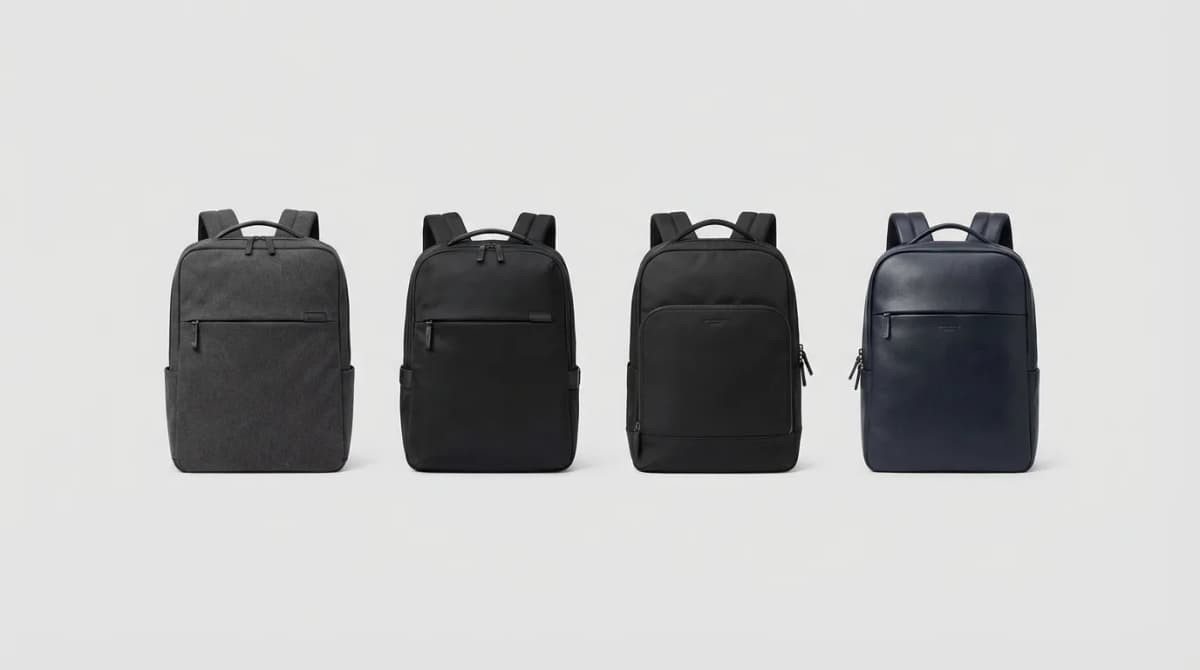
Best Laptop Backpacks for Work and Commute
From padded laptop sleeves to organizational pockets, we break down what separates a great work backpack from one that will wreck your shoulders and your laptop.
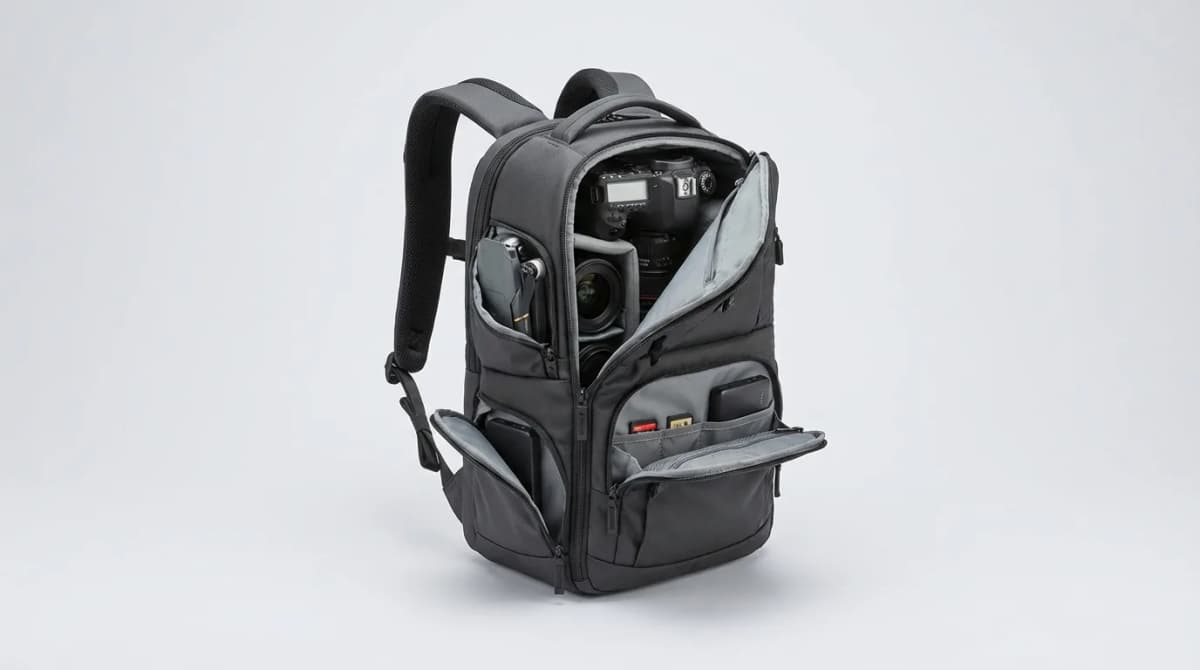
Best Camera Backpacks of 2026: Protect Your Gear
We compared 12 camera backpacks by maker specs, features and price to find which protect your gear without wrecking your back.