Smart Home 101: Set Up Your First Automated Home
Starting your smart home journey? Skip the mistakes and build a reliable system from day one with the right hub, starter devices, and security practices.
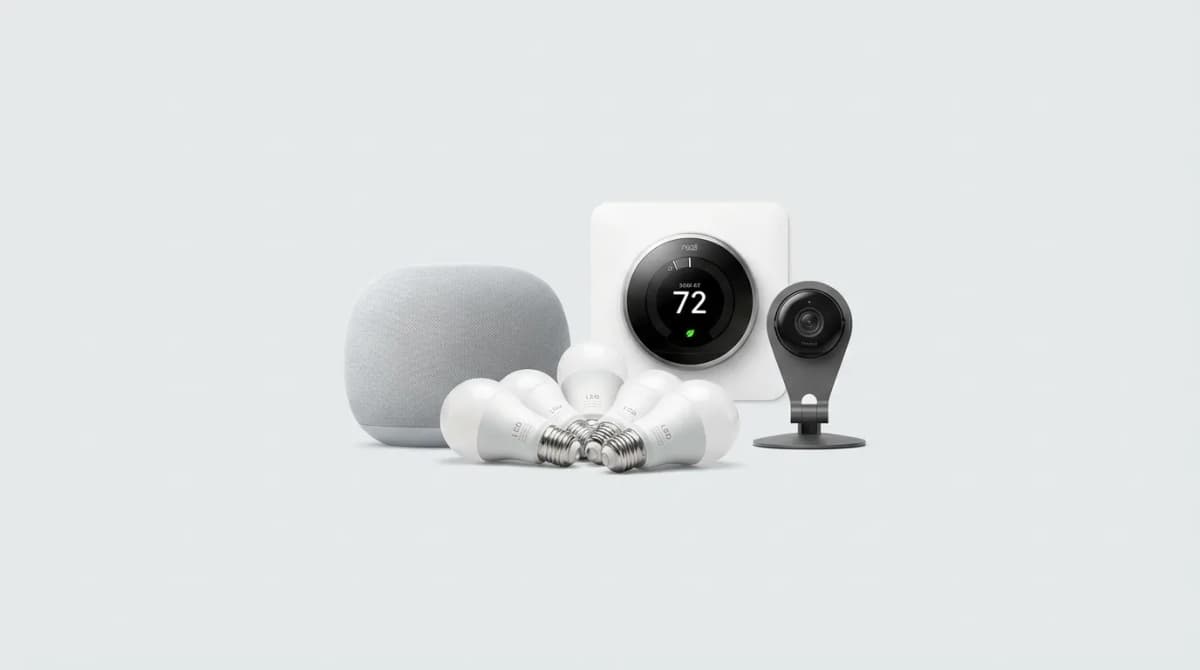
You flip the light switch when you walk into a room. You adjust the thermostat manually. You check if you locked the door before bed. These mundane tasks add up to dozens of small interruptions every day. A properly configured smart home handles them automatically, saving time and mental energy for things that actually matter.
Quick Picks
Our top recommendations at a glance:
- 1
- 2
- 3
- 4
- 5
The challenge is that most people start wrong. They buy random smart devices on sale, discover they don't work together, and end up with a drawer full of incompatible gadgets. We're going to avoid that.
Choosing Your Smart Home Ecosystem: The Decision That Determines Everything Else
Your smart hub is the brain of your system. Pick the wrong one and you'll fight compatibility issues forever. Pick the right one and everything just works.
Amazon Alexa dominates with the widest device compatibility. Nearly every smart home manufacturer ensures their products work with Alexa first. The interface is straightforward, voice recognition is solid, and the hardware options range from $30 Echo Dots to full-featured displays. The downside is privacy. Amazon's business model relies on data collection, and while you can limit sharing, you can't eliminate it entirely.
Google Home offers the best voice assistant. Google's natural language processing runs circles around the competition. Ask it complex questions or chain multiple commands together and it understands context better than Alexa. Device compatibility is nearly as broad as Amazon's. The privacy concerns are similar, though Google's ecosystem integrates seamlessly if you already use Gmail, Calendar, and other Google services.
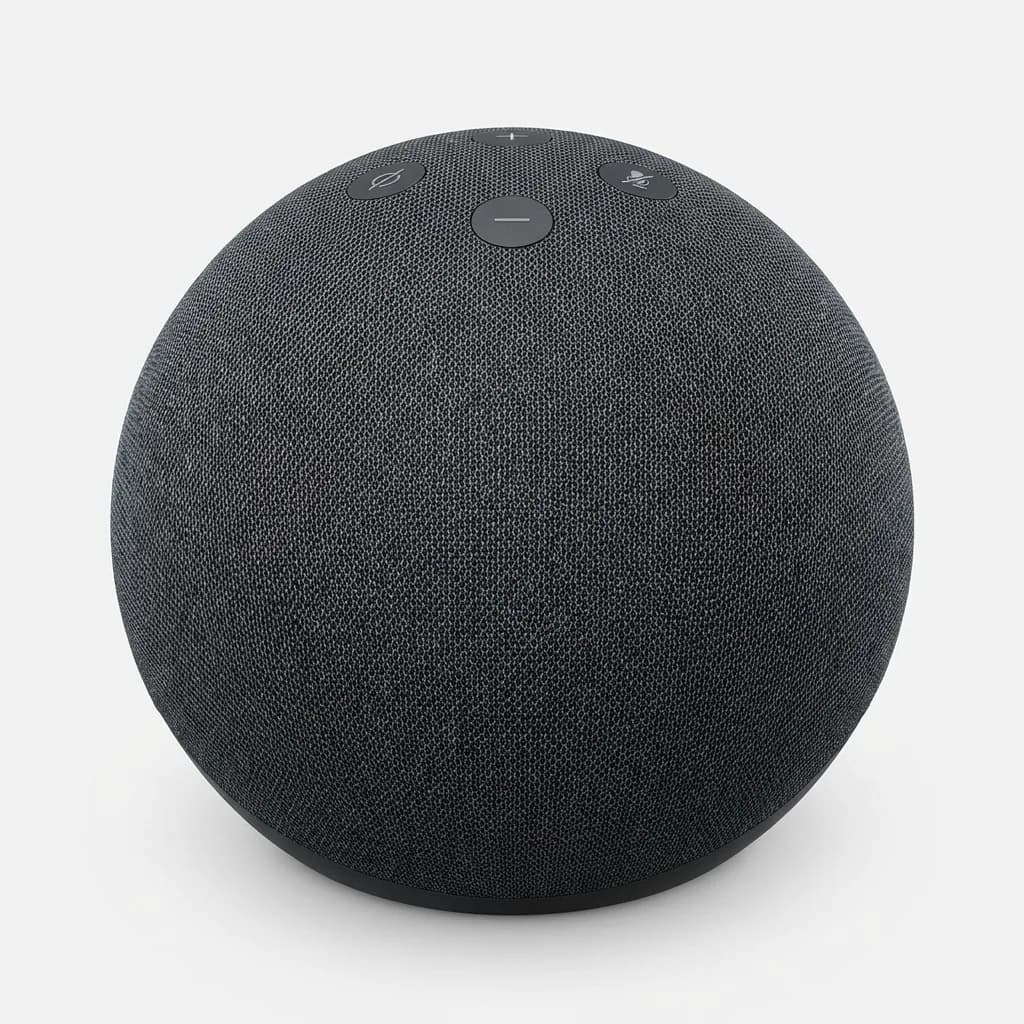
Amazon Echo Dot (5th Gen)
$50
Compact smart speaker with Alexa, improved audio over previous generations, and temperature sensor for automation triggers. Best value entry point for Amazon's ecosystem.
Apple HomeKit takes a different approach. It prioritizes privacy and local processing over cloud dependence. HomeKit devices cost more because manufacturers must meet Apple's strict security requirements. Compatibility is narrower, but improving. If you're already invested in Apple devices and value privacy above convenience, HomeKit makes sense. The Home app is clean but less feature-rich than competitors.
The practical answer for most people is Alexa or Google, depending on whether you value breadth (Amazon) or intelligence (Google). HomeKit works best as a secondary system alongside one of those two.
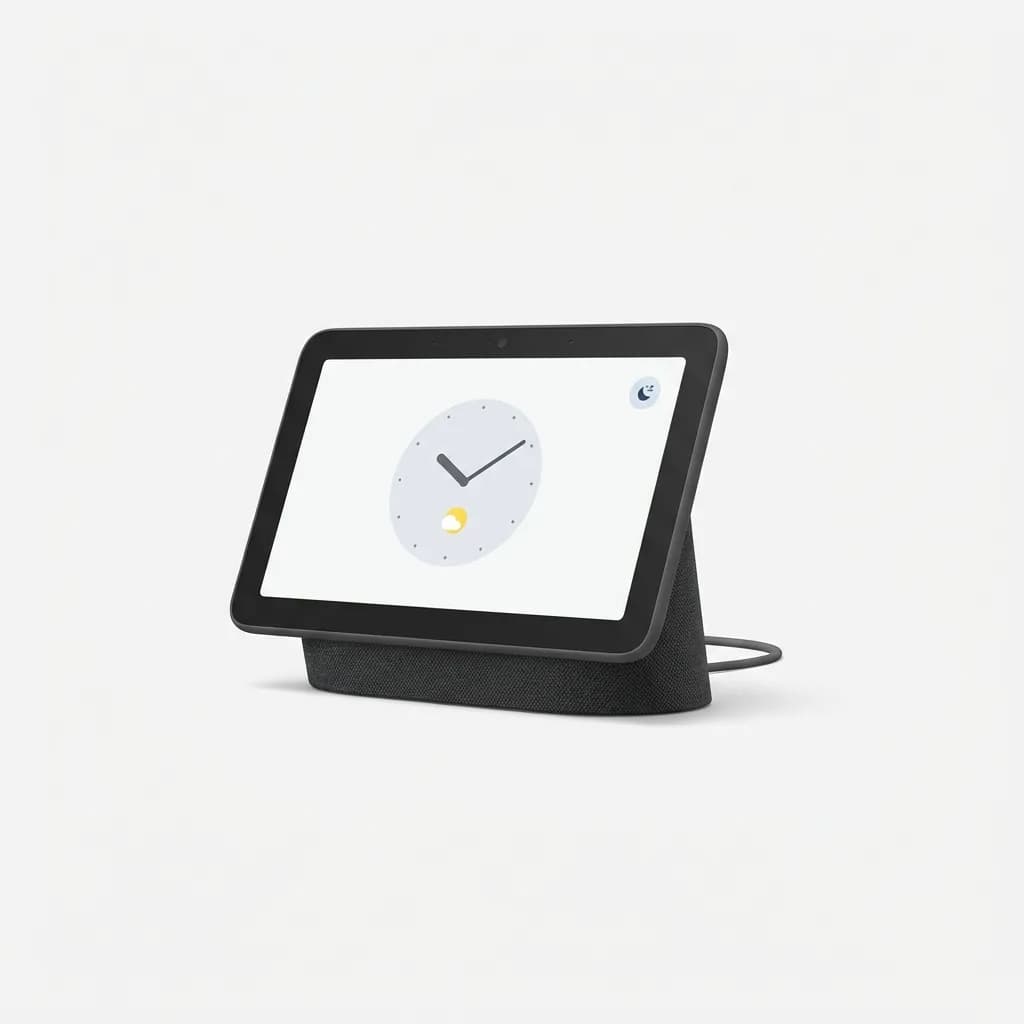
Google Nest Hub (2nd Gen)
$100
7-inch smart display with Google Assistant, sleep tracking, and gesture controls. Touchscreen interface simplifies device management and visual feedback.
Smart Lights: Start Here, Not With Security Cameras
Lights are the ideal first smart device. They're affordable, easy to install, and provide immediate daily value. You'll use them constantly, which helps you learn how automation actually works in practice.
Philips Hue is the gold standard. The bulbs are expensive but reliable, color accuracy is excellent, and the system rarely fails. Hue works with every major platform. The bridge requirement adds a step to setup but enables local control when your internet goes down. That matters more than you'd think.
Wyze Bulbs skip the hub and connect directly to Wi-Fi. At $8 per bulb they're a quarter the price of Hue. Color options are available. The tradeoff is reliability. Some users report connectivity issues, and if your Wi-Fi router is underpowered, these bulbs will expose that weakness fast. For a starter setup in one or two rooms, they're a reasonable risk.
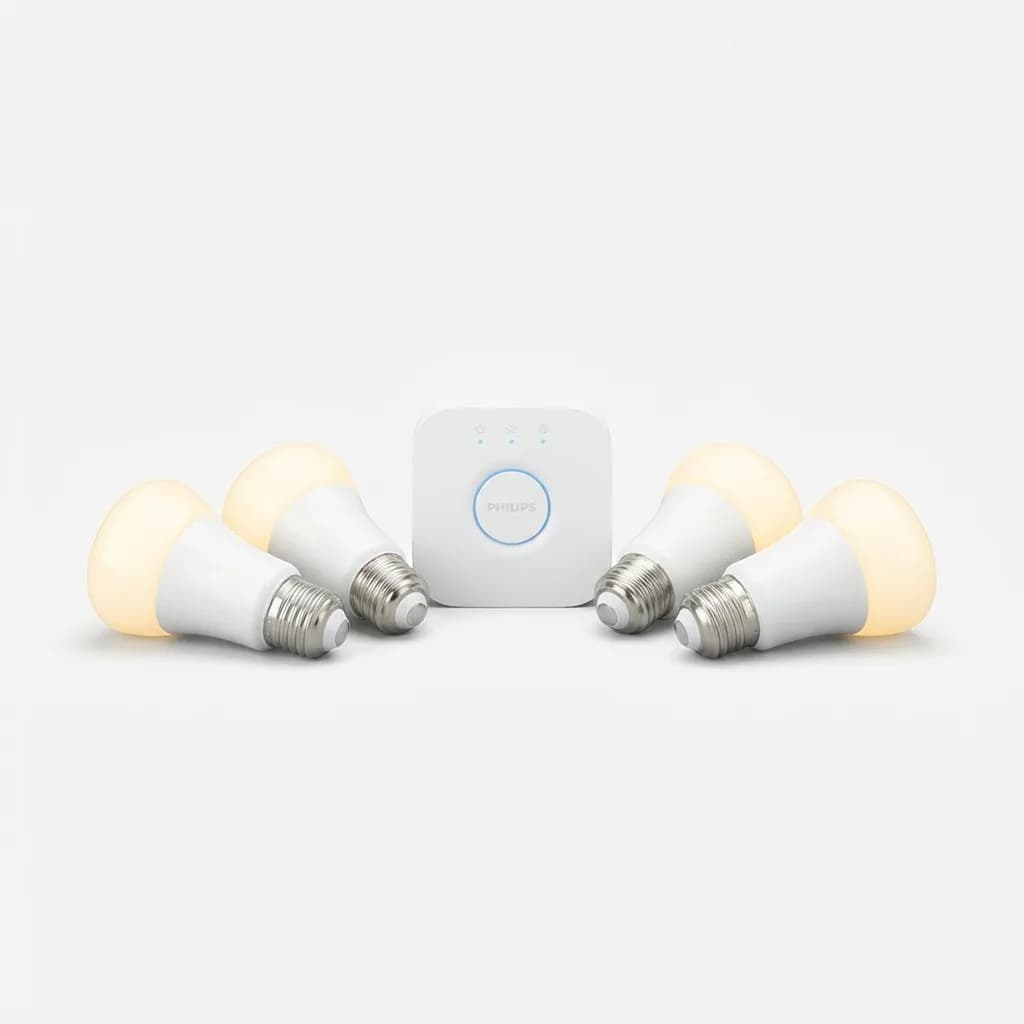
Philips Hue White and Color Starter Kit
$190
4 smart LED bulbs plus Hue Bridge hub. 16 million colors, HomeKit compatible, works offline via bridge. Industry-leading reliability and integration support.
Smart switches offer an alternative to smart bulbs. They replace your existing wall switch, so any bulb you install becomes smart. This approach works well if you have multiple bulbs controlled by one switch. Lutron Caseta switches are rock solid but require a hub. TP-Link Kasa switches connect directly to Wi-Fi and cost half as much.
The mistake people make is mixing bulbs and switches in the same fixture. If you install a smart bulb, the wall switch must stay on at all times or the bulb loses power and stops responding. Use smart switches for overhead fixtures with multiple bulbs. Use smart bulbs for lamps and accent lighting.
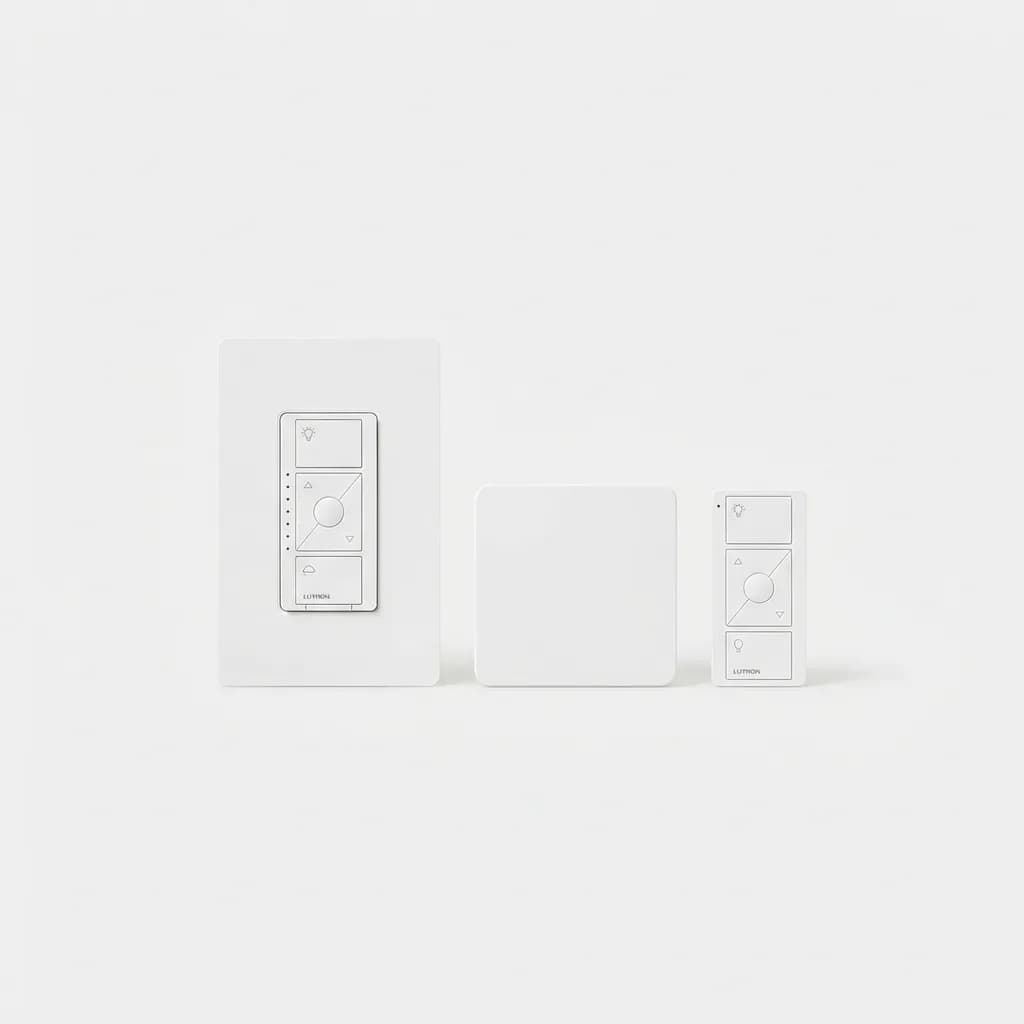
Lutron Caseta Wireless Dimmer Kit
$120
Smart dimmer switch with hub and remote control. Supports up to 150W LED/CFL or 600W incandescent. Reliable RF protocol reduces interference issues common with Wi-Fi switches.
Smart Thermostats: Where Automation Actually Saves Money
A smart thermostat pays for itself. Heating and cooling account for roughly half your home energy costs. Shave 10-15% off that and you've recovered the $200-250 investment in under two years.
The Nest Learning Thermostat builds a schedule automatically by observing when you adjust temperature manually. After a week or two it starts making those adjustments itself. The interface is intuitive, the temperature sensor is accurate within 1 degree, and it integrates with nearly every smart home platform. Energy reports show exactly how much you're saving.
Ecobee thermostats include a remote sensor in the box. That's critical if your thermostat is in a hallway but you spend time in a bedroom or office at the other end of the house. The thermostat averages readings from multiple sensors to avoid heating or cooling for an empty room. Ecobee's interface is busier than Nest's but offers more granular control.
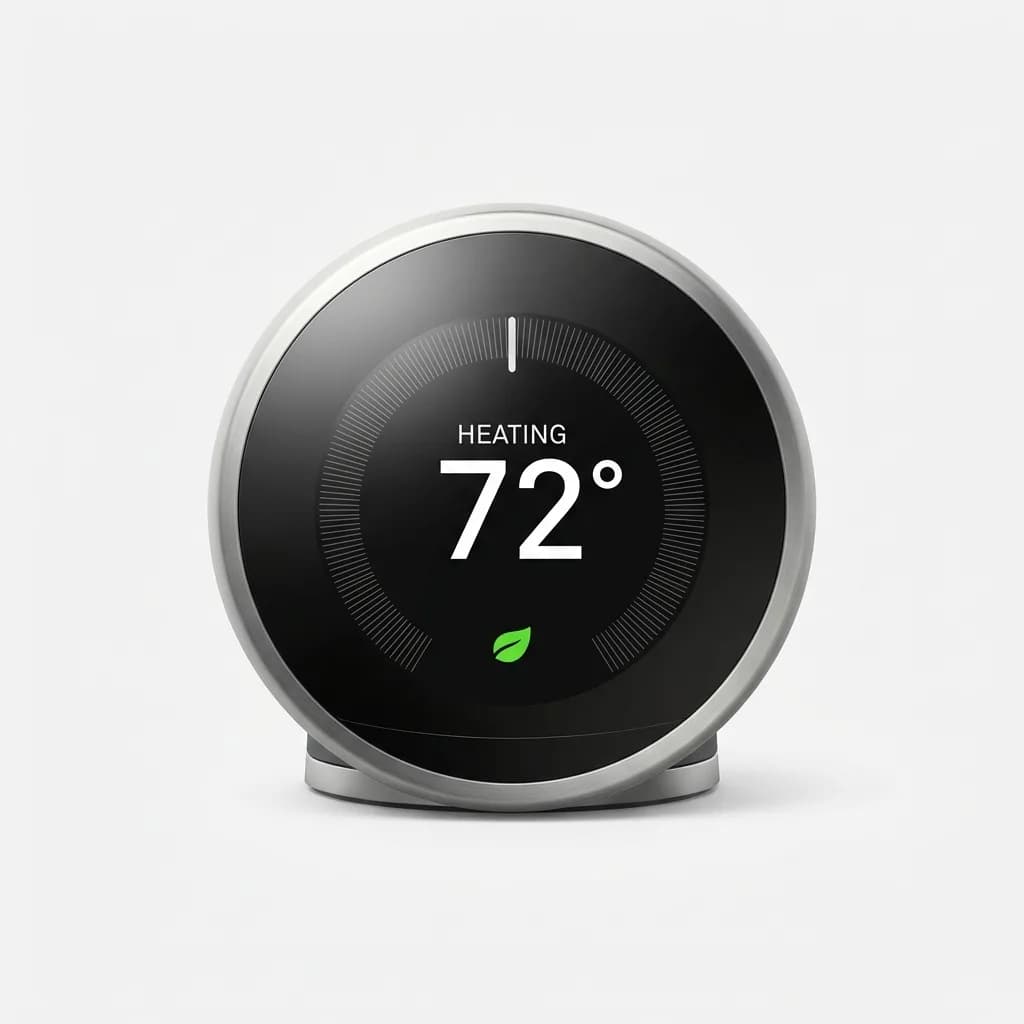
Google Nest Learning Thermostat (3rd Gen)
$249
Self-programming thermostat with auto-schedule, home/away assist, and energy history. Compatibility checker on Nest site confirms it works with your HVAC before purchase.
Installation takes 30-60 minutes if your existing thermostat has a C-wire (common wire for continuous power). If it doesn't, you'll need to either install one or use a power adapter. Both Nest and Ecobee include adapters, but running a new wire is cleaner. Check compatibility on the manufacturer's website before buying. Most systems work fine, but older setups or unusual configurations can cause issues.
The automation possibilities extend beyond simple schedules. Geofencing detects when you leave home and adjusts temperature automatically. Integration with door sensors triggers climate control when you arrive. Energy-saving modes kick in during peak utility rate hours. These small optimizations compound into serious savings.
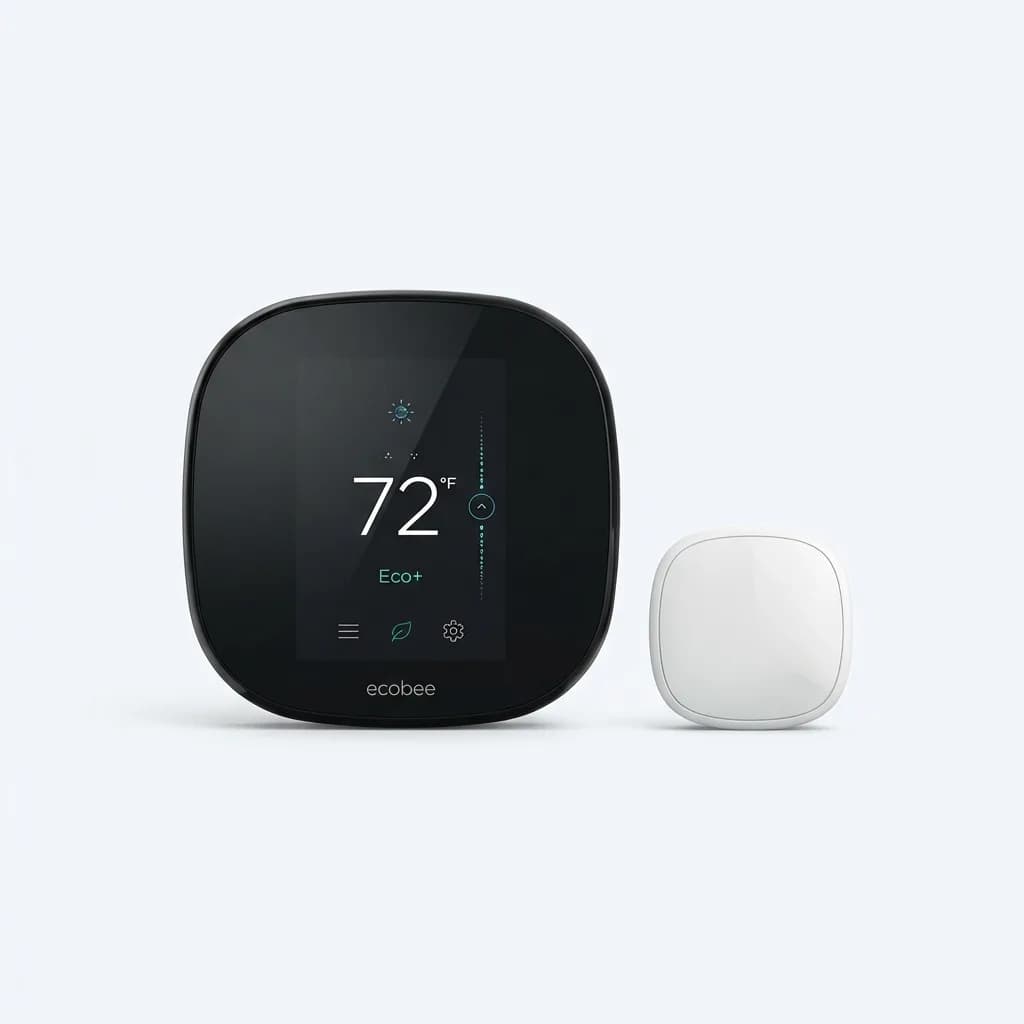
Ecobee SmartThermostat with Voice Control
$219
Premium thermostat with Alexa built-in, remote sensor included, and occupancy detection. SmartSensor compatible - add up to 32 sensors for multi-room temperature management.
Smart Security: Cameras, Locks, and Realistic Expectations
Security devices require more careful consideration than lights or thermostats. A flaky smart bulb is annoying. A flaky smart lock could lock you out of your house. For spots without Wi-Fi or power, see our best solar-powered security cameras that need no Wi-Fi.
Start with cameras, not locks. Wyze Cam v3 cameras cost $36 and punch well above their price point. 1080p video, color night vision, weather resistance, and free cloud storage for 14-day rolling clips. Paid subscription adds person detection and longer storage. These cameras aren't commercial-grade, but for monitoring a front porch or backyard they're excellent.
Arlo cameras go wireless with rechargeable batteries. That flexibility lets you mount them anywhere without worrying about power outlets. Video quality is sharp, the app is well-designed, and the AI detection distinguishes between people, vehicles, animals, and packages. The catch is cost. The cameras are expensive and advanced features require a subscription after a trial period.
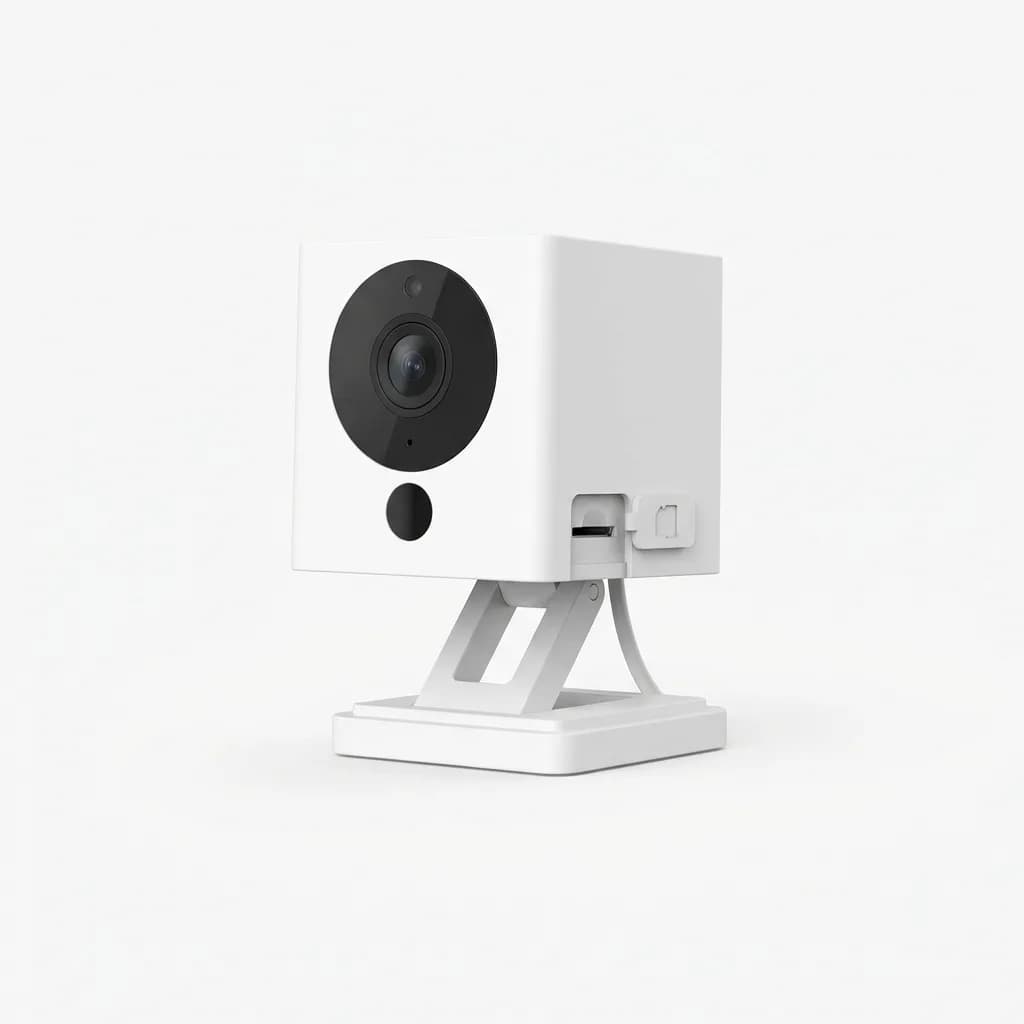
Wyze Cam v3 with Color Night Vision
$36
Budget-friendly 1080p indoor/outdoor camera with IP65 weatherproof rating, color night vision, and microSD card slot for local recording. 14-day free cloud storage included.
Smart locks make sense once you're comfortable with the ecosystem. August Smart Lock Pro installs over your existing deadbolt, which means you can still use physical keys if the electronics fail. Auto-lock and auto-unlock based on phone proximity work reliably. The downside is bulk - it's large and protrudes significantly on the interior side of the door.
Schlage Encode replaces your entire deadbolt. It's sleeker and includes a physical keypad for code entry without pulling out your phone. Built-in Wi-Fi eliminates the need for a separate bridge. Battery life averages 6-12 months on four AA batteries. The latch mechanism is solid and meets ANSI Grade 1 security standards.
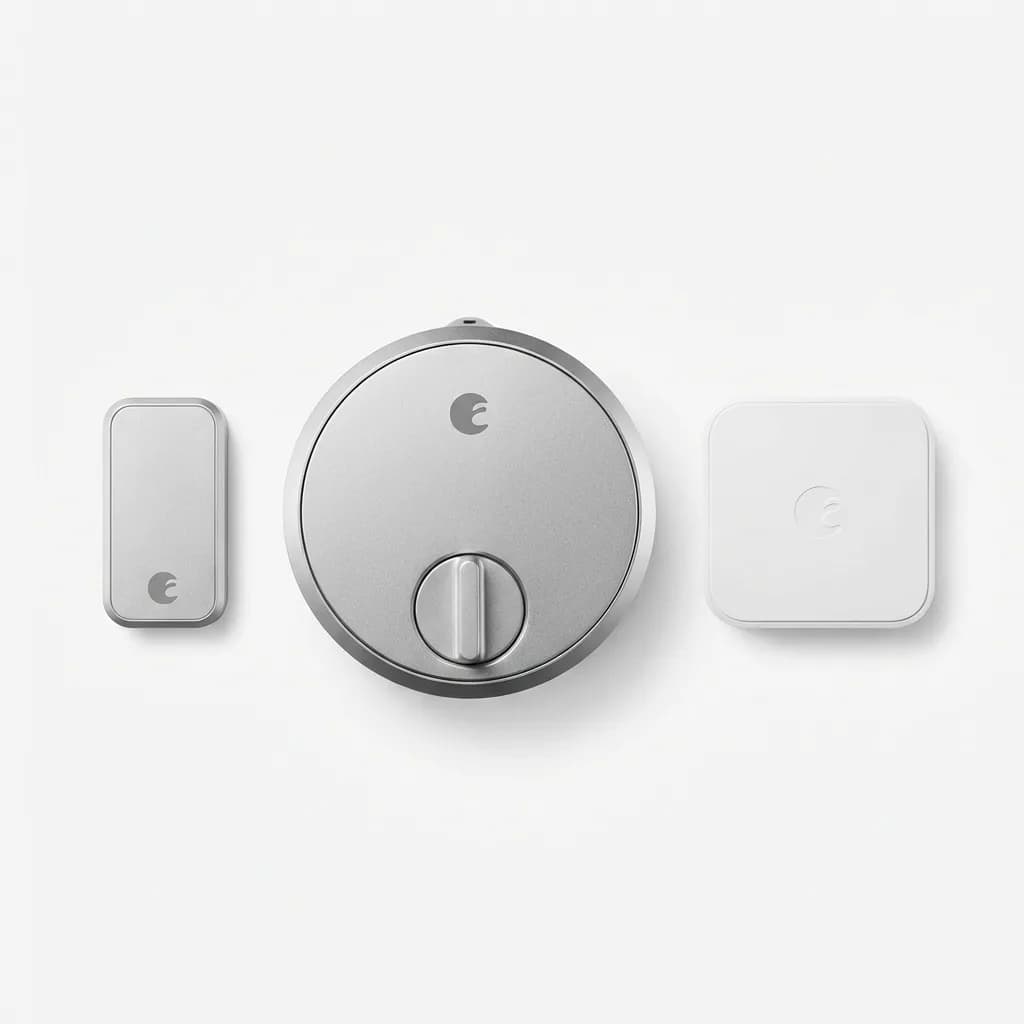
August Smart Lock Pro + Connect
$280
Retrofit smart lock that fits over existing deadbolt. DoorSense sensor detects if door is closed. Works with Alexa, Google, HomeKit, and includes Wi-Fi bridge for remote access.
Whatever you choose, enable two-factor authentication on every account. Use strong, unique passwords. Keep firmware updated. These basics matter more than the brand you pick. Most smart home security breaches exploit weak passwords or outdated software, not hardware vulnerabilities.
How Should I Expand My Smart Home Over Time?
Start with 3-5 devices in categories you'll use daily. Lights, thermostat, and one security device covers most bases. Live with that setup for a month. You'll quickly learn which automations you actually use versus which sounded good in theory.
Common second-wave additions include smart plugs for lamps and appliances, a robot vacuum, smart door sensors for automation triggers, and additional cameras. Smart plugs are cheap ($10-25 each) and add control to devices that aren't smart themselves. TP-Link Kasa and Wemo plugs work reliably with all major platforms.
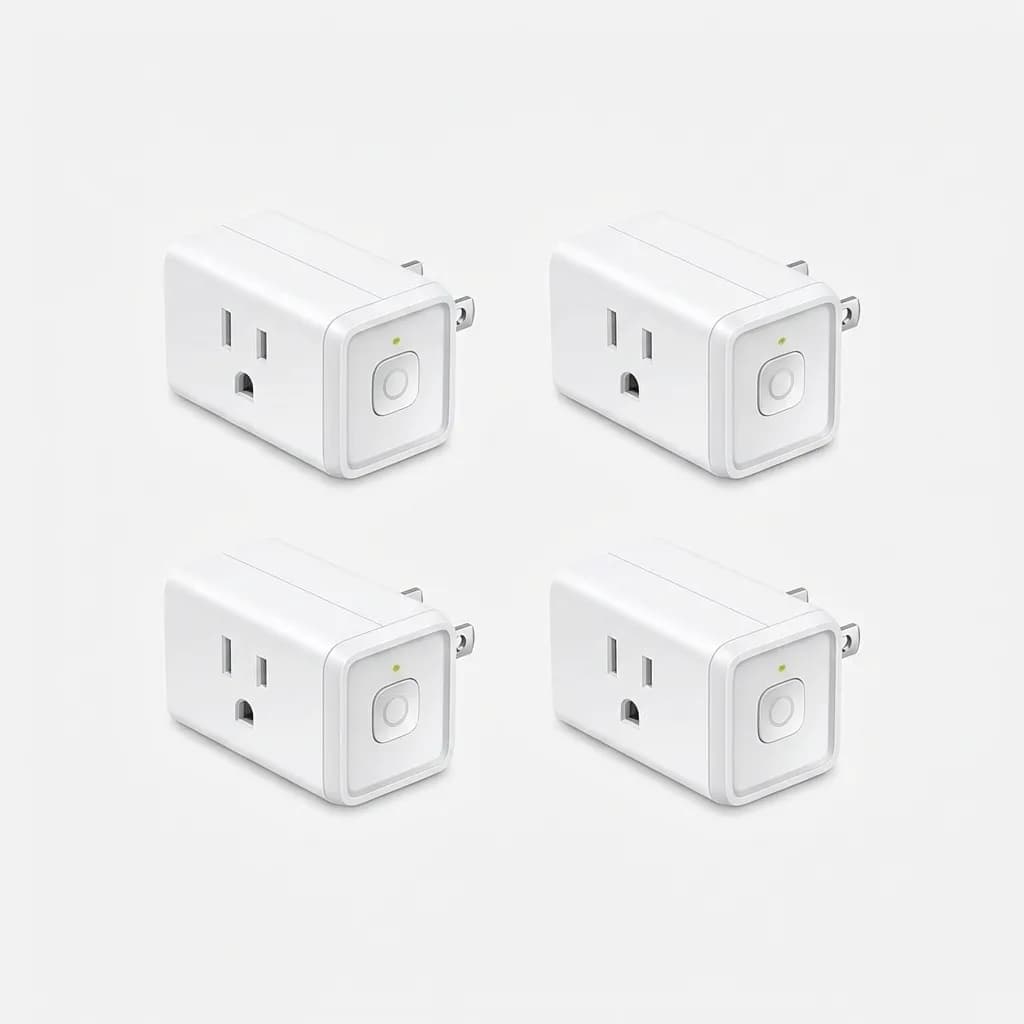
TP-Link Kasa Smart Plug Mini (4-Pack)
$30
Compact Wi-Fi smart plugs with energy monitoring, timer, and away mode. No hub required. Each plug fits in outlet without blocking adjacent socket.
Resist the urge to automate everything immediately. Smart blinds, smart sprinklers, smart garage openers - these all work, but they add complexity. Each new device is another thing to configure, update, and troubleshoot. Expand deliberately into areas where automation solves an actual problem rather than adding novelty.
Integration hubs like Hubitat or Home Assistant appeal to tinkerers who want local control and complex automation logic. They require technical comfort and ongoing maintenance. Most people are better served by sticking with Amazon, Google, or Apple ecosystems that handle updates automatically.
Privacy and Security: The Uncomfortable Conversation
Every smart home device is a potential entry point for hackers or unwanted surveillance. That's not paranoia, it's architecture. These devices connect to the internet by design, and anything connected can be exploited.
Segment your smart home devices onto a separate Wi-Fi network. Most modern routers support guest networks or VLANs. Put all IoT devices there, isolated from computers and phones holding sensitive data. If someone compromises your smart bulb, they can't pivot to your laptop.
Disable features you don't use. Many devices include always-on microphones or cameras. If you're not using voice control, turn it off. Cover cameras when not actively monitoring. Check privacy settings in companion apps - manufacturers often enable data sharing by default and bury the opt-out in submenus.
Review permissions regularly. Smart home apps request access to location, contacts, and other data unrelated to their core function. Deny everything except what's strictly necessary. Delete accounts and reset devices you no longer use instead of leaving them connected indefinitely.
The fundamental tradeoff is convenience versus privacy. Cloud-based systems (Amazon, Google) offer easier setup and more features but collect extensive data. Local systems (HomeKit, self-hosted) offer better privacy but require more technical effort. There's no perfect answer, only informed choices about which tradeoffs you'll accept.
Building a Smart Home That Actually Works
The difference between a useful smart home and an expensive mess comes down to planning. Choose one primary ecosystem and stick with it. Start with devices you'll use every day. Take time to set up automations properly instead of rushing through setup wizards.
Most importantly, remember that technology should reduce friction, not create it. If you're constantly troubleshooting connectivity issues or fighting with voice commands, something is wrong. A well-configured smart home fades into the background. Lights turn on when you need them. Temperature adjusts without thought. Doors lock automatically.
That's the goal. Not a house full of gadgets, but a home that anticipates your needs and gets out of your way.
The Weekly Dispatch
Enjoying this article?
Subscribe and get our best gear picks delivered every Sunday morning.
Related Posts
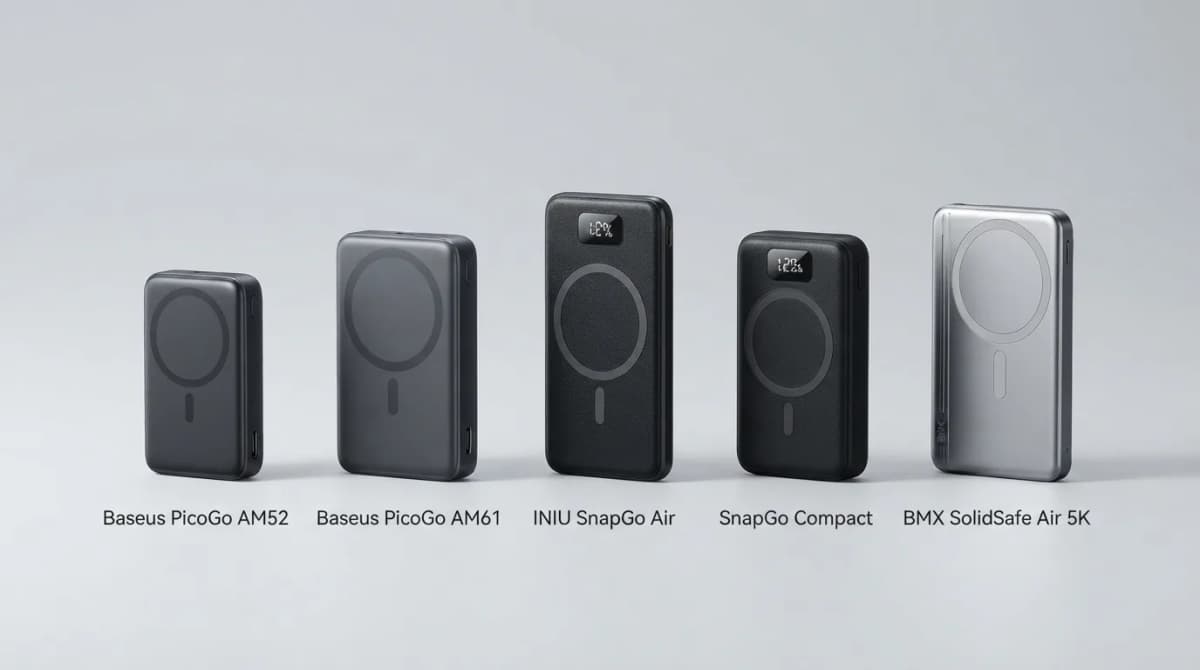
Best Qi2 Power Banks 2026 for iPhone and Android
The best Qi2 and Qi2.2 magnetic power banks for 2026: Baseus PicoGo AM52 and AM61, INIU SnapGo Air and SnapGo Compact, and BMX SolidSafe Air 5K. Prices at publish, Oct 2026.
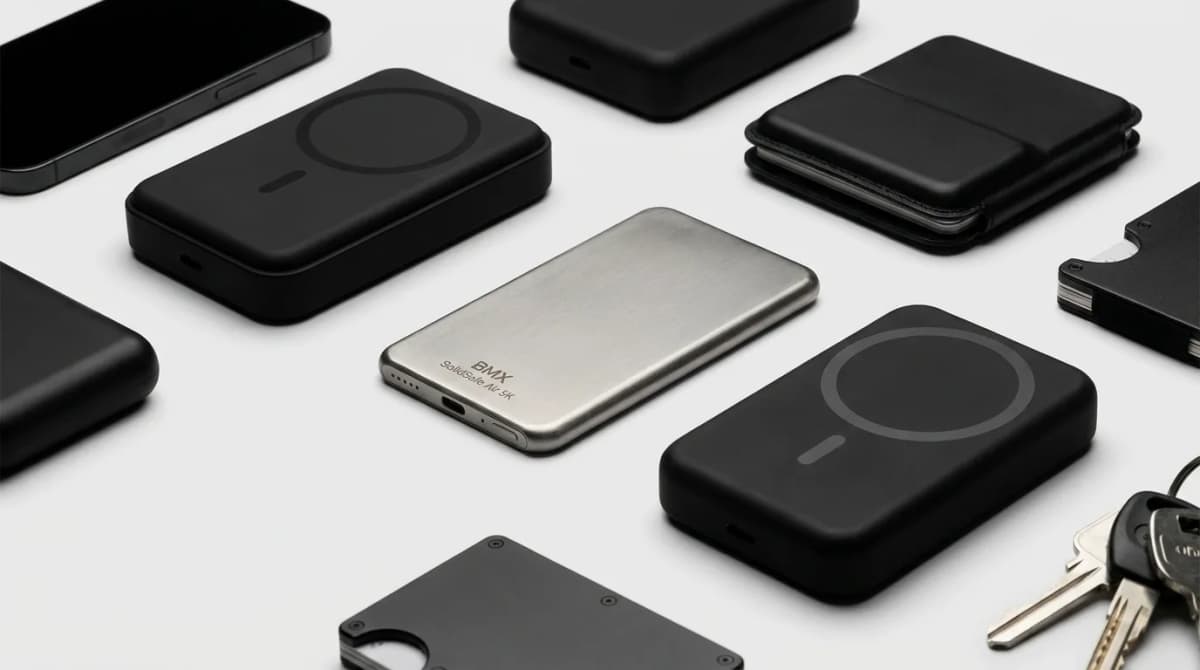
BMX SolidSafe Air 5K: Thinnest Qi2 Power Bank
Thick MagSafe banks die in the bag. BMX SolidSafe Air 5K hits 6.8mm titanium, Qi2 15W, and a semi-solid-state safety pitch — pocket-first EDC power, not another brick. Who buys, who skips.
Insta360 Link 2 Pro Review: Is It Worth It
The Insta360 Link 2 Pro brings gimbal stabilization and AI tracking to your desk. We break down its specs, features and price to see who it's for.

Best Smart Instant Photo Printer for Smartphones
Smart instant printers turn phone photos into tangible prints in seconds. We compare the top models by print quality, app features, and cost per photo.