Mechanical Keyboards for the Discerning Typist
For those who spend hours at their keyboard each day, the tactile experience of typing can be transformative. Mechanical keyboards have evolved from a niche enthusiast hobby into a mainstream choice for anyone who values...

For those who spend hours at their keyboard each day, the tactile experience of typing can be transformative. Mechanical keyboards have evolved from a niche enthusiast hobby into a mainstream choice for anyone who values precision, durability, and a personalized typing experience. Whether you're a developer, writer, or simply someone who appreciates quality tools, understanding mechanical keyboards can elevate your daily workflow.
Understanding Switch Types
At the heart of every mechanical keyboard lies its switches—the mechanism beneath each keycap that registers your keystrokes. Unlike membrane keyboards that use a rubber dome, mechanical switches employ individual spring-loaded mechanisms for each key, offering distinct tactile feedback and auditory characteristics.
Linear switches provide smooth, consistent keystrokes from top to bottom without any tactile bump or audible click. They're favored by gamers who need rapid key presses and typists who prefer a quiet, fluid motion. Cherry MX Red and Black switches are classic examples, while modern alternatives like Gateron Yellows have gained popularity for their smoothness at a lower price point.
Tactile switches offer a noticeable bump midway through the keystroke, providing feedback that confirms key actuation without requiring you to bottom out. This can reduce typing fatigue during long sessions. Cherry MX Brown switches are the gateway drug for many mechanical keyboard enthusiasts, while options like Boba U4T switches offer more pronounced tactility for those who want to feel every keystroke.
Clicky switches combine tactile feedback with an audible click, creating a satisfying typing experience that some find addictive. However, they're not ideal for shared workspaces. Cherry MX Blue switches are iconic in this category, though be prepared for colleagues to have opinions about your keyboard choice.
Keycap Materials and Profiles
Keycaps might seem like a superficial concern, but they significantly impact your typing experience. The two primary materials are ABS (Acrylonitrile Butadiene Styrene) and PBT (Polybutylene Terephthalate). ABS plastic is common on budget keyboards and develops a shiny, worn appearance over time. PBT is more durable, resists shine, and typically has a textured feel that many typists prefer.
Keycap profiles determine the shape and height of each key. The profile affects typing comfort and aesthetics. Cherry profile is low and slightly sculpted, offering a clean look that works well in professional settings. SA profile keycaps are tall and heavily sculpted, providing a retro aesthetic reminiscent of vintage terminals. DSA and XDA profiles are uniform height across all rows, making them ideal for alternative keyboard layouts.
The legend printing method also matters for longevity. Dye-sublimated legends are durable and won't fade, though they're typically only available in darker colors on lighter keycaps. Double-shot keycaps use two layers of plastic, creating legends that can never wear off—a premium option worth considering for a keyboard you'll use for years.
Form Factors and Layout Considerations
Mechanical keyboards come in various sizes, each with trade-offs between functionality and desk space. Full-size keyboards (100%) include the number pad and function row, maintaining the traditional layout most people grew up with. They're practical but consume significant desk real estate.
Tenkeyless (TKL) keyboards remove the number pad, creating a more compact footprint while retaining the function row and navigation cluster. This format has become increasingly popular among programmers and writers who rarely use the number pad but appreciate the extra mouse space.
Sixty-five percent keyboards strike a balance by including arrow keys and a few navigation keys while eliminating the function row. They're compact enough for travel yet functional enough for daily use. Seventy-five percent layouts compress the function row and navigation cluster vertically, offering full functionality in a minimal footprint.
For the minimalist, sixty percent keyboards strip everything down to alphanumerics and modifiers, accessing additional functions through layers activated by holding specific keys. There's a learning curve, but devotees swear by the efficiency once muscle memory develops.
Workspace Integration
A mechanical keyboard should complement your workspace rather than dominate it. Consider the acoustic environment—clicky switches that sound glorious in your home office might be disruptive in a shared workspace. Tactile or linear switches with dampening foam can provide satisfaction without disturbing others.
Cable management matters more than you'd think. Detachable USB-C cables offer flexibility and easier transport, while coiled cables add a custom aesthetic touch. Some premium keyboards support wireless connectivity via Bluetooth or proprietary dongles, though this typically adds weight and cost.
Ergonomics should factor into your decision, especially for extended typing sessions. Split keyboards like the Kinesis Freestyle or the Ultimate Hacking Keyboard allow natural shoulder positioning. Keyboards with adjustable angles or wrist rests can reduce strain, though many enthusiasts prefer keeping wrists floating rather than resting.
Conclusion
Choosing a mechanical keyboard is deeply personal—what feels perfect for one typist might not suit another. The investment in a quality mechanical keyboard pays dividends in typing comfort, durability, and the simple pleasure of using well-crafted tools. Start by identifying your priorities: Do you value portability, typing feel, aesthetics, or programmability? Try different switches if possible before committing, as the switch type fundamentally shapes your experience. Your keyboard is the primary interface between your thoughts and the digital world—make it count.
Related Reading
- LumenForge Review: CNC-Machined Aluminum Desk Lamp
- JADIL Smart Desk Lamp: RGB Transformable LED Light
- MOFT Z Review: Invisible Sit-Stand Laptop Desk
- Orbitkey Nest: EDC Desk Organizer with Wireless Charger
- Best Gadget Gifts for Tech Lovers
The Weekly Dispatch
Enjoying this article?
Subscribe and get our best gear picks delivered every Sunday morning.
Related Posts
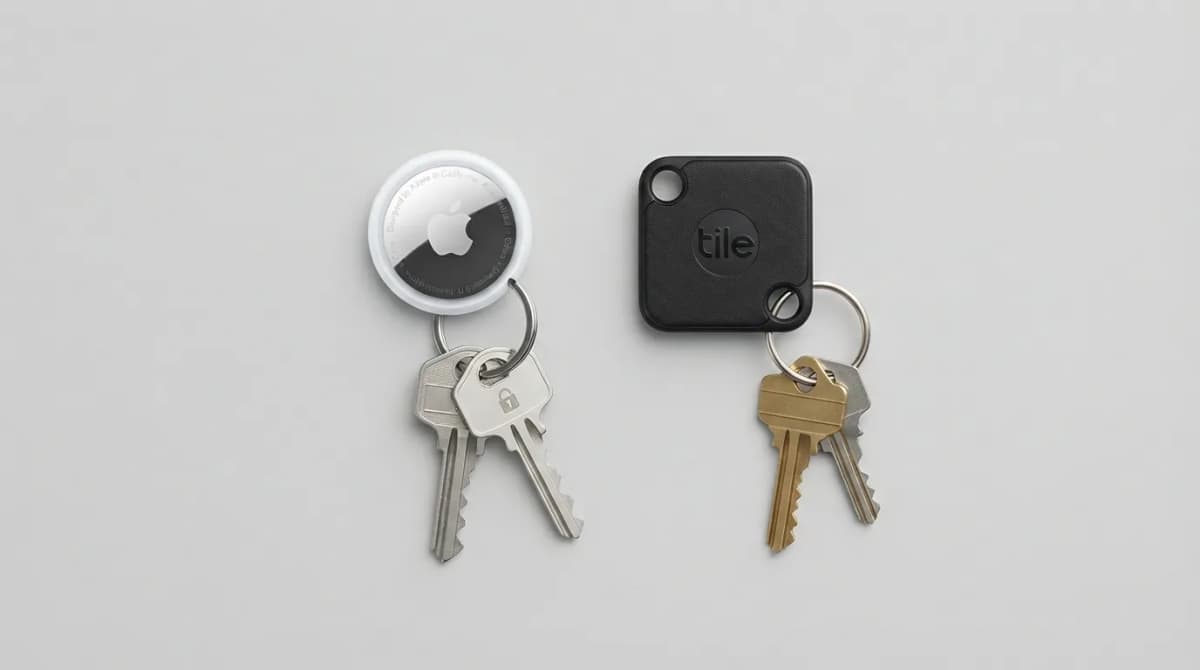
AirTag vs Tile Mate (2026): Which Key Tracker to Buy
Apple AirTag vs Tile Mate for keys: phone compatibility, range, battery and price compared from Apple and Tile maker pages, as of Oct 2026.
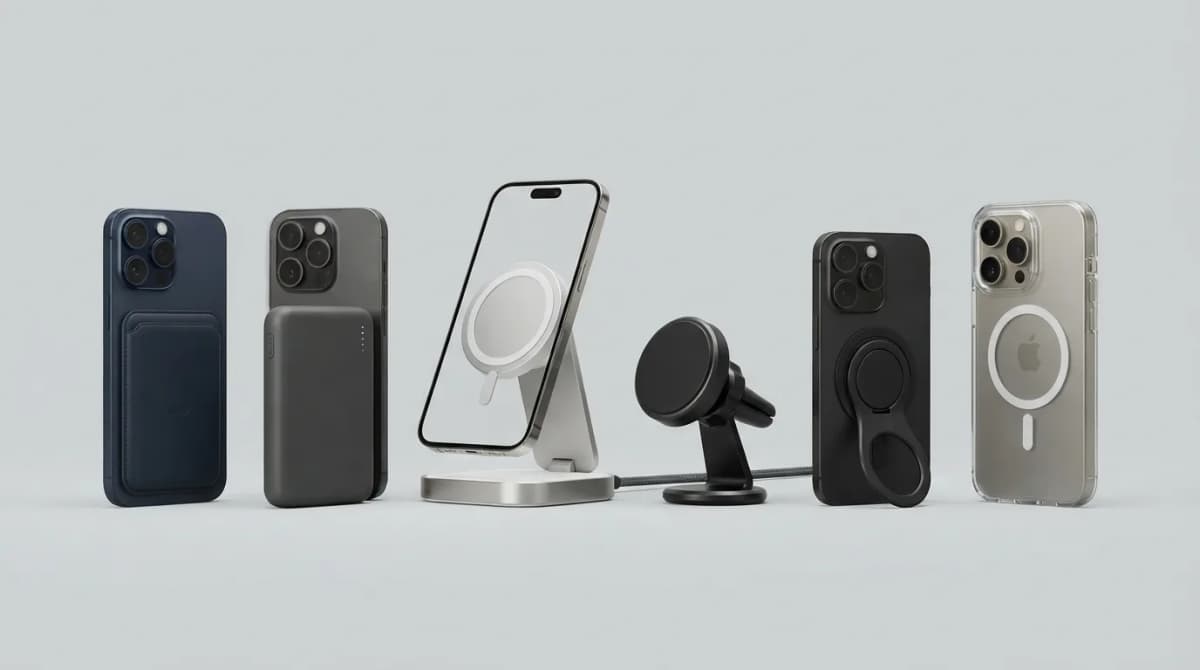
Best MagSafe Accessories for iPhone 18 Pro (2026)
MagSafe and Qi2 accessories for iPhone 18 Pro and Pro Max: wallets, power banks, a dock, car mount, grips, cases, a keyboard, a controller, an SSD and more, with maker specs and prices as of Oct 2026.
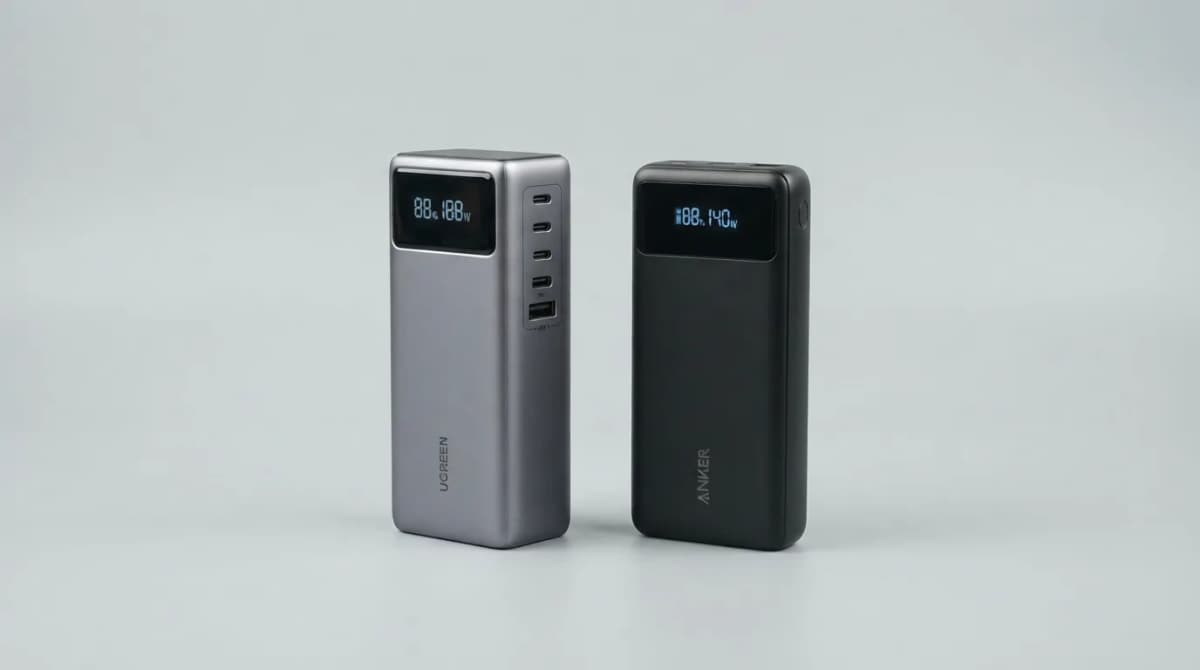
UGREEN Nexode 25000 vs Anker 737 Power Bank (2026)
UGREEN Nexode 25000mAh 200W vs Anker 737: two 140W laptop power banks compared on capacity, ports, recharge speed and weight from maker specs (Oct 2026).
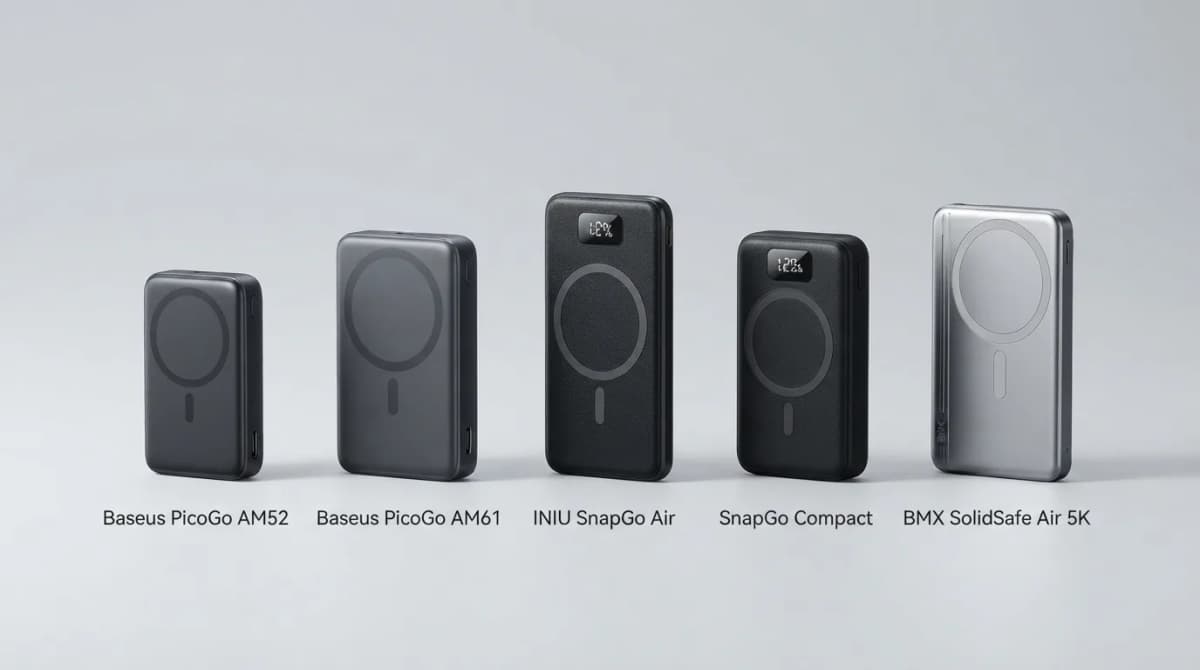
Best Qi2 Power Banks 2026 for iPhone and Android
The best Qi2 and Qi2.2 magnetic power banks for 2026: Baseus PicoGo AM52 and AM61, INIU SnapGo Air and SnapGo Compact, and BMX SolidSafe Air 5K. Prices at publish, Oct 2026.