Minimalist Desk Setup: Less Clutter, More Focus
A minimalist desk setup reduces distractions and boosts focus. Here's how to choose the right essentials and manage cables without sacrificing functionality.

Your desk has 14 items on it right now. You use three of them daily. The rest are friction.
Quick Picks
Our top recommendations at a glance:
- 1
- 2
- 3
- 4
- 5
A minimalist desk setup is not about owning less for the sake of aesthetics. It is about identifying what earns its place and removing everything else. The result is faster access to tools, fewer visual distractions, and a workspace that does not require maintenance every 48 hours.
Most desk organization advice focuses on storage solutions. That misses the point. Storage organizes clutter. Minimalism eliminates it.
Start by removing, not organizing
Before buying cable organizers or monitor arms, remove everything from your desk. Put it in a box. Add items back one at a time over the next week, only when you need them for a specific task.
This sounds extreme. It works because it forces you to confront what you actually use versus what you think you might need someday. That "someday" item has been sitting in the same spot for six months. It is clutter.
After one week, most people find they use 6-8 items regularly. A laptop or desktop, one or two peripherals, a notebook, a pen, maybe a drink. Everything else was occupying space without contributing value.
The items that do not make it back are not trash. They belong in a drawer, a shelf, or a different room. The key principle is that your desk surface is for active work, not storage.
Essential peripherals: quality over quantity
Once you know what stays on your desk, upgrade those items. A minimalist setup with cheap peripherals feels like deprivation. A minimalist setup with excellent tools feels like clarity.
Your keyboard matters more than you think. Most people use membrane keyboards that require bottoming out each key, which causes fatigue during long typing sessions. Mechanical keyboards with lighter actuation force reduce finger strain and improve typing speed.

Keychron K8 Pro Wireless Mechanical Keyboard
$109
Hot-swappable switches, 80% layout saves desk space, wireless with 240-hour battery, QMK/VIA programmable. Available in low-profile for even slimmer profile.
The Keychron K8 Pro removes the number pad, which cuts width by 3 inches and centers your mouse closer to your body. That reduces shoulder extension and wrist deviation. The wireless connection eliminates one cable immediately.
Mice follow the same logic. A wired gaming mouse with 12 buttons and RGB lighting works, but it is visual noise. A simple wireless mouse with two side buttons handles 99% of tasks.

Logitech MX Master 3S Wireless Mouse
$99
8,000 DPI sensor, horizontal scroll wheel for spreadsheets, quiet clicks, connects to three devices. Charges via USB-C, lasts 70 days per charge.
If you use a laptop as your primary machine, a stand is not optional. Laptops force you to look down, which compresses your cervical spine and causes neck fatigue. A stand raises the screen to eye level.

Rain Design mStand Laptop Stand
$49
Single-piece aluminum construction, raises MacBook/laptop 5.9 inches, cable management hole in base, matches Apple aesthetic. No assembly required.
The mStand is a solid block of aluminum. It does not wobble, it does not have moving parts to break, and it occupies minimal desk space. The single-cable passthrough keeps your charging cable accessible without sprawling across the desk.
Cable management that actually works
Cable management fails when it requires too much effort to add or remove a device. Velcro ties and cable sleeves look clean in photos, but they discourage you from unplugging devices because reassembly takes five minutes.
The best cable management is passive. It works without requiring you to wrap, tie, or reorganize anything.
Under-desk cable trays solve the primary problem: cables hanging in visible loops below your desk. A simple J-channel tray mounts under the desk edge with adhesive or screws and holds your power strip plus excess cable length.

Monoprice Under Desk Cable Management Tray
$18
15.7 inches long, open J-channel design for easy cable access, supports power strips up to 1.5 inches thick. Steel construction with white powder coat finish.
Route all power cables into the tray first. Then route device cables (keyboard, mouse, monitor) so they drop straight down from the device into the tray. This creates clean vertical lines instead of horizontal sprawl.
Magnetic cable holders work for the 2-3 cables you plug and unplug frequently. USB-C charging cables, phone cables, and headphone cables can sit in magnetic clips mounted to the desk edge. When you unplug them, they stay in place instead of falling behind the desk.

LISEN Magnetic Cable Holder (6-Pack)
$7
Silicone-wrapped magnetic clips hold cables up to 6mm diameter, 3M adhesive backing, can be repositioned multiple times. Fits Lightning, USB-C, and micro-USB cables.
For permanent cables, use adhesive cable clips along the underside of the desk. Space them every 12 inches to keep cables flat against the desk bottom. This takes 10 minutes to install and eliminates dangling cables permanently.
Avoid cable boxes that hide power strips. They trap heat, they make it impossible to see which outlet is in use, and they turn a simple task like unplugging a device into an archaeology project.
The aesthetic principle nobody mentions
A minimalist desk looks good in photos because of negative space, not because of the objects on it. Negative space is the empty area around objects. It gives your eye a place to rest.
When you add an item to your desk, you are not just adding that item. You are removing negative space. Each item has a visual weight that increases cognitive load.
This is why a desk with five well-chosen items feels calmer than a desk with ten organized items. The number matters more than the organization system.
Color consistency amplifies this effect. A desk with black peripherals, a silver laptop, a wood pen, and a white mug creates four different visual anchors. Your eye has to process each one separately. A desk where every object is black or silver reads as a unified surface.
This does not mean everything must match perfectly. It means limiting your color palette to 2-3 colors maximum. Black and silver work. Black and wood work. Black, silver, wood, white, and blue do not.
Monitor arms versus stands: when each makes sense
Monitor arms free up desk space and allow precise positioning. Stands are simpler and cheaper. The choice depends on your specific constraints.
A monitor arm makes sense if you: adjust monitor height frequently, use multiple monitors, or have limited desk depth. Arms clamp to the desk edge and position the monitor over the desk surface, which gains you 6-10 inches of usable depth.

Ergotron LX Desk Monitor Arm
$215
Supports 25 pounds, 20 inches of height adjustment, built-in cable management, polished aluminum finish. Clamp or grommet mount options, fits monitors up to 34 inches.
The Ergotron LX is the standard because it holds position without sagging over time. Cheaper arms use weaker springs that require constant re-tightening. That defeats the purpose of an adjustable arm.
Monitor stands work if you set your monitor position once and leave it. A stand occupies desk space but costs one-third as much as an arm and requires no installation.
For minimalist setups, stands have one advantage: they do not add visual complexity. A monitor arm introduces another object (the arm itself) into your peripheral vision. A stand disappears under the monitor.
What minimalism actually requires
You cannot maintain a minimalist desk without systems elsewhere. If your desk is clear but your drawers are chaos, you will avoid putting things away. They will accumulate on the desk instead.
Designate one drawer for daily items: chargers, adapters, notepads, pens. Use a simple drawer organizer to section it off. When you finish using an item, it takes three seconds to put it back. That low friction is what keeps the desk clear.

Madesmart Expandable Drawer Organizer
$13
Expands from 10 to 17 inches wide, soft-grip lining prevents sliding, eight compartments in various sizes. Non-slip rubber feet, BPA-free plastic with carbon filtration.
Establish a weekly reset ritual. Friday afternoon, before you close your laptop, remove everything from your desk and wipe it down. Put back only what you will use next week. This prevents slow accumulation.
The ritual also creates a psychological boundary between work and weekend. A clear desk signals completion. That small act of closure reduces the mental load of unfinished tasks bleeding into your off time.
Common mistakes that ruin the setup
The biggest mistake is confusing minimalism with deprivation. If you remove your desk lamp because it clutters the aesthetic, then work in dim lighting that causes eye strain, you have not improved anything. Minimalism removes what does not serve you. Good lighting serves you.
The second mistake is buying "minimalist" versions of items you do not need. A minimalist desk organizer is still clutter if you have nothing to organize. A minimalist pen holder is still clutter if you use one pen. Buy what you need after you identify the need, not before.
The third mistake is treating your desk as a showroom. A minimalist desk is a tool for work, not a backdrop for Instagram. If you spend more time arranging objects than using them, you have reversed the priority.
Some people need more items on their desk than others. If you reference four books daily, those books earn their place. The goal is not to match someone else's desk. The goal is to remove what you do not use so what you do use is immediately accessible.
Does this actually improve focus?
Visual clutter increases cognitive load. That is not subjective. Studies using fMRI show that physical clutter competes for attention and reduces working memory performance. Your brain allocates resources to tracking objects in your environment, even when you are not consciously looking at them.
Removing unnecessary items from your visual field frees those resources for actual work. You do not notice this as a dramatic shift. You notice it as slightly less friction when starting tasks and slightly less fatigue at the end of the day.
The effect compounds over time. A desk that stays organized without effort is a desk where you spend zero mental energy on maintenance. That energy goes somewhere else. Preferably into work that matters.
The Weekly Dispatch
Enjoying this article?
Subscribe and get our best gear picks delivered every Sunday morning.
Related Posts
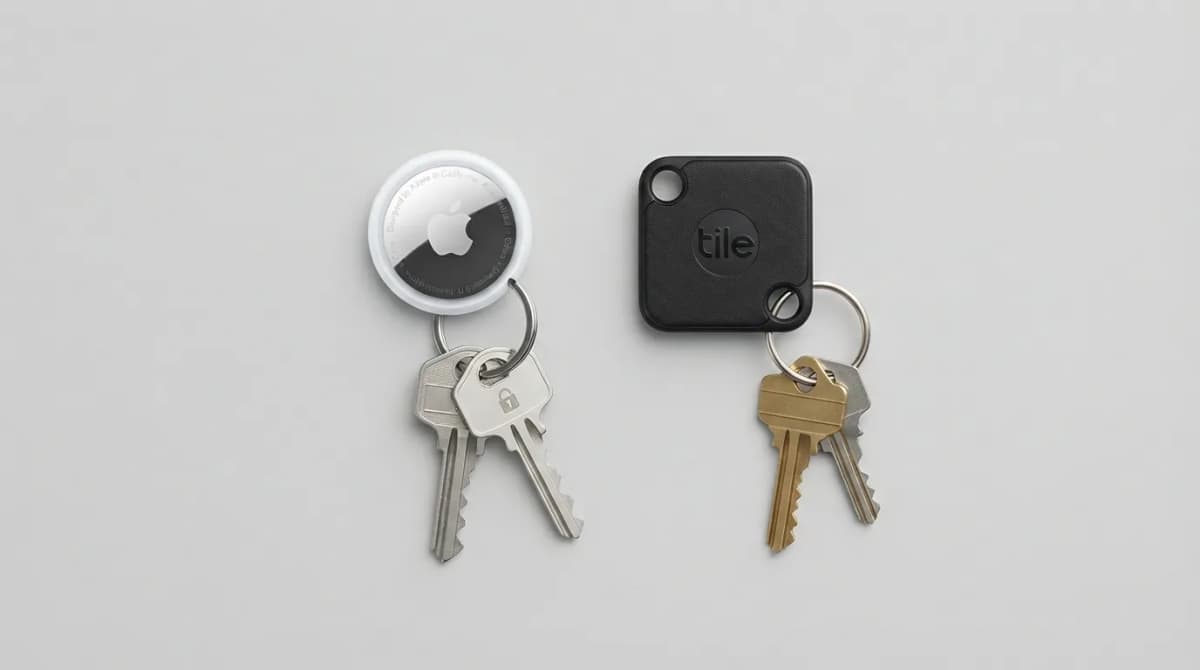
AirTag vs Tile Mate (2026): Which Key Tracker to Buy
Apple AirTag vs Tile Mate for keys: phone compatibility, range, battery and price compared from Apple and Tile maker pages, as of Oct 2026.
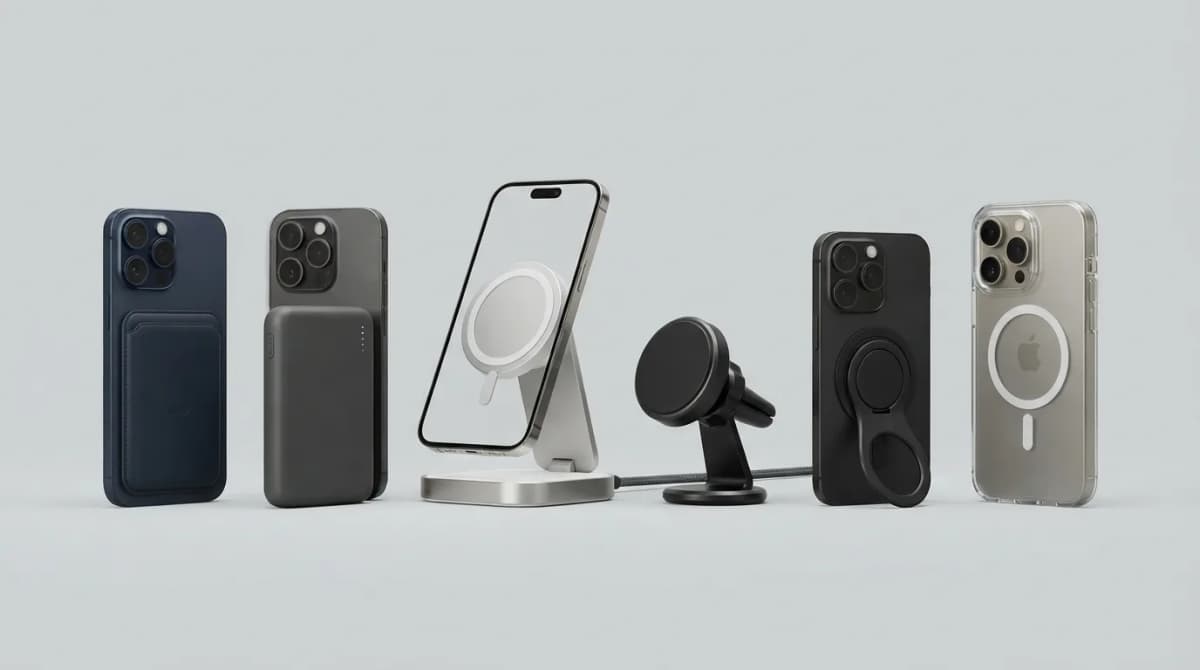
Best MagSafe Accessories for iPhone 18 Pro (2026)
MagSafe and Qi2 accessories for iPhone 18 Pro and Pro Max: wallets, power banks, a dock, car mount, grips, cases, a keyboard, a controller, an SSD and more, with maker specs and prices as of Oct 2026.
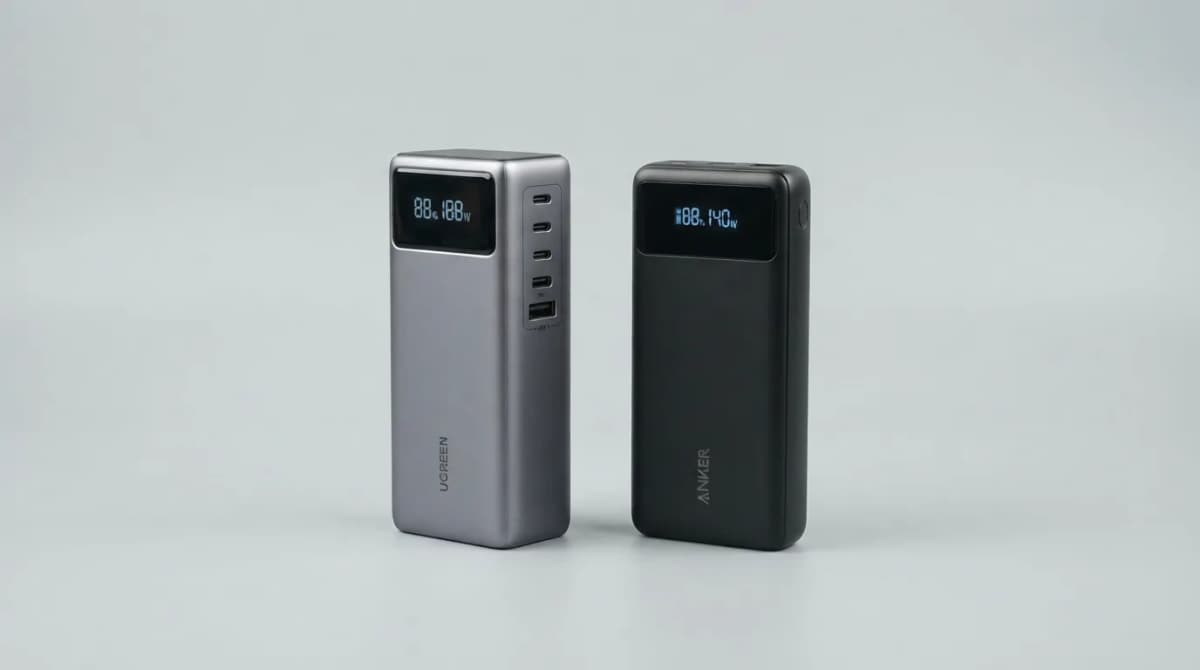
UGREEN Nexode 25000 vs Anker 737 Power Bank (2026)
UGREEN Nexode 25000mAh 200W vs Anker 737: two 140W laptop power banks compared on capacity, ports, recharge speed and weight from maker specs (Oct 2026).

Best Qi2 Power Banks 2026 for iPhone and Android
The best Qi2 and Qi2.2 magnetic power banks for 2026: Baseus PicoGo AM52 and AM61, INIU SnapGo Air and SnapGo Compact, and BMX SolidSafe Air 5K. Prices at publish, Oct 2026.