Bluetooth Codec Guide: What Actually Matters
Bluetooth codecs affect sound quality, but not how you think. We break down SBC, AAC, LDAC, and aptX to show what actually matters when buying wireless earbuds.
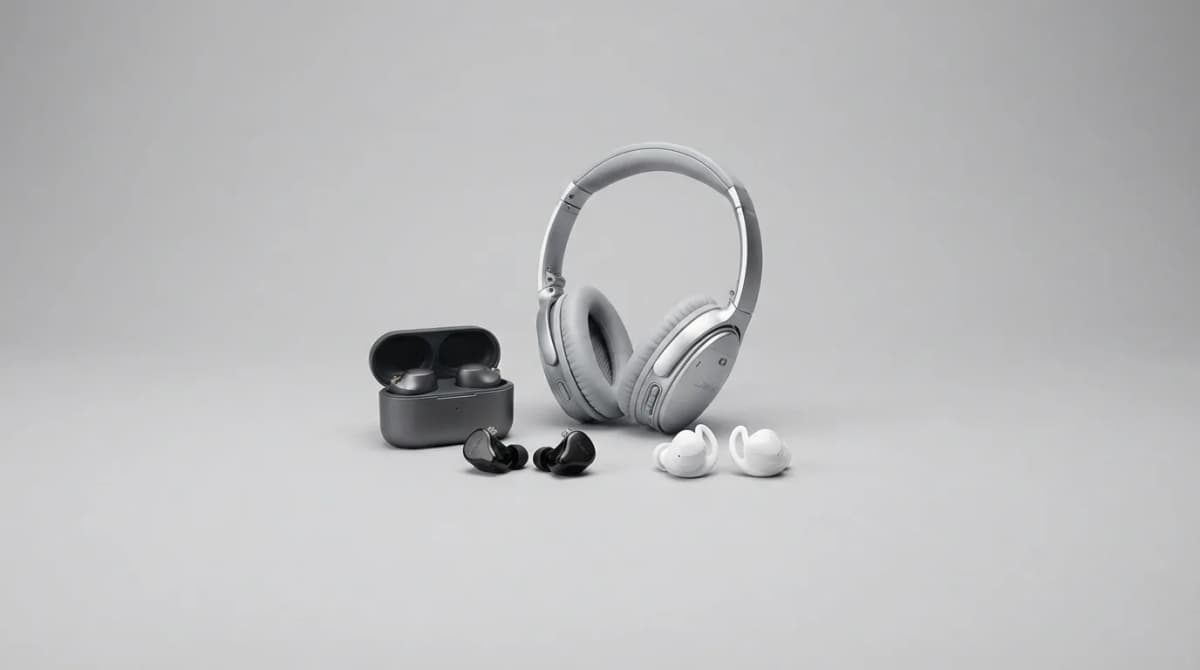
You're comparing wireless earbuds and one supports LDAC while another maxes out at AAC. Does it matter? Sometimes. But codec specs tell you less than you'd think, and device compatibility matters more than the spec sheet suggests.
Most people buy earbuds based on codec support without checking if their phone can actually use it. An iPhone will never send LDAC no matter what your headphones support. An Android phone might support aptX HD in theory but default to AAC in practice. We found that real-world codec performance depends more on the full signal chain than any single specification.
What Bluetooth codecs actually do
A Bluetooth codec compresses audio before transmitting it wirelessly, then decompresses it in your earbuds. That compression happens because Bluetooth bandwidth is limited. The codec determines how much data gets through, how it's compressed, and how much latency the process adds.
Every codec makes tradeoffs between audio quality, latency, power consumption, and device compatibility. SBC works everywhere but sounds mediocre. LDAC delivers higher bitrates but drains batteries faster. AAC performs well on iPhones but poorly on many Android devices due to implementation differences.
The source matters more than the codec in most cases. A 128 kbps Spotify stream won't sound better through LDAC because the codec can't recreate detail that was never there. Lossless files show codec differences more clearly, but even then, your ears might not catch what the spec sheet promises.
SBC: the universal baseline
SBC (Subband Codec) is the mandatory Bluetooth codec that every device supports. It maxes out around 328 kbps with a typical bitrate closer to 240-260 kbps. That's lower than AAC or LDAC, and you can hear it in busy passages where cymbals get smeary and vocals lose texture.
But SBC isn't always terrible. A well-tuned SBC implementation with a strong Bluetooth connection can outperform a poorly implemented higher-spec codec. Some manufacturers spend time optimizing SBC because they know it's the fallback everyone uses.
The real problem with SBC is consistency. Quality varies wildly between devices because the standard allows wide implementation latitude. One phone's SBC might sound acceptable while another's adds audible artifacts. You can't predict it from specs alone.
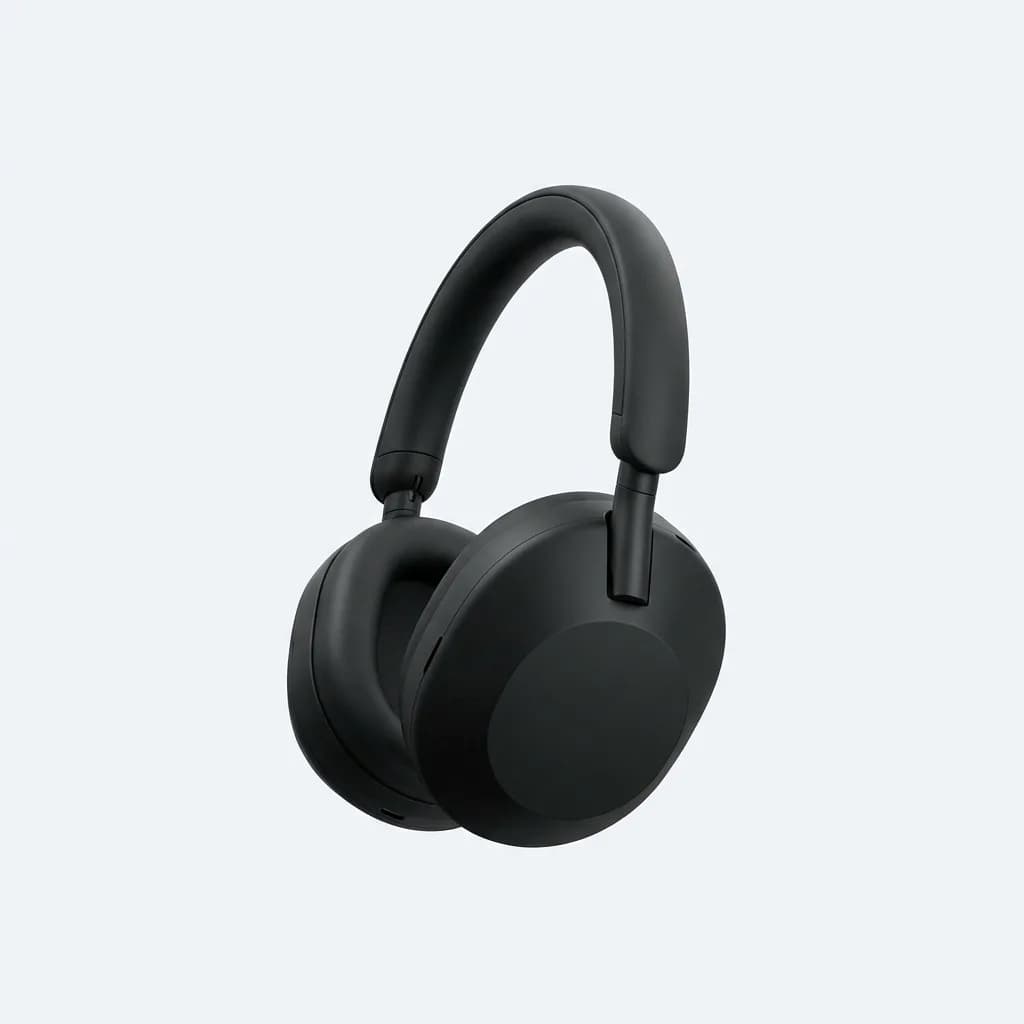
Sony WH-1000XM5
$398
Flagship ANC headphones with LDAC, AAC, and SBC support. Tuning quality makes even the SBC mode sound better than cheaper competitors' higher codecs.
AAC: great on iPhone, inconsistent on Android
AAC (Advanced Audio Codec) is the default high-quality codec on Apple devices and sounds excellent there. iPhones encode AAC natively before transmission, which reduces processing overhead and maintains quality. Bitrates typically run 250-320 kbps, comparable to good SBC but with better compression algorithms that preserve more detail.
On Android, AAC performance varies dramatically. Some phones handle it well. Others implement it poorly, adding latency or failing to maintain stable bitrates. Google's Pixel phones generally do AAC well. Budget Android devices often don't. There's no way to know without testing your specific phone model.
If you use an iPhone, AAC is your best option and the one you'll use most often. If you use Android, AAC might work great or might underperform SBC depending on your device. Check user reports for your specific phone model before assuming AAC will deliver better quality.
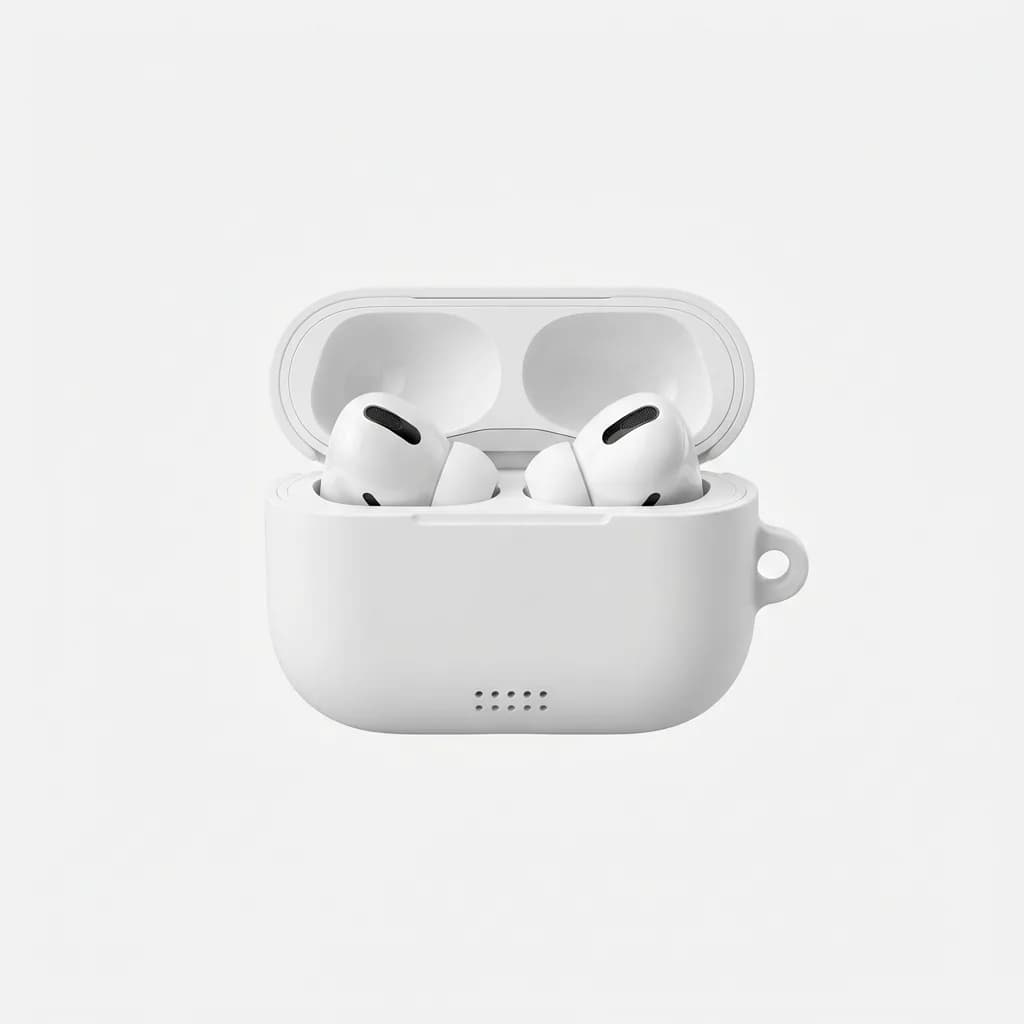
Apple AirPods Pro (2nd generation)
$249
Optimized for AAC codec on Apple devices with H2 chip for seamless iPhone integration and adaptive audio features.
LDAC: high bitrate when conditions align
LDAC is Sony's codec that supports bitrates up to 990 kbps, significantly higher than AAC or SBC. That extra bandwidth can preserve more detail from high-quality source files. In ideal conditions with lossless audio and a strong connection, LDAC delivers noticeably better clarity than lower-bitrate codecs.
But LDAC has quirks. It requires more power, which reduces battery life in both your phone and earbuds. It needs a stable connection because high bitrate modes are more susceptible to interference. Many devices default to LDAC's 660 kbps mode rather than 990 kbps to balance quality and stability.
LDAC only works with Android. iPhones don't support it at all. Even among Android devices, implementation quality varies. Some phones prioritize connection stability and drop to lower bitrates frequently. Others maintain high bitrates but at the cost of occasional dropouts.
The bigger question is whether you can hear the difference. With compressed Spotify or YouTube audio, LDAC's advantages disappear because the source is already limited. With lossless files, trained ears might catch slightly better instrument separation and less compression in complex passages. Casual listeners often can't tell LDAC from good AAC in blind tests.
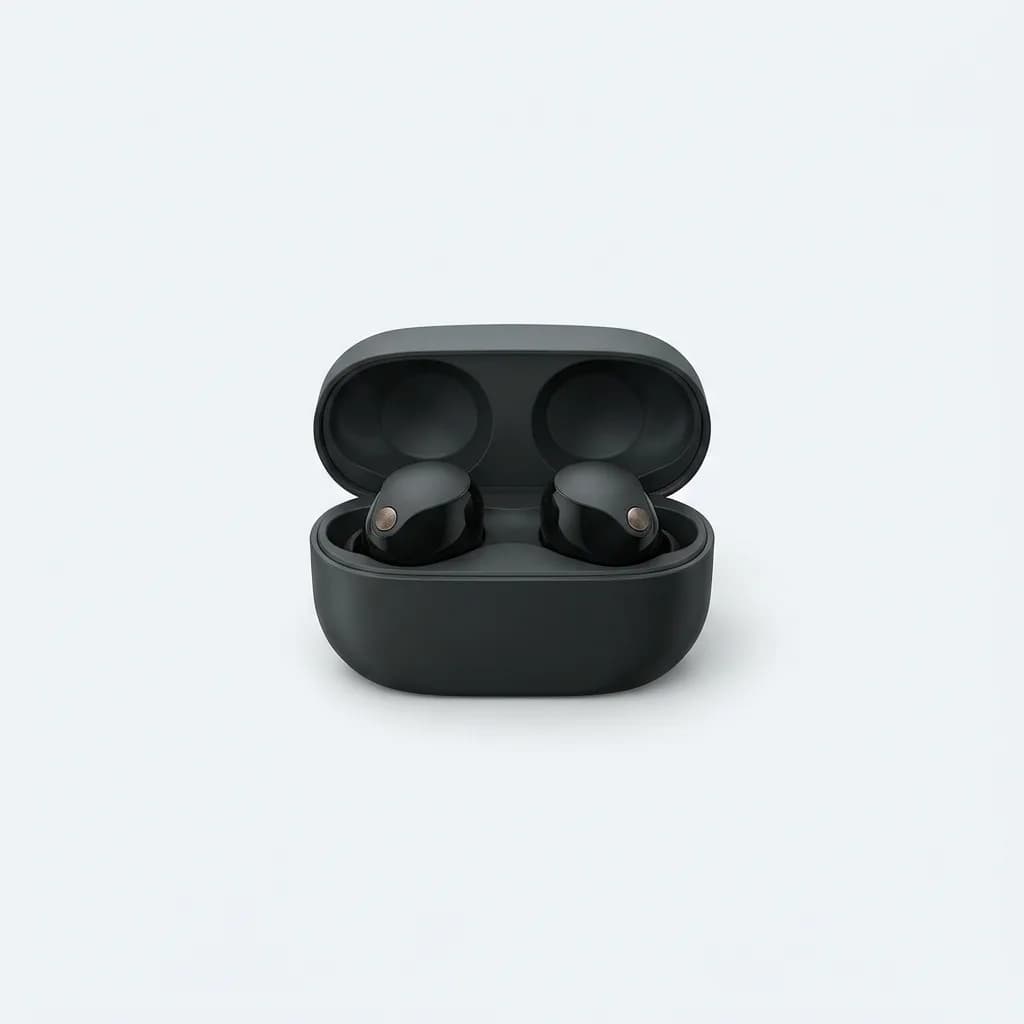
Sony WF-1000XM5
$298
True wireless earbuds with LDAC support, delivering up to 990 kbps bitrate on compatible Android devices with exceptional noise cancellation.
aptX and aptX HD: the Android alternatives
Qualcomm's aptX codec runs at similar bitrates to AAC (typically 352 kbps) but with lower latency, making it popular for gaming and video watching. aptX HD bumps the bitrate to 576 kbps for better quality. Both require Qualcomm chips in both the phone and earbuds, which limits compatibility compared to AAC or LDAC.
aptX sounds good when it works. The quality sits between AAC and LDAC in terms of detail preservation. Latency is noticeably lower than SBC or AAC, which matters if you're watching videos or playing rhythm games where audio sync is critical.
The main limitation is device support. Many newer phones have moved away from Qualcomm's chips, which means aptX support has actually decreased in recent flagship models. Samsung's Exynos-powered phones don't support it. Google Pixels dropped it after the Pixel 5. You need to verify that both your phone and your earbuds support aptX before counting on it.
aptX Adaptive tries to solve this by dynamically adjusting bitrate based on connection quality and content type. It scales from 276 kbps to 420 kbps, optimizing for either quality or latency depending on what you're doing. In practice, it works well but requires even more specific hardware support.
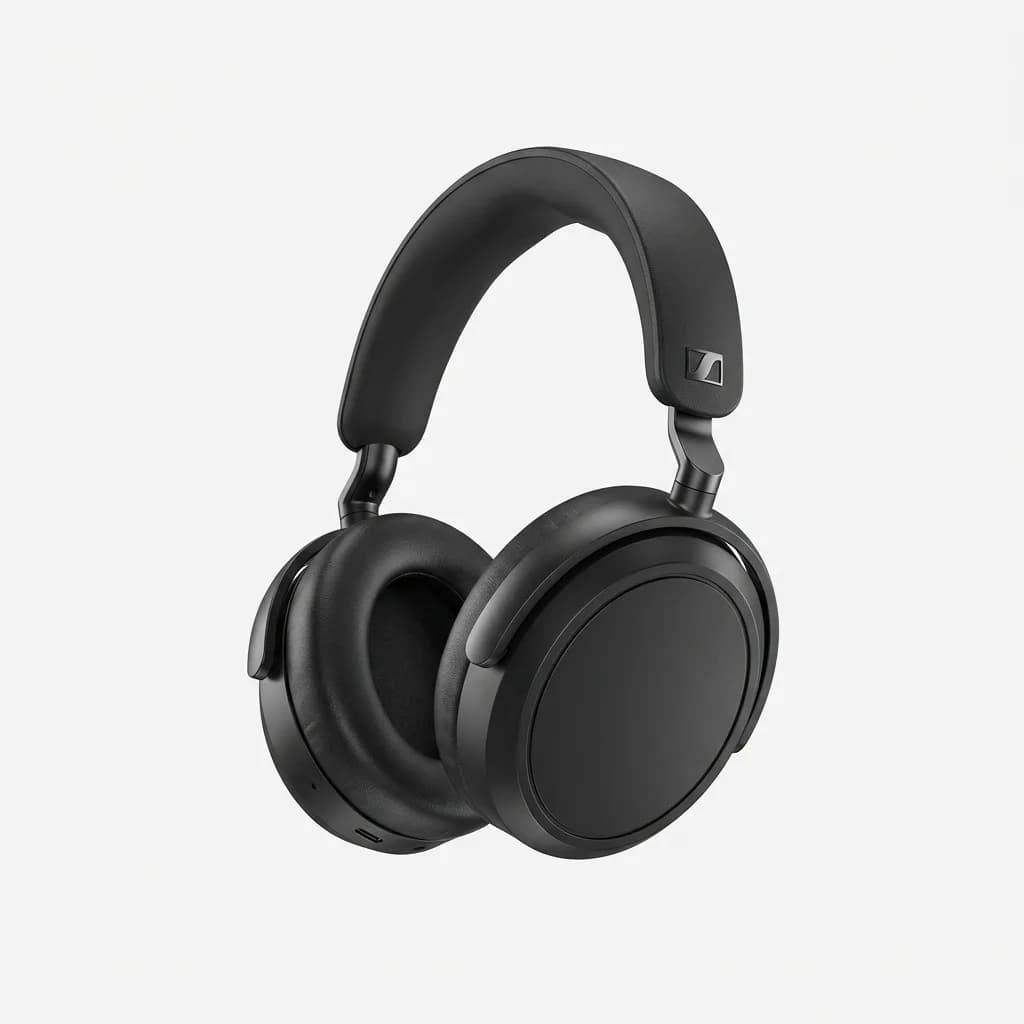
Sennheiser Momentum 4 Wireless
$380
Premium over-ear headphones supporting aptX Adaptive, AAC, and SBC with 60-hour battery life and exceptional audio tuning across all codec modes.
What actually matters when choosing earbuds
Codec support should factor into your decision, but it's not the top priority. Driver quality, tuning, fit, and features like ANC matter more for everyday listening satisfaction. A well-tuned earbud using AAC will sound better than a poorly tuned one using LDAC.
Check what your phone actually supports before prioritizing specific codecs. iPhone users should focus on AAC performance. Android users need to verify their phone's codec support, which varies by manufacturer and model. Developer options on Android let you check which codec is actively being used with your current earbuds.
Source quality matters more than codec specifications. If you stream compressed audio, high-bitrate codecs won't help much. If you listen to lossless files, LDAC or aptX HD make more sense. Match your codec priorities to your actual listening habits rather than theoretical maximum quality.
Connection stability trumps maximum bitrate. An earbud that maintains a solid AAC connection sounds better than one that keeps dropping from LDAC to SBC due to interference. Real-world reliability beats spec sheet bragging rights.
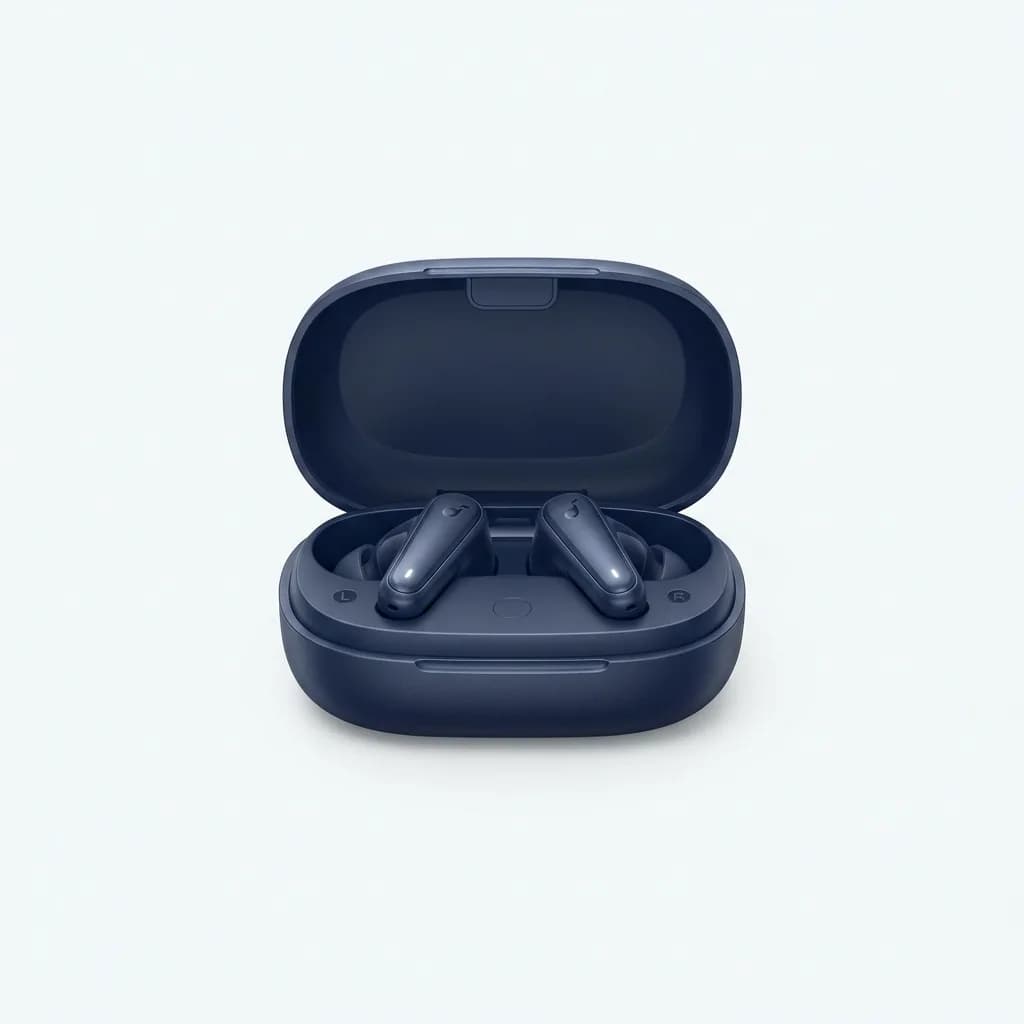
Anker Soundcore Space A40
$79
Budget wireless earbuds with LDAC support, adaptive ANC, and 50-hour battery life. Proof that codec support has reached affordable price points.
Matching devices for optimal codec performance
The codec you actually use is determined by the lowest common denominator between your phone and earbuds. If your phone supports LDAC but your earbuds only handle AAC, you get AAC. If your earbuds support everything but your phone only does SBC and AAC, those are your options.
This is where the buying decision gets practical. iPhone users benefit zero from LDAC or aptX support in their earbuds because iOS doesn't transmit those codecs. You're paying for features you can't use. Stick with earbuds optimized for AAC performance on Apple devices.
Android users need to check their phone's codec support in developer options or specifications. Flagship phones from different manufacturers support wildly different codec sets. A Samsung Galaxy might support Samsung's proprietary Scalable Codec plus AAC and SBC but not LDAC or aptX. A Sony Xperia supports LDAC natively. A Pixel supports AAC and LDAC but not aptX.
If you switch phones frequently or use multiple devices, prioritize earbuds that handle multiple codecs well rather than excelling at just one. Universal compatibility means you won't lose features when you upgrade your phone or switch ecosystems.
Testing codec differences yourself
Your ears are the final judge. Enable developer options on Android (tap build number seven times in settings) and you can force specific codecs to compare them directly. Switch between LDAC, AAC, and SBC using the same earbuds and source file to hear the differences yourself.
Most people find the gap between codecs smaller than they expected. In casual listening conditions with typical source files, AAC sounds nearly identical to LDAC for most content. The differences show up more clearly in quiet environments with high-quality source files and critical listening focus.
Blind testing reveals that codec differences are subtle compared to differences between earbud models. Tuning, driver quality, and fit create much larger sonic variations than codec choice alone. Use codec support as a tiebreaker between otherwise similar models rather than the primary decision factor.
Some earbuds let you prioritize connection stability over audio quality in their apps. This typically means favoring lower-bitrate modes for more reliable transmission. In areas with heavy wireless interference (gyms, airports, urban areas), dropping to a lower-bitrate codec often delivers better practical audio quality by eliminating stutters and dropouts.
The real takeaway is this: buy earbuds that sound good to you with your phone and your music. Codec support matters, but it's one factor among many. Don't let spec sheet anxiety override what your ears actually prefer.
The Weekly Dispatch
Enjoying this article?
Subscribe and get our best gear picks delivered every Sunday morning.
Related Stories
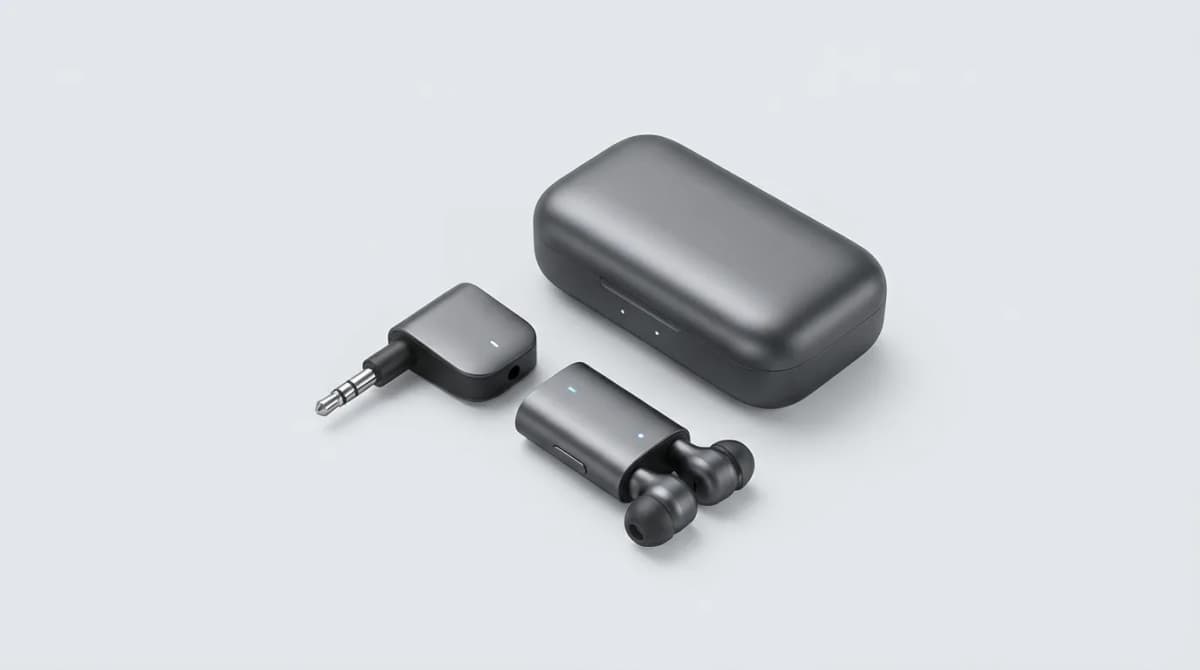
Best Bluetooth Adapter for Airplane Entertainment
Airplane entertainment systems still use wired headphone jacks, but the right Bluetooth adapter lets you use your wireless earbuds at 30,000 feet.
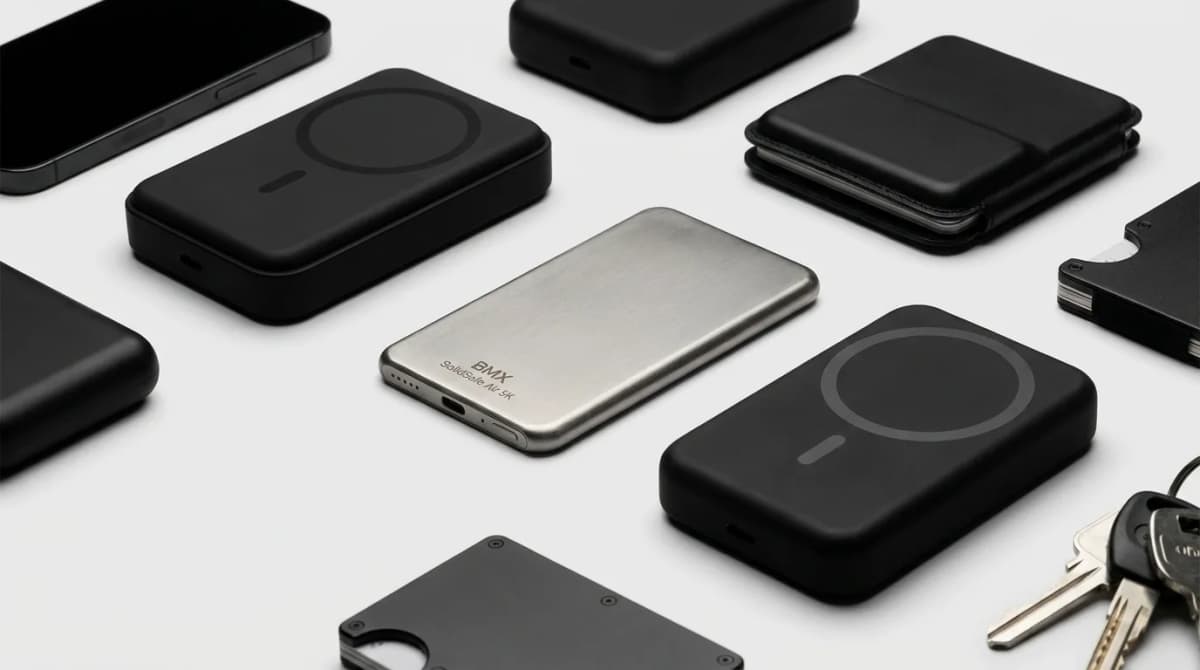
BMX SolidSafe Air 5K: The Thinnest Qi2 Power Bank You Actually Carry
Thick MagSafe banks die in the bag. BMX SolidSafe Air 5K hits 6.8mm titanium, Qi2 15W, and a semi-solid-state safety pitch — pocket-first EDC power, not another brick. Who buys, who skips.
Portable Lighting for Video Calls
Portable key lights beat buying a new webcam for Zoom and Teams. We compare mounts, color temperature ranges, and kits that actually travel.