One Charger Travel Setup: How to Do It
Eliminate charger chaos with one multi-port GaN brick. Here's how to calculate wattage, choose ports, and pack lighter without sacrificing power.
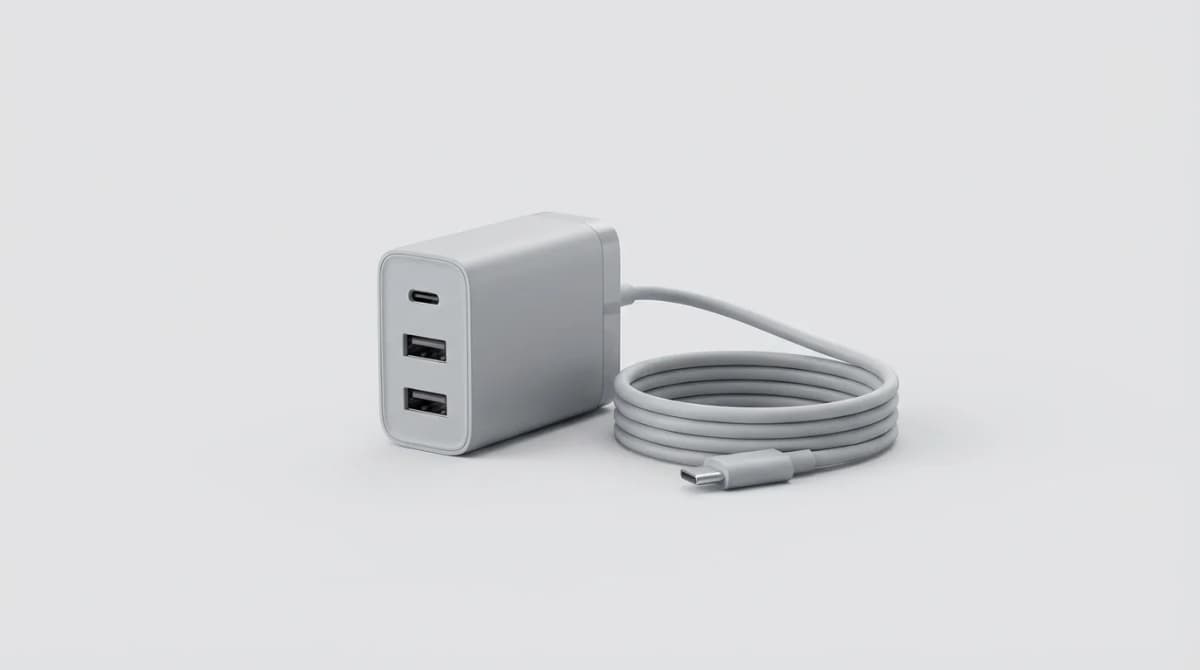
Most travelers pack 3-4 charging bricks for a weekend trip. That's 8-12 ounces of redundant silicon sitting in your bag. A single multi-port GaN charger replaces all of them, but only if you plan it right.
Quick Picks
Our top recommendations at a glance:
- 1
- 2
- 3
- 4
- 5
The trick isn't buying the biggest charger you can find. It's matching total wattage to your actual devices, understanding how ports share power, and avoiding the adapters that turn a clean setup into a fire hazard.
Add Up Your Device Wattage Requirements
Start with what you actually travel with. Most people carry a laptop, phone, and one or two accessories (watch, earbuds, tablet, camera battery). Each device has a maximum charging wattage it can accept.
Common devices pull these ranges: laptops 30-100W depending on screen size and GPU, phones 18-30W for fast charging, tablets 18-30W, smartwatches 5W, wireless earbuds 5W, camera batteries 10-15W. You don't charge everything simultaneously at max speed, but you need enough headroom for your two hungriest devices.
If your laptop needs 65W and your phone wants 27W, you're looking at 92W under worst-case simultaneous charging. That means a 100W charger gives you comfortable margin. A 65W charger would bottleneck. A 140W charger is overkill unless you're running a 16-inch MacBook Pro or gaming laptop.
Check your laptop's existing charger or specs sheet for its wattage. For phones, look up "[model name] fast charging wattage" because marketing terms like "SuperCharge" or "PowerDelivery" don't tell you the number.
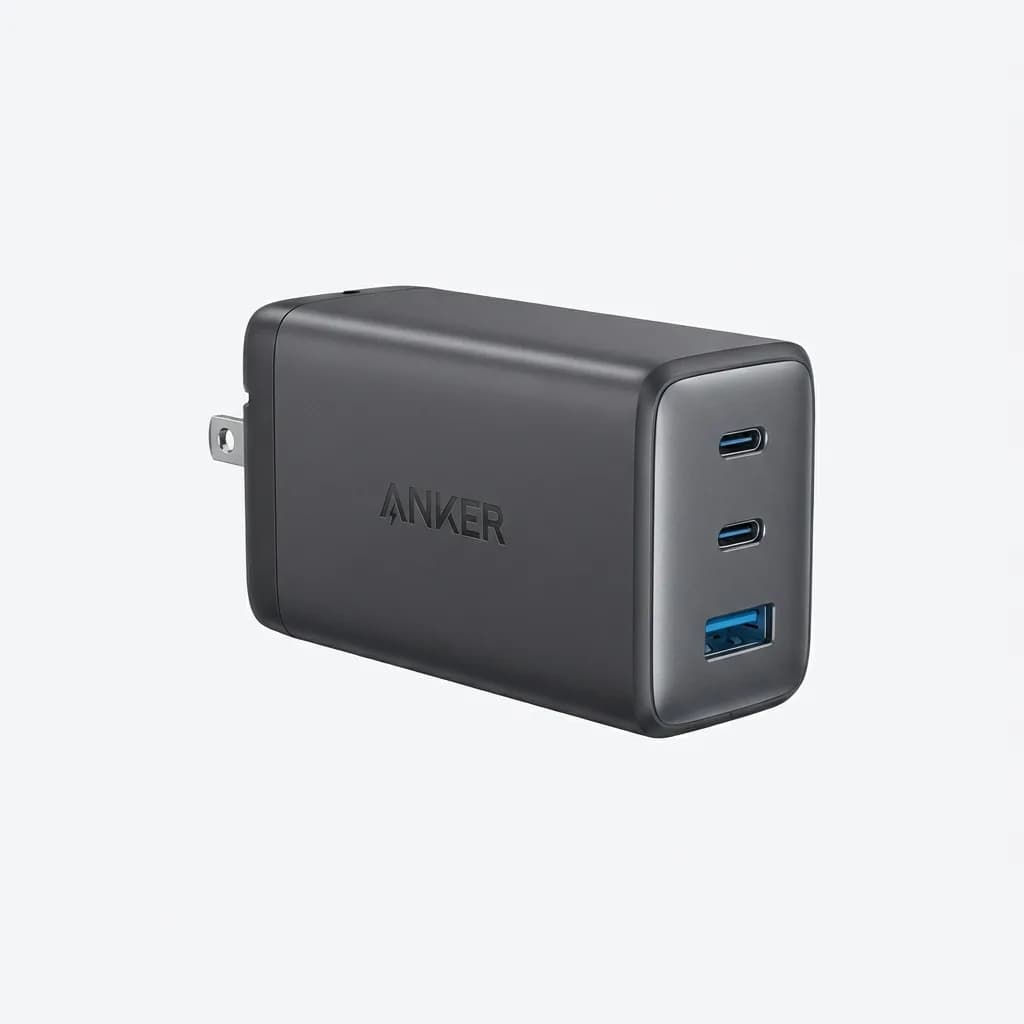
Anker 737 Charger (GaNPrime 120W)
$95
120W total with three ports (2x USB-C, 1x USB-A). Supports 100W single-port output for laptops. ActiveShield 2.0 temperature monitoring. Foldable plug.
Most 100W+ GaN chargers can handle two high-draw devices simultaneously without issue. It's the three-device scenario where things get interesting and port allocation matters.
How Multi-Port Chargers Split Power
This is where people get burned. A 100W charger doesn't give you 100W per port. It has a total power budget that gets divided based on what's plugged in.
Manufacturers print a power distribution chart on the charger or in specs. A typical 100W three-port model (2x USB-C, 1x USB-A) might work like this: single USB-C port in use delivers 100W, two USB-C ports deliver 65W + 30W or 45W + 45W depending on negotiation, all three ports drop to 45W + 30W + 18W.
The charger and devices negotiate via USB Power Delivery protocol. Higher-priority devices (laptops) usually grab the bigger slice. But this isn't guaranteed, which is why port selection matters.
Best practice: plug your laptop into the first USB-C port (usually labeled C1 or closest to the AC prongs). This port typically gets priority in the power hierarchy. Plug your phone into the second USB-C port. Use USB-A for low-draw accessories like watches or earbuds.
Some premium chargers like the Ugreen Nexode series use dynamic power allocation that actively shifts watts between ports based on real-time demand. Your phone finishing its charge? That power automatically redirects to your laptop. Cheaper chargers use fixed allocation tables that can't adapt.
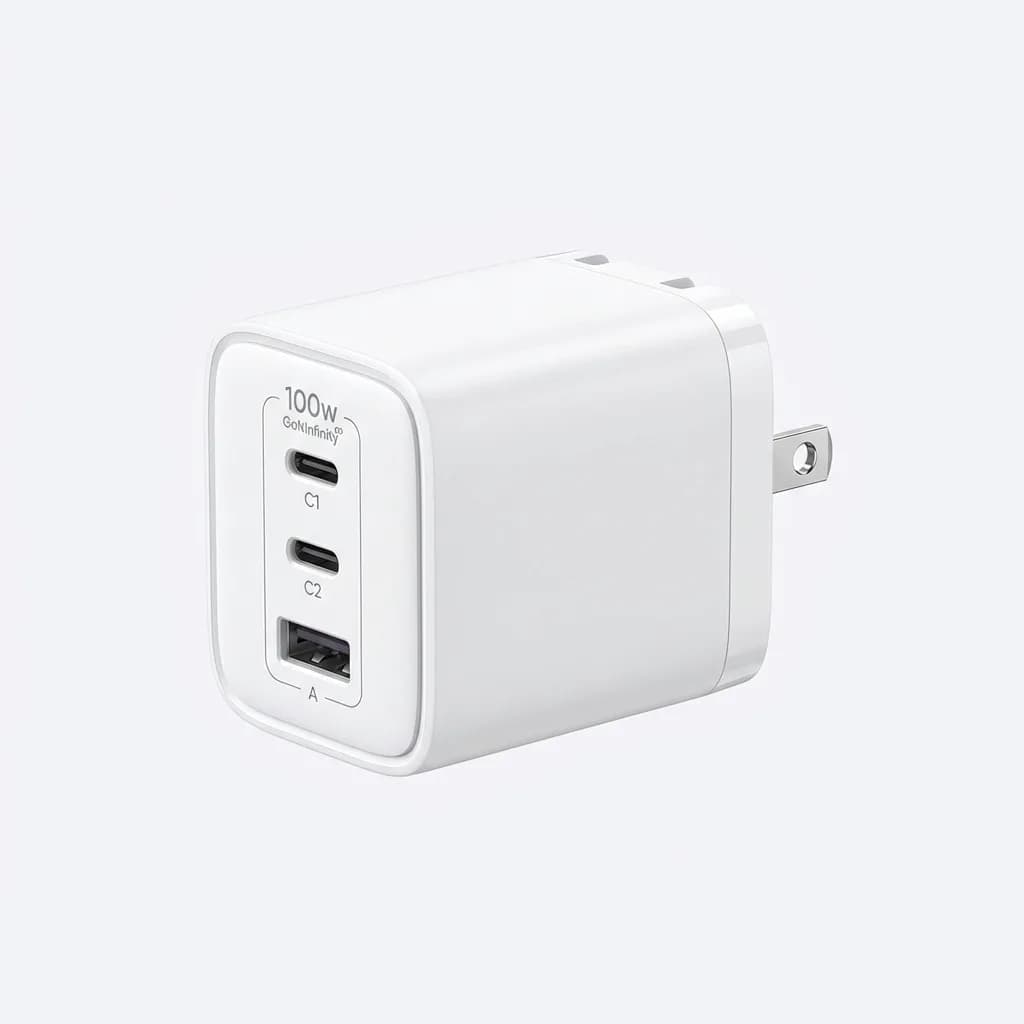
Ugreen Nexode 100W USB C Charger
$60
100W total, 3 ports (2x USB-C, 1x USB-A). GaNInfinity chip for dynamic power distribution. Compact 2.2 x 2.2 x 1.5 inch design with foldable plug.
One overlooked detail: charging speed depends on cable quality too. A 100W charger with a 60W-rated cable maxes out at 60W. Use cables rated for the wattage you need, not whatever came with your old phone. For international outlets, see our best universal travel adapter with USB-C.
The 65W vs 100W Decision
If you don't have a power-hungry laptop, 65W is the sweet spot for size and capability. It'll fast-charge any phone, tablet, and most 13-inch laptops while staying under 2 inches cubed and 5 ounces.
A 100W charger adds about an inch in one dimension and 2 ounces. That matters in a minimalist sling bag or coat pocket, but not in a backpack. The real question is whether your laptop accepts more than 65W.
MacBook Air (M1, M2, M3) ships with 30W or 35W but can accept up to 67W for faster charging. MacBook Pro 14-inch ships with 67W or 96W depending on chip config. MacBook Pro 16-inch needs 140W under load but will charge slowly on 100W. Windows ultrabooks typically want 45-65W. Gaming laptops and mobile workstations often need 100W+.
Here's the gotcha: a laptop might charge on 65W but throttle performance under heavy load. If you're rendering video or gaming while plugged in, 65W might not cover power draw plus battery charging. For email and browsing, it's plenty.
Travel frequency also matters. If you fly monthly, saving 2 ounces compounds. If you take two trips a year, get the 100W for headroom.
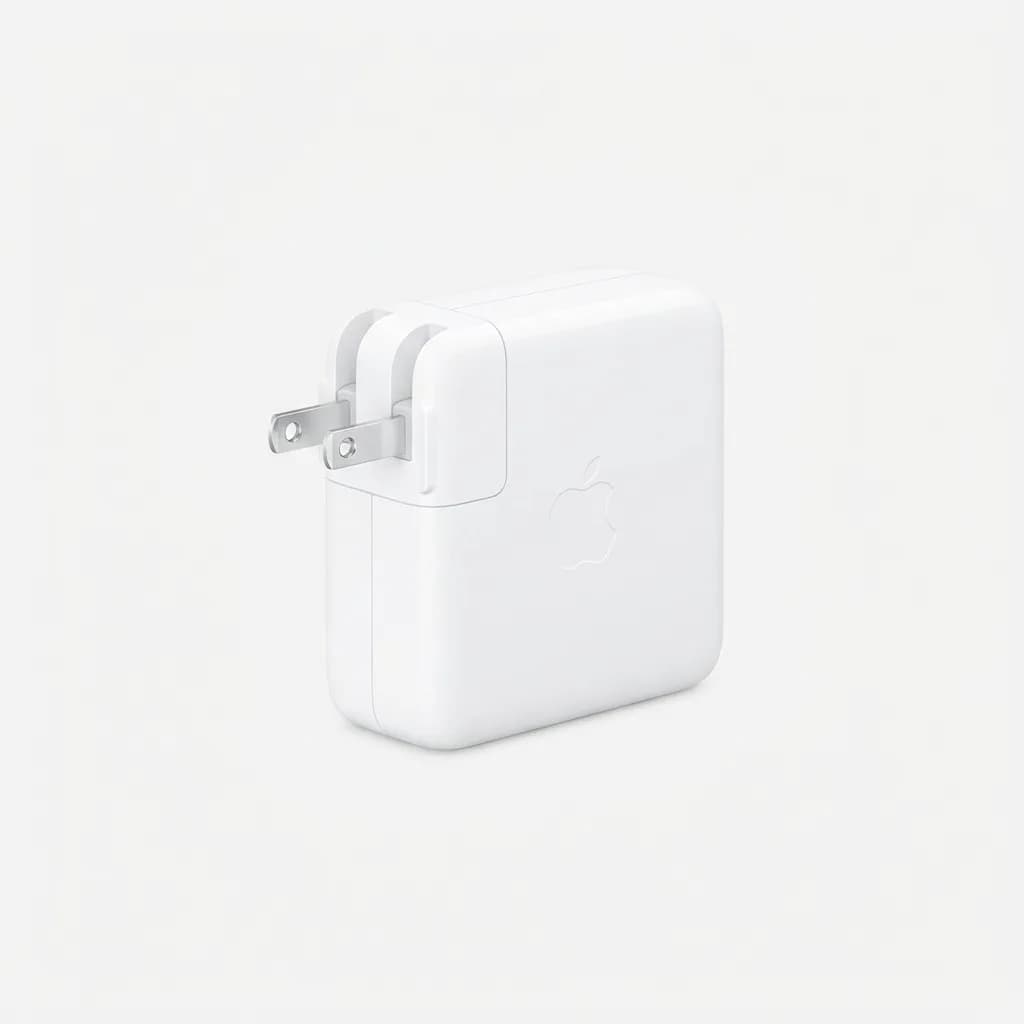
Apple 67W USB-C Power Adapter
$59
Official Apple charger with 67W output. Single USB-C port. Compact design with foldable prongs. Optimized for MacBook Air and MacBook Pro 13-inch.
International Travel and Adapter Safety
GaN chargers work on 100-240V, 50/60Hz automatically, which covers every country. You just need a physical plug adapter, not a voltage converter. This is standard for all modern electronics, but the adapter you choose matters more than most people realize.
Cheap multi-country adapters with sliding pins and a dozen plug configurations are convenient and also prone to loose connections, arcing, and overheating at high wattage. A "100W" rating on a cheap adapter is no guarantee it stays cool under sustained high-wattage draw.
Safer approach: buy individual grounded adapters for your destination regions. A UK adapter for Europe won't work, but a proper Schuko (Type F) adapter costs $8 and handles 100W without heat buildup. Japan needs Type A (same as US but check grounding). Australia/New Zealand use Type I.
Look for adapters with these features: grounded three-prong design, thick solid pins (not flimsy sliding mechanisms), and a wattage rating 20% higher than your charger (so 120W+ adapter for a 100W charger). Avoid adapters with built-in USB ports - they add unnecessary complexity and failure points.
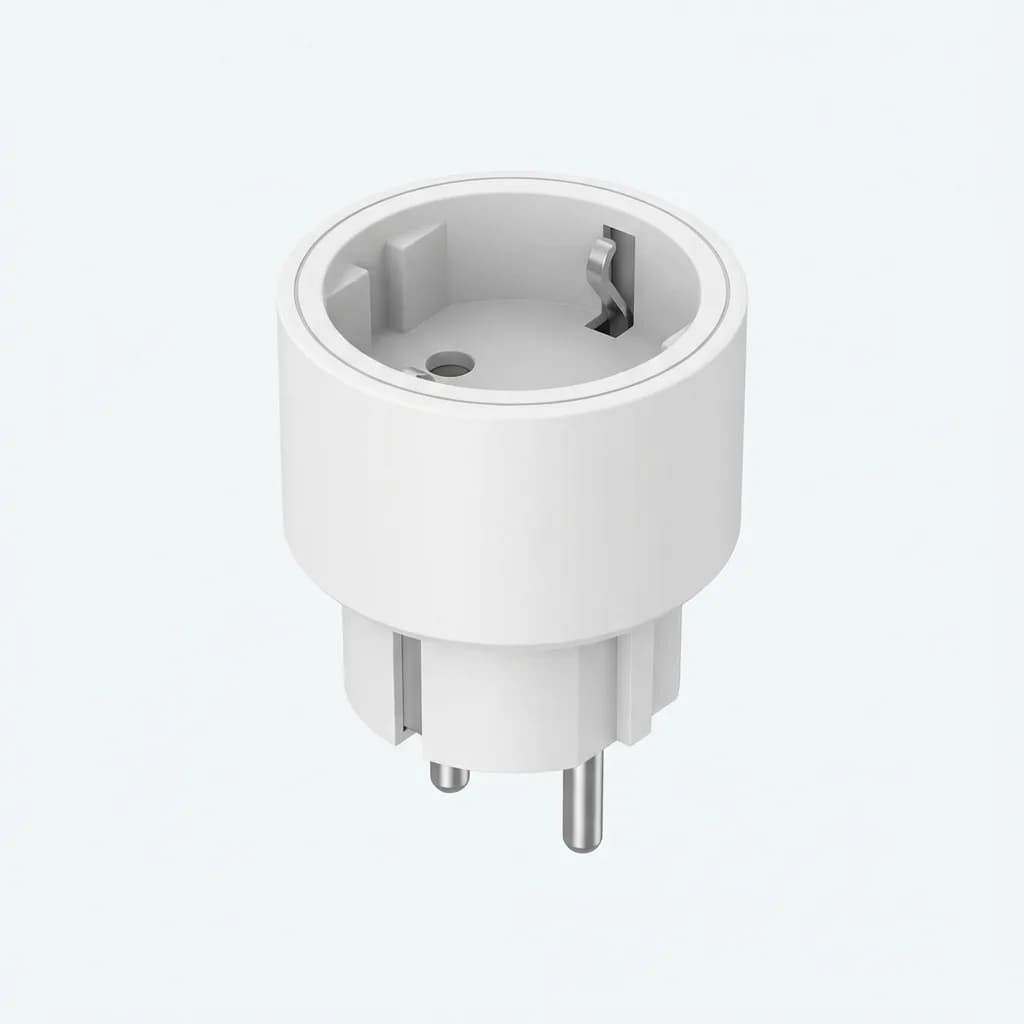
TESSAN Type C to Type F Adapter
$9
Grounded Schuko adapter for Europe. Solid build, rated for 2500W. Fits Type C and Type F outlets. No USB ports, just reliable plug conversion.
One mistake we see constantly: using ungrounded two-prong adapters with high-wattage chargers. It works, but you lose the safety ground that protects your devices (and you) if something goes wrong. Always match the grounding - if your charger has three prongs, your adapter should too.
What About Wireless Charging and Battery Banks
Wireless charging pads sound appealing for reducing cables, but they kill the one-charger concept. A Qi pad needs its own USB-C input, which means you're using one of your precious charger ports to power it. You might as well plug your phone directly into the charger.
The only scenario where wireless makes sense: you have a three-port charger and only two devices that need wired charging. Then a small foldable Qi pad can charge your phone or earbuds overnight without occupying an outlet.
Battery banks are different. They don't replace your wall charger - they complement it. A 20,000mAh power bank with USB-C input charges from your GaN charger during downtime, then powers your devices when you're away from outlets.
The key is getting a power bank that charges quickly. Older models max out at 18W input, taking 4-5 hours to fully charge. Modern ones accept 45-65W input and fill in 90 minutes. This lets you top up during a lunch break instead of leaving it plugged in overnight.
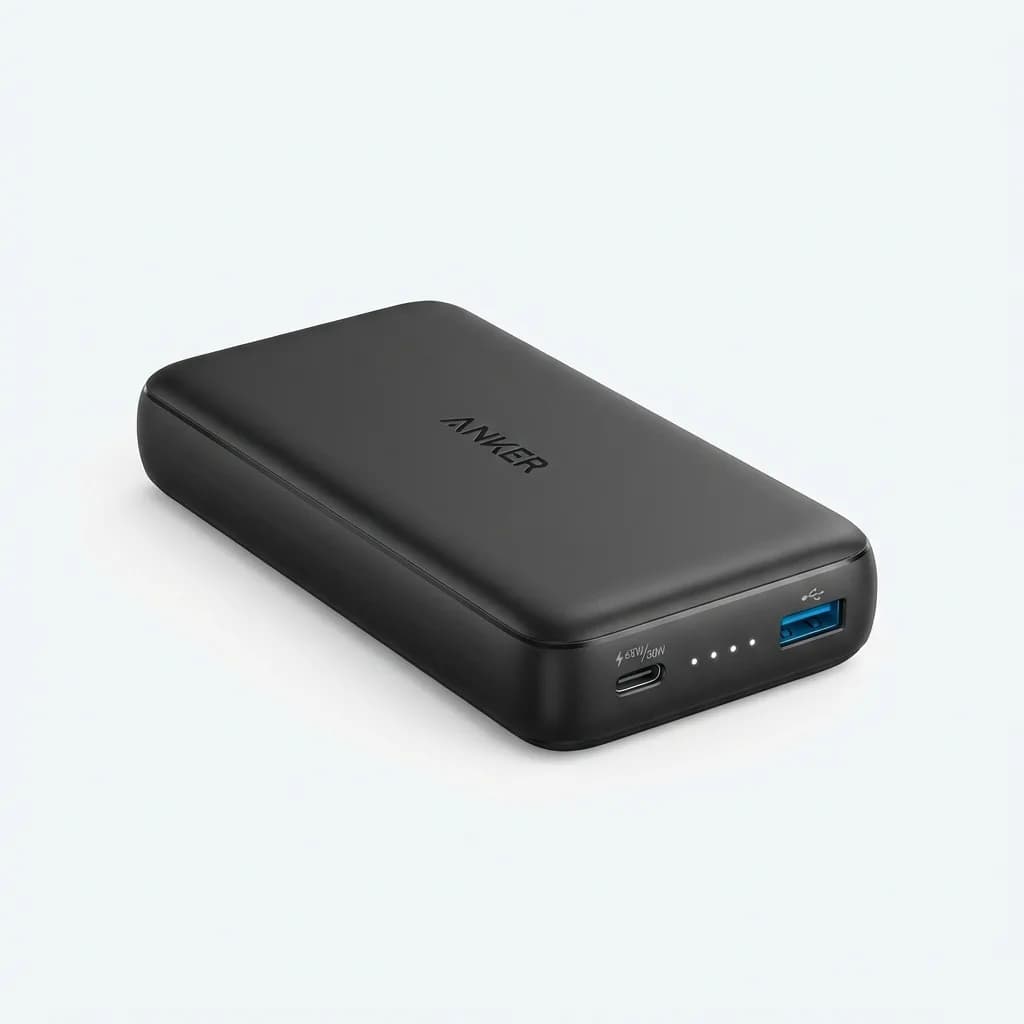
Anker PowerCore 20K (Power Bank)
$70
20,000mAh capacity with 65W USB-C input and 30W output. Charges in 2 hours. Dual ports for simultaneous device charging. 12.5 oz.
Your one-charger setup powers both wall devices and your battery bank. That's still simpler than carrying separate chargers for each device category.
Common Mistakes That Waste Your Setup
Using short cables defeats the purpose of consolidating chargers. A 3-foot cable forces you to place devices right next to each other, which works on a desk but not near a floor outlet behind a hotel nightstand. Carry one 6-foot cable for flexibility.
Ignoring cable management turns a clean setup into a rat's nest. A simple cable tie or silicone band keeps your cables bundled with the charger in your bag. Without it, cables tangle with other gear and you're digging through your pack every time you need to charge.
Forgetting that USB-A is dying but not dead yet. Most true wireless earbuds and fitness trackers still ship with USB-A to proprietary charging cables. If you ditch USB-A completely, you'll need a separate adapter or replacement USB-C cables. One USB-A port on your charger solves this for another 2-3 years.
Assuming all 100W chargers perform equally. Build quality varies wildly. Cheap models overheat, have unreliable port negotiation, or fail after six months. Stick with known brands: Anker, Ugreen, Baseus, Satechi, or OEM chargers from Apple, Dell, Lenovo. A $35 100W charger from an unknown Amazon brand is not worth the risk.
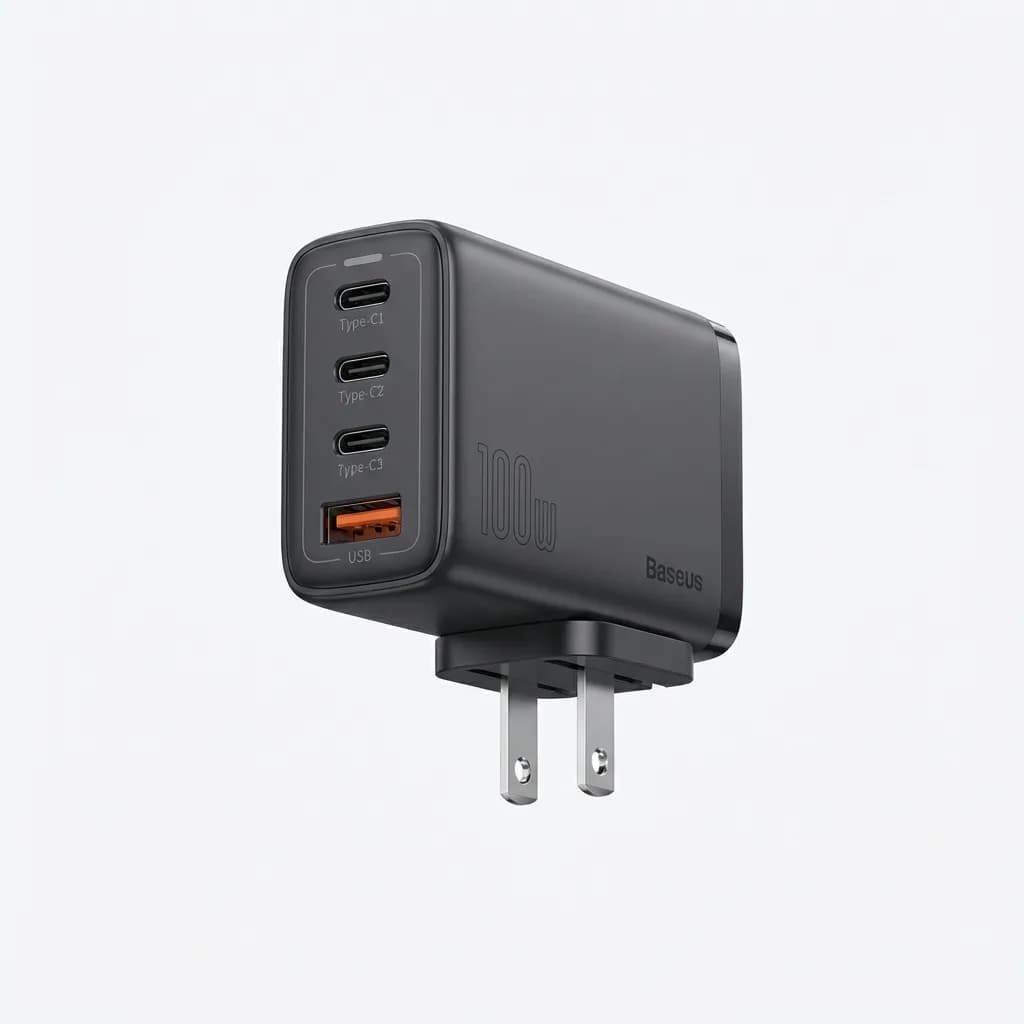
Baseus 100W GaN Charger
$52
100W across 4 ports (3x USB-C, 1x USB-A). BCT technology for intelligent power distribution. Compact 3.2 x 1.7 x 1.6 inches. Foldable plug.
Not testing your setup before you travel. Plug everything in at home and verify charging speeds using your phone's battery settings or a USB power meter. You want to discover problems in your living room, not in a Tokyo hotel room.
Making It Work Long-Term
A one-charger setup isn't just lighter - it's faster. No more hunting for the right charger or juggling multiple outlets. Everything plugs into one brick, which plugs into one adapter if you're abroad.
The mindset shift matters as much as the gear. You're not trying to charge everything simultaneously at maximum speed. You're distributing power intelligently across your devices based on actual need. Laptop low before a meeting? Prioritize that. Phone at 60% overnight? It can wait.
This approach scales. Weekend trip? One charger. Two-week international journey? Still one charger, maybe add a battery bank. The core system doesn't change.
After six months of single-charger travel across a dozen countries, we haven't found a situation that broke the setup. Train stations, airports, coffee shops, hotel rooms - one 100W GaN charger with three ports handled a 16-inch MacBook Pro, iPhone, and AirPods without compromise. Bag weight dropped by half a pound. Packing time dropped by two minutes. Both small wins that compound over dozens of trips.
Your move: check your laptop's wattage requirement, count your devices, and buy a charger with 20-30% overhead. That's the entire system.
The Weekly Dispatch
Enjoying this article?
Subscribe and get our best gear picks delivered every Sunday morning.
Related Posts
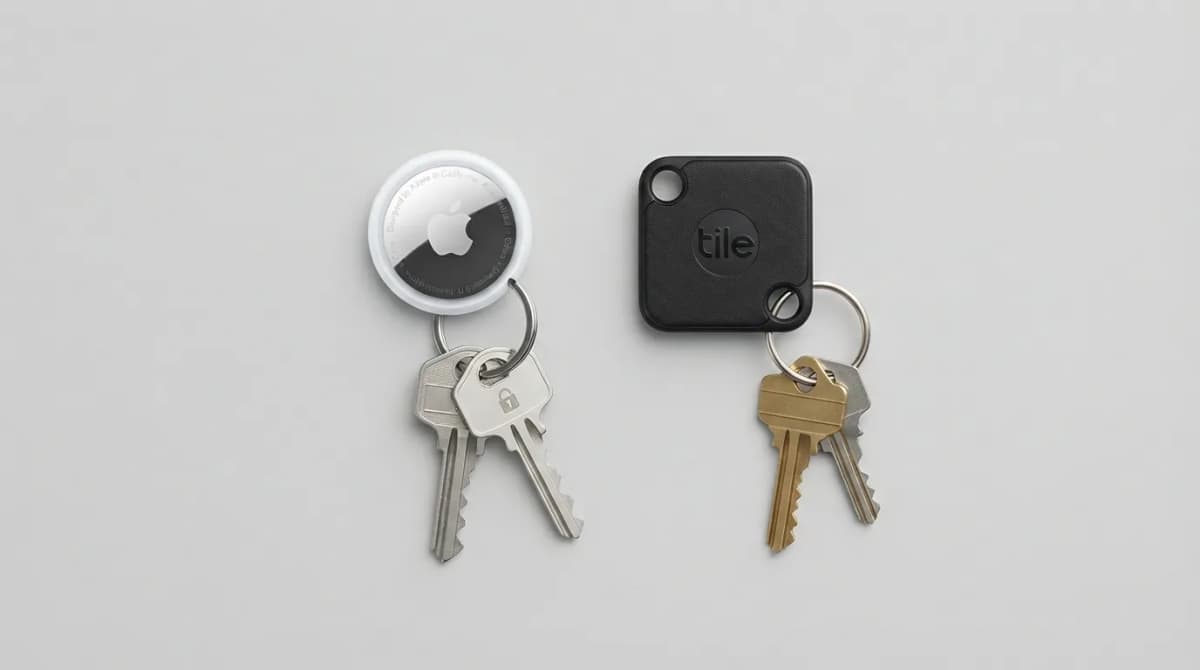
AirTag vs Tile Mate (2026): Which Key Tracker to Buy
Apple AirTag vs Tile Mate for keys: phone compatibility, range, battery and price compared from Apple and Tile maker pages, as of Oct 2026.
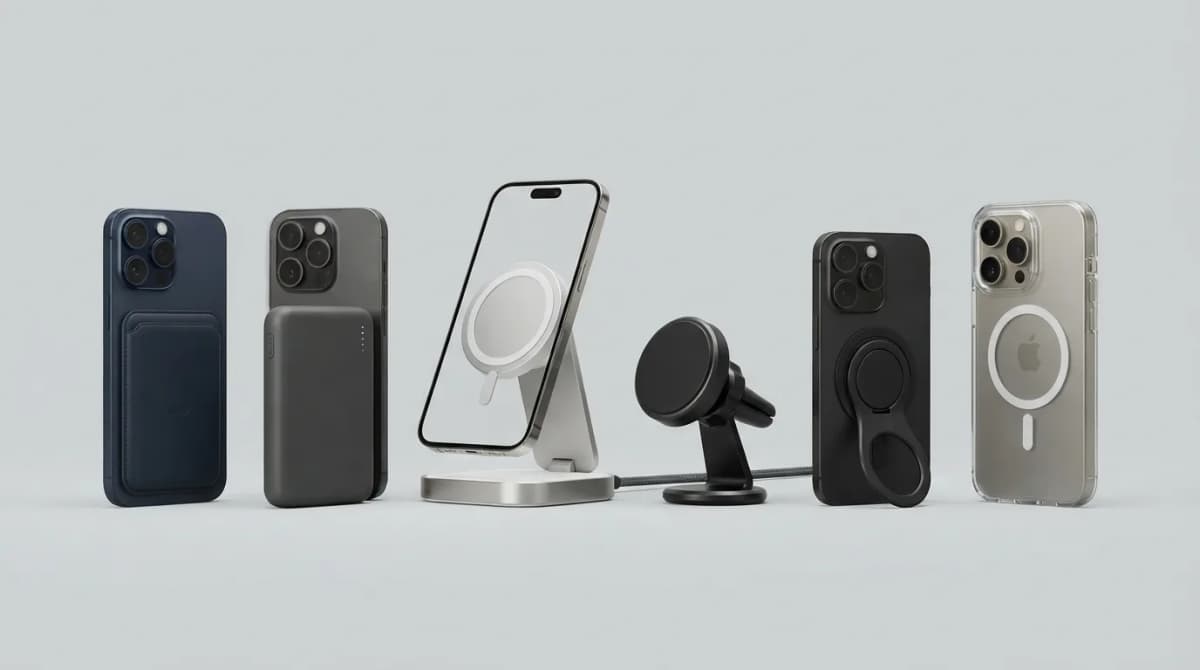
Best MagSafe Accessories for iPhone 18 Pro (2026)
MagSafe and Qi2 accessories for iPhone 18 Pro and Pro Max: wallets, power banks, a dock, car mount, grips, cases, a keyboard, a controller, an SSD and more, with maker specs and prices as of Oct 2026.
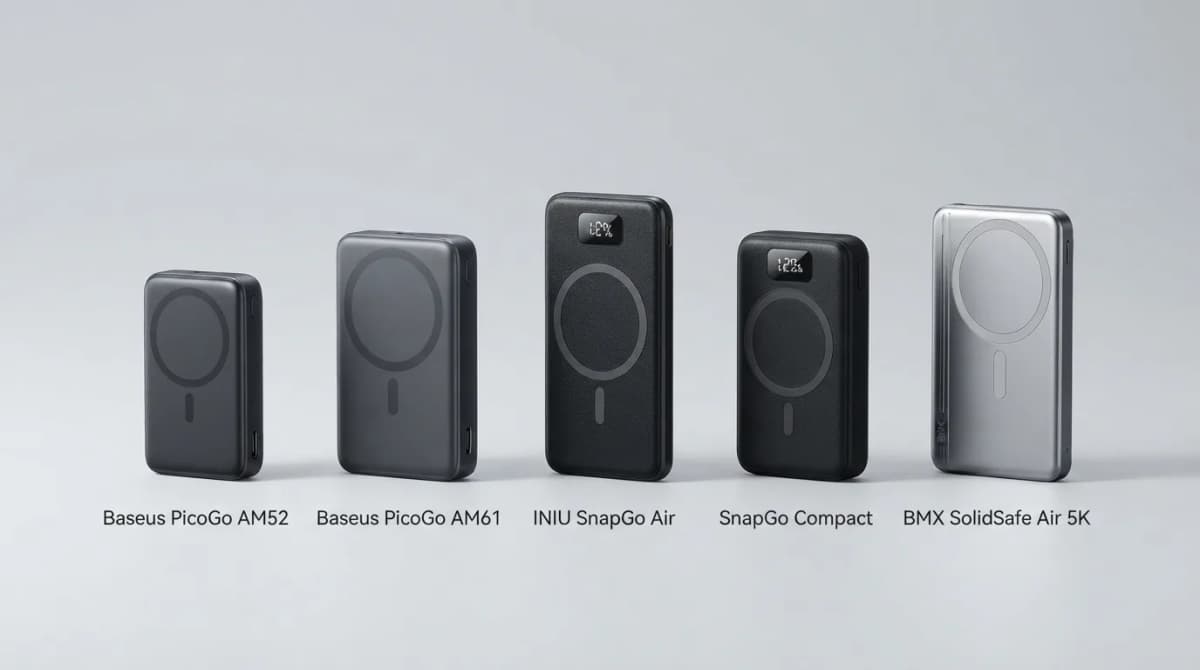
Best Qi2 Power Banks 2026 for iPhone and Android
The best Qi2 and Qi2.2 magnetic power banks for 2026: Baseus PicoGo AM52 and AM61, INIU SnapGo Air and SnapGo Compact, and BMX SolidSafe Air 5K. Prices at publish, Oct 2026.
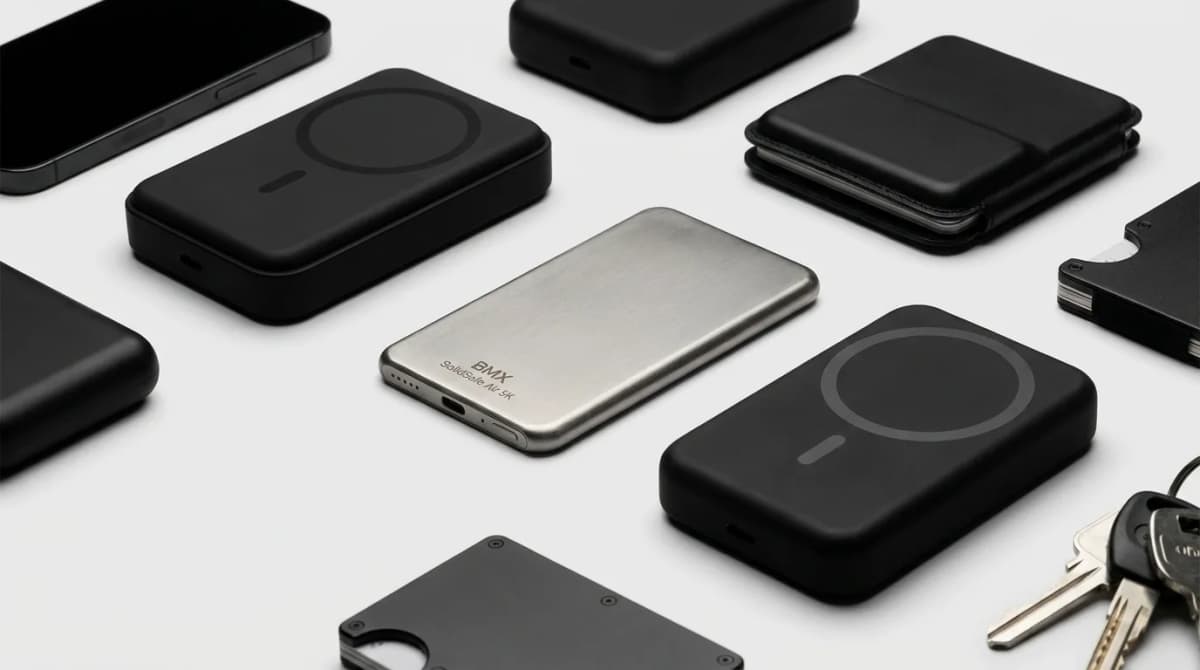
BMX SolidSafe Air 5K: Thinnest Qi2 Power Bank
Thick MagSafe banks die in the bag. BMX SolidSafe Air 5K hits 6.8mm titanium, Qi2 15W, and a semi-solid-state safety pitch — pocket-first EDC power, not another brick. Who buys, who skips.