Best Portable Projectors and Streaming Sticks
Portable projectors turn any wall into a screen. We compare battery life, brightness specs, streaming compatibility, and real-world performance.
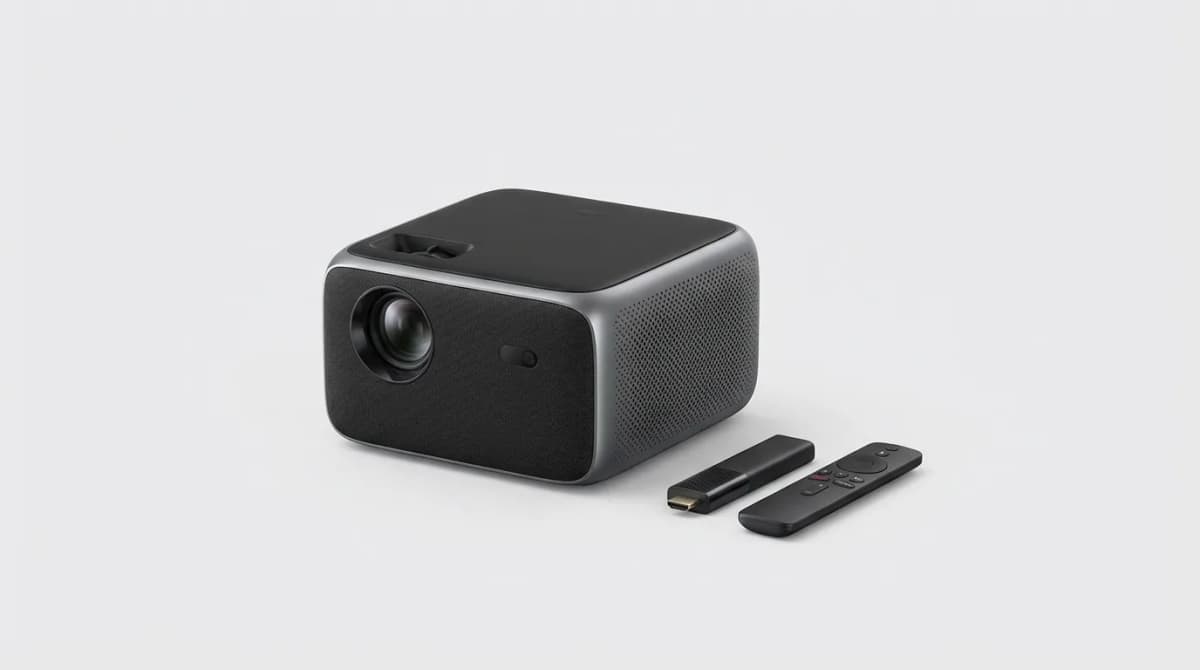
You're stuck in a hotel room with a 32-inch TV mounted too high on the wall, or you're camping with friends who want to watch something after dark. A portable projector the size of a water bottle can throw a 100-inch image on any light-colored surface. Add a streaming stick, and you've got a complete entertainment system that fits in a backpack.
Quick Picks
Our top recommendations at a glance:
- 1Anker Nebula Capsule 3 LaserSee current price
- 2XGIMI MoGo 2 ProSee current price
- 3BenQ GV31See current price
- 4
- 5
The catch is that most portable projectors compromise on brightness, resolution, or battery life. Some can't run for a full movie without plugging in. Others claim 200 ANSI lumens but wash out in anything brighter than a cave. The good ones cost real money, but they actually work.
We compared projectors ranging from $150 budget models to $600 premium units on brightness, battery life, and streaming platform support. Here's what matters when you're shopping for portable projection.
What Lumens Actually Mean in Real Use
Projector manufacturers love to list inflated brightness numbers. You'll see "6000 lumens" on a device that draws 15 watts total, which is physically impossible. ANSI lumens are the standardized measurement, and even that requires context.
For a dark room, 200 ANSI lumens works fine for screens up to 80 inches. In a dimly lit room with curtains drawn, you need at least 400 ANSI lumens for a watchable image. Outdoors after sunset but before full dark, 600+ ANSI lumens barely cuts it. Most portable projectors sit between 200-500 ANSI lumens because higher output requires bigger bulbs, more battery capacity, and better cooling.
The Anker Nebula Capsule 3 Laser puts out 300 ANSI lumens from a laser light source, which looks noticeably sharper than LED projectors at the same rating. Laser projectors focus better and maintain brightness across the entire image. LEDs tend to be brighter in the center and dimmer at the edges.
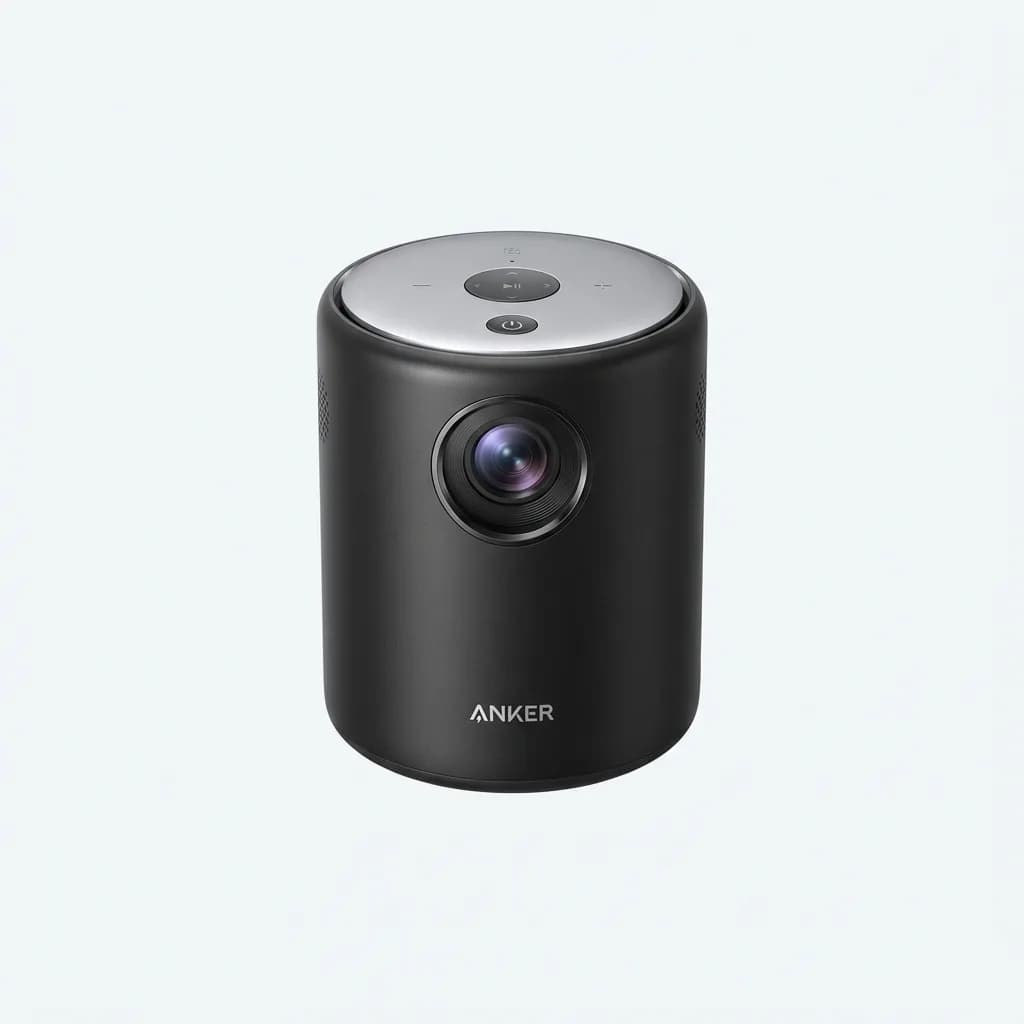
Anker Nebula Capsule 3 Laser
See current price
300 ANSI lumens laser projector with 1080p native resolution, built-in Android TV, and 2.5-hour battery life in a portable cylinder design.
Resolution matters less than you'd expect at typical viewing distances. A 1080p image at 80 inches from eight feet away looks plenty sharp. Native 720p is acceptable for movie nights, though you'll notice softness on text and UI elements. Some projectors claim "4K support" but use 1080p native panels and upscaling, which doesn't add real detail.
Battery Life vs. Brightness Tradeoff
Every portable projector with a built-in battery faces the same physics problem. High brightness drains batteries fast, so manufacturers give you modes: eco mode extends runtime but dims the image, standard mode balances both, and high brightness mode runs hot and dies quickly.
The XGIMI MoGo 2 Pro runs 2.5 hours on eco mode (about 150 lumens), 1.8 hours on standard (200 lumens), and barely 90 minutes on high brightness (300 lumens). That's typical across the category. If you need a full two-hour movie at usable brightness, bring a power bank or plan to plug in halfway through.
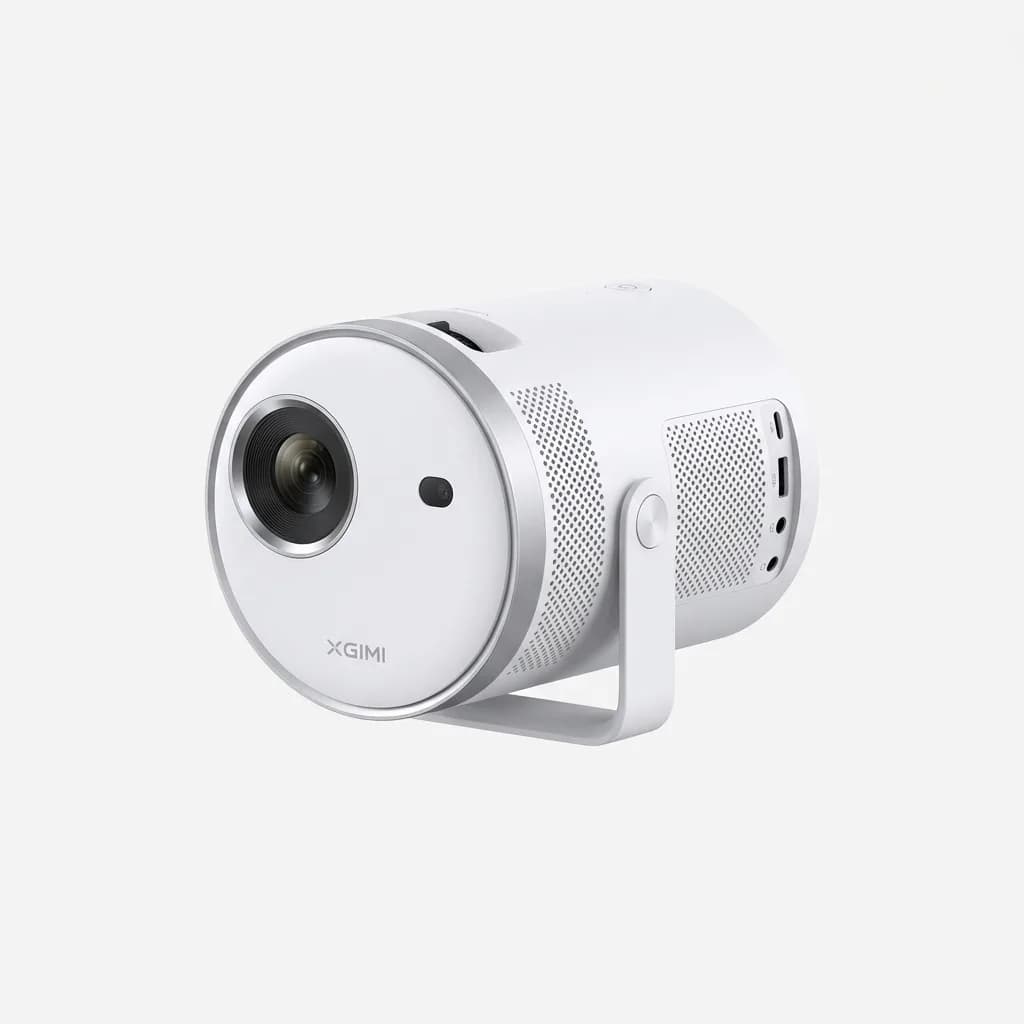
XGIMI MoGo 2 Pro
See current price
400 ANSI lumens with 1080p resolution, Android TV built-in, auto keystone correction, and 2.5-hour battery in eco mode.
Some projectors skip the internal battery entirely and require USB-C power delivery or a standard AC adapter. That kills true portability but allows higher sustained brightness. If you're mostly using the projector in places with power access, a non-battery model often delivers better performance per dollar.
The BenQ GV31 includes a 135Wh battery that runs up to three hours at lower brightness. It's heavier than ultra-compact models but actually finishes full movies unplugged. The built-in kickstand tilts 15 degrees for ceiling projection without propping it on books.
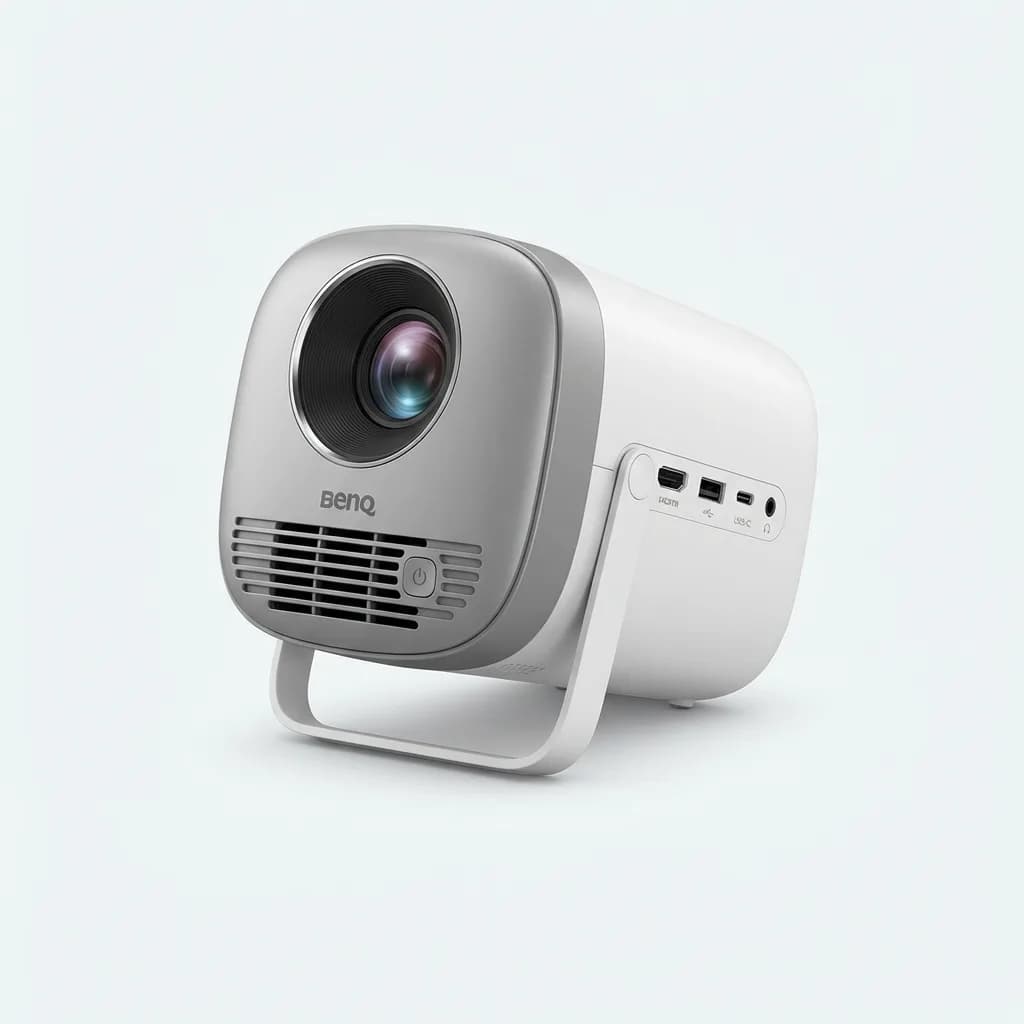
BenQ GV31
See current price
300 ANSI lumens portable projector with 1080p resolution, 3-hour battery, wireless streaming, and integrated kickstand for easy setup.
Streaming Stick Compatibility and Built-In Platforms
Projectors with Android TV, Google TV, or other built-in smart platforms work immediately out of the box. Install Netflix, Hulu, Disney+, or whatever you use, sign in once, and you're done. The downside is that these systems age poorly. A three-year-old projector might not get app updates, or performance gets sluggish as streaming services bloat their apps.
External streaming sticks solve this. A Roku Streaming Stick 4K or Amazon Fire TV Stick 4K costs $50, plugs into any HDMI port, and gets replaced when it's obsolete. You're not locked into the projector's software lifecycle. This matters more on a $400 projector you plan to keep for five years.
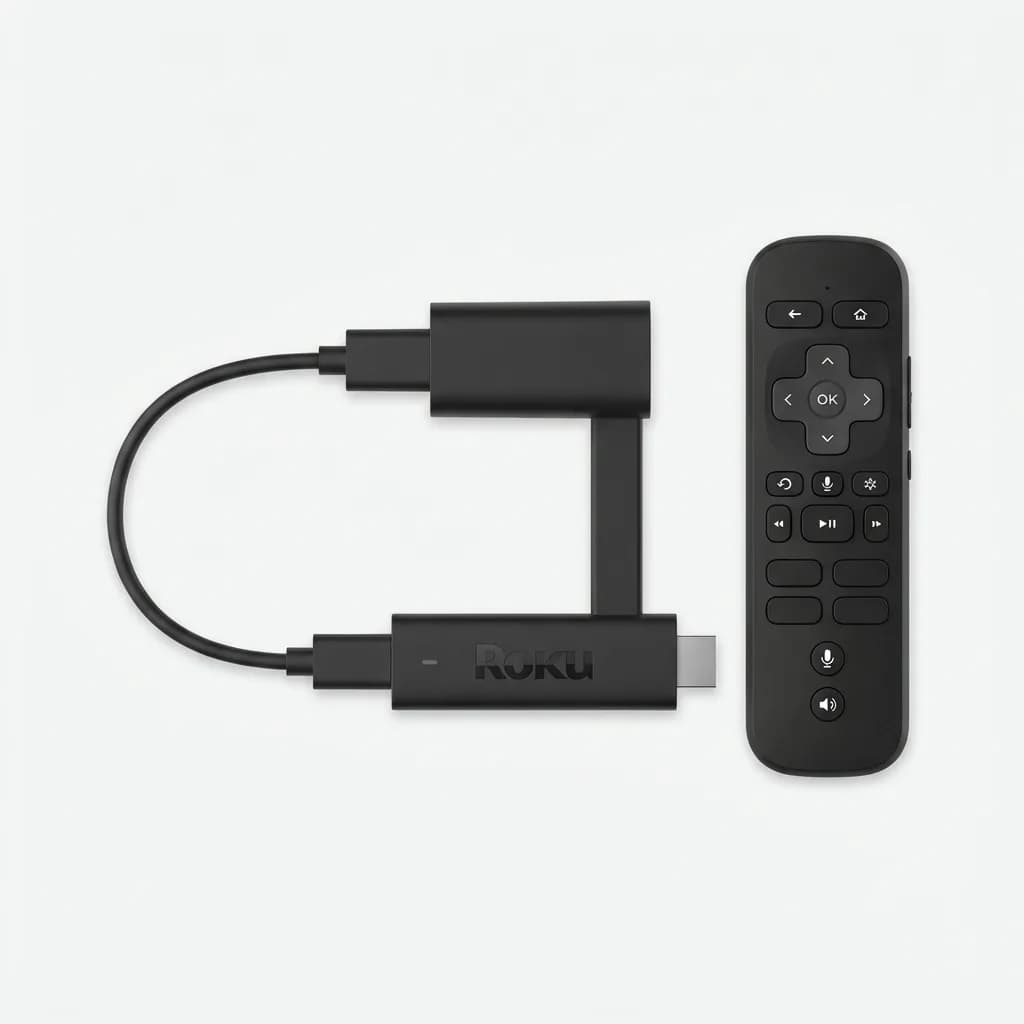
Roku Streaming Stick 4K
$50
4K HDR streaming stick with Dolby Vision, voice remote, and access to every major streaming service in a portable HDMI dongle.
The Fire TV Stick 4K Max includes Wi-Fi 6E support, which helps in crowded networks like hotels or campgrounds. It also has more RAM than the standard Fire Stick, so interface navigation doesn't stutter. Both Roku and Fire TV work fine with portable projectors, though Roku's interface is cleaner and Fire TV pushes Amazon content aggressively.
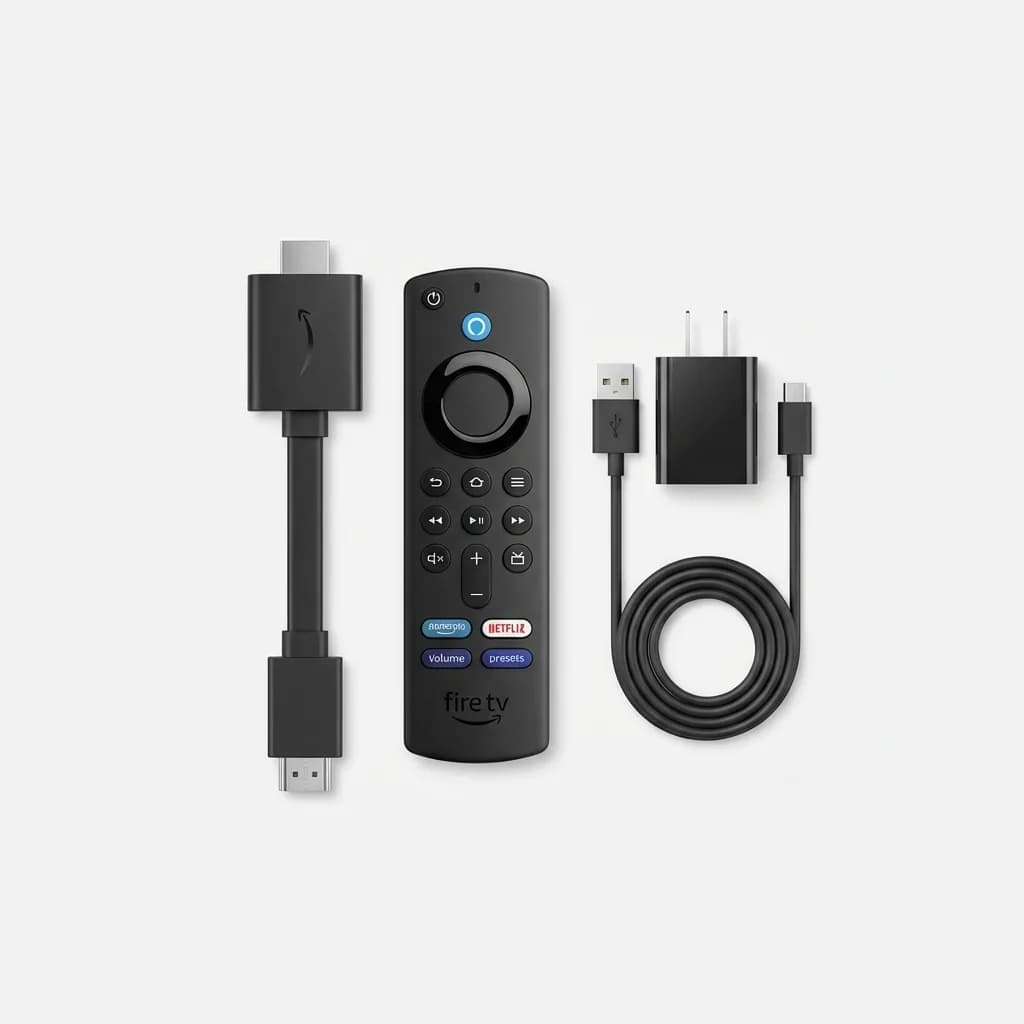
Amazon Fire TV Stick 4K Max
$60
Fastest Fire TV stick with Wi-Fi 6E, 4K streaming, Dolby Atmos audio, and Alexa voice control for seamless portable entertainment.
Some projectors lack HDMI input entirely and rely on wireless casting or built-in apps. That's fine until you're somewhere with spotty Wi-Fi or no internet access. An HDMI port gives you options: plug in a laptop, a game console, or download content to a streaming stick before you travel.
Auto Keystone and Focus: How Much They Help
Keystone correction digitally adjusts the image when the projector isn't perfectly perpendicular to the screen. Auto keystone detects the angle and fixes it automatically. It works, but it crops pixels to reshape the image, so you lose resolution around the edges. Manual keystone gives you more control but requires fiddling with menus.
The best setup is positioning the projector straight-on and avoiding keystone correction entirely. That's not always possible when you're projecting onto a hotel ceiling from a nightstand. Auto keystone saves time in those situations, but don't expect magic. Extreme angles still look distorted.
Auto focus is more useful. Projectors with manual focus rings require tweaking every time you change the throw distance. Auto focus sensors detect the screen and adjust the lens in seconds. It's not essential, but it's worth paying extra for if you'll be moving the projector frequently.
The XGIMI Halo+ combines auto keystone, auto focus, and obstacle avoidance that detects people walking in front of the lens and dims the light to avoid blinding them. It's a premium feature that matters if you're using the projector in shared spaces or around kids.
What About Sound?
Built-in speakers on portable projectors are universally mediocre. They're loud enough to hear dialogue in a quiet room, but they lack bass and sound tinny at higher volumes. That's fine for solo watching in a hotel, but for group movie nights, you want external audio.
Bluetooth speakers pair easily with most projectors. A JBL Flip 6 or UE Boom 3 delivers better sound than any projector's internal speakers and doesn't add much bulk to your kit. Some projectors support Bluetooth output and HDMI audio simultaneously, so you can connect a soundbar at home and switch to a portable speaker when traveling.
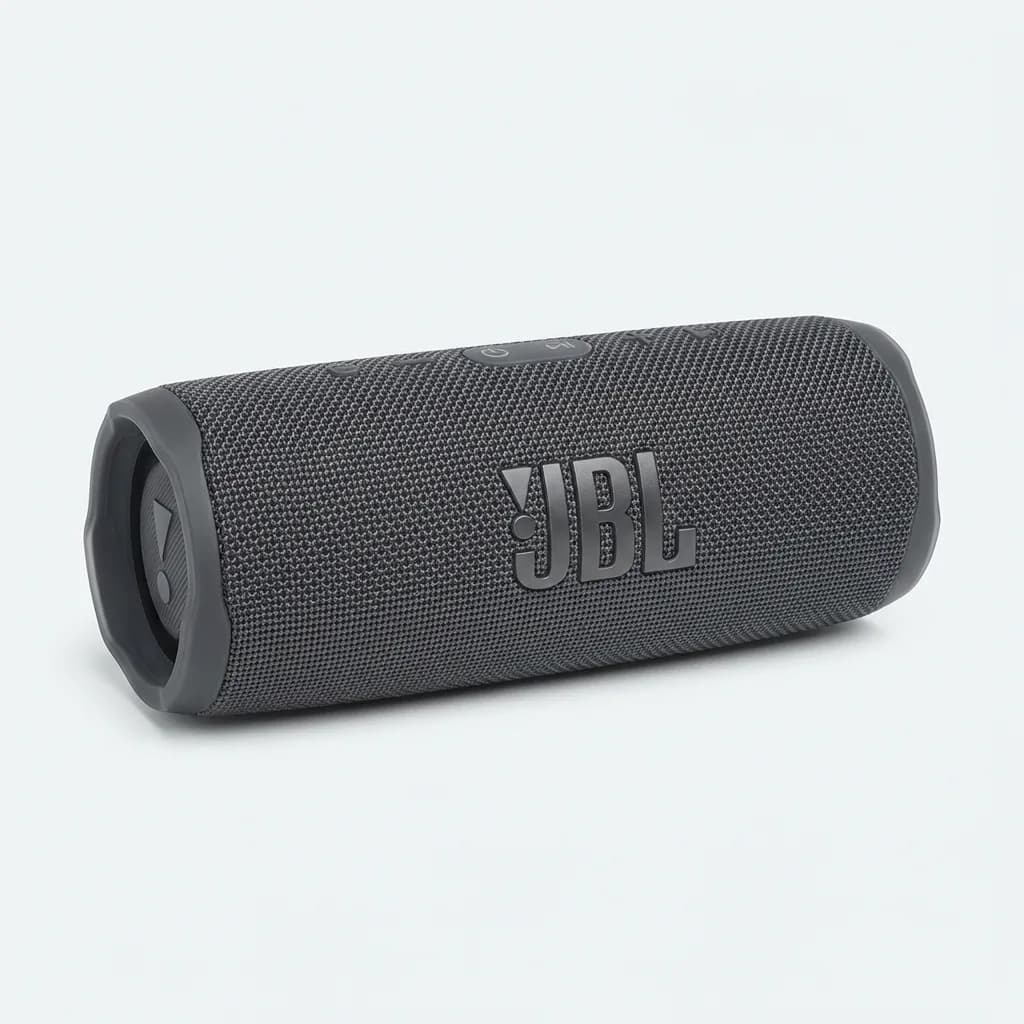
JBL Flip 6
$130
Portable Bluetooth speaker with 12-hour battery, IP67 waterproofing, and balanced sound that pairs perfectly with projectors for outdoor movie nights.
The Anker Nebula Capsule 3 Laser includes 8-watt speakers tuned by a name-brand audio company. They're better than average for a projector, with enough volume and clarity for casual watching, but still not comparable to a dedicated speaker.
Budget Option That Actually Works
Most projectors under $200 are borderline unusable. They claim high lumens but use cheap LEDs that produce dim, washed-out images. Native resolutions are often 480p or worse, and built-in batteries die within an hour. If you're spending less than $300, manage your expectations.
The Anker Nebula Capsule (original version, not the laser model) sits around $200 on sale and delivers acceptable performance for dark rooms. It's 100 ANSI lumens, 480p native resolution, and Android 7.1, which is outdated but still runs Netflix and YouTube. Battery lasts about 2.5 hours for video playback. It's not impressive, but it works.
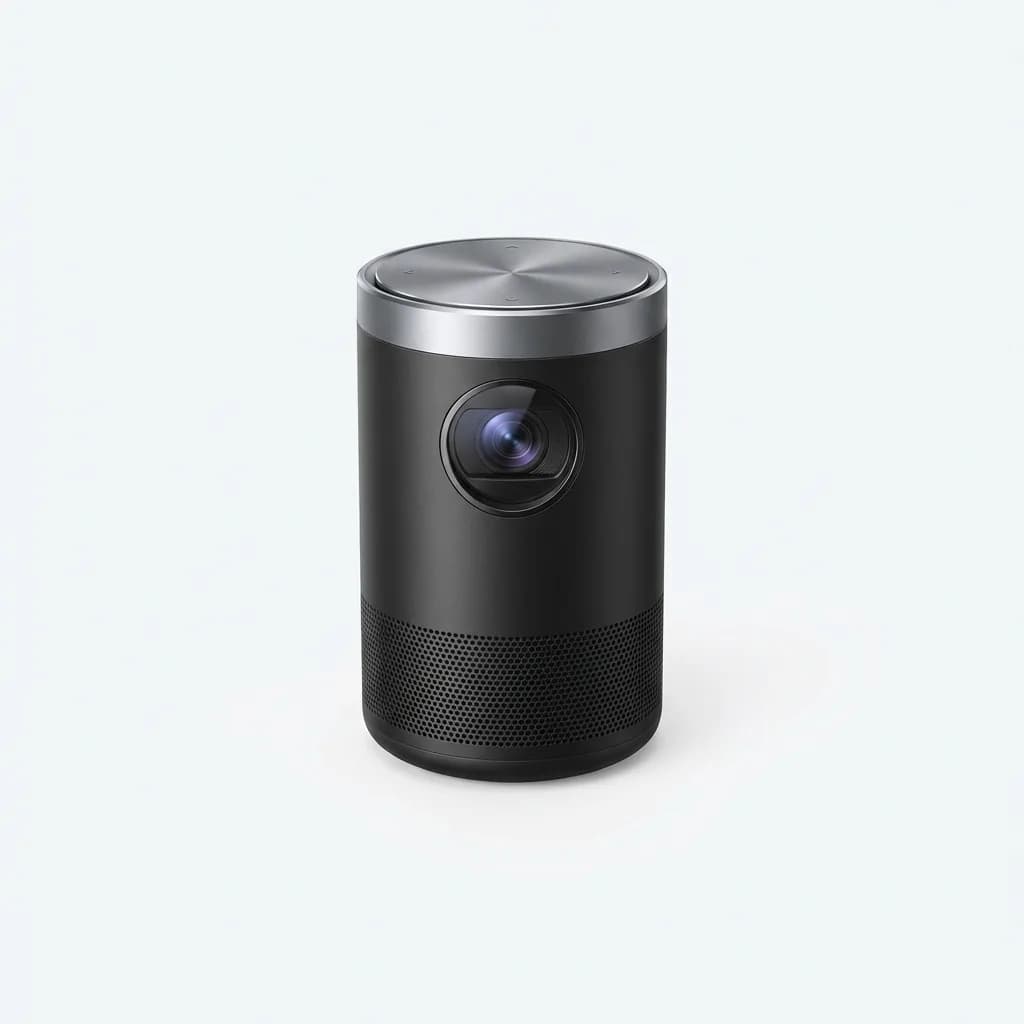
Anker Nebula Capsule
See current price
100 ANSI lumens portable projector with 480p resolution, Android OS, and 2.5-hour battery. Budget option for casual dark-room use.
A better budget approach is buying a non-battery projector with higher brightness and pairing it with a portable power station. The TMY projector (generic Chinese brand sold under multiple names) puts out 450 ANSI lumens, native 1080p, and costs around $150. It requires wall power, but you can run it off a 100Wh power bank for about 90 minutes. That setup costs less than a premium battery-powered projector and performs better in mixed lighting.
What We Actually Carry
For backpacking and ultralight travel, nothing beats the XGIMI MoGo 2 Pro. It's bright enough for most situations, has reliable auto keystone, and the battery actually lasts through a movie on eco mode. Pair it with a Fire TV Stick 4K Max downloaded with offline content before you leave home.
For car camping or backyard movie nights where weight doesn't matter, the BenQ GV31 offers better battery life and brighter output. The kickstand is clutch when you're setting up on uneven ground.
If you're mostly using a projector indoors with power access, skip the battery models entirely and get a higher-lumen unit like the XGIMI Horizon Pro. It's not pocket-sized, but 2200 ANSI lumens means you can watch with ambient light. That's the difference between closing every curtain and actually using the projector casually.
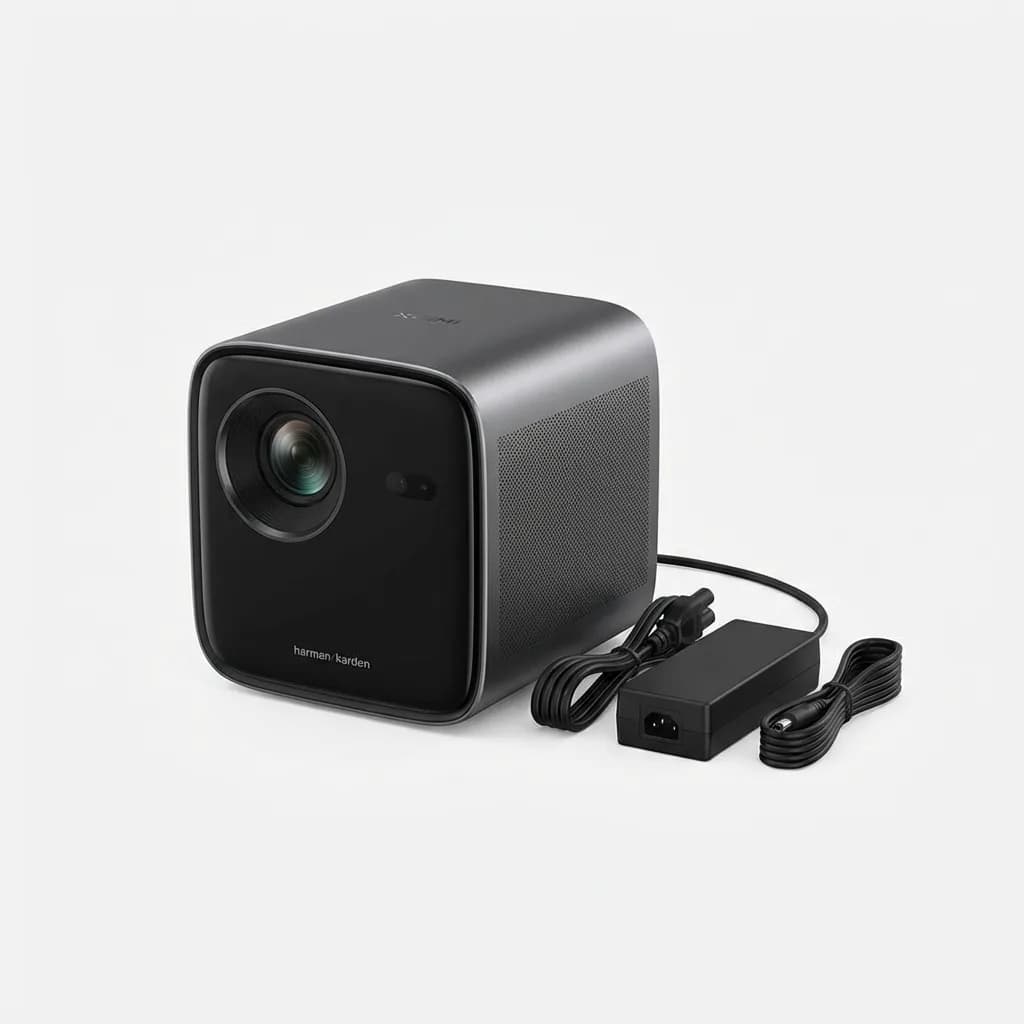
XGIMI Horizon Pro
See current price
2200 ANSI lumens 4K projector with Android TV, Harman Kardon speakers, and auto keystone. Requires AC power but delivers cinema-quality brightness.
Streaming sticks are cheap enough to keep two: one in the projector bag and one at home so you're never digging through drawers. Roku if you want simplicity, Fire TV if you're already deep in the Amazon ecosystem.
The biggest mistake is buying a projector that's too dim for your actual use case. A 150-lumen projector works great in a pitch-black room but becomes a $300 paperweight anywhere else. If you're unsure, spend more for higher lumens. You can always dim a bright projector, but you can't brighten a dim one.
The Weekly Dispatch
Enjoying this article?
Subscribe and get our best gear picks delivered every Sunday morning.
Related Posts
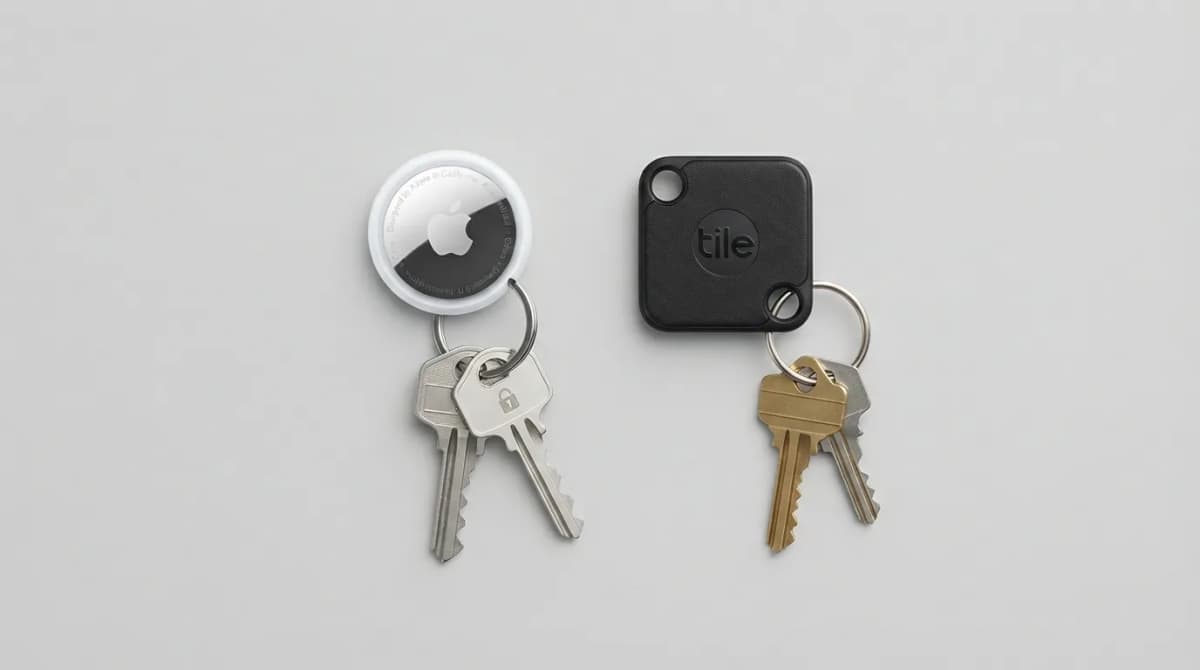
AirTag vs Tile Mate (2026): Which Key Tracker to Buy
Apple AirTag vs Tile Mate for keys: phone compatibility, range, battery and price compared from Apple and Tile maker pages, as of Oct 2026.
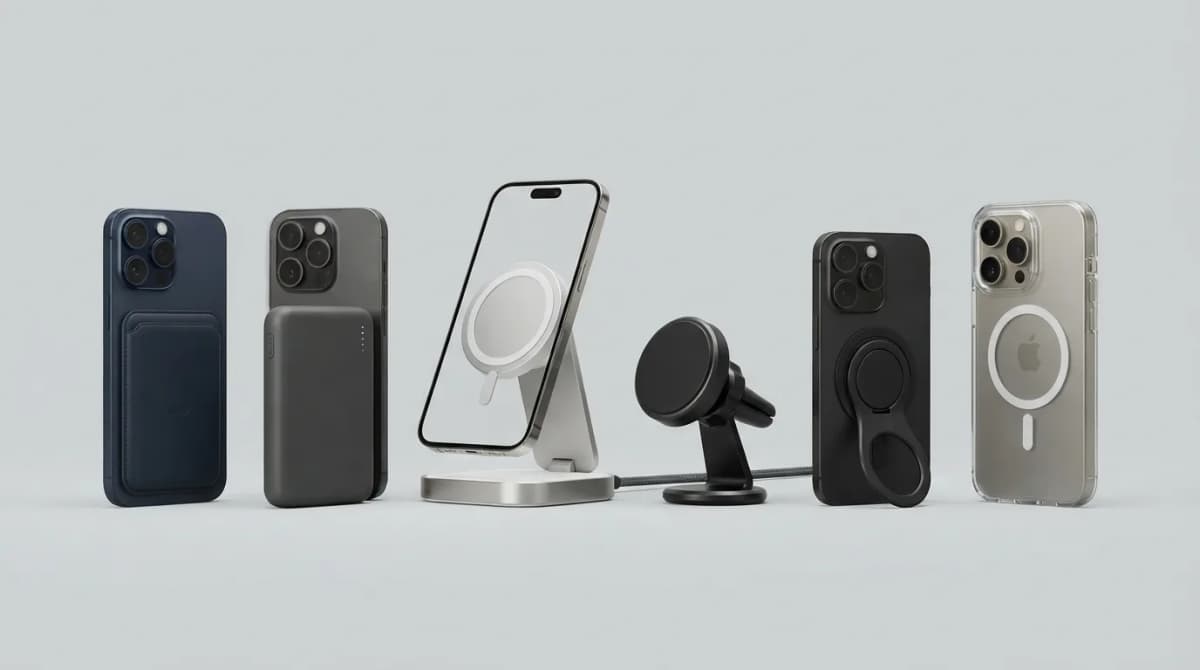
Best MagSafe Accessories for iPhone 18 Pro (2026)
MagSafe and Qi2 accessories for iPhone 18 Pro and Pro Max: wallets, power banks, a dock, car mount, grips, cases, a keyboard, a controller, an SSD and more, with maker specs and prices as of Oct 2026.
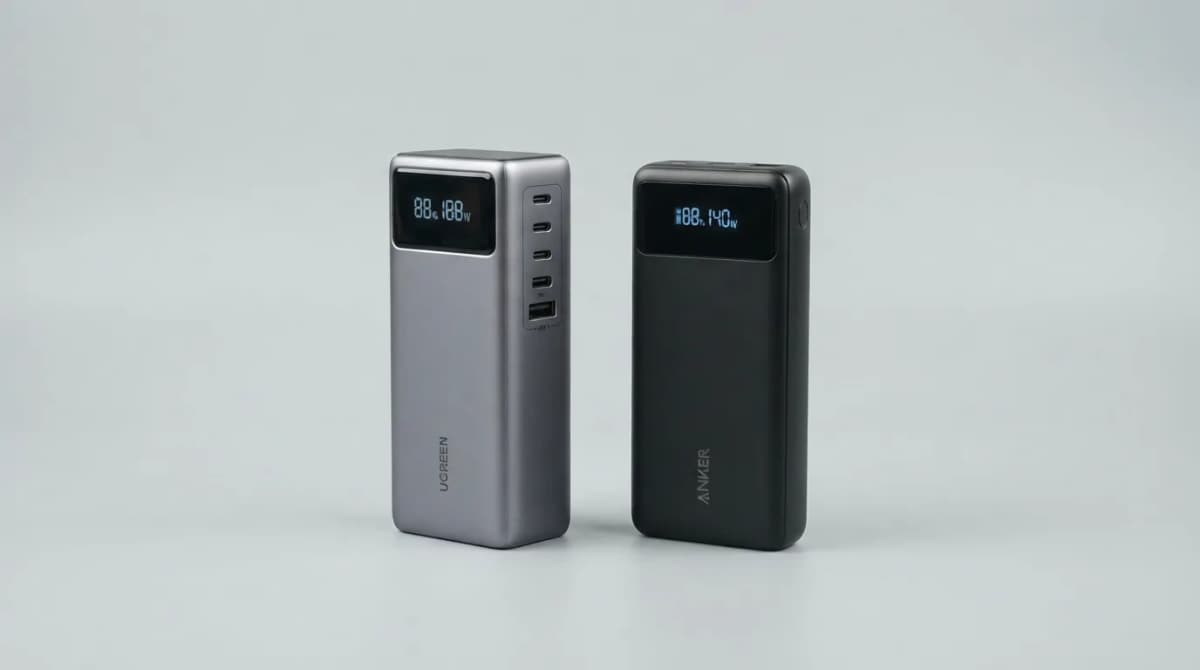
UGREEN Nexode 25000 vs Anker 737 Power Bank (2026)
UGREEN Nexode 25000mAh 200W vs Anker 737: two 140W laptop power banks compared on capacity, ports, recharge speed and weight from maker specs (Oct 2026).
Best Qi2 Power Banks 2026 for iPhone and Android
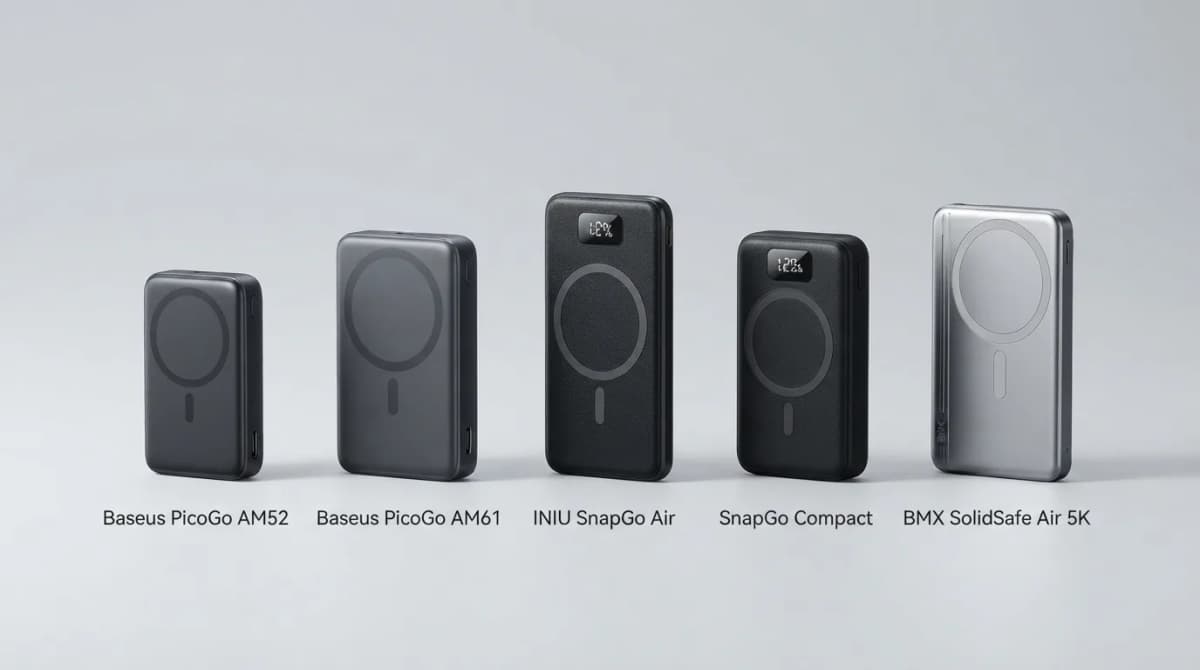
The best Qi2 and Qi2.2 magnetic power banks for 2026: Baseus PicoGo AM52 and AM61, INIU SnapGo Air and SnapGo Compact, and BMX SolidSafe Air 5K. Prices at publish, Oct 2026.