Portable Lighting for Video Calls
Portable key lights beat buying a new webcam for Zoom and Teams. We compare mounts, color temperature ranges, and kits that actually travel.
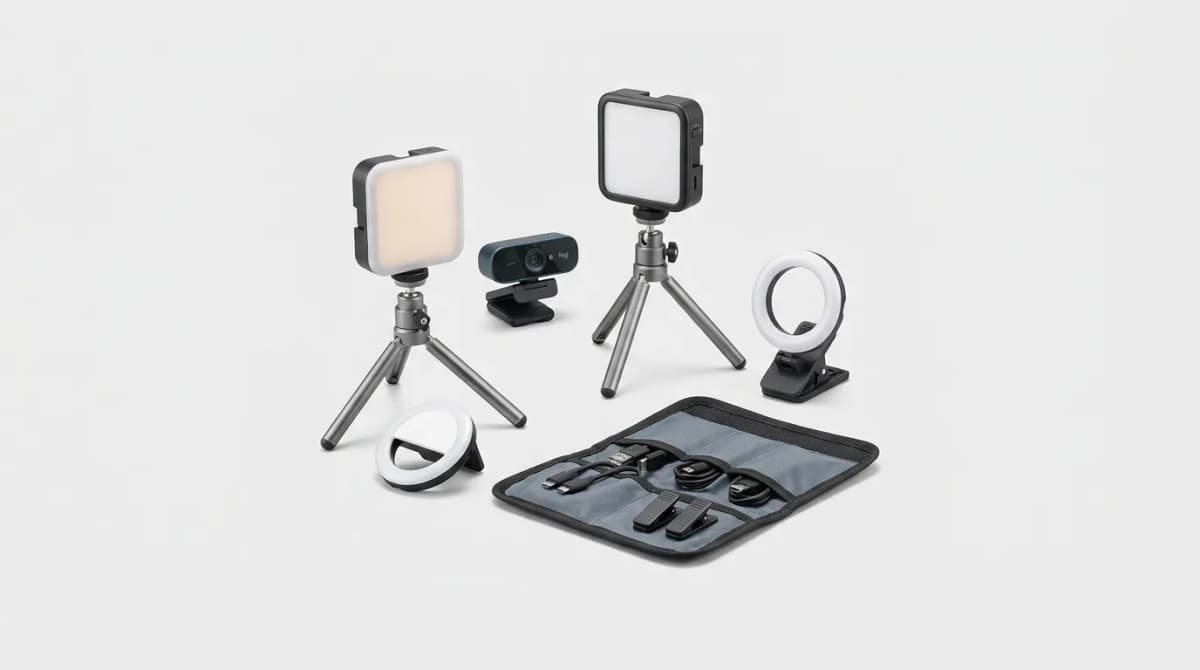
Window light is flattering until your 2 p.m. call turns you into a silhouette. Overhead kitchen LEDs are worse. They carve raccoon eyes and push every webcam into noisy ISO just to keep your face readable.
Portable lighting for video calls is the cheapest upgrade most people skip. A small key light in front of you beats a $200 webcam swap nine times out of ten. The goal is soft, face-forward light you can pack, clip, or mount in under a minute, then forget about until the meeting starts.
We focused on lights that travel or live on a laptop lid: color temperature control, decent CRI, USB power, and mounts that do not fight thin screens. Prices below are typical street prices; check live listings before you buy.
What Matters for Call Lighting (Not Influencer Kits)
Brightness gets the marketing ink. Softness and placement decide whether you look human. A harsh bare LED pointed at your face is as bad as a dark room. Look for a diffused panel, not a raw COB blasting 2000 lumens into your retinas.
Color temperature should cover at least warm-to-daylight (roughly 2700K to 6500K+). That lets you match mixed room light instead of fighting a yellow desk lamp with a blue panel. CRI around 90+ keeps skin from going green or magenta on cheap webcams.
Power and mount are the travel filters. USB-C from a laptop is ideal for all-day Teams. Batteries help in cafes and hotel desks with one sad outlet. Monitor clamps and magnetic mounts beat sticky rings that fall mid-standup.
Skip giant TikTok ring kits unless you shoot vertical content. Ring lights put a donut catchlight in glasses and take more bag space than a slim key panel.
Best Everyday Monitor Light: Logitech Litra Glow
Litra Glow is the default recommendation for daily calls. It clamps to a monitor, runs over USB, and spreads a soft panel that cleans up face shadows without looking like a streamer cave. Typical street price lands near $60.
Color range covers warm-to-cool, and the soft diffuser is the point. You get usable light at low brightness for evening calls without washing out the background. It is not a battery travel hero. If you bounce between hotel rooms and coworking desks every week, keep reading for more portable options.
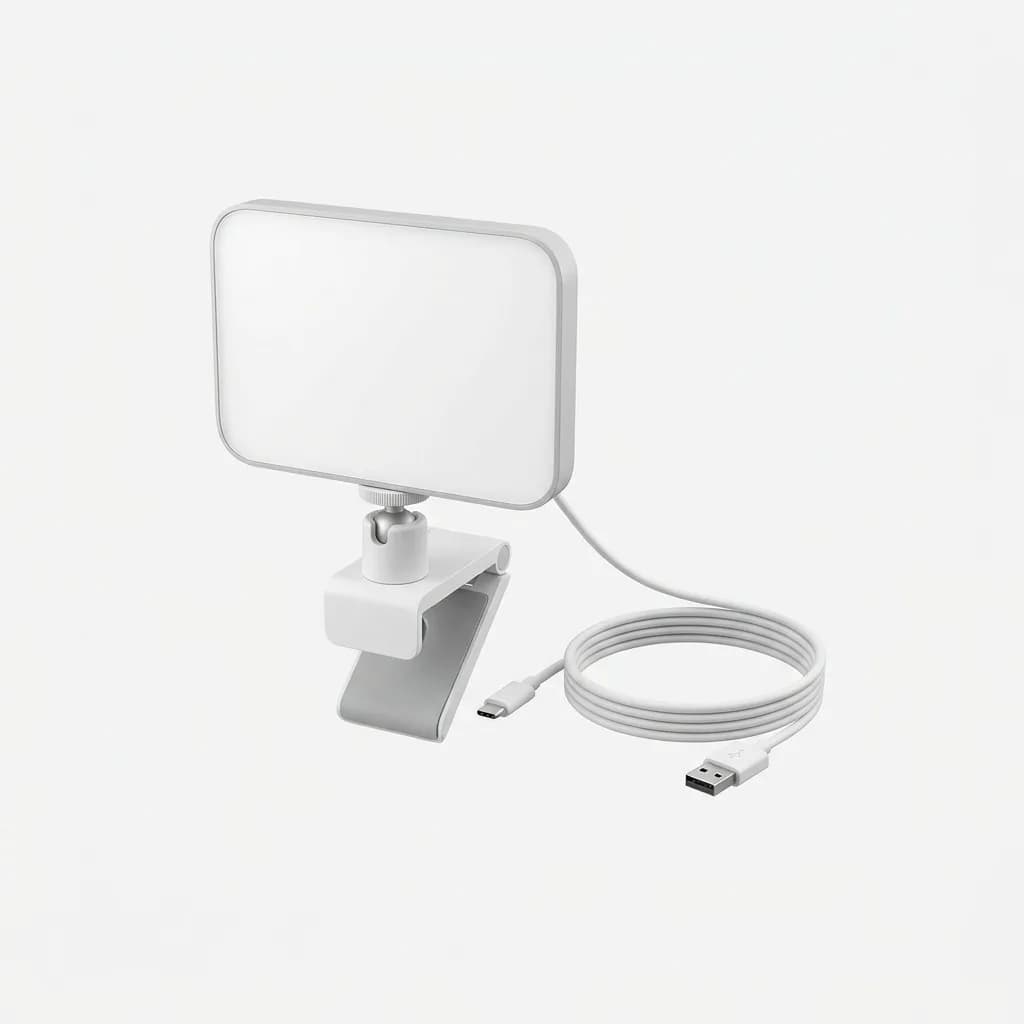
Logitech Litra Glow
$60
USB-powered soft panel with monitor mount and warm-to-cool control. The simple daily-driver upgrade for Teams and Zoom.
Best Compact Desk or Monitor Panel: Elgato Key Light Neo
Key Light Neo is the current Elgato pick for people who outgrew clip-on toys but still want a small footprint. It mounts on a monitor or desk, offers soft face light, and scales brightness with USB power (up to about 1000 lm on a stronger supply). Color range is wide (about 2900K to 7000K) with high CRI.
Software control via Elgato Control Center is useful if you already live in that ecosystem. The Neo is more "permanent desk that still packs" than pure cafe gear. Pair it when your home office is the main stage and you still want something cleaner than a clamp light from a hardware aisle.
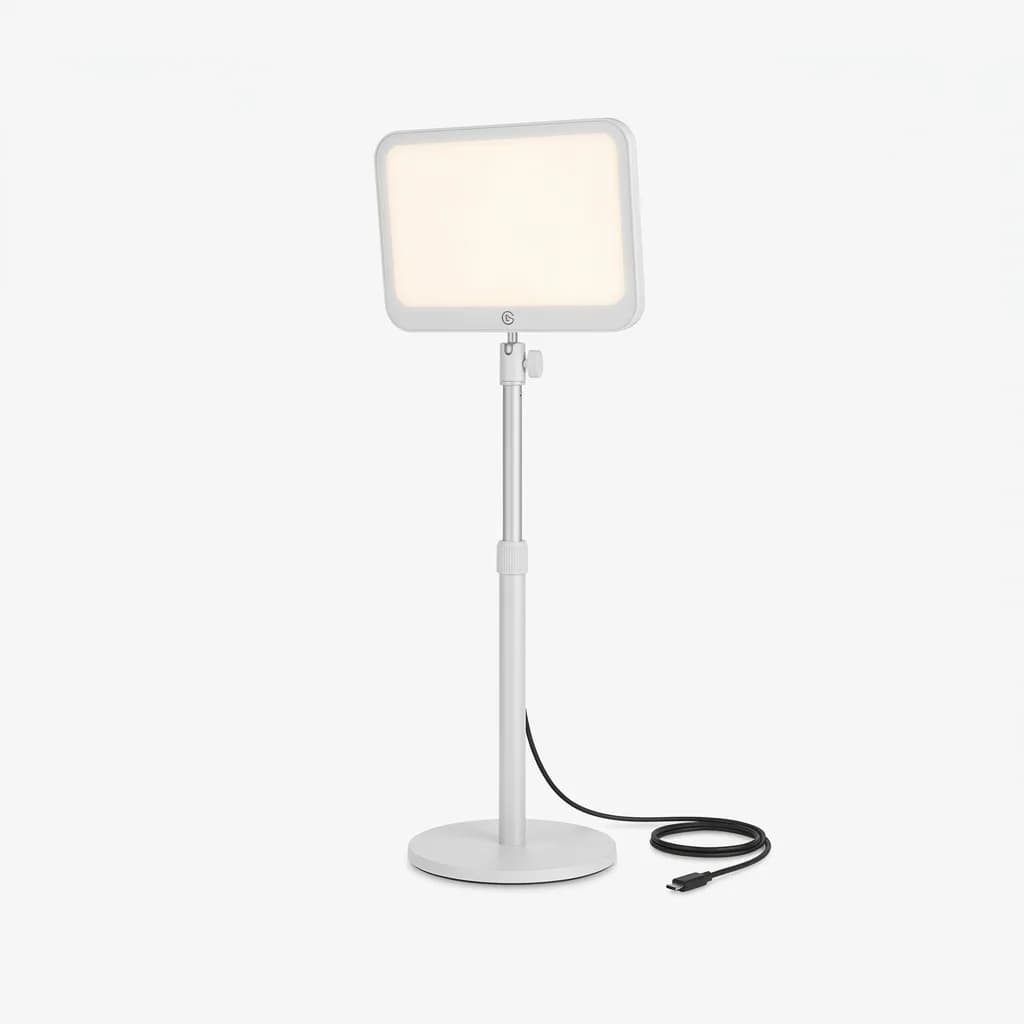
Elgato Key Light Neo
See current price
Compact LED panel with monitor or desk mount, wide kelvin range, and soft output that scales with USB power.
Best Laptop-First Kit: Lume Cube Video Conference Lighting Kit
If your camera lives on a laptop lid, mounts matter more than brand lore. Lume Cube's conference kit pairs a small panel with a suction mount for the lid plus a mini tripod for desk use. That combination solves the thin-bezel clamp problem a lot of monitor lights ignore.
Expect roughly $60 to $70 street pricing, USB-C charging, and warm-to-daylight adjustment. Runtime on battery is measured in hours, not all-day marathons, so plan a cable for back-to-back calls. For consultants who work from hotel desks and kitchen tables, this kit usually beats a desk-only clamp.
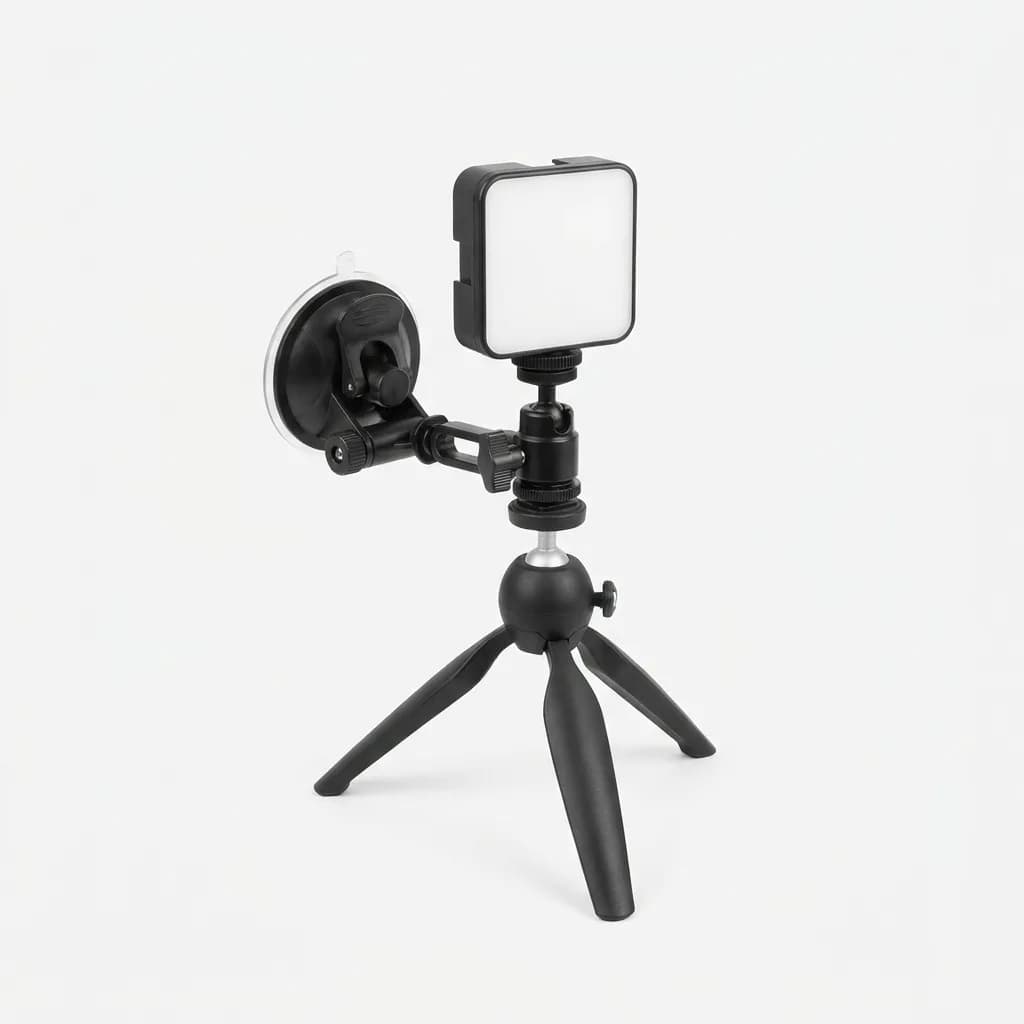
Lume Cube Video Conference Lighting Kit
$60-$70
Small panel with laptop suction mount and mini tripod. Built for lids and temporary desks, not just permanent monitors.
Brighter Desk Option: Logitech Litra Beam
When Glow is not enough fill for a darker room, Litra Beam steps up output while staying in the Logitech software lane. It is still a desk-oriented key light, not a pocket LED, and it suits people who take client calls in a room with one sad overhead fixture.
You pay more than Glow for the extra punch and TrueSoft-style diffusion Logitech markets on the Beam line. If your background is already bright from a window behind you, Beam helps balance the face without blowing highlights. If you only need a gentle front fill, Glow remains the smarter buy.
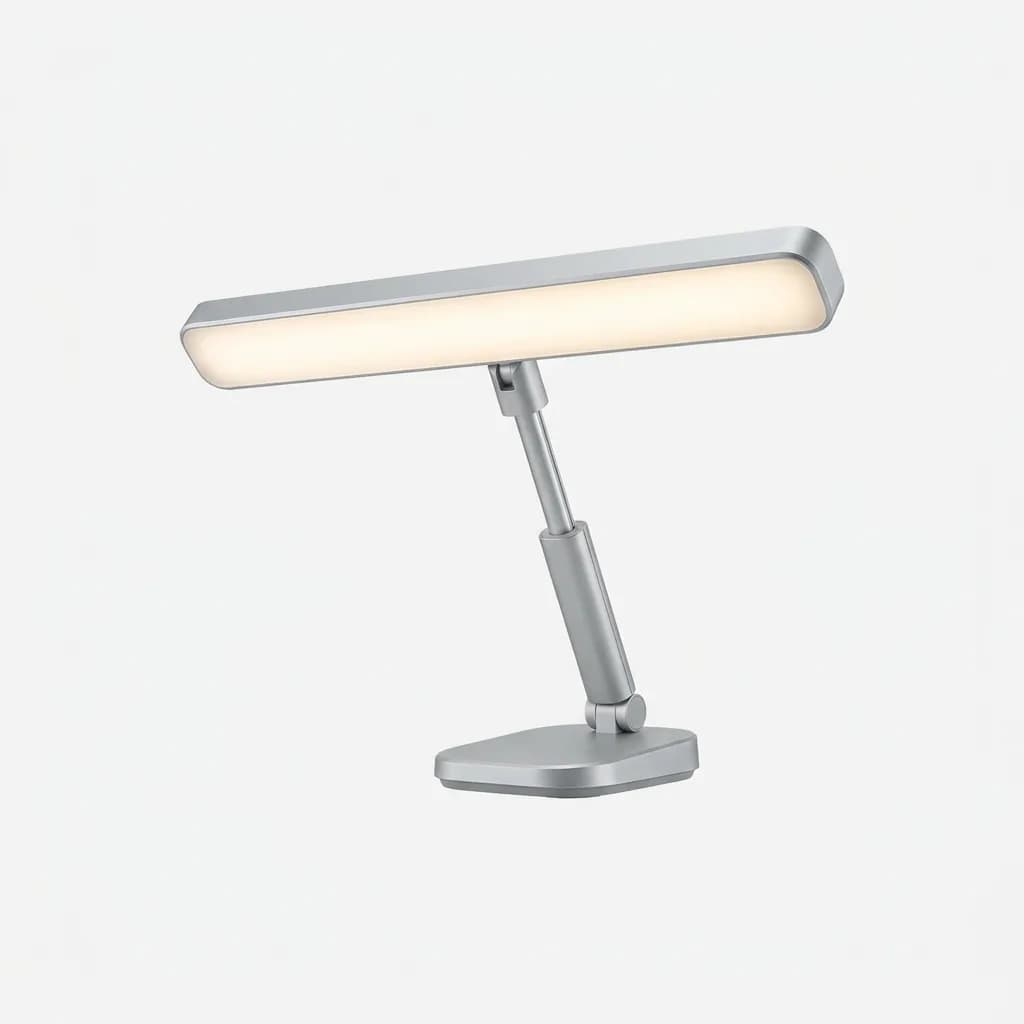
Logitech Litra Beam
See current price
Higher-output Logitech key light for darker rooms and stronger fill, with soft diffusion aimed at daily video calls.
Budget Clip-On Bars: When Cheap Is Enough
A $20 to $30 USB clip bar will not match Litra Glow's softness, but it beats a dark face on a last-minute interview. Look for adjustable kelvin, a real diffuser, and a clamp that fits your lid thickness. Expect more hotspots and worse CRI.
Use budget bars as spares in a go-bag, not as your only light for high-stakes client work. If glasses reflections bother you, avoid thick ring lights and stick to small rectangular panels even on a budget.
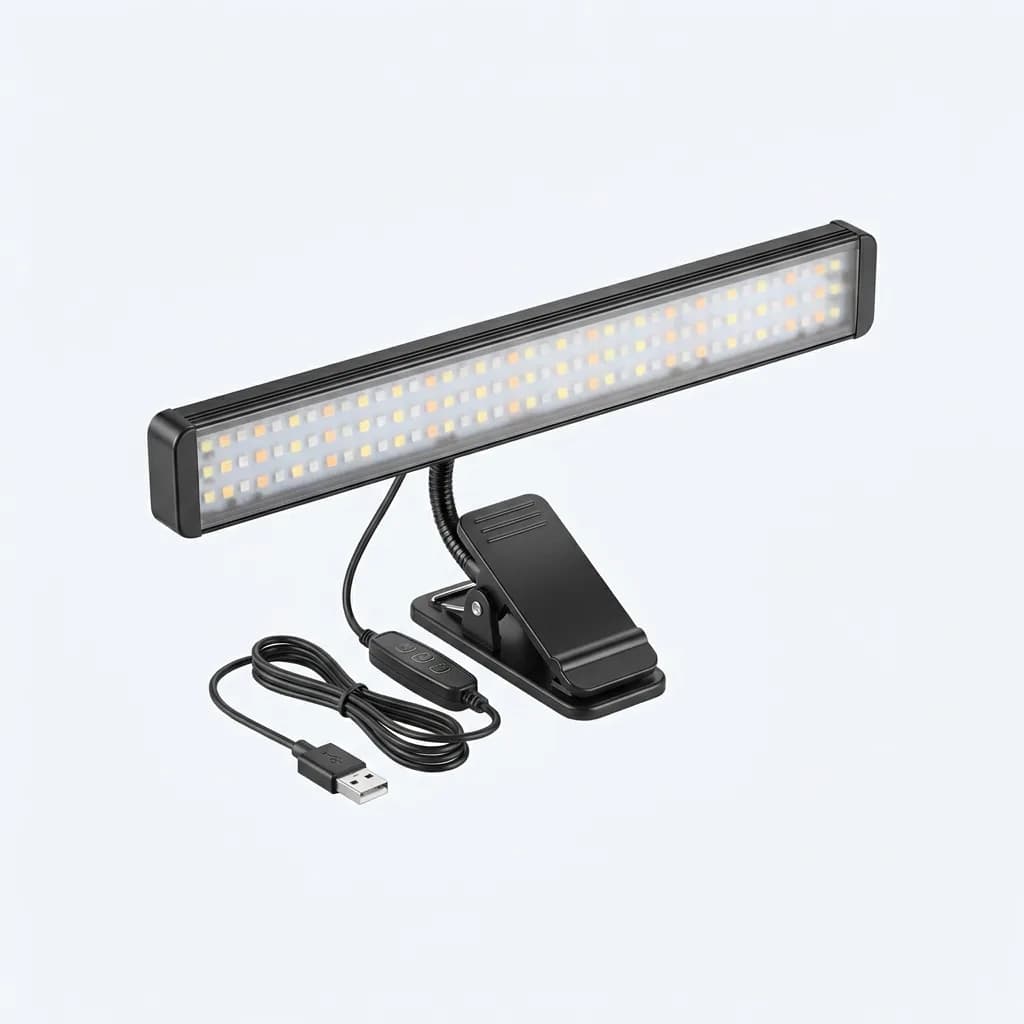
Neewer Portable LED Video Light Bar
$20-$30
Affordable USB clip-on bar with adjustable color temperature. A workable spare for travel kits when premium panels are overkill.
Placement Beats Specs
Put the light slightly above eye level and a little off-center, not under your chin. Underlighting is how every horror Zoom happens. If you wear glasses, angle the panel so the reflection misses the webcam.
Match kelvin to the room. Fighting a warm lamp with an ice-blue panel makes skin look sick on webcam white balance. Dim until facial texture looks natural, then stop. Brighter is not better once the face is clean.
One light is enough for most calls. Add a second fill only if one side of your face still falls into shadow after you fix placement.
Common Mistakes on Video Calls
Relying on a window behind you. Backlight turns you into a silhouette no software can fully fix.
Mounting a light below the lens line. That angle ages everyone.
Buying lumens without diffusion. Harsh LEDs create shiny foreheads and hard nose shadows.
Ignoring power. A battery light that dies mid-demo is worse than a mediocre USB panel that never quits.
Which Portable Call Light Should You Buy?
Choose Litra Glow for a permanent monitor setup and daily meetings. Choose Key Light Neo if you want Elgato control and a compact desk or monitor panel. Choose the Lume Cube conference kit when the laptop lid is your only mount. Choose Litra Beam when the room is dark and Glow cannot fill. Keep a cheap clip bar as a travel spare.
Set the light once, save the brightness in software if you can, and stop futzing before every standup. Good call lighting should be boring. That is the point.
The Weekly Dispatch
Enjoying this article?
Subscribe and get our best gear picks delivered every Sunday morning.
Related Stories
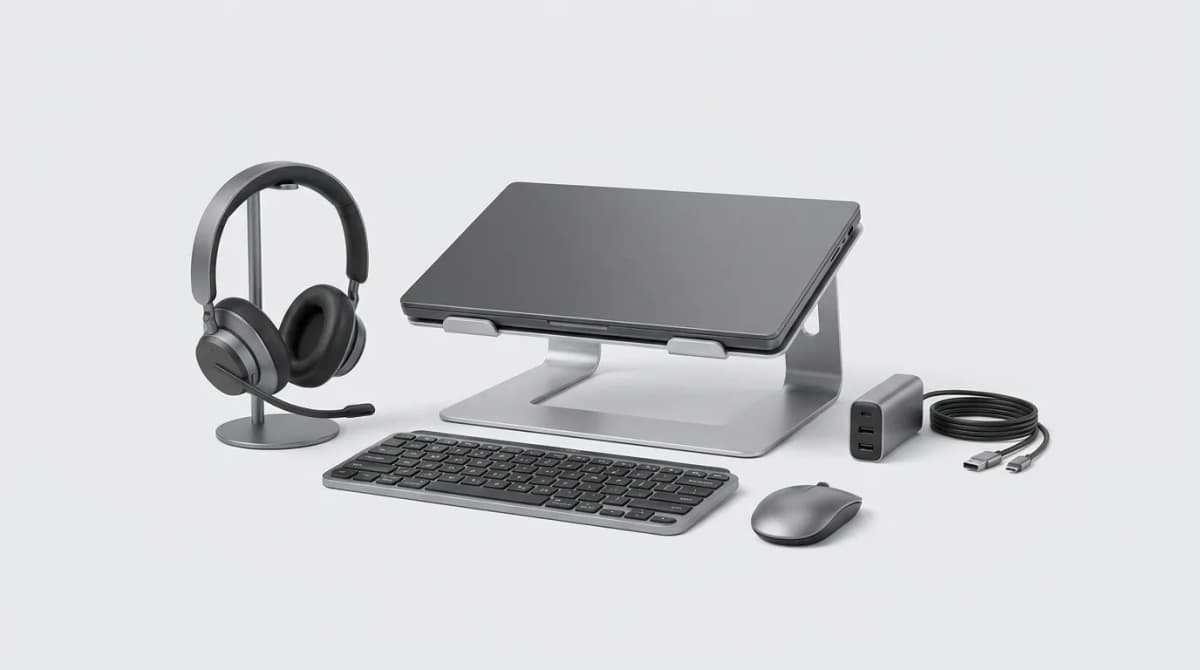
Best Work From Anywhere Kit Under 300 Dollars
Building a complete mobile work setup for under 300 dollars means choosing gear that pulls double duty and skipping the nice-to-haves that don't matter.
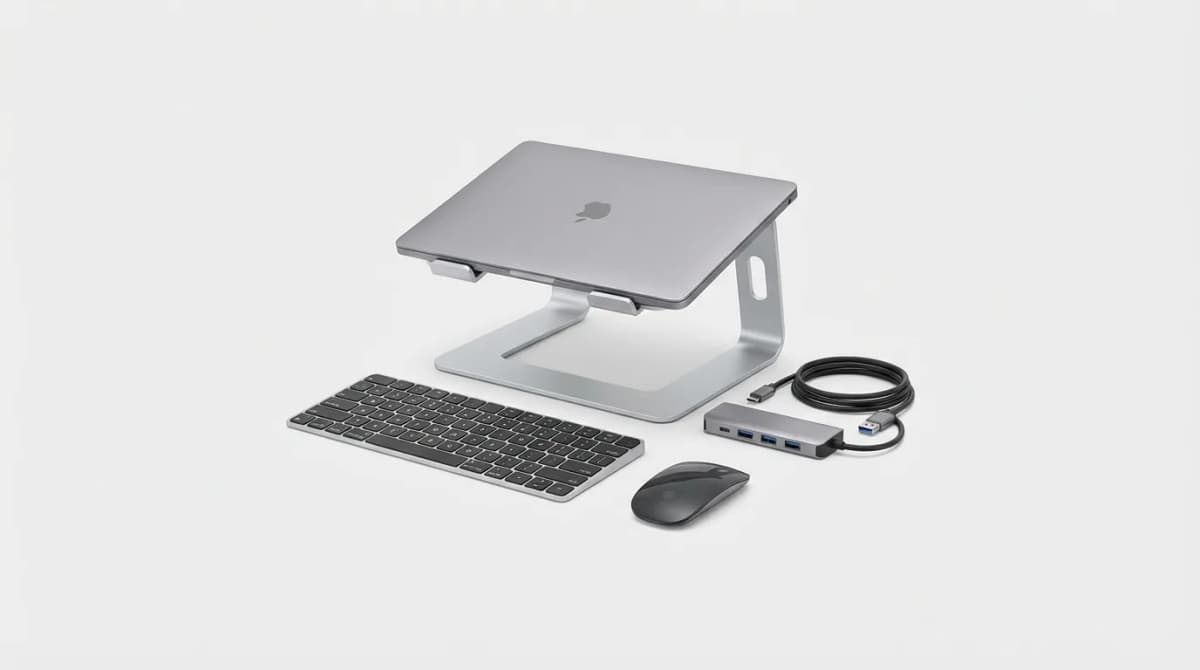
Must-Have Laptop Accessories for Remote Work
Transform your laptop into a proper workstation with the right accessories. Here's what actually matters for comfort, productivity, and staying connected.

EDC for Remote Work Days at Cafes
Working from cafes requires different gear than your home office. Here's what actually matters when you're competing for outlets and dealing with noise.