EDC for Remote Work Days at Cafes
Working from cafes requires different gear than your home office. Here's what actually matters when you're competing for outlets and dealing with noise.

Your laptop bag hits the cafe table at 9 AM. The corner spot with an outlet is already taken. Three groups are having loud conversations. Your phone is at 40%. This is where your EDC either saves the day or leaves you scrambling.
Quick Picks
Our top recommendations at a glance:
- 1
- 2
- 3
- 4
- 5
Working from cafes isn't just about bringing your laptop. It's about having backup power, controlling your audio environment, and protecting your screen from wandering eyes. The gear that works great at your home desk often fails in public spaces.
We've spent hundreds of hours working from coffee shops, testing what actually matters when you're away from your primary workspace. Some items earn their space in your bag every single day. Others sound useful but add weight without solving real problems.
Power Management: Plan for No Outlets
Most cafe workers assume they'll find an outlet. That's a mistake. The best spots are taken by 8 AM, and some cafes actively limit charging to increase table turnover.
A 20,000mAh power bank keeps a MacBook Air running for 8-10 hours and charges your phone three times over. That's a full workday without begging the person at the outlet spot to switch seats. Smaller 10,000mAh units work for phone-only days but won't touch laptop battery levels.
Look for USB-C Power Delivery with at least 45W output for laptops. Standard USB-A ports max out around 12W, which barely keeps up with active use. Your laptop will drain slower, but it's still draining.

Anker 737 Power Bank 24,000mAh
$150
140W USB-C output charges MacBooks at full speed. Three ports handle laptop, phone, and earbuds simultaneously. Airline-safe capacity.
Cable management matters more in public than at home. A 6-foot USB-C cable reaches from your bag to the table without stretching. Shorter cables force you to balance your power bank on your laptop or keep it in your lap. Longer cables create trip hazards for passing customers.
Bring two cables minimum. One for your laptop, one for your phone. If you're using wireless earbuds that charge via USB-C, that's three cables. Rubber cable ties keep them from tangling into a knot at the bottom of your bag.

Anker USB-C to USB-C Cable 6ft 2-Pack
$16
100W power delivery rating, reinforced stress points, 10,000+ bend lifespan. Long enough to reach without excess slack.
Audio Control: Block Distractions Without Isolation
Open-back headphones are great at home. In cafes, they leak sound and let in every conversation around you. You need active noise cancellation that handles consistent background noise without making you feel pressure in your ears.
Over-ear headphones provide better ANC than earbuds but announce "I'm busy" more clearly than you might want. Some cafes get weird about customers wearing large headphones for hours. Earbuds let you stay approachable while still blocking the espresso machine.
The ANC quality gap between premium and budget options is massive. Cheap ANC creates a hollow underwater feeling and struggles with irregular sounds like voices. High-end ANC from Sony or Bose removes steady noise while letting you hear someone calling your name.

Sony WF-1000XM5 Wireless Earbuds
$298
Industry-leading ANC in a compact form factor. 8-hour battery with 16 more in the case. Multipoint connects to laptop and phone simultaneously.
Transparency mode is underrated for cafe work. It pipes outside sound through your earbuds so you hear the barista call your order without removing them. You'll use this feature more than you expect.
Battery life needs to cover your full session plus contingency. Earbuds rated for 6 hours might give you 4-5 with ANC cranked up. If you're planning a 4-hour work block, you're cutting it close. 8-hour battery life gives you real margin.
Privacy: Protect Your Screen from Shoulder Surfers
Privacy screens are the most overlooked cafe EDC item. They limit viewing angles to around 60 degrees, turning your display black to anyone looking from the sides. This matters when you're handling client work, financial data, or anything you wouldn't want broadcasted to the table next to you.
The downside is reduced brightness and slightly muted colors. You'll want to boost your screen brightness 20-30% to compensate. Some people hate the trade-off. But if you work with sensitive information in public, there's no alternative that actually works.
Magnetic attachment systems let you pop the filter on and off in seconds. Adhesive-mount privacy screens are permanent and annoying if you also use your laptop at home. Removable filters give you options.

3M Privacy Filter for 13-inch MacBook Air
$65
Limits viewing angle to 60 degrees, scratch-resistant coating, magnetic attachment. Available for most laptop sizes and models.
Screen brightness affects battery life more than any other setting. Running at 100% brightness to overcome a privacy filter burns through your battery 40% faster than working at 60%. This is where that high-capacity power bank pays for itself.
Comfort Items That Actually Matter
Cafe chairs range from acceptable to ergonomic disasters. A lumbar support cushion sounds excessive until you've spent 6 hours on a wooden chair designed for 20-minute coffee drinkers.
Portable lumbar cushions compress flat in your bag and strap to any chair. The good ones use memory foam that actually rebounds. Cheap versions are just stuffed fabric that flattens out in 30 minutes and stops providing support.

Everlasting Comfort Lumbar Support Pillow
$36
Memory foam maintains shape for hours, adjustable strap fits any chair, breathable mesh cover. Compresses to 2 inches thick for transport.
Laptop stands improve posture but take up table space and announce your intention to stay for hours. Some cafes don't appreciate customers setting up elaborate workstations. Use your judgment based on how busy the place is and whether you're buying drinks regularly.
If you do bring a stand, folding aluminum designs pack flat and weigh under a pound. Adjustable height matters more than you'd think - cafe tables vary from coffee-table low to bar-height tall.
A compact wireless keyboard and mouse turn any laptop into a proper workstation. Typing on a raised laptop screen is miserable for your neck. The keyboard adds bulk to your carry, but it solves the ergonomics problem that laptop stands create.

Logitech MX Keys Mini Wireless Keyboard
$100
Full-size key spacing in a compact layout, backlit keys for dim cafes, 10-day battery life. Switches between three devices instantly.
What to Skip: Gear That Sounds Good But Isn't
Portable monitors double your screen space but make you look like you're running a satellite office from a coffee shop. They require table space most cafes can't spare and need their own power source. Unless you're doing video editing or design work that absolutely requires two screens, your laptop display is enough.
Mechanical keyboards are too loud for public spaces. You might love the tactile feedback, but everyone around you will hate the constant clicking. Save the mechanical switches for home.
Desktop microphones are overkill. Your laptop mic or earbud microphone handles video calls fine. If audio quality matters that much, book a conference room or work from home.
Blue light glasses don't do anything measurable for eye strain. Multiple studies show no benefit over regular breaks and proper screen brightness. Don't add another item to your carry for placebo effect.
The Minimal Cafe EDC Kit
If you're building your cafe EDC from scratch, start here. Laptop, high-capacity power bank with 45W+ output, two 6-foot USB-C cables, quality wireless earbuds with ANC, and a privacy screen if you handle sensitive data.
That covers power, audio, and privacy - the three things that fail most often in public workspaces. Everything else is optional based on how long you stay and what kind of work you're doing.
Add the lumbar cushion if you're regularly working 4+ hour sessions. Add the wireless keyboard if you're doing heavy typing and want better ergonomics. Skip everything else until you've identified a specific problem that needs solving.
The goal is a bag you can grab in 30 seconds that keeps you productive for a full workday, regardless of where you find a seat or whether outlets are available. Start minimal, add only what you actually use, and keep testing what earns its space in your carry.

Bellroy Laptop Sleeve Plus 13-inch
$99
Organized storage for laptop, charger, cables, and accessories. Slim profile fits in any bag. Durable water-resistant fabric with YKK zippers.
Your cafe EDC should disappear into your routine. The best gear is what you stop thinking about because it just works.
The Weekly Dispatch
Enjoying this article?
Subscribe and get our best gear picks delivered every Sunday morning.
Related Posts
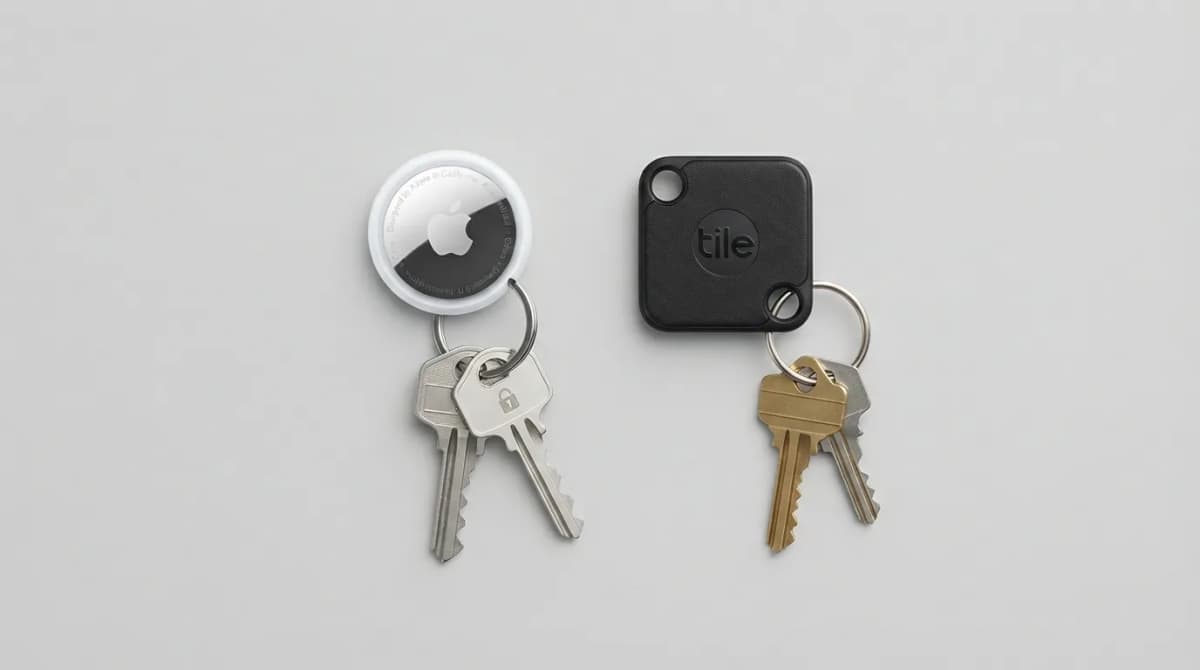
AirTag vs Tile Mate (2026): Which Key Tracker to Buy
Apple AirTag vs Tile Mate for keys: phone compatibility, range, battery and price compared from Apple and Tile maker pages, as of Oct 2026.
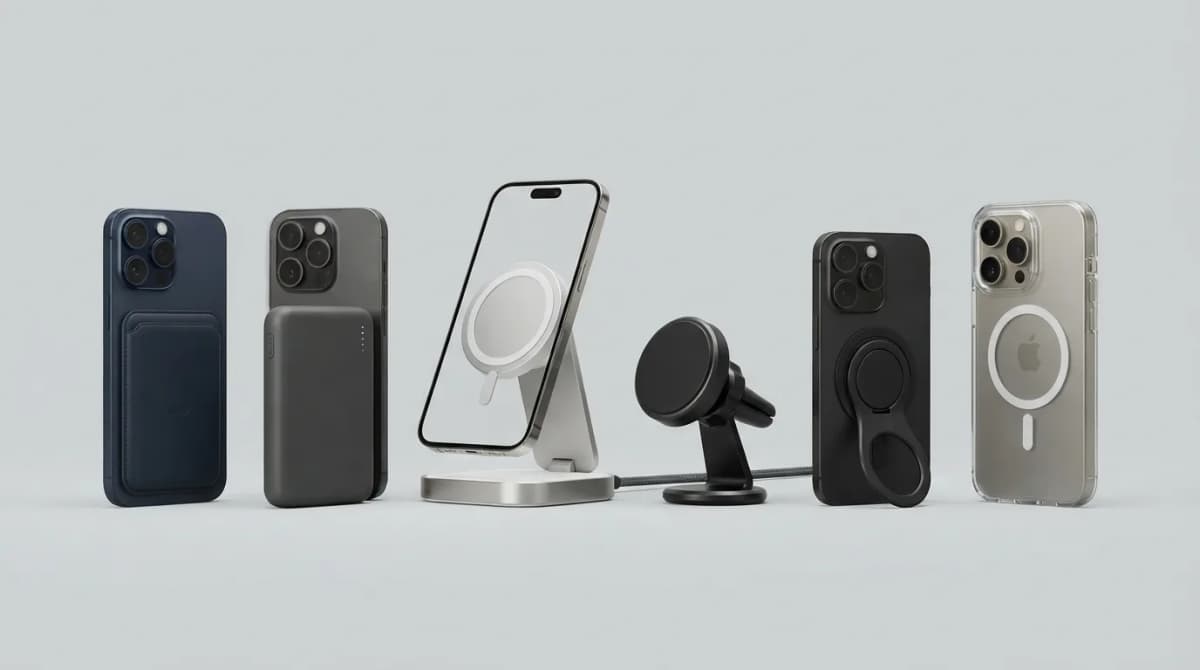
Best MagSafe Accessories for iPhone 18 Pro (2026)
MagSafe and Qi2 accessories for iPhone 18 Pro and Pro Max: wallets, power banks, a dock, car mount, grips, cases, a keyboard, a controller, an SSD and more, with maker specs and prices as of Oct 2026.
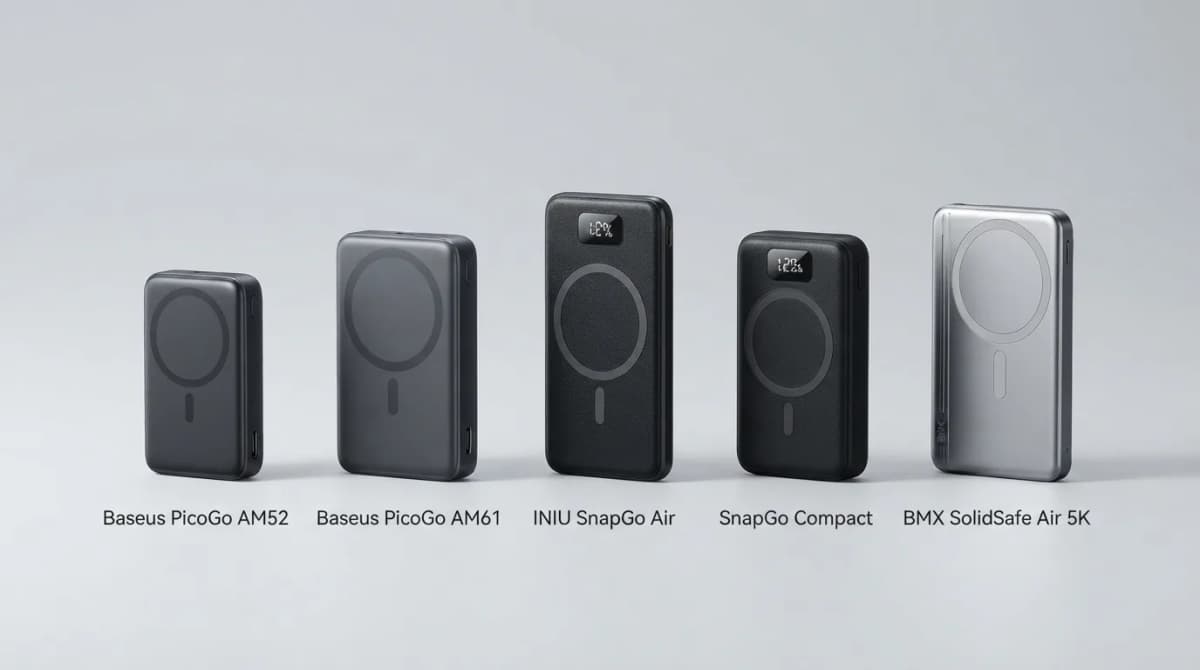
Best Qi2 Power Banks 2026 for iPhone and Android
The best Qi2 and Qi2.2 magnetic power banks for 2026: Baseus PicoGo AM52 and AM61, INIU SnapGo Air and SnapGo Compact, and BMX SolidSafe Air 5K. Prices at publish, Oct 2026.
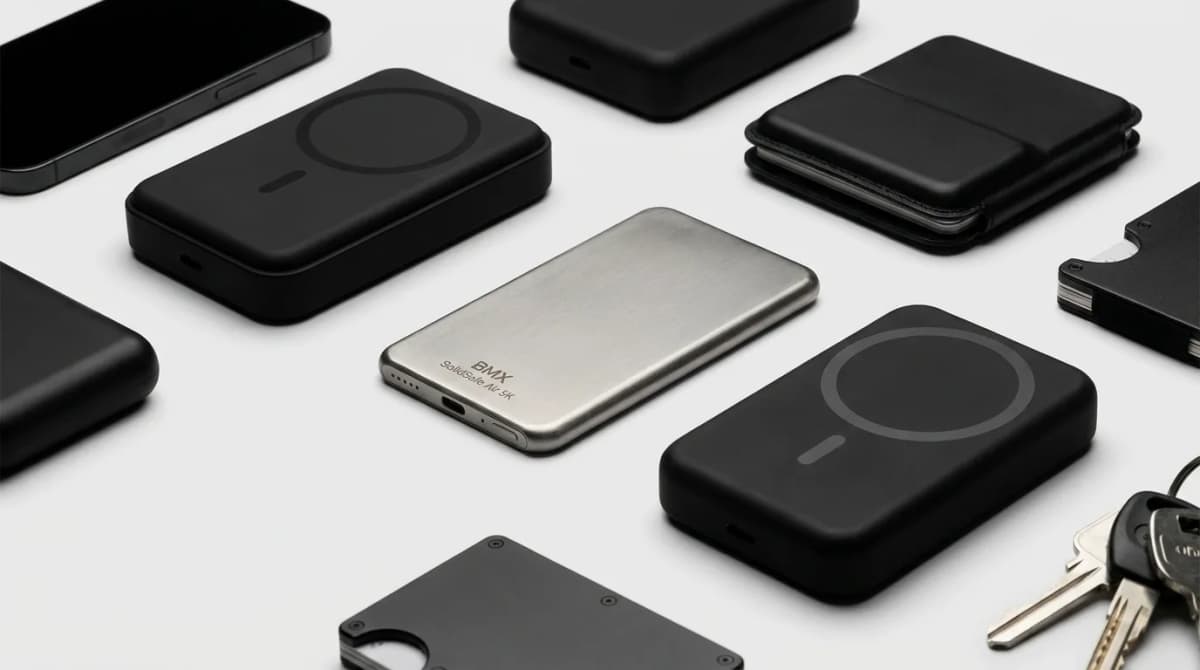
BMX SolidSafe Air 5K: Thinnest Qi2 Power Bank
Thick MagSafe banks die in the bag. BMX SolidSafe Air 5K hits 6.8mm titanium, Qi2 15W, and a semi-solid-state safety pitch — pocket-first EDC power, not another brick. Who buys, who skips.