Best Work From Anywhere Kit Under 300 Dollars
Building a complete mobile work setup for under 300 dollars means choosing gear that pulls double duty and skipping the nice-to-haves that don't matter.
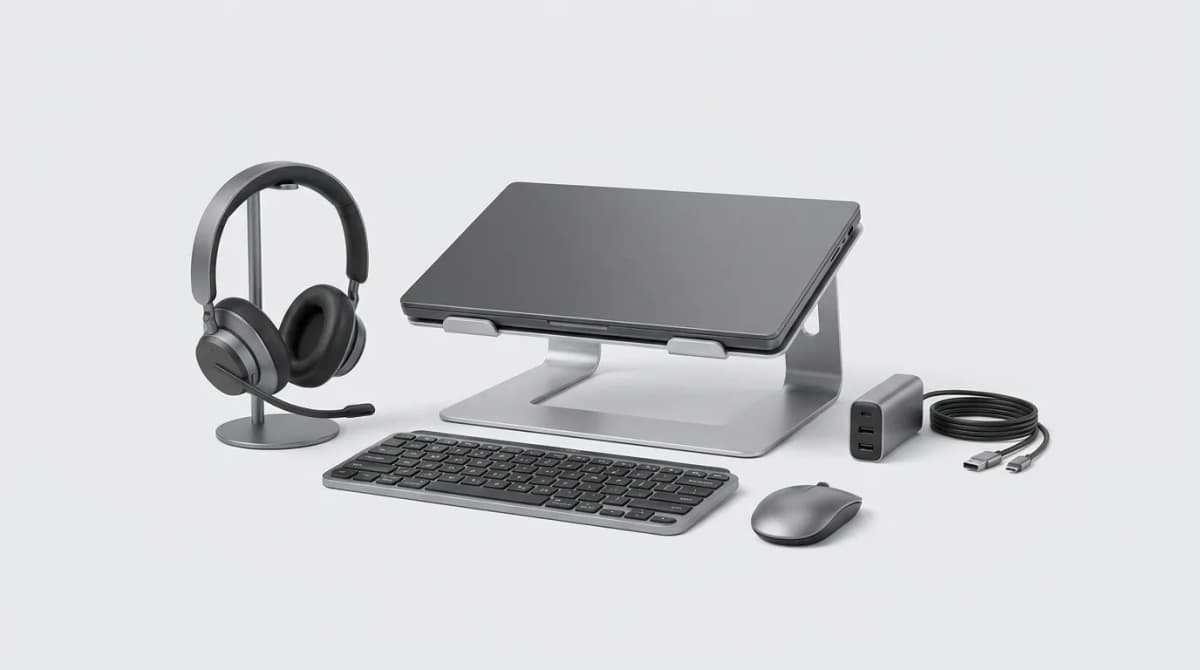
You can spend thousands on a remote work setup, or you can spend 300 dollars on the six things that actually matter. The difference shows up in your bank account, not your productivity.
The challenge is not finding cheap gear. It is figuring out which expensive features you can skip and which budget picks will hold up after six months of daily use. Most "budget" lists pad the count with accessories you will forget about in a week. This kit has five core items and one optional sixth, all chosen for durability, portability, and real-world value.
The Non-Negotiables: Keyboard and Mouse
If you are working from a laptop, the built-in keyboard and trackpad are your biggest bottlenecks. A separate keyboard and mouse transform the experience, and you do not need mechanical switches or gaming sensors to get there.
The Logitech K380 is the default recommendation for good reason. It switches between three devices instantly, runs for two years on two AAA batteries, and the scissor switches feel better than most laptop keyboards. The round keys look gimmicky but your fingers adjust in a day. It is compact enough to toss in a bag without a case, and it costs 30-40 dollars depending on sales.
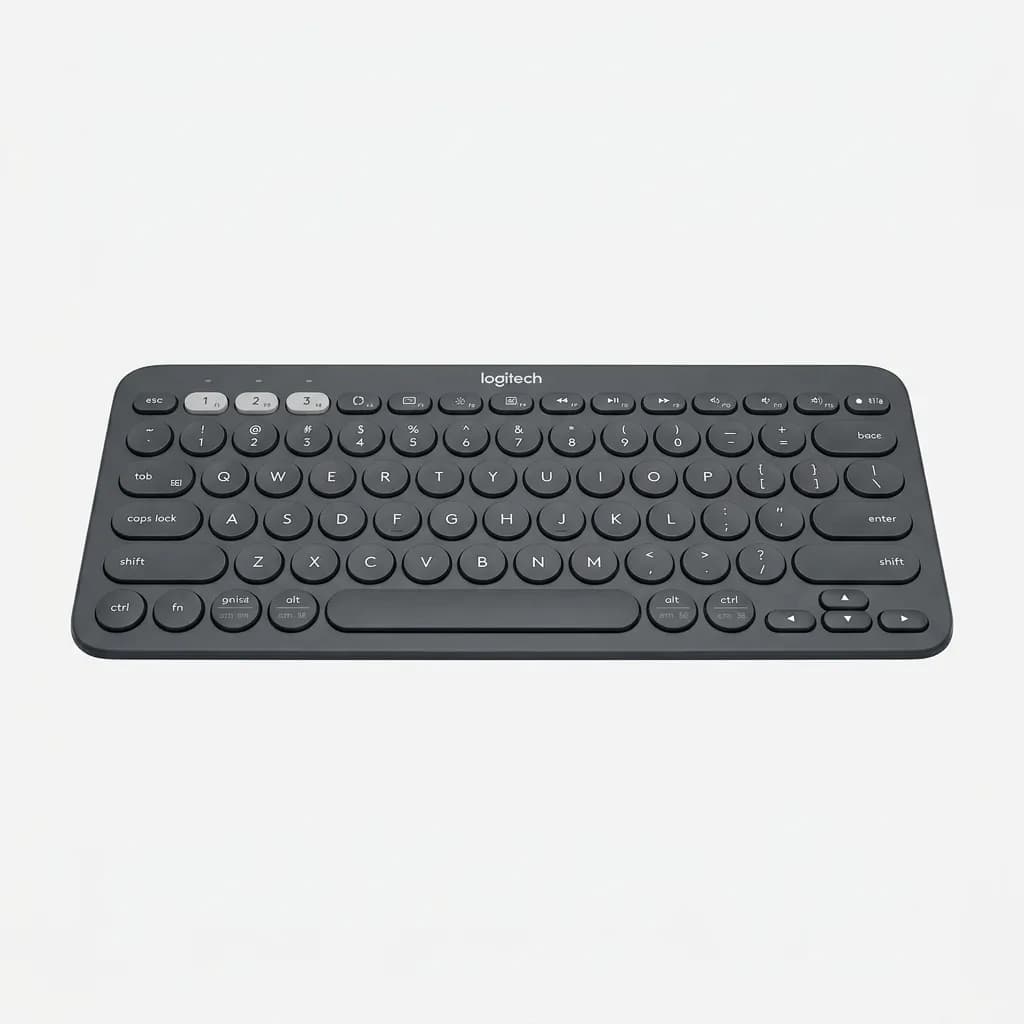
Logitech K380 Multi-Device Bluetooth Keyboard
$40
Compact wireless keyboard with 3-device pairing, 2-year battery life, and scissor-switch keys. Works across Mac, Windows, iOS, and Android.
Pair it with the Logitech M355. It is not exciting, but it tracks accurately on most surfaces, the battery lasts 18 months, and the compact shape fits in a jacket pocket. The silent clicks matter more than you expect when you are working from a coffee shop or shared space. Budget 30 dollars.
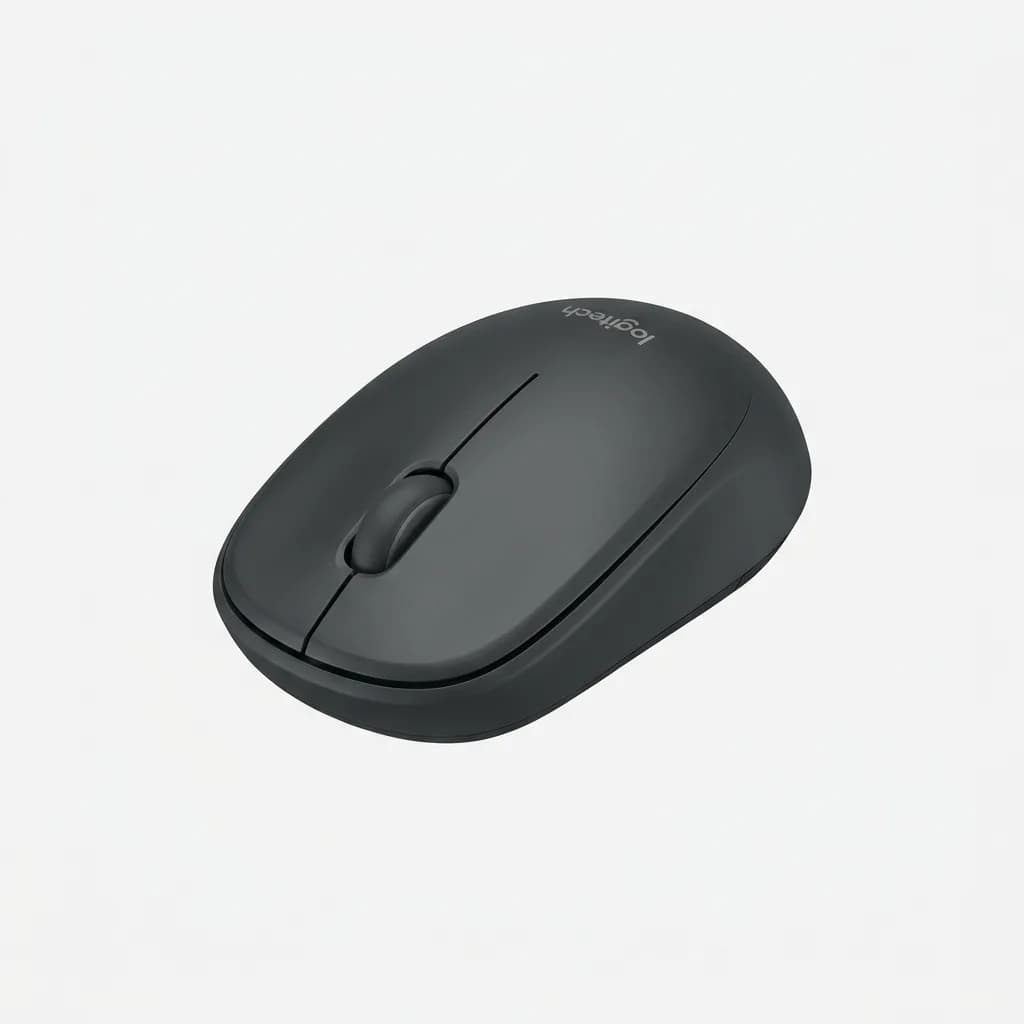
Logitech M355 Silent Wireless Mouse
$30
Compact wireless mouse with silent clicks, 18-month battery, and precise tracking. Portable design fits easily in bags and pockets.
Total so far: 70 dollars. You now have better ergonomics than 80 percent of remote workers.
Audio: The One Thing You Cannot Cheap Out On
Bad audio sinks calls, interviews, and client meetings. You can get away with visible clutter in your background or mediocre lighting, but distorted or choppy audio makes people assume you are unprofessional.
The Jabra Evolve2 40 is the floor for acceptable call quality in this price range. It has a real boom mic that isolates your voice, passive noise isolation that blocks ambient sound, and a USB-A connection that works without driver hassles. The headband is plastic, but it has held up through a year of daily use in our testing. It runs 80-100 dollars depending on the retailer.
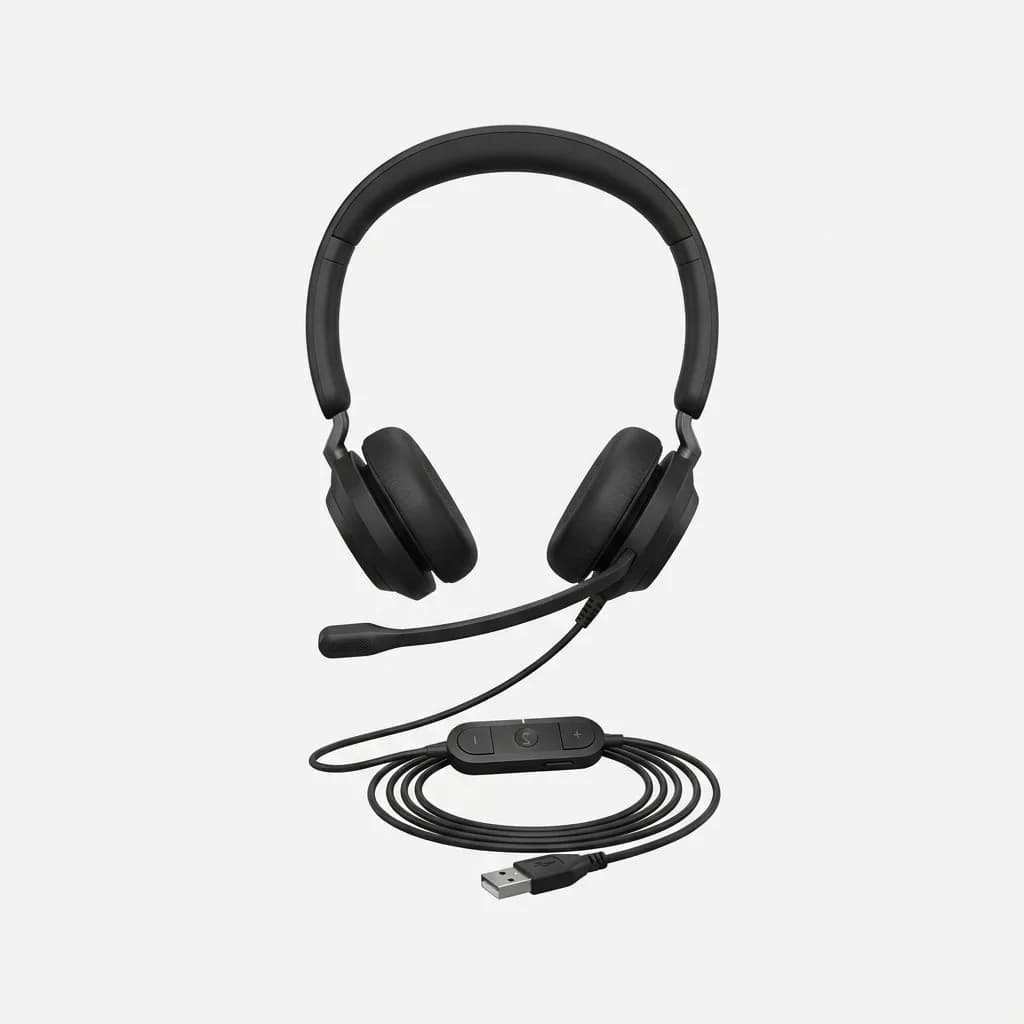
Jabra Evolve2 40 USB-A Headset
$90
Wired USB headset with boom microphone, passive noise isolation, and inline controls. Designed for all-day calls with reliable audio quality.
Running total: 160 dollars. You are more than halfway through the budget and you have covered the three things that directly affect how you work.
The Laptop Stand You Will Actually Use
Most stands are too bulky to carry or too flimsy to trust. The Nexstand K2 folds flat, weighs 7 ounces, and adjusts to six heights. It is made from reinforced plastic that feels cheap until you realize it has survived being jammed into a backpack 200 times.
Raising your laptop screen to eye level reduces neck strain and opens up space for your keyboard and mouse. The K2 fits laptops up to 17 inches and costs around 35 dollars. Some people prefer the Roost Stand, but that costs 75 dollars and does the same job.
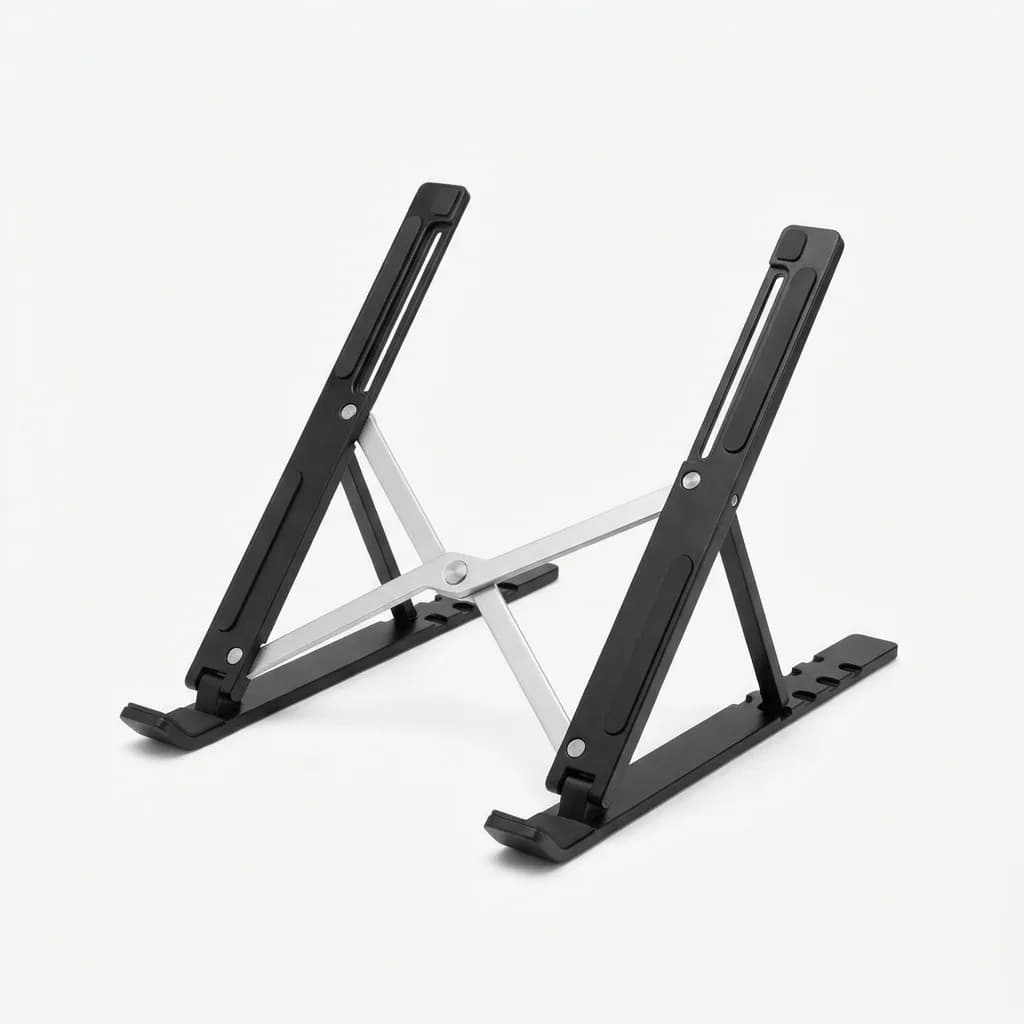
Nexstand K2 Laptop Stand
$35
Portable folding laptop stand with 6 height adjustments. Weighs 7oz, supports up to 17-inch laptops, and folds completely flat for travel.
Running total: 195 dollars. You have 105 dollars left for the last two items.
Power Management: The Boring Essential
You need a way to charge your laptop, phone, and possibly a tablet or second device without hunting for multiple outlets. A single multi-port charger beats carrying your OEM laptop brick plus separate phone and accessory chargers.
The Anker 735 Charger (GaNPrime 65W) has three ports: two USB-C and one USB-A. It can push 65W through a single port or split power across all three. It works with MacBooks, Windows laptops, iPads, phones, and anything else that charges over USB-C. The GaN technology keeps it smaller than older chargers with the same wattage. Budget 50 dollars.
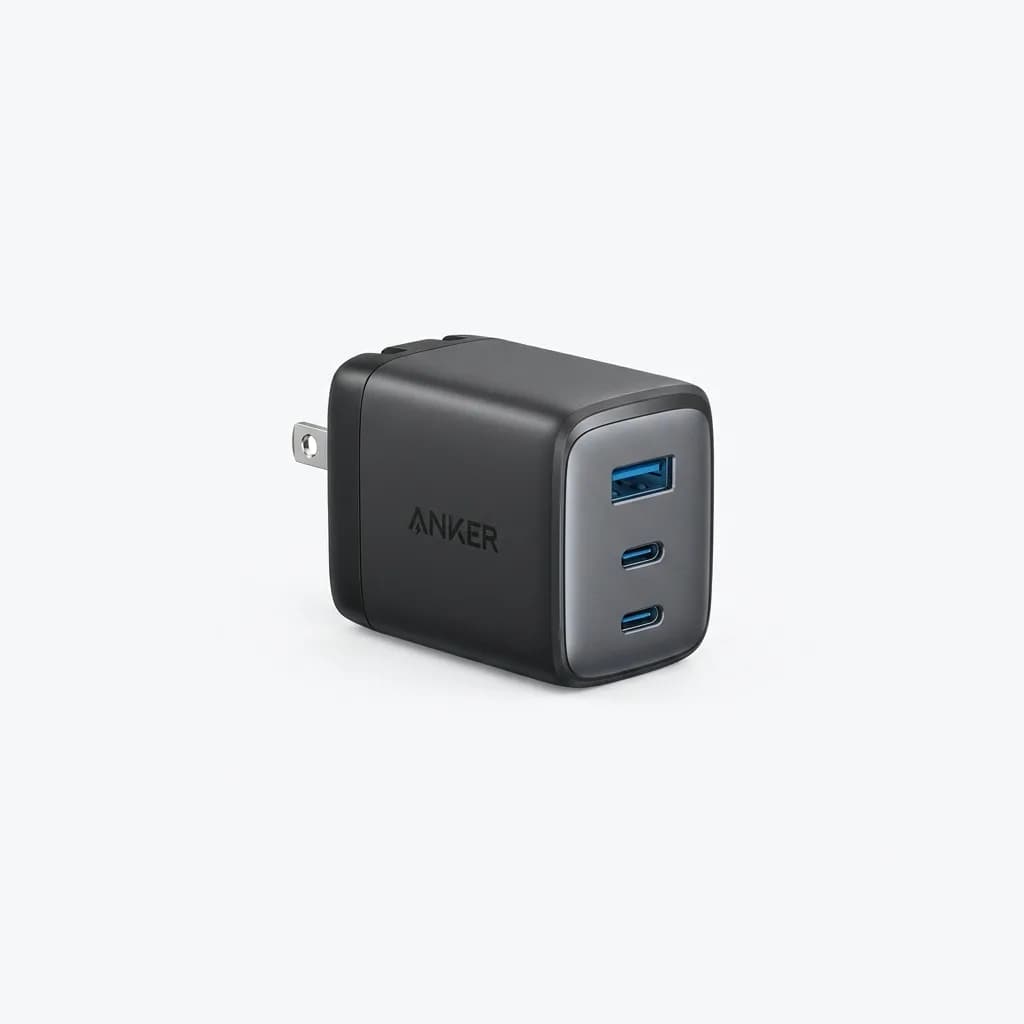
Anker 735 Charger (GaNPrime 65W)
$50
3-port GaN charger with 65W total output. Two USB-C ports and one USB-A. Compact design replaces multiple chargers for laptop, phone, and accessories.
Add a 6-foot braided USB-C cable for 10 dollars. The extra length gives you flexibility in coffee shops and coworking spaces where outlets are never where you want them. Anker, Ugreen, and Amazon Basics all make versions that will last longer than the cheap cables that come with your devices.
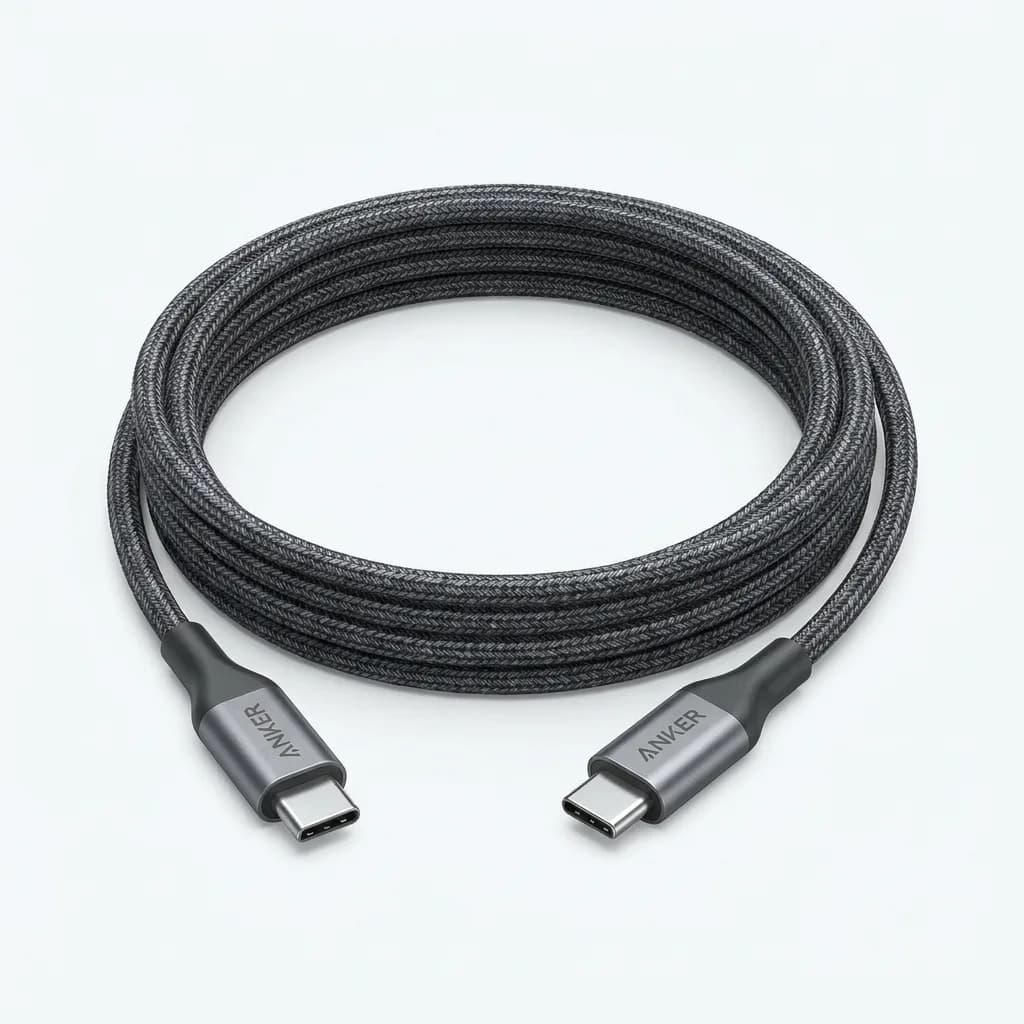
Anker USB-C to USB-C Cable (6ft)
$10
Braided nylon USB-C cable rated for 100W charging and 480Mbps data transfer. Durable design with reinforced connectors for long-term use.
Running total: 255 dollars. That leaves 45 dollars in the budget.
The Optional Sixth Item: A Basic Cable Organizer
Cables tangle in bags. A simple organizer prevents the mess and saves you from untangling headphone cords or charging cables every time you set up. The Bellroy Tech Kit is excellent but costs 70 dollars. At this budget level, the Amazon Basics Electronics Organizer does the job for 15 dollars.
It has elastic loops for cables, a zippered pocket for your charger, and enough room for dongles, adapters, and your mouse. It is not fancy, but it keeps your kit together and makes packing up faster.
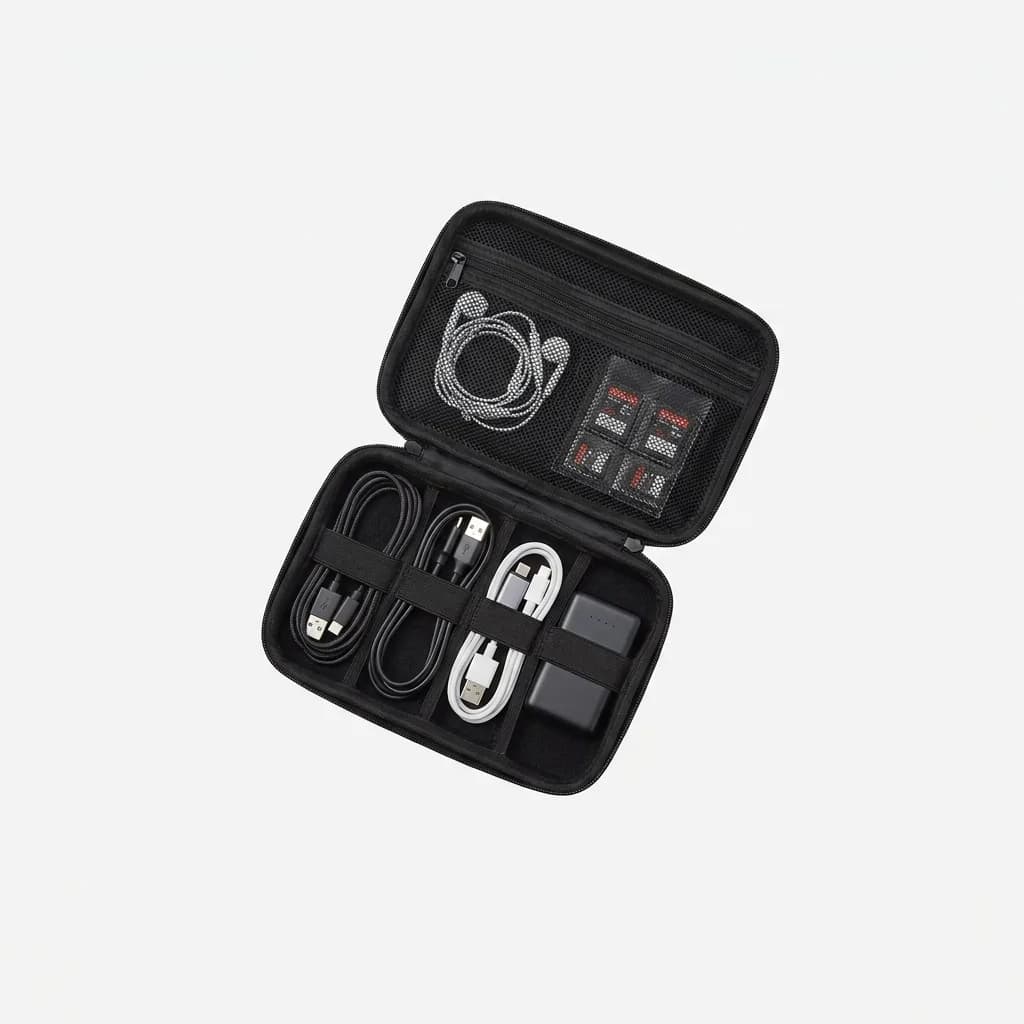
Amazon Basics Electronics Travel Organizer
$15
Compact cable organizer with elastic loops, zippered pocket, and protective padding. Fits chargers, cables, dongles, and small accessories.
Final total: 270 dollars. You have 30 dollars left for a backup USB-C cable, a laptop sleeve, or nothing.
What This Kit Skips and Why
This setup does not include a portable monitor, webcam, or mechanical keyboard. Those are nice, but they are not essential, and they eat your budget fast.
A portable monitor costs 150-250 dollars minimum. If you already have your laptop screen and you are not doing design work or heavy multitasking, the screen real estate is less critical than ergonomics and audio. You can always add a monitor later when you have more budget.
Webcams are tempting, but most modern laptops have 1080p cameras that are good enough for Zoom calls. If your laptop is pre-2020 and has a 720p camera, consider upgrading the laptop before adding peripherals.
Mechanical keyboards sound and feel great, but they cost 70-150 dollars for a decent one, and they take up more space in your bag. The K380 is not as satisfying to type on, but it is 60 dollars cheaper and fits in a jacket pocket.
Tradeoffs We Made to Hit 300 Dollars
Every item in this kit is wireless except the headset. We chose a wired headset because wireless models with comparable audio quality start at 150 dollars, and wired connections eliminate the need to manage another battery. If you take a lot of calls, the reliability is worth the cable.
We skipped dongles and adapters. If your laptop only has USB-C ports and you need HDMI or USB-A, add a multi-port hub like the Anker 341 for 25 dollars. That pushes you slightly over 300, but it covers the gap.
We also assumed you already have a laptop and a bag to carry it in. If you are starting completely from scratch, this kit gets you functional, but you will need to budget separately for the computer and a basic backpack or messenger bag.
How to Scale This Kit When You Have More Budget
If you have 500 dollars instead of 300, here is where to spend the extra 200:
Add a portable monitor. The Asus MB16AC or Espresso Display 15 both cost around 200 dollars and give you a second screen without taking up much space.
Upgrade to a wireless headset. The Jabra Evolve2 65 adds Bluetooth and active noise cancellation for 180 dollars. The freedom matters if you take calls while walking or need to move around.
Swap the K380 for a mechanical keyboard like the Keychron K3 (low profile) or K8 (full size). Both cost 70-90 dollars and offer better typing feel with swappable switches.
The rest of the kit holds up fine. You do not need a better mouse, charger, or stand until you start working with higher-end gear.
The Bottom Line
A complete work-from-anywhere kit does not require a massive investment. You need a keyboard, mouse, headset, laptop stand, charger, and a way to organize it all. For 270 dollars, this setup gives you better ergonomics, clearer audio, and more flexibility than working off your laptop alone.
The key is resisting the urge to add accessories that sound useful but do not improve your workflow. Stick to the core six items, spend money where it directly affects comfort and output, and upgrade later when you know exactly what you need.
If you are starting from scratch or replacing a worn-out setup, this kit works. It fits in a backpack, survives daily use, and does not lock you into a single workspace.
The Weekly Dispatch
Enjoying this article?
Subscribe and get our best gear picks delivered every Sunday morning.
Related Stories

EDC for Remote Work Days at Cafes
Working from cafes requires different gear than your home office. Here's what actually matters when you're competing for outlets and dealing with noise.
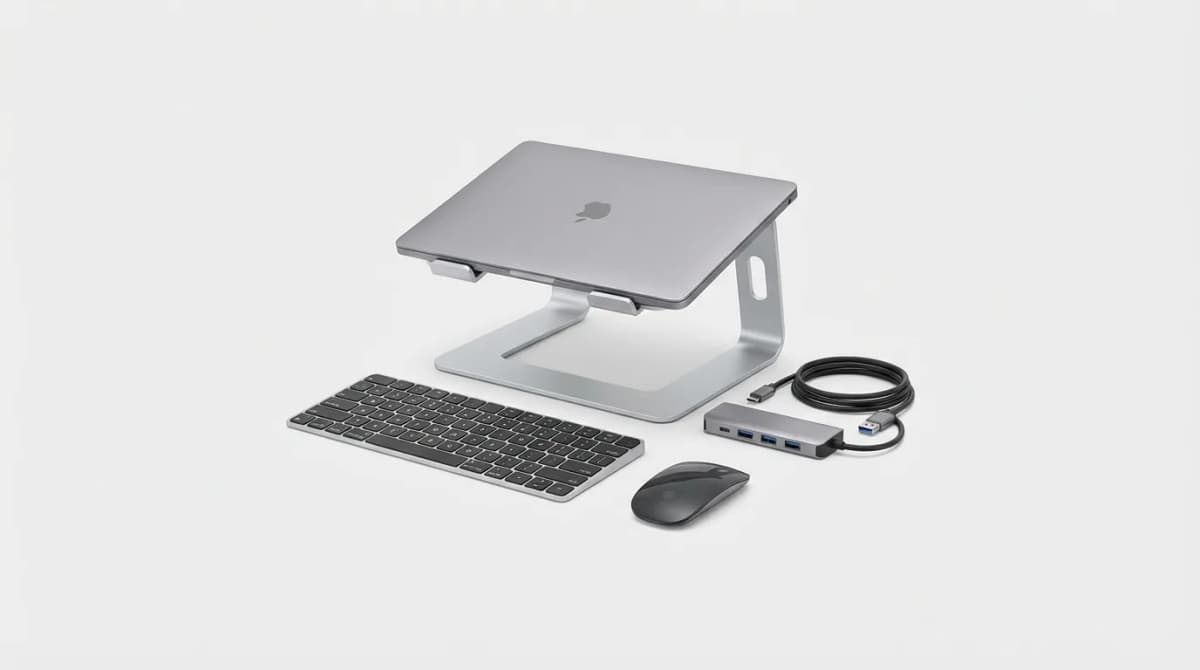
Must-Have Laptop Accessories for Remote Work
Transform your laptop into a proper workstation with the right accessories. Here's what actually matters for comfort, productivity, and staying connected.
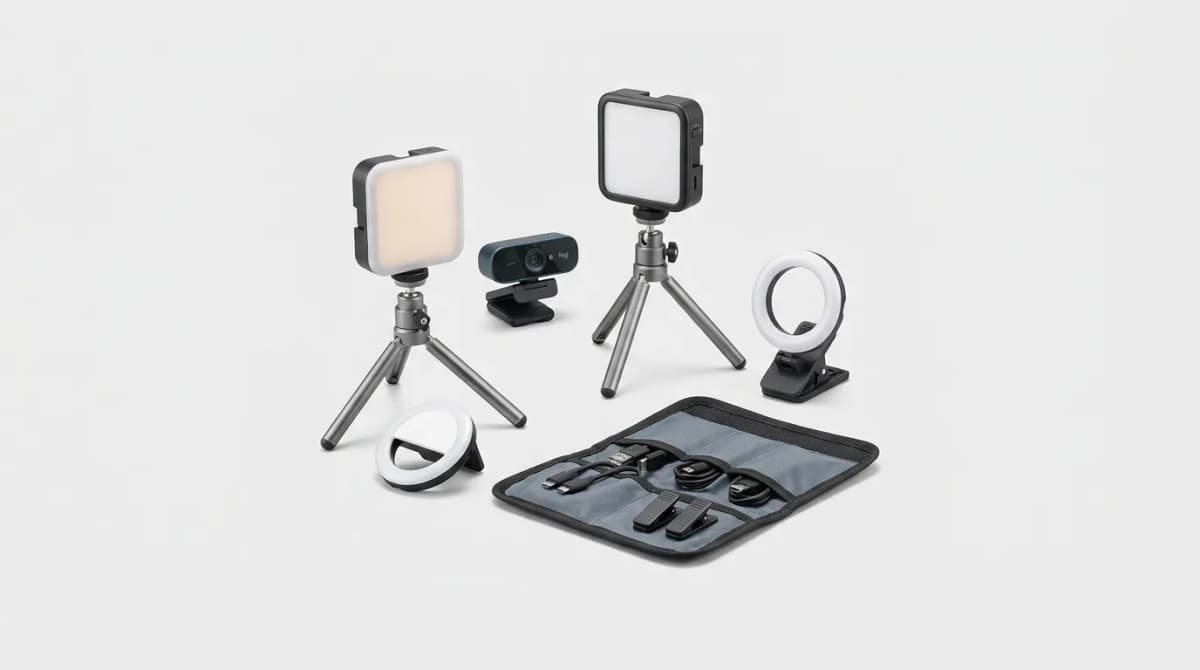
Portable Lighting for Video Calls
Portable key lights beat buying a new webcam for Zoom and Teams. We compare mounts, color temperature ranges, and kits that actually travel.