Insta360 Link 2 Pro Review: Is It Worth It
The Insta360 Link 2 Pro brings gimbal stabilization and AI tracking to your desk. We break down its specs, features and price to see who it's for.
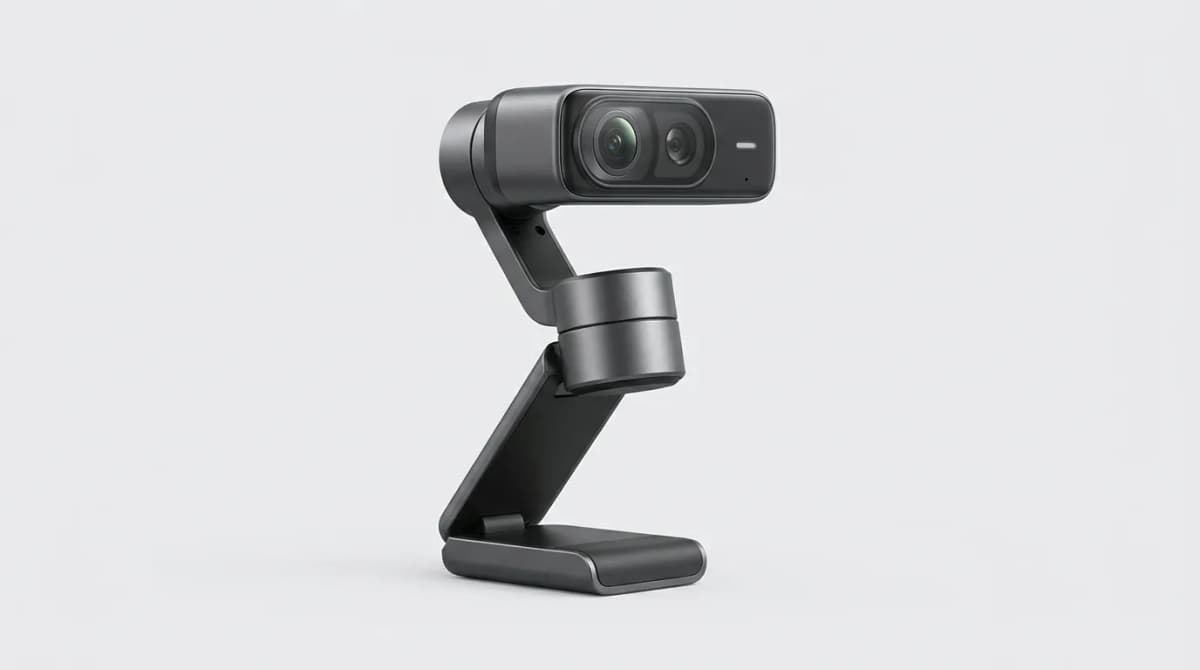
The Insta360 Link 2 Pro costs $399, which puts it squarely in flagship webcam territory. That's four times what you'd pay for a Logitech C920. The question isn't whether it's better than budget options. It obviously is. The real question is whether the gimbal-mounted tracking, 4K sensor, and gesture controls make a practical difference in daily use, or if you're paying for features you'll try once and forget about.
Quick Picks
Our top recommendations at a glance:
- 1
- 2
- 3
- 4
- 5
We mounted it to three different monitors, used it for video calls, recorded content, and let the AI tracking follow us around the room. Here's what actually matters.
What the Gimbal Actually Does
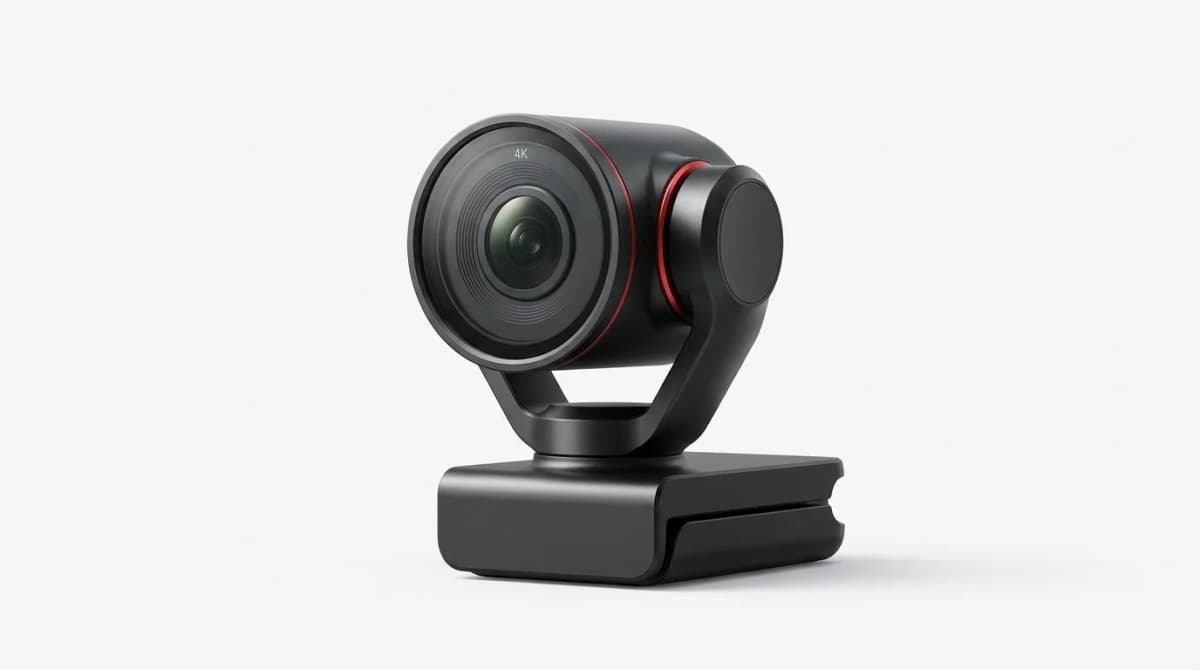
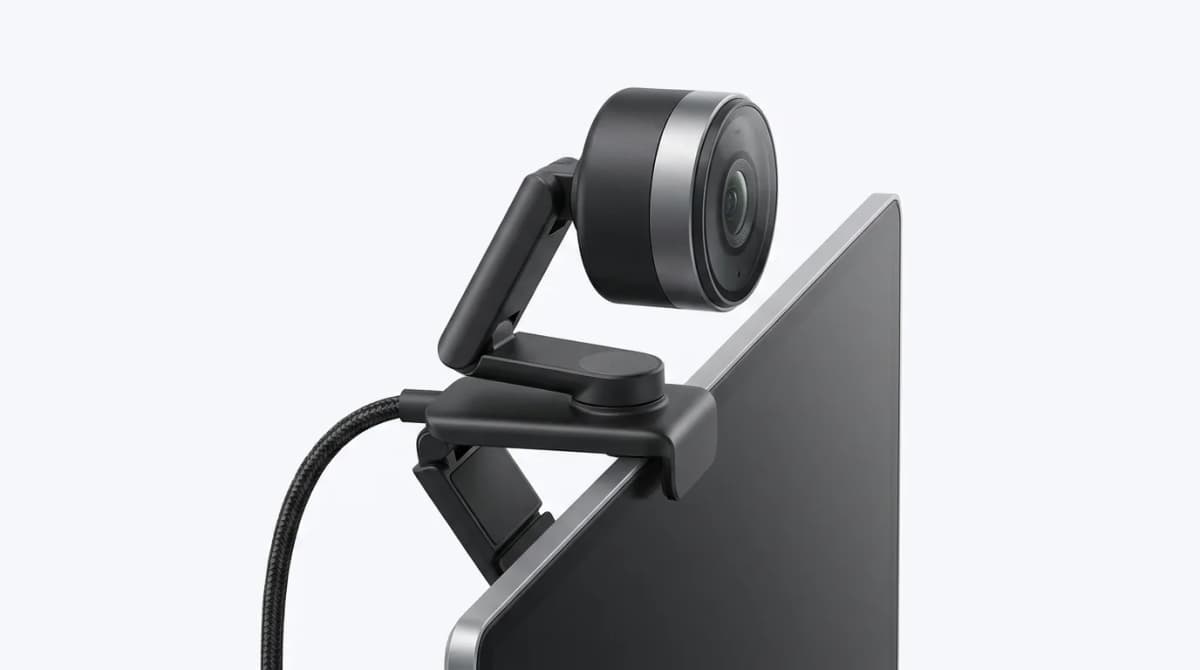
Most webcams sit fixed in place. The Link 2 Pro mounts on a three-axis gimbal that physically tilts and rotates to follow you. It tracks your movement across about 90 degrees horizontally and 60 degrees vertically. The motors are quiet enough that microphones don't pick them up.
This matters most when you move around while talking. Stand up to grab something off camera, and the gimbal smoothly pans to keep you centered. Step left to point at a whiteboard, and it follows. The tracking works through hand gestures too. Show your palm to the camera, and it locks on. Make a frame with your hands, and it switches to desk view mode, angling down to show what's on your workspace.
The sensor is a 1/2-inch CMOS unit that captures 4K at 30fps or 1080p at 60fps. For most video calls, you'll be pushed down to 1080p anyway since that's what Zoom and Teams support. The extra resolution matters when you're recording content locally or need to crop in post without losing quality.
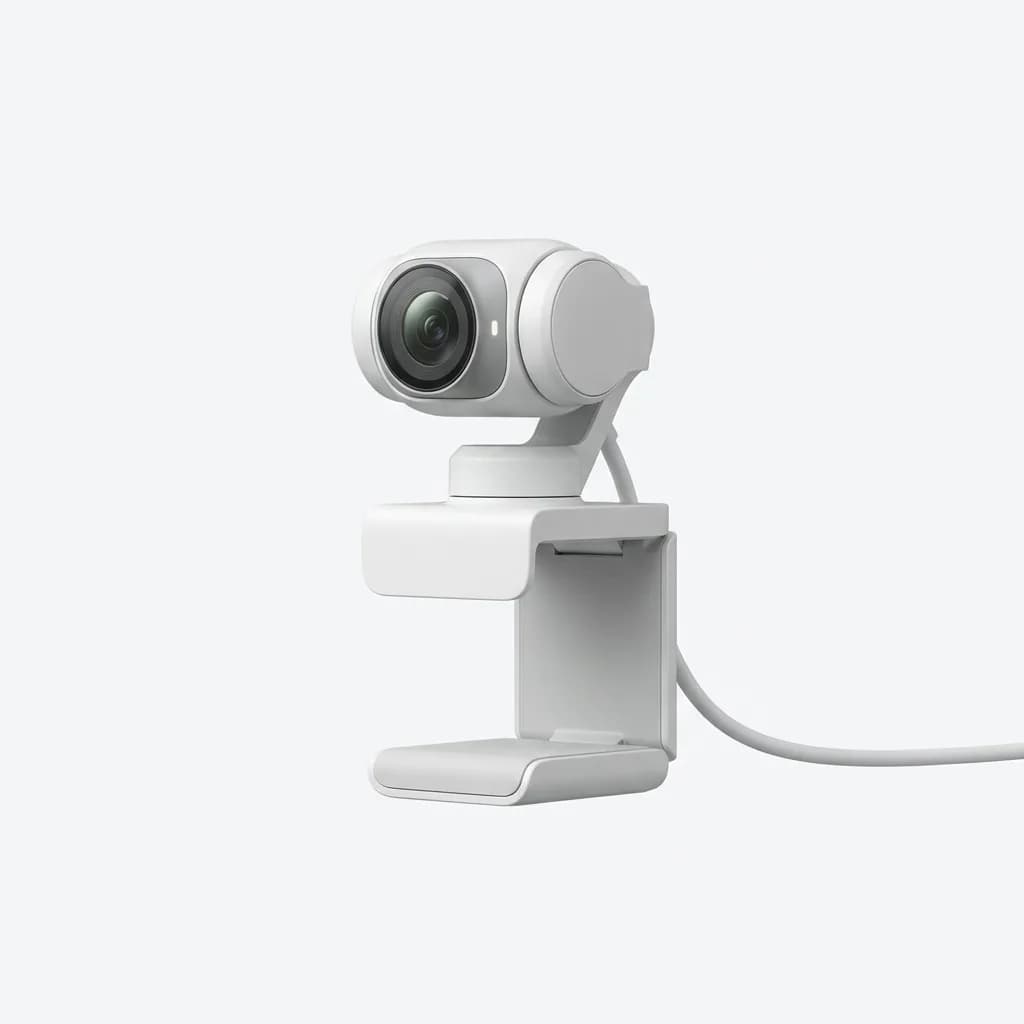
Insta360 Link 2 Pro
$399
4K gimbal webcam with AI tracking, gesture controls, and three-axis stabilization. 1/2-inch sensor, 80-degree field of view, and HDR imaging for professional video quality.
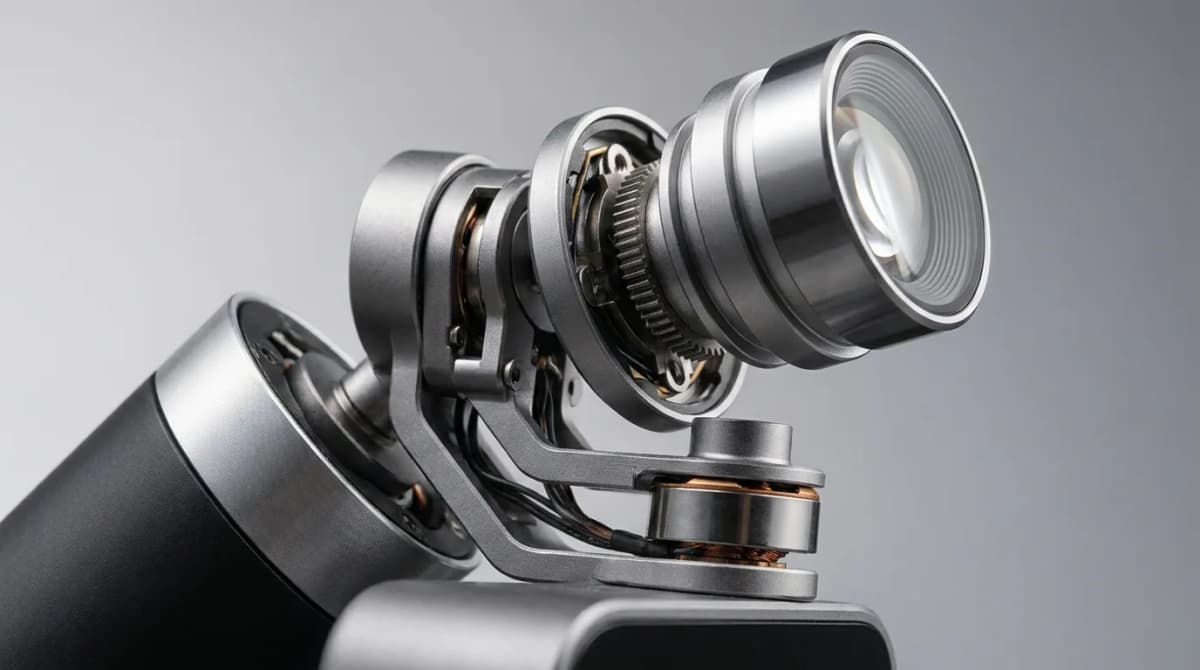
Image Quality vs Logitech and Sony Competitors
The Link 2 Pro produces a noticeably cleaner image than the Logitech Brio 4K in low light. Its larger sensor is designed for less noise in shadows and more accurate skin tones, while the Brio can look slightly washed out by comparison, though it still beats most budget webcams.
Against the Sony ZV-E1 used as a webcam via HDMI capture, the Link 2 Pro loses on pure image quality. The Sony's larger sensor and dedicated camera processing deliver better depth of field control and dynamic range. But the Sony setup costs over $2,000 with the camera body, lens, and capture card. The Insta360 is plug-and-play over USB-C.
The HDR mode helps when you're backlit by a window. It balances exposure so you're not a silhouette. Standard webcams either blow out the background or darken your face. This feature alone saved several early morning calls where the sun was directly behind us.
The 80-degree field of view sits between narrow portrait framing and wide conference room coverage. It's right for one or two people at a desk. If you need to show four people around a table, look at the Logitech Rally Bar instead.
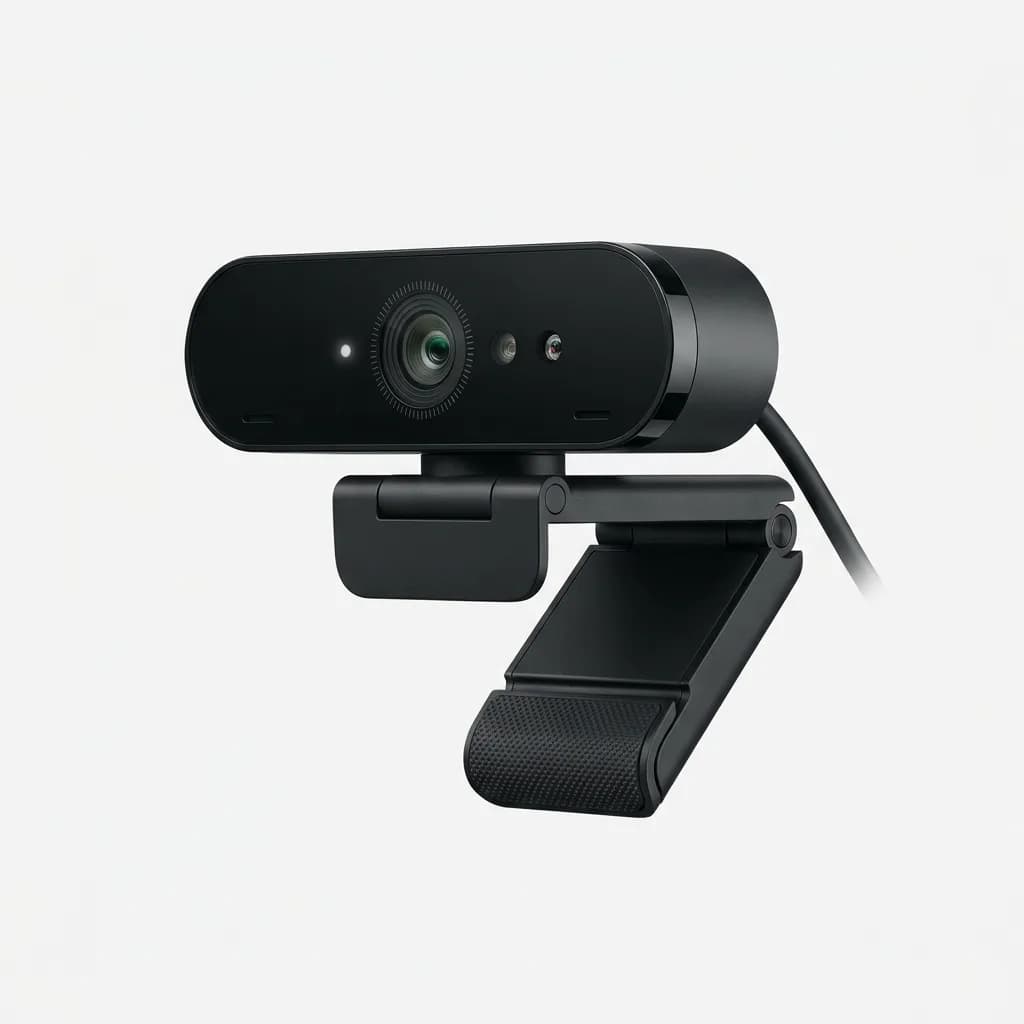
Logitech Brio 4K Pro
$199
4K Ultra HD webcam with HDR and Windows Hello support. Fixed mount design with 90-degree field of view and multiple resolution options for versatile use.
AI Tracking Performance and Limitations
The tracking works reliably when you're centered and within six feet of the camera. Move further back, and it struggles to distinguish you from background objects. A plain wall works better than a cluttered backdrop, since busy scenes can confuse the tracking algorithm.
In one-on-one calls, the tracking adds a professional touch. You can lean back, shift in your chair, or stand up without manually adjusting anything. For presentations where you're moving and gesturing, it keeps you in frame without operator help.
The gesture controls take practice. The palm-to-track gesture triggered accidentally a few times when we were just talking with our hands. The frame gesture for desk view worked consistently once we figured out the right hand spacing. These aren't features you'll use constantly, but they're handy when you need them.
The Insta360 app adds whiteboard mode, which digitally corrects the perspective when you're filming a board or paper at an angle. It works, but the processing adds a slight delay that makes it feel less immediate than just pointing a camera straight on.
Build Quality and Mounting Options
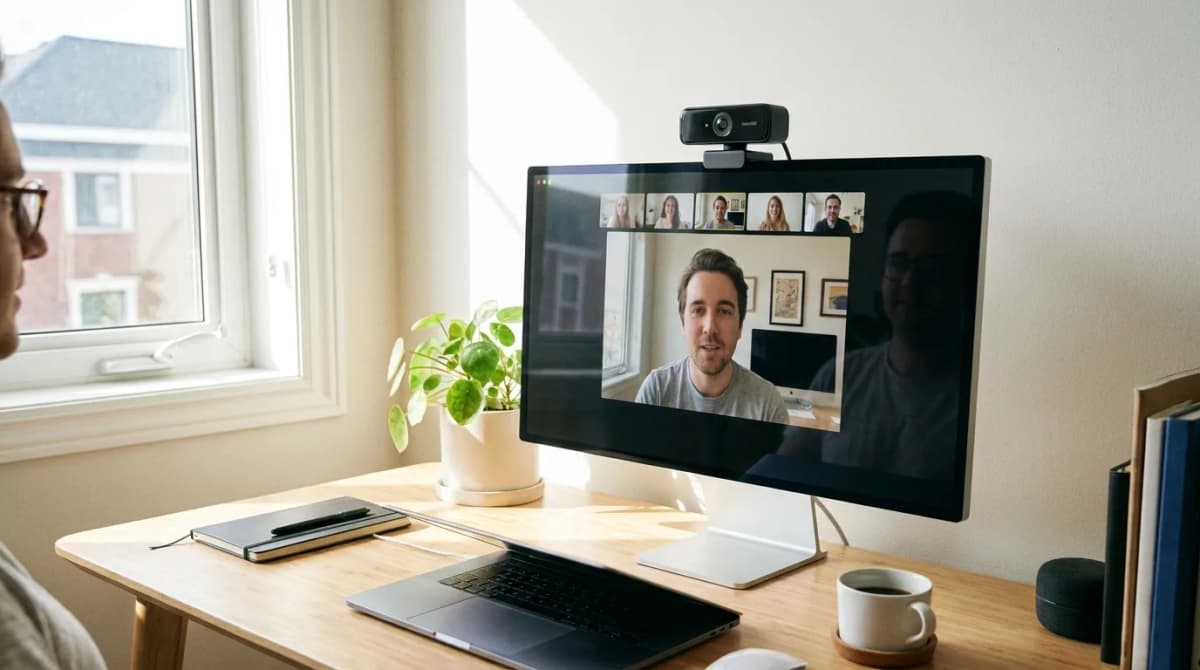
The Link 2 Pro weighs 250 grams and feels solidly built. The housing is matte plastic with metal gimbal arms. The mount clamps onto monitor bezels up to about 30mm thick. It held securely on a Dell UltraSharp, an LG UltraFine, and a curved Samsung gaming monitor. The clamp has rubber pads to prevent scratching.
There's a 1/4-20 tripod thread on the bottom if you want to mount it on a separate stand or arm. The included USB-C cable is 1.5 meters long, which reaches most desktop towers without an extension.
The camera doesn't have a physical privacy shutter. Instead, the gimbal rotates the lens down and away when you close the app or disable the camera in system settings. This parks the lens facing the base, which blocks the view, but it's not as definitive as a mechanical shutter. If you want guaranteed privacy, unplug it or use a webcam cover.
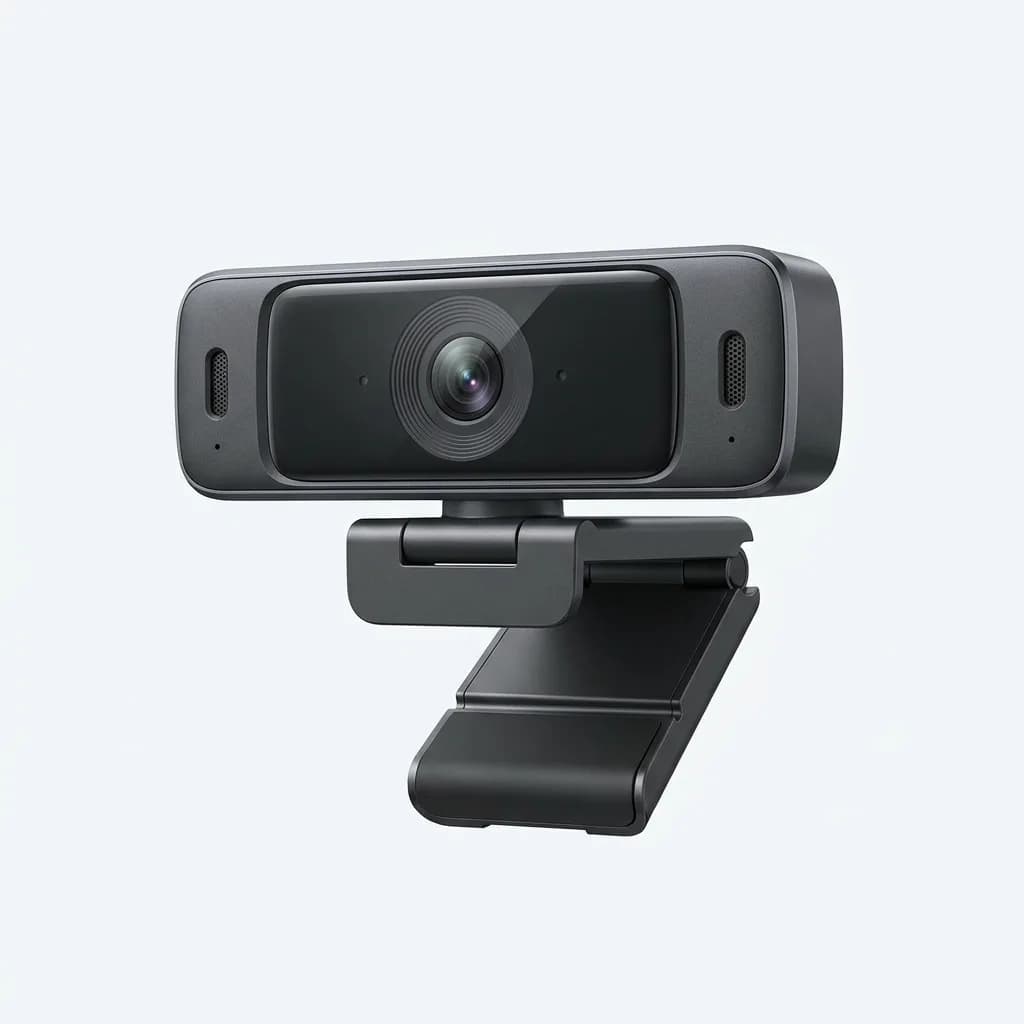
Anker PowerConf C300 Webcam
$130
2K webcam with AI-powered auto-framing and adjustable field of view. Fixed design with built-in microphones and auto light correction for video calls.
Software Features and Compatibility
The Insta360 Link Controller app runs on Windows and Mac. It gives you control over brightness, contrast, saturation, sharpness, and white balance. You can save presets for different lighting conditions and switch between them quickly. The interface is cleaner than Logitech's Logi Tune software and more responsive.
The app isn't required for basic operation. Plug in the camera, and it works as a standard UVC webcam in any video app. The tracking and gesture controls run on the device itself, not through the software. The app just lets you adjust settings and access advanced features like whiteboard mode.
Compatibility is solid across Zoom, Teams, Google Meet, and OBS Studio. We didn't encounter driver issues or crashes. The camera draws power over USB-C and doesn't need a separate adapter, though it does pull more current than basic webcams. Some older USB-A ports might not supply enough power through an adapter.
The firmware updates through the app. Insta360 has pushed three updates since launch, adding features like improved low-light performance and faster tracking response. This suggests ongoing support, which matters at this price point.
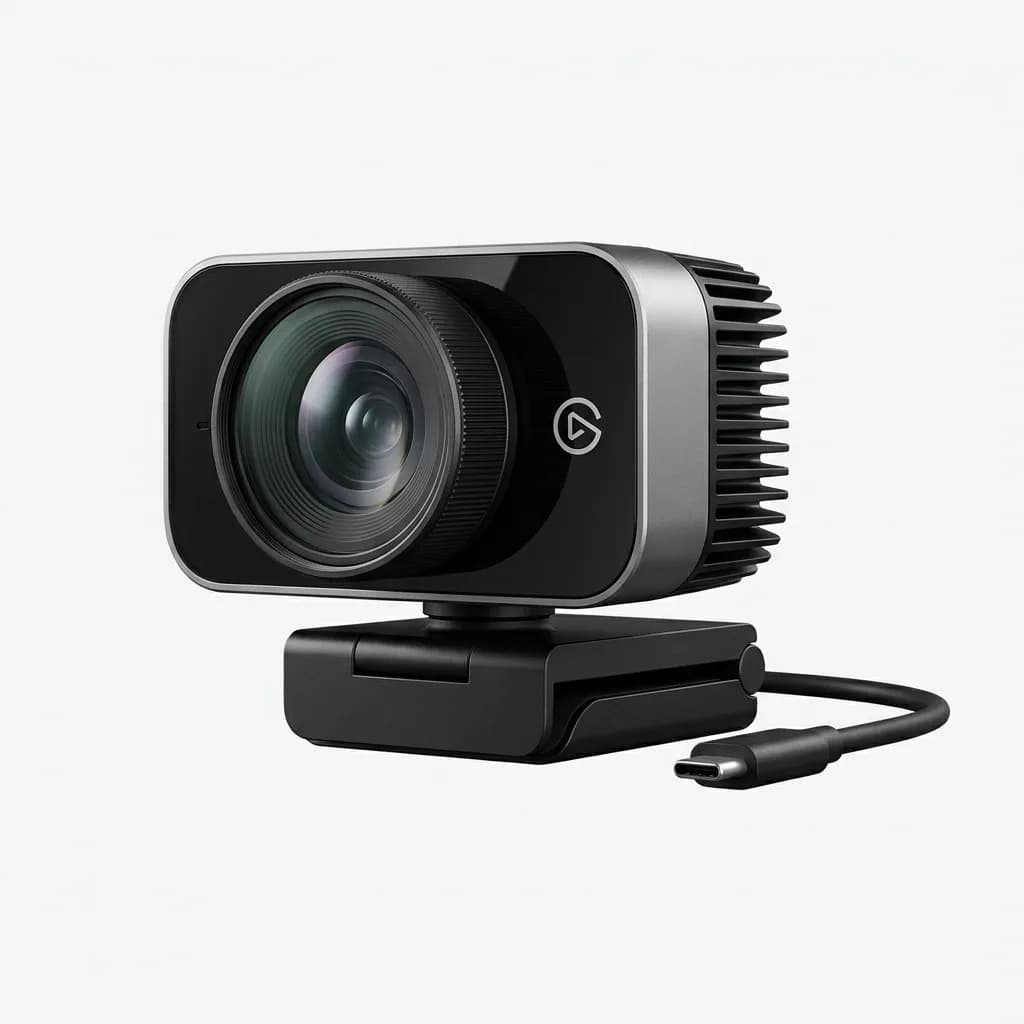
Elgato Facecam Pro
$299
4K60 webcam with Sony sensor and professional image quality. Fixed mount with prime lens, uncompressed video output, and extensive manual controls for serious streamers.
Who Should Buy This Over Cheaper Options
The Link 2 Pro makes sense if you're on camera regularly and presentation quality matters. Content creators, remote workers in client-facing roles, and anyone who records tutorials or demos will use the tracking features enough to justify the cost. The image quality upgrade over $100 webcams is significant, and the gimbal adds production value without needing a camera operator.
If you're mostly in group calls where you're one of many thumbnails, a Logitech C920 or C922 does the job at a quarter of the price. The other participants won't notice the difference on a compressed video stream, and you won't use the tracking features in a static seated position.
For streamers and content creators who need the absolute best image quality, consider the Elgato Facecam Pro or a mirrorless camera with a capture card. The Link 2 Pro's gimbal is unique, but if you're not moving around, a fixed high-end webcam delivers comparable or better image quality for less money.
The middle ground is where the Link 2 Pro shines. You want better than standard webcams, you move around during calls or recordings, and you don't want to mess with camera equipment. It's the most capable all-in-one solution here for dynamic video work.
What We'd Change
The lack of a physical privacy shutter is the biggest miss. Even if the software parks the lens, a mechanical shutter provides peace of mind. At $399, this should be standard.
The app could use a quick settings overlay for adjusting exposure on the fly without leaving your video call. Right now you have to open the full app to make changes.
The tracking sometimes overshoots when you make quick movements, then corrects back. It's smooth enough that it's not jarring, but a slightly more conservative tracking speed option would help.
The included cable works but isn't braided or particularly premium given the price. A small detail, but it sets expectations.
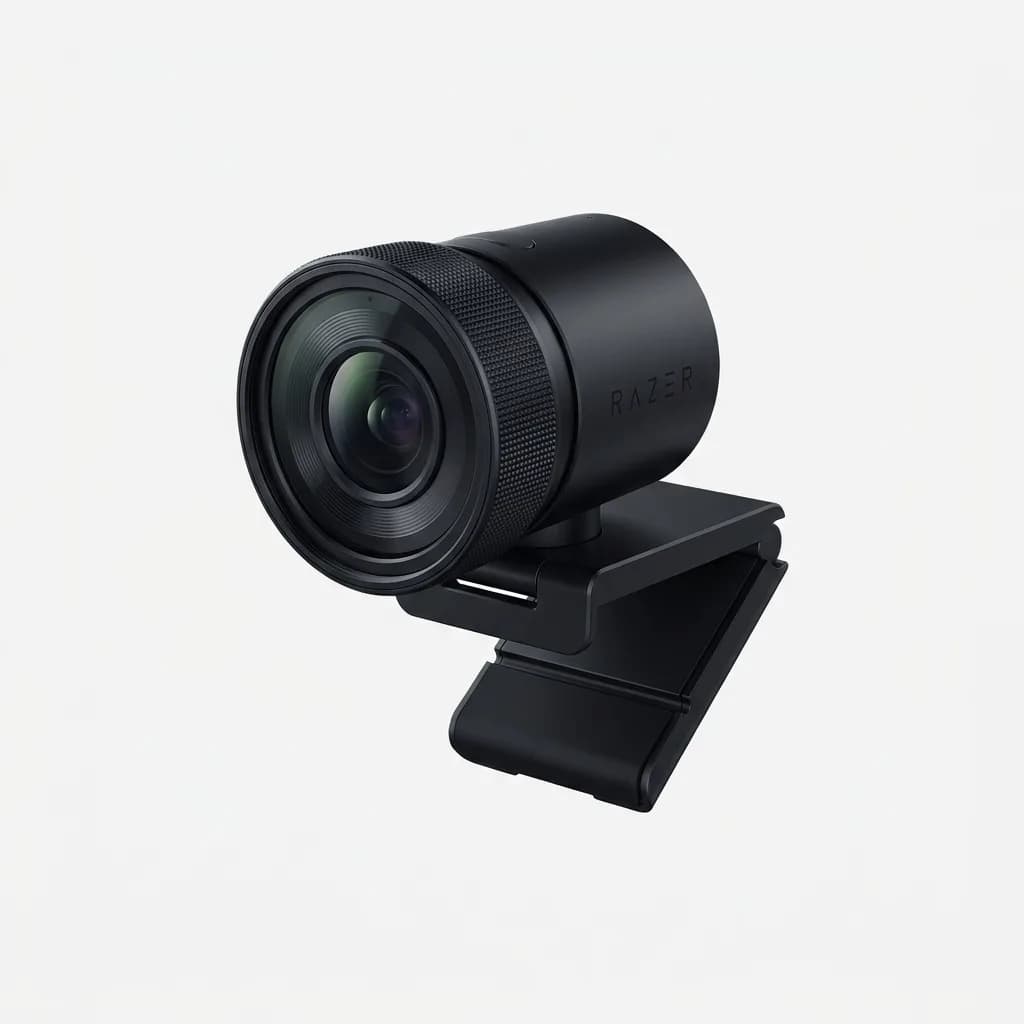
Razer Kiyo Pro Ultra
$299
4K webcam with large 1/1.2-inch sensor and uncompressed video. F/1.7 aperture for excellent low-light performance and shallow depth of field effects. Fixed professional design.
Bottom Line
The Insta360 Link 2 Pro is the best tracking webcam we've reviewed, and the image quality competes with fixed cameras in the same price range. The gimbal isn't a gimmick. It genuinely improves how you present on camera if you move around or gesture while talking. The gesture controls add convenience once you get used to them, and the app provides useful adjustments without being bloated.
At $399, it's expensive. But it's also capable enough to replace both a standard webcam and a basic PTZ camera for most solo use cases. If you're comparing it to a $100 webcam, the value is harder to justify. If you're comparing it to a multi-camera setup or a mirrorless rig, it's a simpler and cheaper solution that still delivers professional results.
We'd buy it for content creation work where the tracking and image quality make a visible difference. For standard video calls where you sit still, it's overkill. Know which category you're in before spending the money.
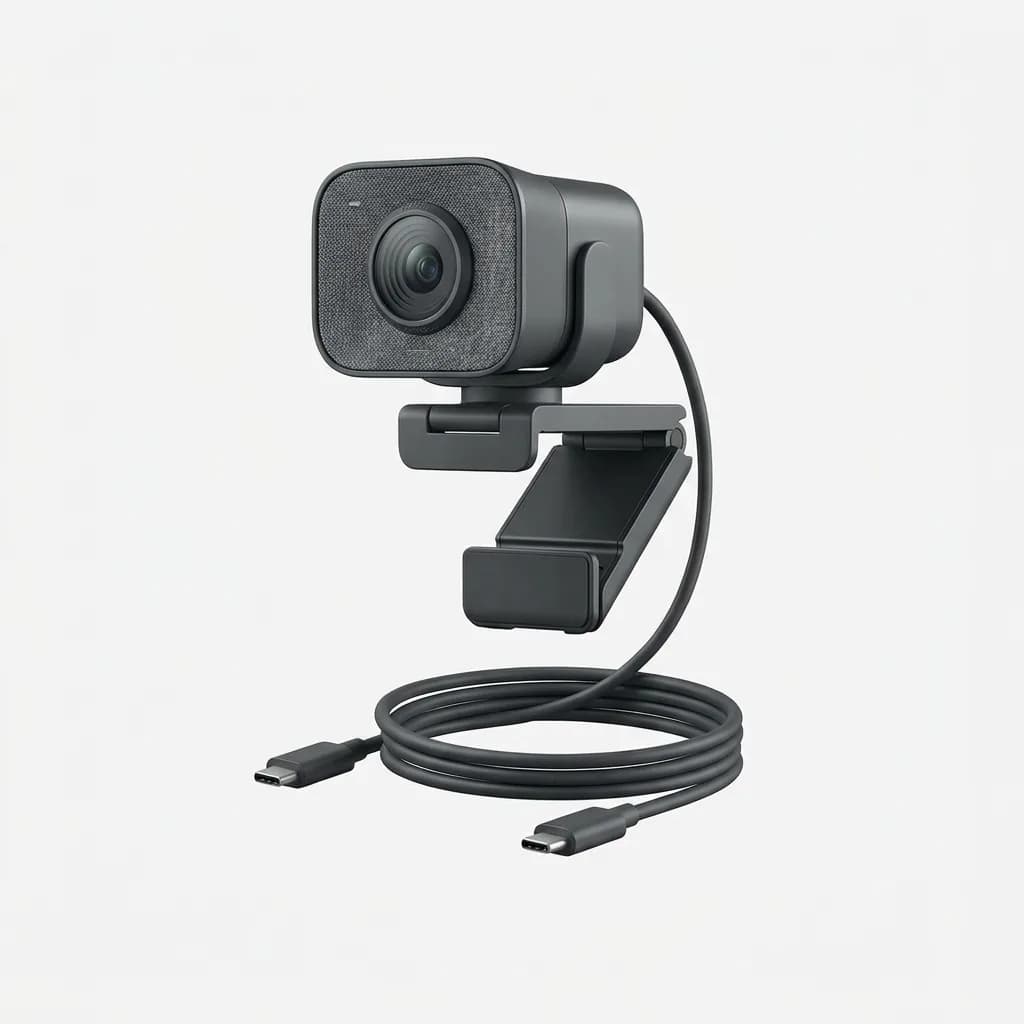
Logitech StreamCam
$139
1080p 60fps webcam designed for streaming and content creation. USB-C connection, auto-framing, and vertical video support. Compact design with flexible mounting options.
The Weekly Dispatch
Enjoying this article?
Subscribe and get our best gear picks delivered every Sunday morning.
Related Posts
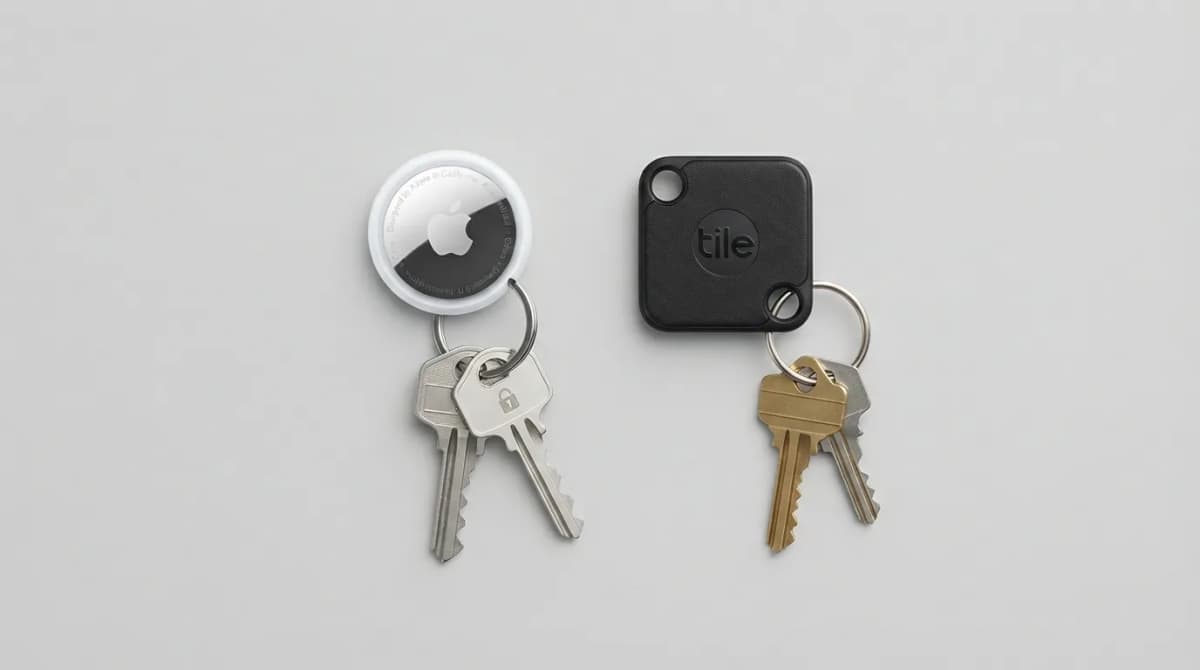
AirTag vs Tile Mate (2026): Which Key Tracker to Buy
Apple AirTag vs Tile Mate for keys: phone compatibility, range, battery and price compared from Apple and Tile maker pages, as of Oct 2026.
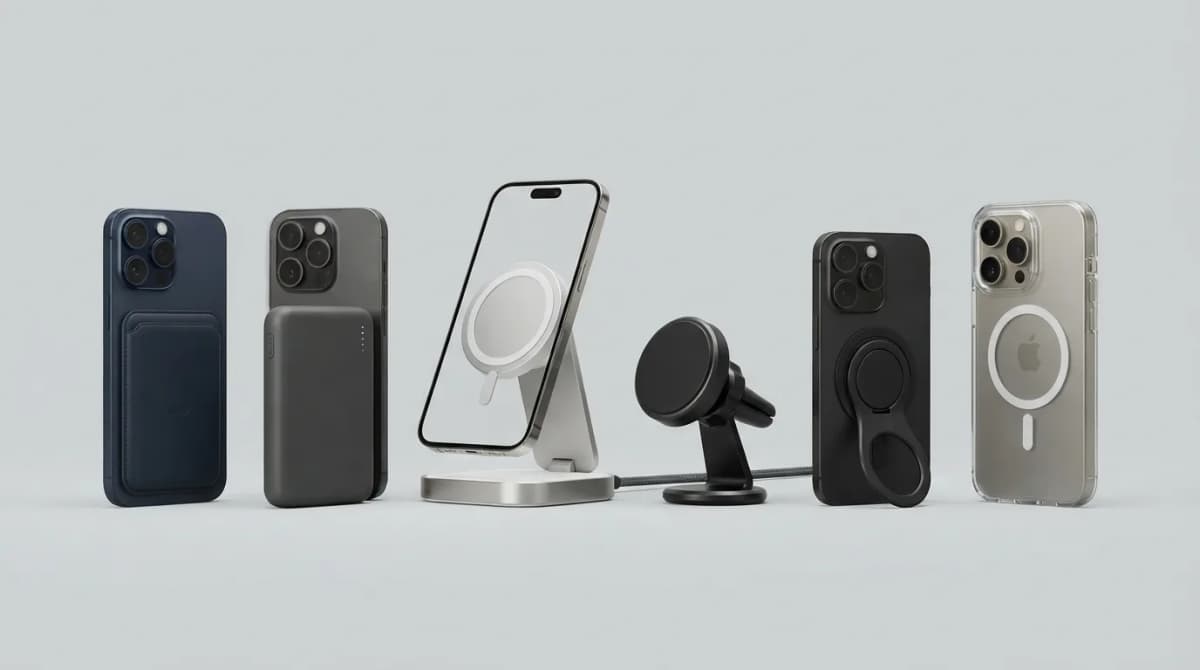
Best MagSafe Accessories for iPhone 18 Pro (2026)
MagSafe and Qi2 accessories for iPhone 18 Pro and Pro Max: wallets, power banks, a dock, car mount, grips, cases, a keyboard, a controller, an SSD and more, with maker specs and prices as of Oct 2026.
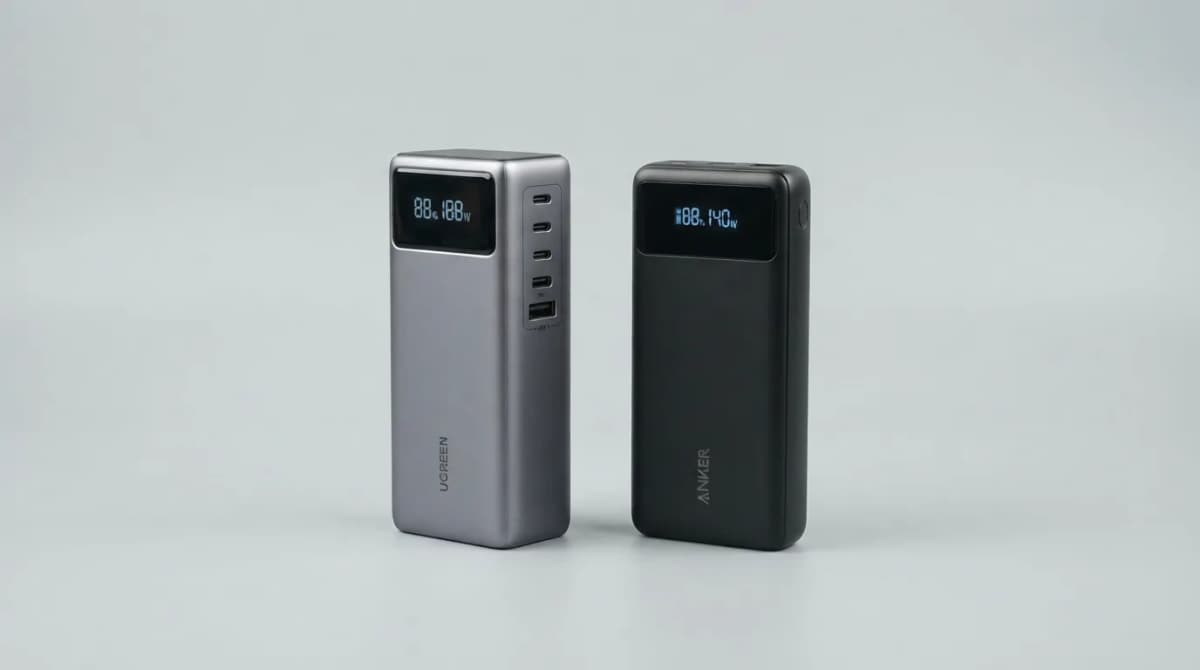
UGREEN Nexode 25000 vs Anker 737 Power Bank (2026)
UGREEN Nexode 25000mAh 200W vs Anker 737: two 140W laptop power banks compared on capacity, ports, recharge speed and weight from maker specs (Oct 2026).
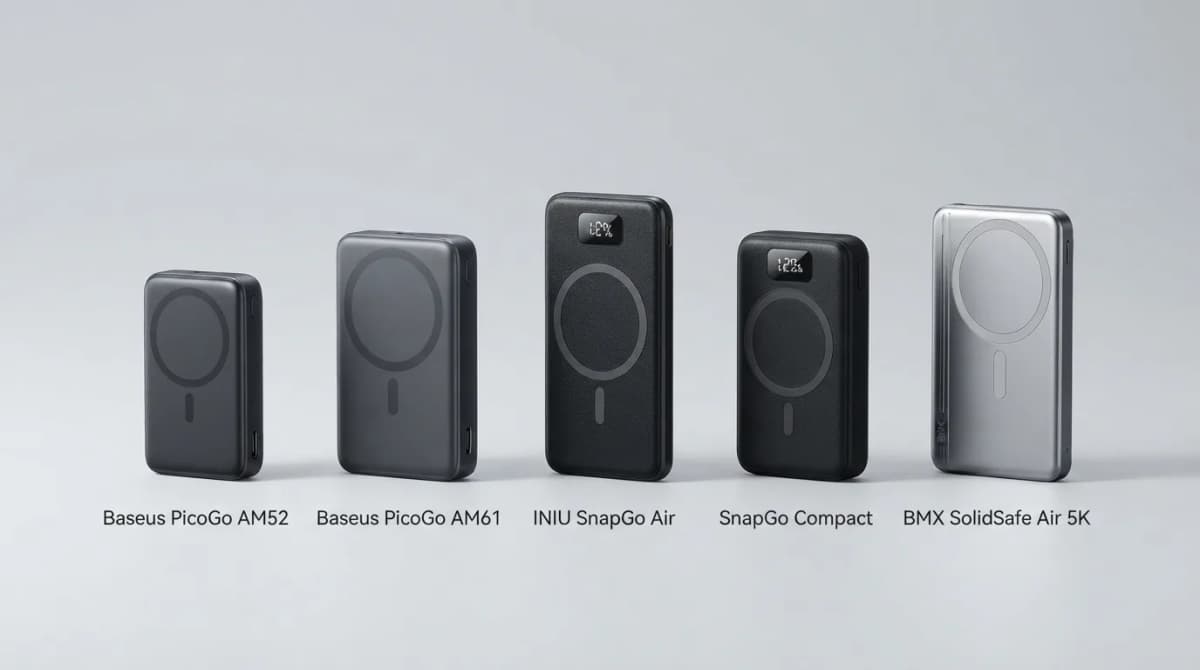
Best Qi2 Power Banks 2026 for iPhone and Android
The best Qi2 and Qi2.2 magnetic power banks for 2026: Baseus PicoGo AM52 and AM61, INIU SnapGo Air and SnapGo Compact, and BMX SolidSafe Air 5K. Prices at publish, Oct 2026.