EDC for Creators: The Mobile Content Kit
The mobile creator's kit that fits in a sling bag: wireless audio, portable lighting, stabilization, and storage. Here's what actually matters on location.
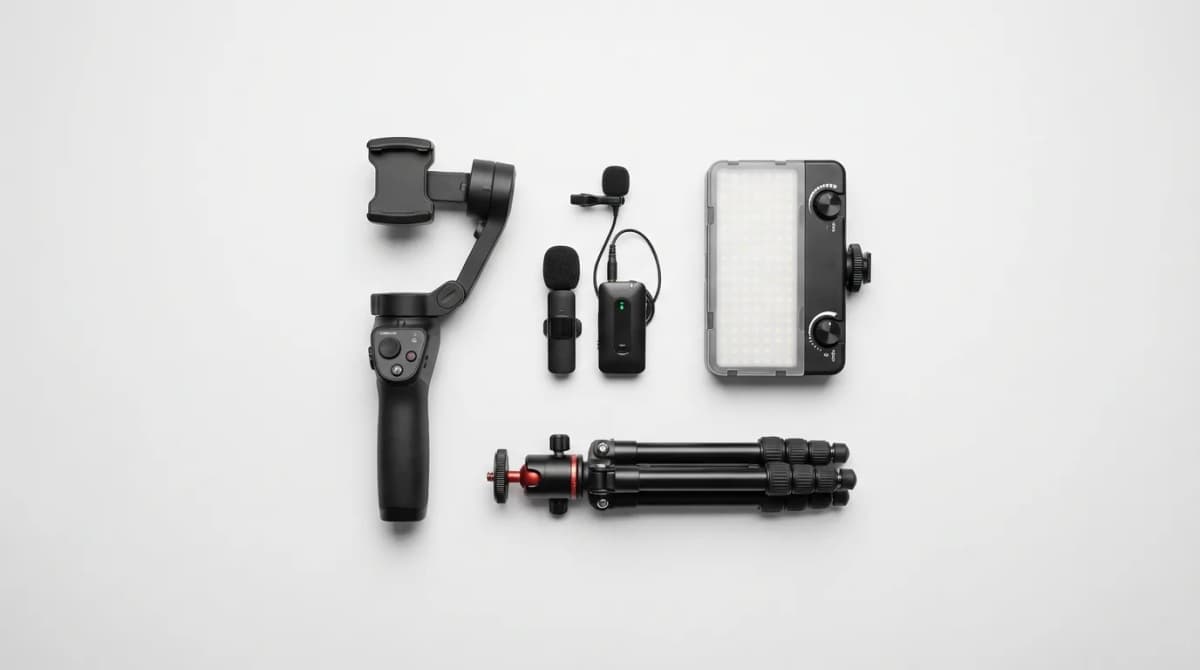
Your smartphone shoots 4K60. It has computational HDR and cinematic mode. But walk into a coffee shop to film a quick review and you'll hit the same walls every creator does: the audio is unusable, the lighting is uneven, and your hand-held footage looks like a earthquake simulation.
The mobile content kit solves this. Not with a rolling case full of cinema gear, but with four pieces of equipment that fit in a sling bag and cover the fundamentals: clean audio capture, even lighting, stable footage, and reliable storage. We're not talking about filmmaking here. This is the practical setup for product reviews, B-roll, interviews, social content, and anything you need to capture without a dedicated camera crew.
Wireless Audio That Actually Works
Built-in smartphone mics pick up everything. The espresso machine behind you, the HVAC system overhead, the traffic outside. A wireless lav system fixes this by putting the microphone inches from your subject's mouth and transmitting clean audio back to your phone.
The difference is night and day. Interview audio becomes intelligible. Product explanations sound professional. You can walk and talk without rustling or handling noise destroying the take. Modern wireless systems use 2.4GHz digital transmission with 20-50 meter range, meaning you can operate across a room or outside without dropouts.
Look for systems with onboard recording as backup. If the wireless connection glitches, you still have clean audio stored on the transmitter that syncs in post. Rechargeable built-in batteries should run 6-8 hours minimum. Anything less and you'll spend half your shoot babysitting power levels.
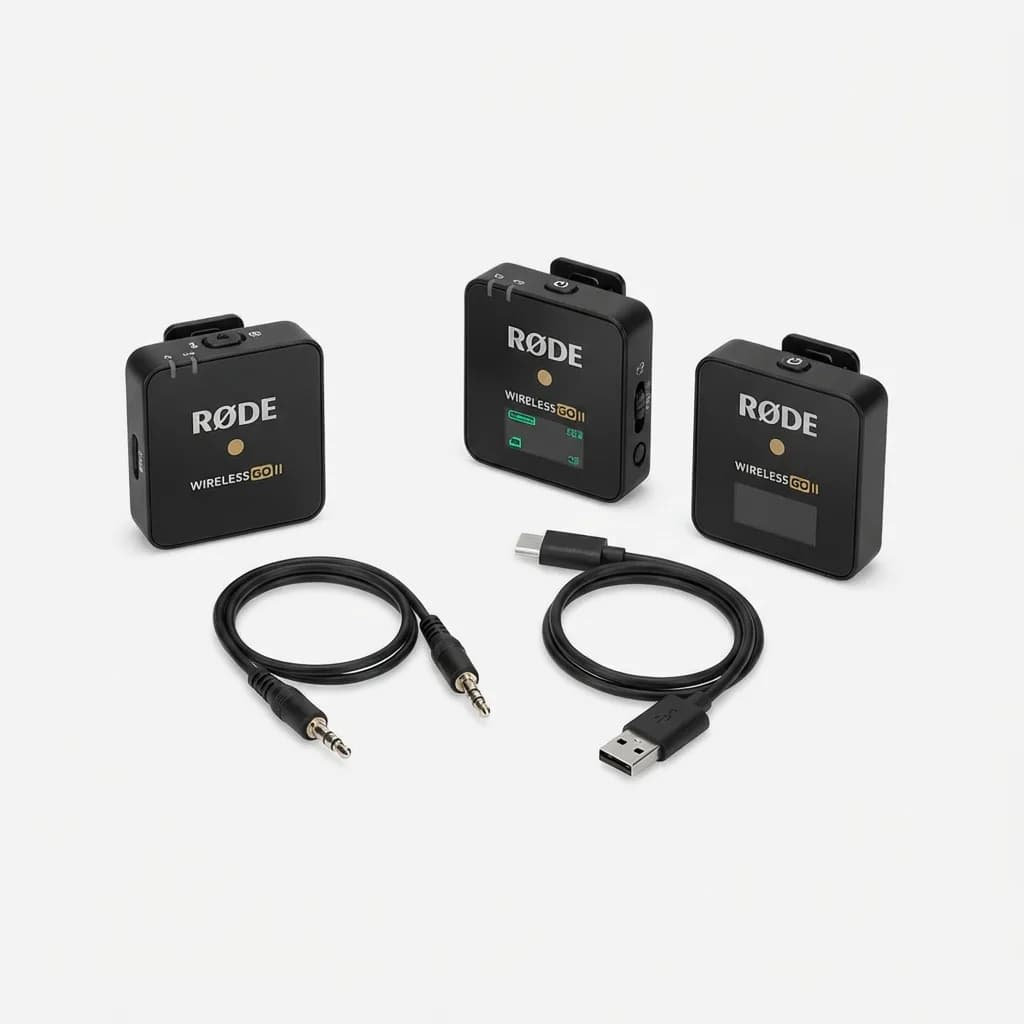
Rode Wireless Go II
$299
Dual-channel wireless mic system with onboard recording, 200m range, 7-hour battery, and universal 3.5mm/USB-C output. Records backup audio internally if transmission drops.
Clip-on lavs work for sit-down interviews and talking-head content. For run-and-gun situations where you're moving through environments, a shotgun mic on a cold shoe mount gives you directional pickup without cables or clips. It's less discrete but more flexible when you're shooting spontaneous moments or need to pivot quickly between subjects.
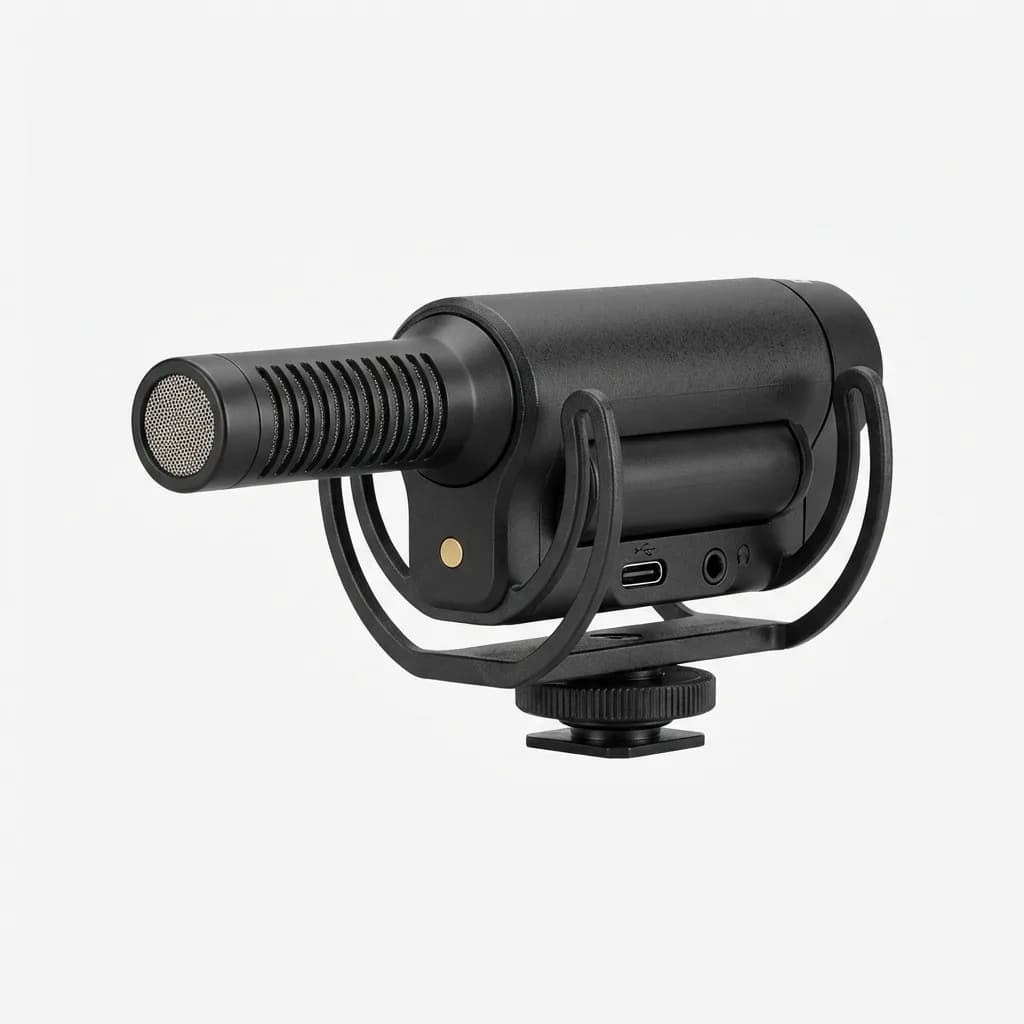
Rode VideoMic GO II
$99
Compact shotgun mic with USB-C and 3.5mm output, built-in rechargeable battery, and directional pickup pattern. No phantom power needed, works with phones and cameras.
Portable LED Panels for Even Light
Smartphone cameras handle bright outdoor light well. Indoors is where things fall apart. Mixed color temperatures, harsh shadows, dim corners. You can expose for the window and your subject goes dark, or expose for your subject and the window blows out.
A portable LED panel gives you a controllable light source that travels. Bi-color LEDs let you match ambient light temperature, whether you're under warm tungsten bulbs or cool fluorescent office lighting. Dimming control means you can balance your key light with existing sources instead of overpowering everything.
Size matters here. Pocket-sized panels (roughly 4x3 inches) output 200-500 lumens, enough to fill in shadows or add a subtle key light in moderately lit spaces. They won't overpower a dark room, but they're the size of a phone and weigh 100-150 grams. Larger panels (6x4 inches) put out 1000-2000 lumens and can serve as your main light source, but they're heavier and take up more bag space.
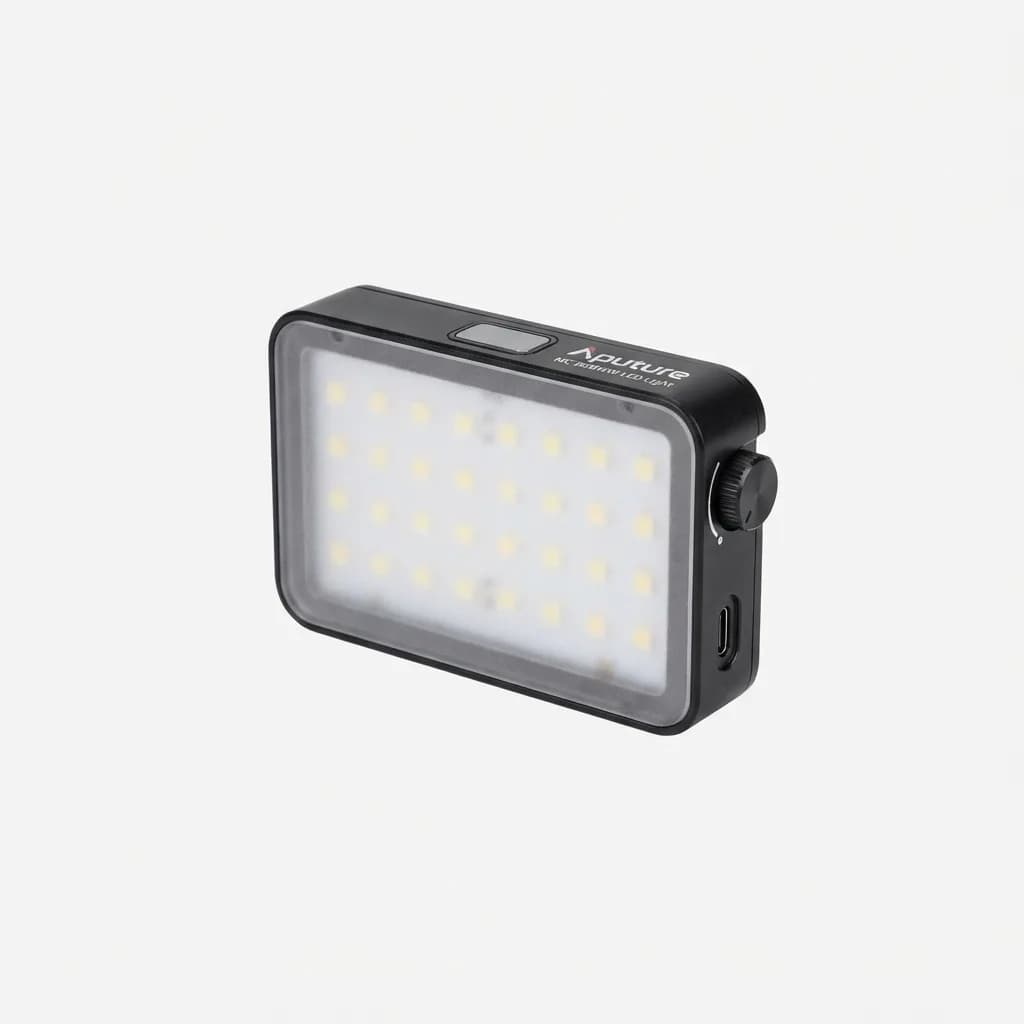
Aputure MC RGBWW LED Light
$109
Pocket-sized magnetic LED panel with 3200K-6500K bi-color range, RGB effects, 0-100% dimming, and built-in battery. 5600 lux output at 0.3m, CRI 96+.
The advantage of LEDs is they stay cool. You can hold them, mount them with magnets, toss them in a bag without waiting for them to cool down. Battery life typically runs 60-90 minutes at full brightness, longer if you dim them down. Most charge via USB-C, so they share the same cables and power banks as your phone.
RGB capability adds versatility. You can match colored lighting in clubs or venues, add subtle accent colors to product shots, or use color gels digitally. It's not essential for basic talking-head content, but when you need it, it saves you from carrying physical gels and modifiers.
Stabilization Without the Bulk
Handheld smartphone footage has a distinct look: shaky, nervous, amateurish. Even if you have steady hands, micro-movements and walking motion telegraph through the frame. Stabilization systems smooth this out, giving you the production value of planned camera moves without the complexity of traditional rigs.
Gimbals use motorized axes to counteract movement. Three-axis gimbals (pan, tilt, roll) keep your phone level and smooth regardless of how you're moving. You can walk, run, climb stairs, and the footage stays stable. Modern phone gimbals fold down to 6-8 inches and weigh 300-500 grams, light enough to carry daily but substantial enough to balance phones up to 280 grams.
Look for gimbals with gesture control and tracking modes. Face tracking keeps your subject centered automatically. Gesture triggers let you start recording or switch modes without touching your phone. These features separate run-and-gun shooting (where you're operating solo) from controlled setups where you have a second person managing the app.
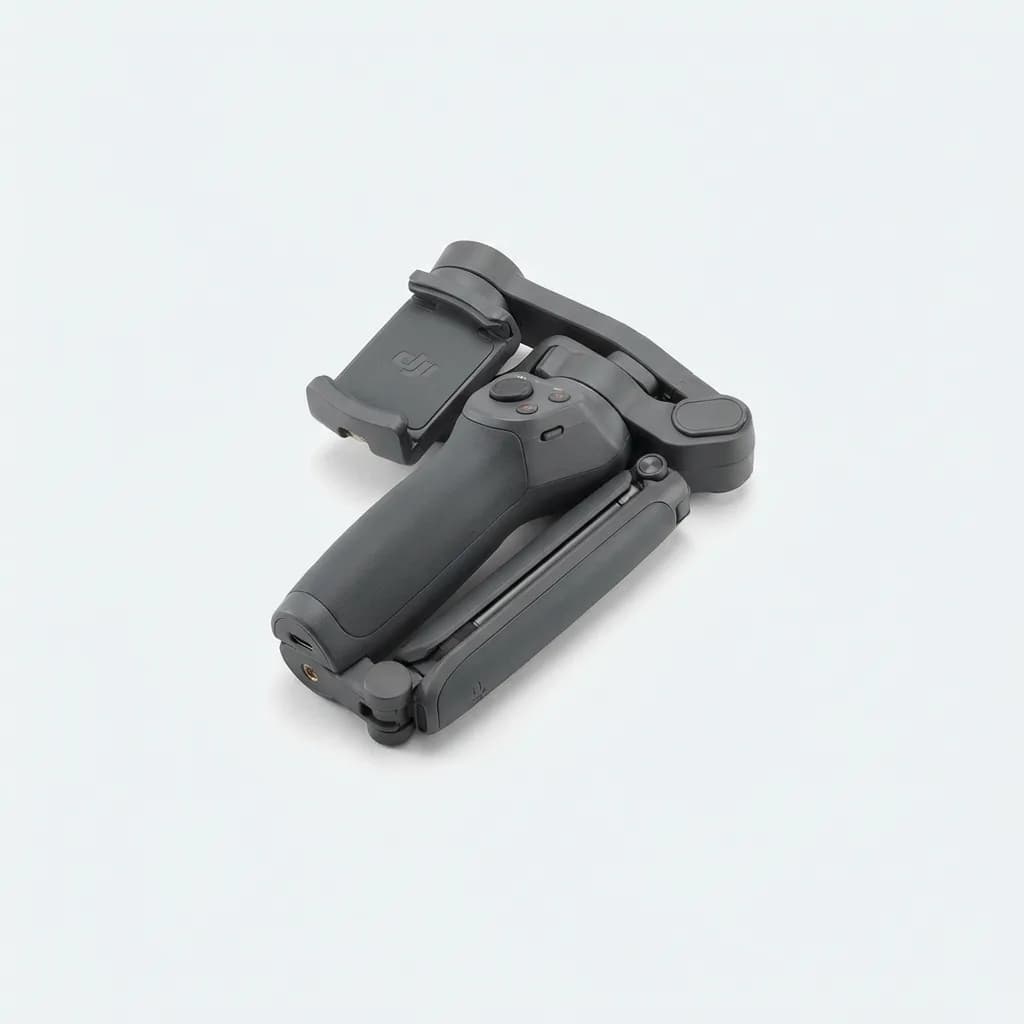
DJI OM 6 Smartphone Gimbal
$139
Three-axis gimbal with magnetic phone clamp, ActiveTrack 6.0 face tracking, 6.4-hour battery, built-in extension rod, and gesture control. Folds to pocket size, 309g weight.
The alternative is a compact tripod with a fluid head. Less dynamic than a gimbal, but essential for static shots, interviews, and any situation where you need the camera locked down. A tabletop tripod with folding legs fits in the same bag space as a gimbal and gives you stability for product close-ups or time-lapses.
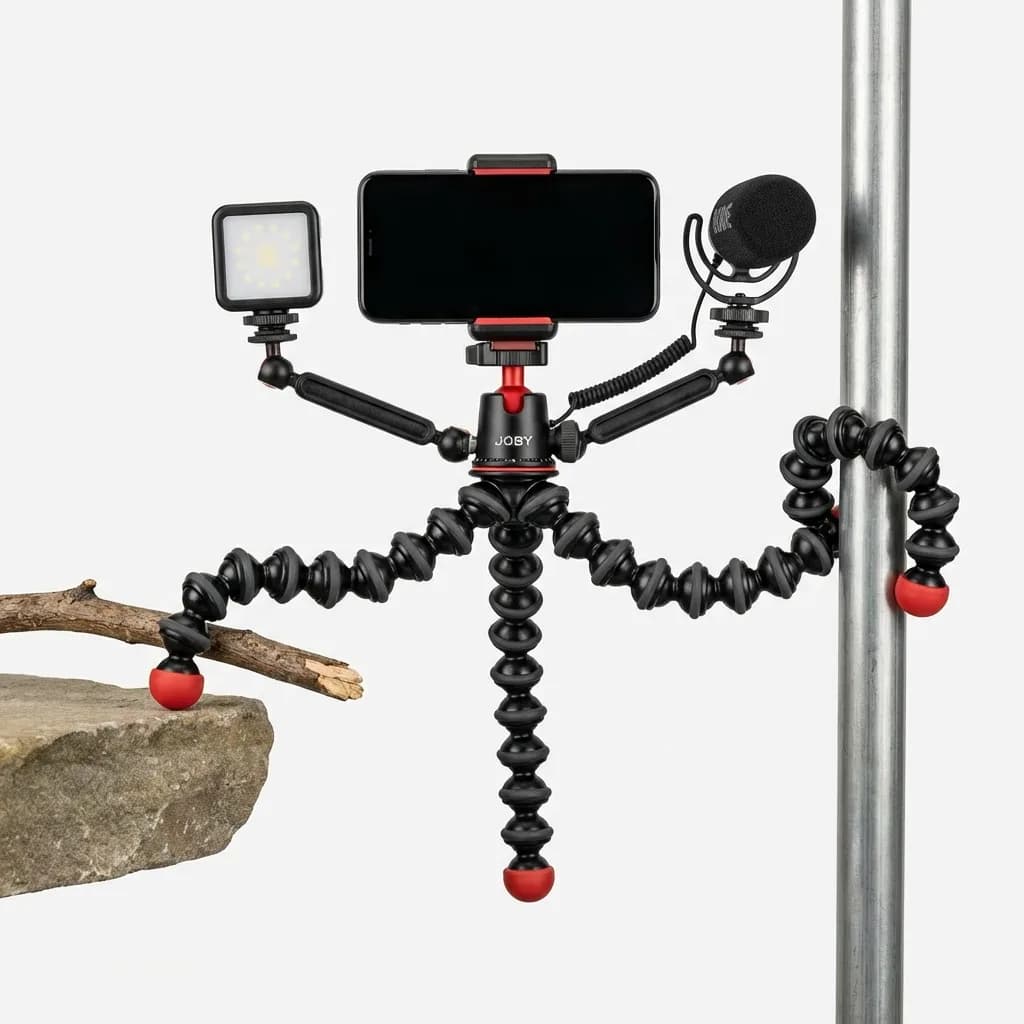
Joby GorillaPod Mobile Rig
$80
Flexible tripod with wrappable legs, phone mount, cold shoe mounts for lights and mics. Legs grip irregular surfaces and bend to 360 degrees. 325g load capacity.
Storage Strategy for Mobile Workflows
Smartphones fill up fast. A 10-minute 4K60 video consumes 5-6GB. Shoot for two hours and you've burned through 60-70GB. If you're traveling or shooting a full day away from your computer, you need an offload strategy that doesn't involve cloud uploads over hotel wifi.
Portable SSDs with USB-C connectivity let you transfer files directly from your phone. Modern SSDs hit 400-500 MB/s read speeds, meaning a 50GB transfer takes two minutes instead of twenty. They're shock-resistant, pocket-sized, and available in 500GB to 2TB capacities. If you shoot raw photos or ProRes video, the speed difference matters.
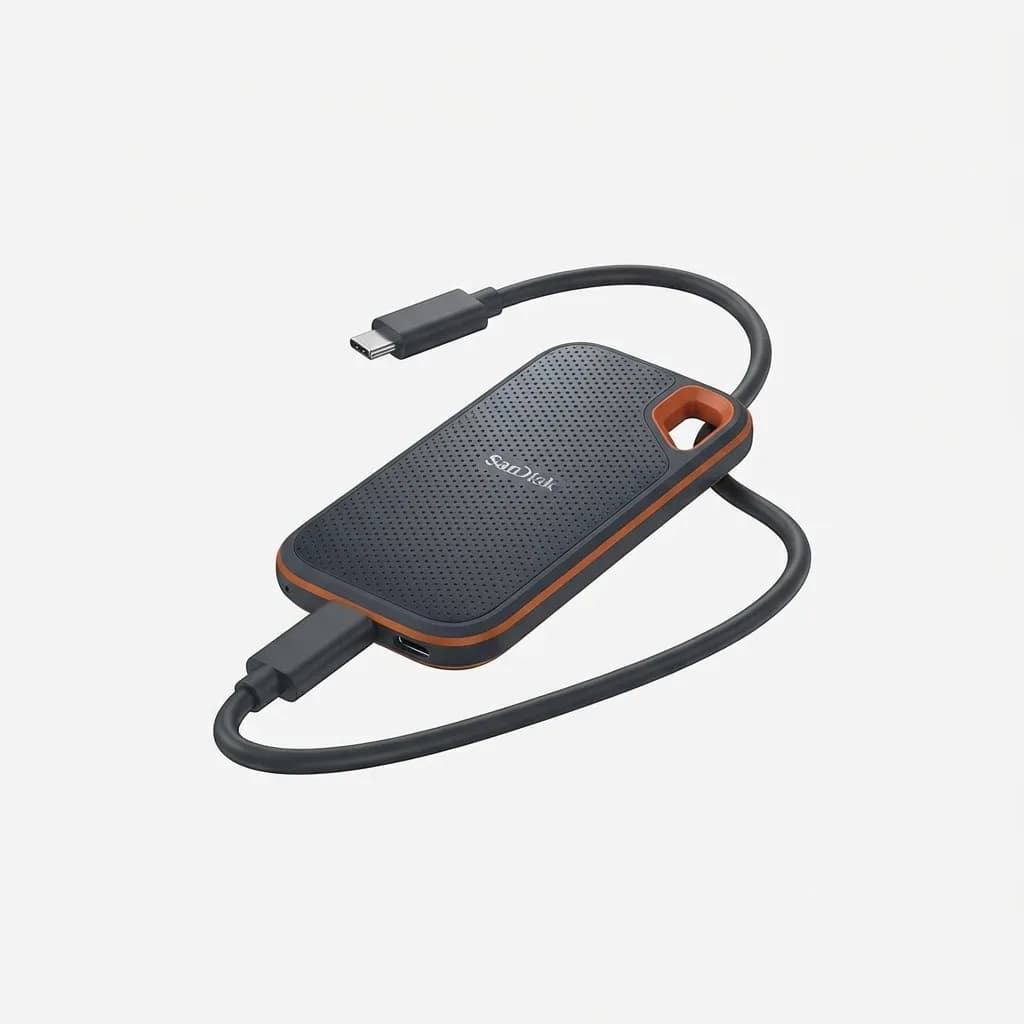
SanDisk 1TB Extreme Portable SSD
$110
Ruggedized portable SSD with 1050MB/s read speed, USB-C 3.2 Gen 2 interface, IP55 water and dust resistance. Bus-powered, no external adapter needed. 2m drop protection.
The workflow is simple: shoot during the day, transfer to SSD at lunch or in the evening, clear your phone storage, repeat. You're building a local backup without relying on internet connectivity. When you get home, you transfer the SSD contents to your main storage and editing system in one batch.
For creators who need to edit on the go, an iPad or laptop becomes part of the mobile kit. But if you're just capturing footage for later editing, the phone plus SSD workflow is lighter and faster. You're not trying to edit 4K timelines on a 6-inch screen.
What This Kit Costs and What It Replaces
The four-piece mobile creator kit (wireless audio, LED panel, gimbal, portable SSD) runs $550-750 depending on brands and configurations. That's the cost of an entry-level mirrorless camera body without lenses, but with significantly less weight and bulk.
You're not replacing a cinema camera here. This setup won't give you shallow depth of field, lens choice, or manual control over every exposure parameter. What it does give you is the ability to capture clean, stable, well-lit content anywhere with gear that fits in a 5-liter sling bag.
The tradeoffs are real. Phone sensors are small, so low-light performance suffers compared to larger cameras. You can't change lenses, so you're stuck with the focal lengths your phone offers (typically 0.5x ultrawide, 1x wide, 2-3x telephoto on recent models). Battery life is shared with your actual phone usage, so heavy shooting days require power banks.
But for social content, product demos, interviews, event coverage, and most non-commercial video work, the mobile kit delivers 90% of the production value at 20% of the weight and complexity. You'll actually carry it. That's the point.
How to Build Your Kit in Stages
If the full kit is beyond budget, build in phases based on what limits your content quality most.
Start with audio. Bad audio kills otherwise good footage. A wireless lav system or shotgun mic is the single highest-impact upgrade and the piece you'll use on every shoot.
Add lighting second. A small LED panel fixes the uneven, unflattering light that makes indoor footage look amateur. One light is enough. You can bounce it off walls or ceilings for softer fill, use it as a key light, or run it at low power as an eye light.
Stabilization comes third. Handheld footage is watchable if everything else is dialed in. But once you add a gimbal, your production value jumps noticeably. Smooth camera moves look intentional and professional.
Storage is last because you can work around it with cloud uploads or nightly transfers to a laptop. It becomes essential when you're traveling or shooting multi-day events without computer access.
The Mistakes Most Creators Make
Buying too much, too soon. You don't need three LED panels, two gimbals, and four lav systems. Start minimal, learn what your workflow actually requires, then expand.
Skipping cables and adapters. USB-C to Lightning adapters, 3.5mm to TRRS cables, cold shoe mounts, phone clamps. The $50 in small accessories that make everything work together is what new creators forget.
Not testing gear before the shoot. Wireless systems need pairing. Gimbals need balancing. LED panels need charging. Running through a test setup the night before saves you from troubleshooting on location.
Ignoring firmware updates. Gimbals and wireless systems get stability and feature improvements through firmware. Updating isn't optional if you want things to work reliably.
What to Carry It In
A 5-8 liter sling bag holds the entire mobile creator kit with room for a water bottle and a jacket. Look for bags with padded dividers to separate the gimbal from the LED panel and protective pockets for the wireless transmitters.
Peak Design Everyday Sling 6L, Lowepro Toploader Pro, and Moment Everyday Sling all work. The key features are quick access (you need to grab gear without unpacking everything), weather resistance (electronics and rain don't mix), and enough organization to keep cables from tangling.
Some creators prefer a small camera cube inside a regular backpack. That works if you're carrying other gear (laptop, change of clothes, food), but it's slower to access and less specialized than a dedicated camera sling.
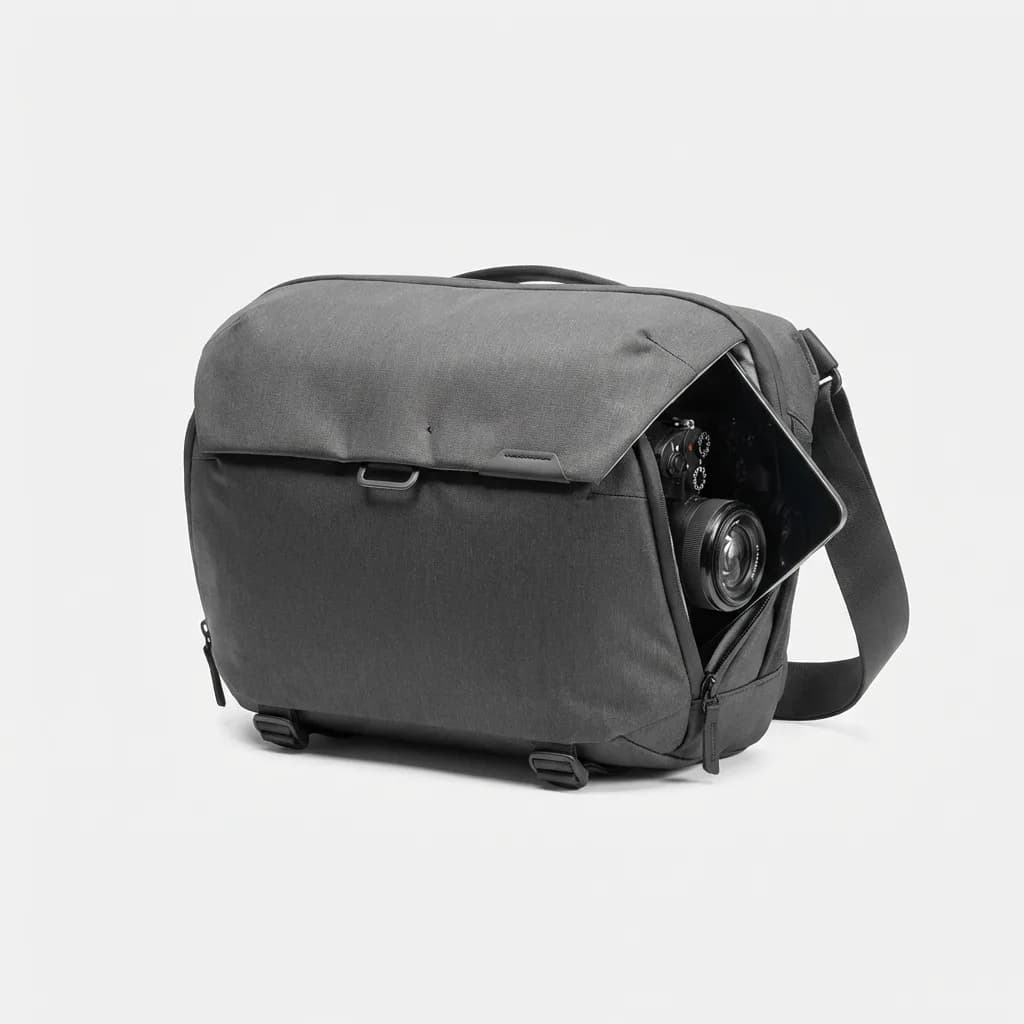
Peak Design Everyday Sling 6L
$110
Weatherproof sling bag with FlexFold dividers, expandable 6-10L capacity, magnetic closure, and external carry straps. Fits 11-inch tablet, camera gear, or mobile creator kit.
When to Upgrade Beyond Mobile
The mobile creator kit handles most content. It stops making sense when you need interchangeable lenses, better low-light performance, or raw video files for color grading.
If you're shooting paid client work, a dedicated camera adds credibility and capability. If you're working in dim venues or at night regularly, a larger sensor matters. If you need cinematic bokeh or specific focal lengths, you need real glass.
But for daily carry, social media, product reviews, and most YouTube content, the mobile kit is enough. The best camera is the one you have with you. If the alternative is leaving a mirrorless system at home because it's too heavy, the mobile kit wins.
The goal is to remove technical barriers between you and the content you want to create. Clean audio, even lighting, stable footage, reliable storage. Get those four things right and everything else is just details.
The Weekly Dispatch
Enjoying this article?
Subscribe and get our best gear picks delivered every Sunday morning.
Related Stories
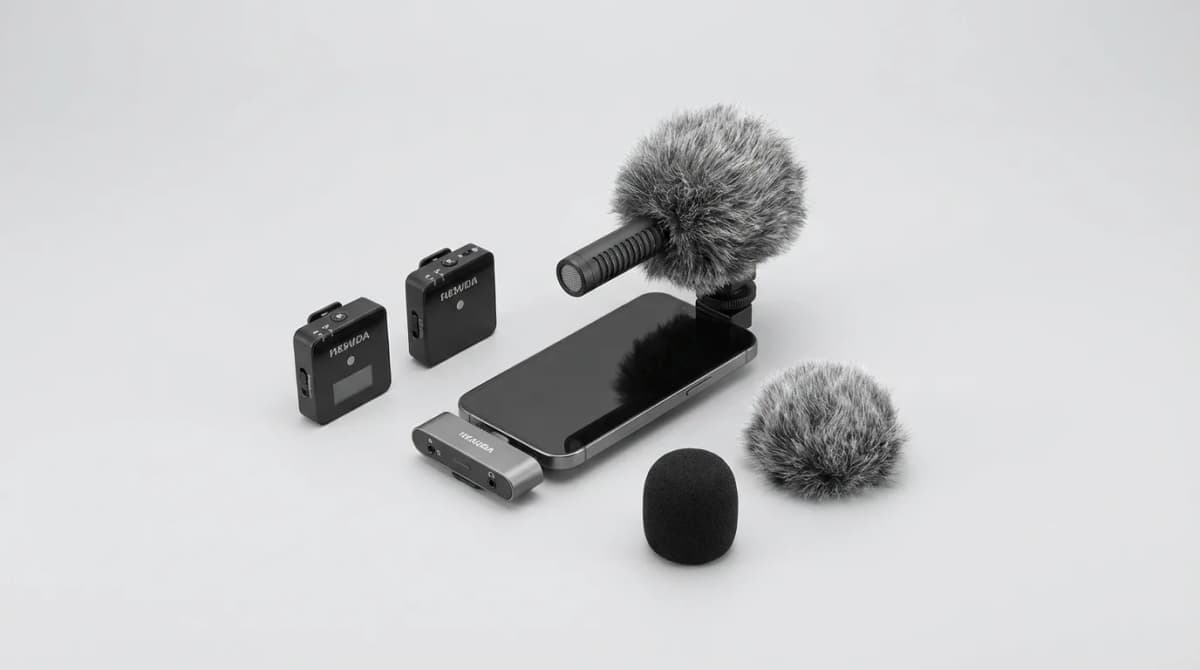
How to Record Better Audio on the Go
Master mic placement, defeat wind noise, and streamline your mobile recording workflow with gear and techniques that actually work in the field.
One Camera One Lens Travel Challenge: How to Choose
Limiting yourself to one lens forces better composition and lighter packing. Here's how to pick the right focal length for your next trip.
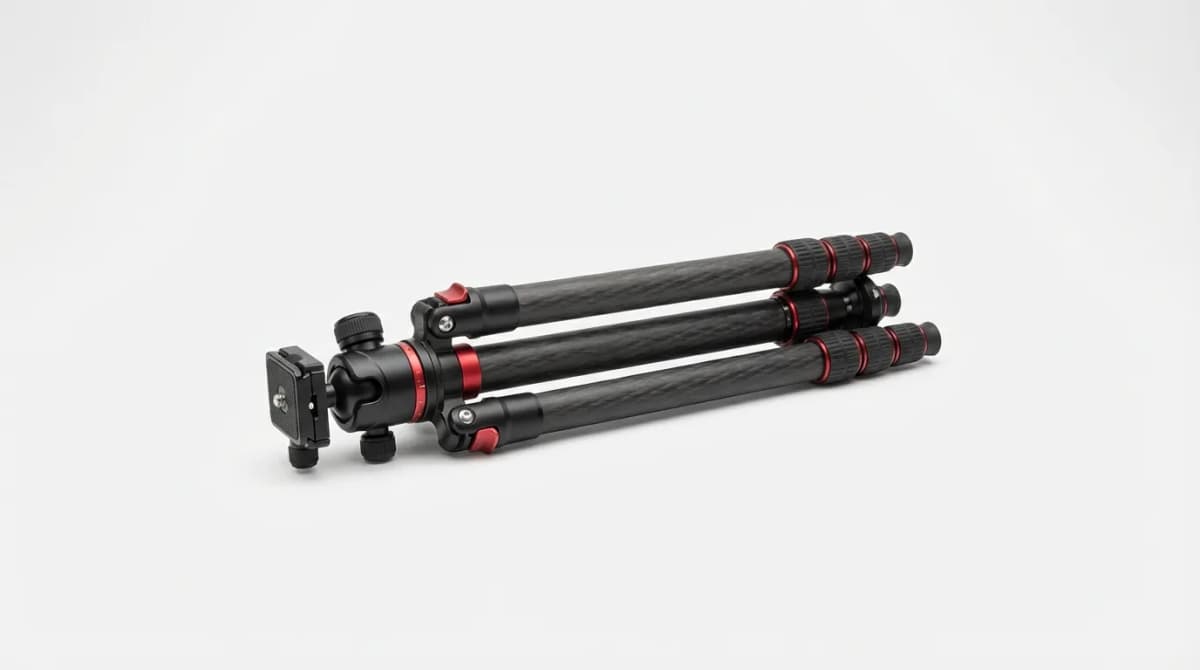
Best Travel Tripods: Carbon Fiber vs Aluminum
Travel tripods balance weight and stability in ways full-size models don't. Carbon fiber costs 2-3x more than aluminum but saves crucial ounces on long hikes.