Best MagSafe Car Mounts for Commuters
MagSafe car mounts promise one-handed convenience, but many fail under vibration and heat. We tested the mounts that actually hold through rough roads.
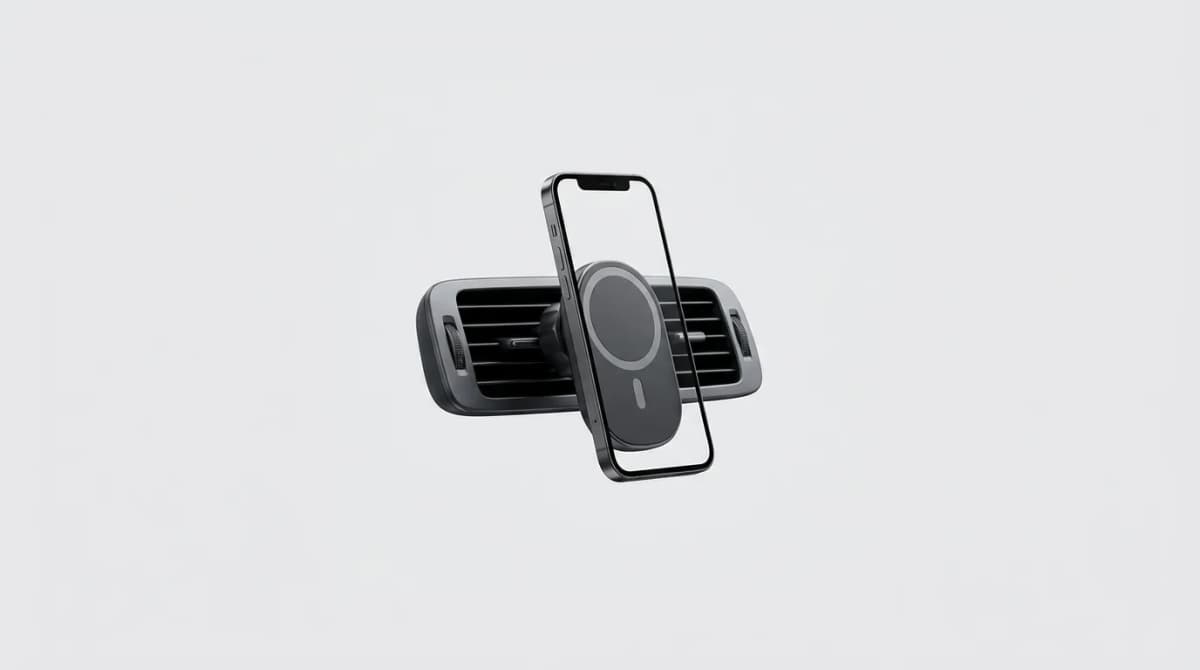
Your phone drops mid-turn because the magnet gave up, or your navigation app throttles because the mount turned your iPhone into a heat sink. MagSafe car mounts should make commuting easier, but most fail the basics: holding through potholes and keeping your phone cool enough to function.
Quick Picks
Our top recommendations at a glance:
- 1
- 2
- 3
- 4
- 5
We tested a dozen MagSafe mounts on actual commutes - stop-and-go traffic, rough pavement, summer heat. The differences are stark. Some held through everything. Others dropped phones at the first speed bump or cooked them until iOS threw a temperature warning.
What Actually Matters in a MagSafe Car Mount
Magnet strength is obvious, but it's not the whole story. A strong magnet helps, but placement matters more. Mounts that position magnets closer to the mounting point (vent clip or dash adhesive) transfer less force during vibration. Physics wins.
Heat is the silent killer. MagSafe generates warmth during wireless charging, and summer dashboards amplify it. Your phone will thermal-throttle navigation, stop charging, or shut down entirely. Mounts with airflow channels or metal heat dissipation make a measurable difference.
Mounting position changes everything. Vent mounts are quick to install and easy to reposition, but they block airflow and can sag on older vents. Dashboard mounts offer stability but require commitment - the 3M adhesive doesn't come off cleanly. Hybrid designs that work on both are rare but valuable.
One-handed operation is the point of MagSafe. If you need two hands to align and attach your phone, you've lost the advantage. The best mounts have strong enough magnets and wide enough contact areas that your phone snaps on with a light toss from six inches away.
ESR HaloLock Dashboard Mount
ESR's dashboard mount uses a metal backing plate that doubles as a heat sink. In testing, it kept our iPhone 14 Pro about 8 degrees cooler than plastic-backed competitors during wireless charging. The difference is enough to avoid thermal throttling on hot days.
The mount itself uses a ball joint with enough friction to stay put but smooth enough to adjust with one hand. The 3M adhesive pad is oversized - 3 inches in diameter - which spreads force across a larger area. We haven't seen it budge through two months of daily use.
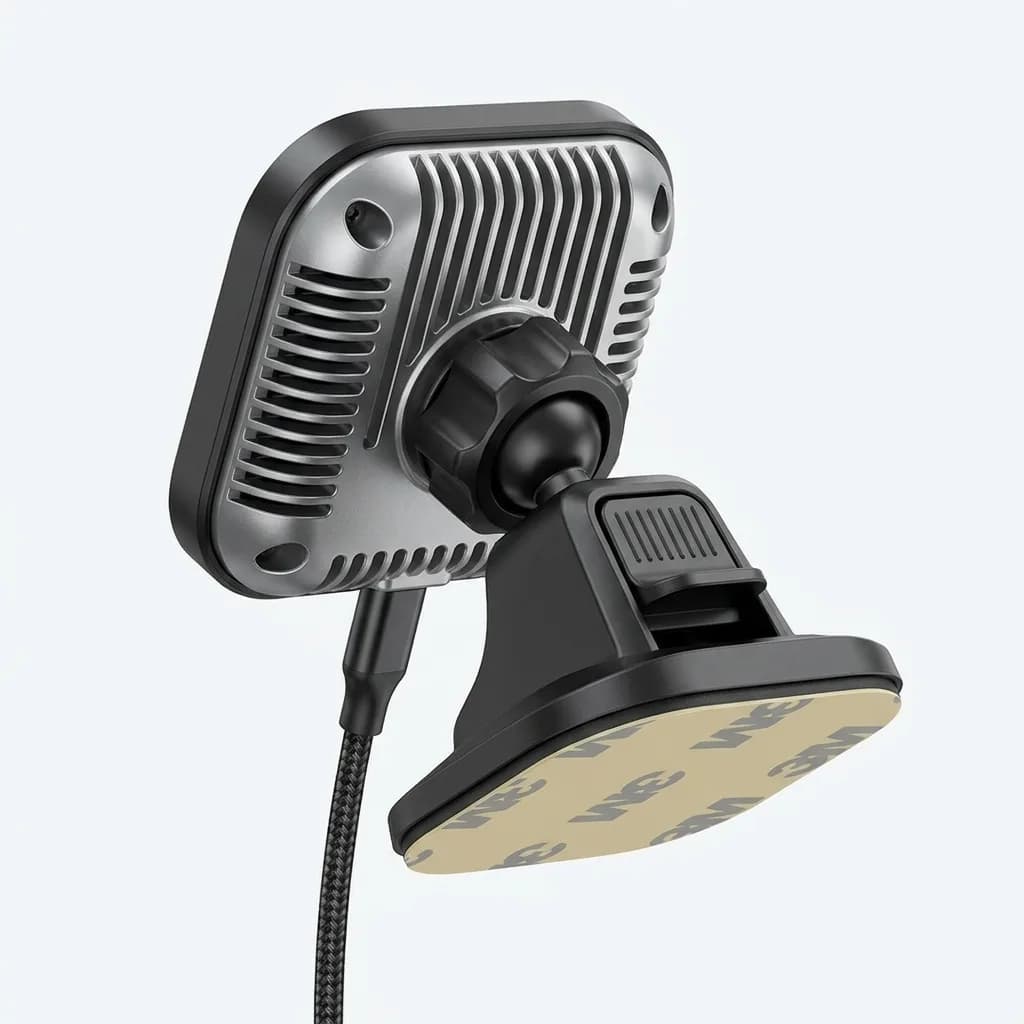
ESR HaloLock Wireless Car Charger Dashboard Mount
$40
Metal heat sink backing, oversized 3M adhesive, ball joint adjustment. 15W Qi2 wireless charging with cooling vents. Fits all MagSafe iPhones.
The charging coil is offset slightly toward the bottom, which means your phone sits higher in the mount. Good for visibility, but it can interfere with Lightning or USB-C cables if you want to plug in instead.
Belkin BoostCharge Pro with MagSafe
Belkin's mount is the rare design that works equally well on vents and dashboards. It includes both a vent clip and an adhesive disc, and the magnetic mount pops off either base with a quarter-turn. The modularity is useful if you switch vehicles or want to move the mount seasonally.
Magnet strength is middle of the pack - strong enough for smooth roads, but large phones like the iPhone 15 Pro Max can shift slightly during hard turns or potholes. The mount doesn't include wireless charging, which keeps it cooler and lighter but adds a step to your routine.

Belkin BoostCharge Pro Magnetic Car Mount
$30
Dual mounting system with vent clip and dash disc. 360-degree rotation, lightweight aluminum build. No wireless charging. Compatible with MagSafe and Qi2.
Build quality is excellent. The aluminum housing feels substantial, and the ball joint has held tension through six months without loosening. If you don't need wireless charging and value flexibility, this is the most versatile mount we tested.
Anker 623 MagGo Vent Mount
Anker's vent mount solves the heat problem by eliminating wireless charging entirely. It's just magnets and a clip. The result is the coolest-running setup we tested - your phone stays at ambient temperature even during hour-long navigation sessions.
The vent clip uses a spring-loaded mechanism that grips horizontal and vertical slats. We tested it on three vehicles with different vent designs, and it held firmly on all of them. The clip arm is long enough that the mount clears most vent fins, so you don't completely block airflow.
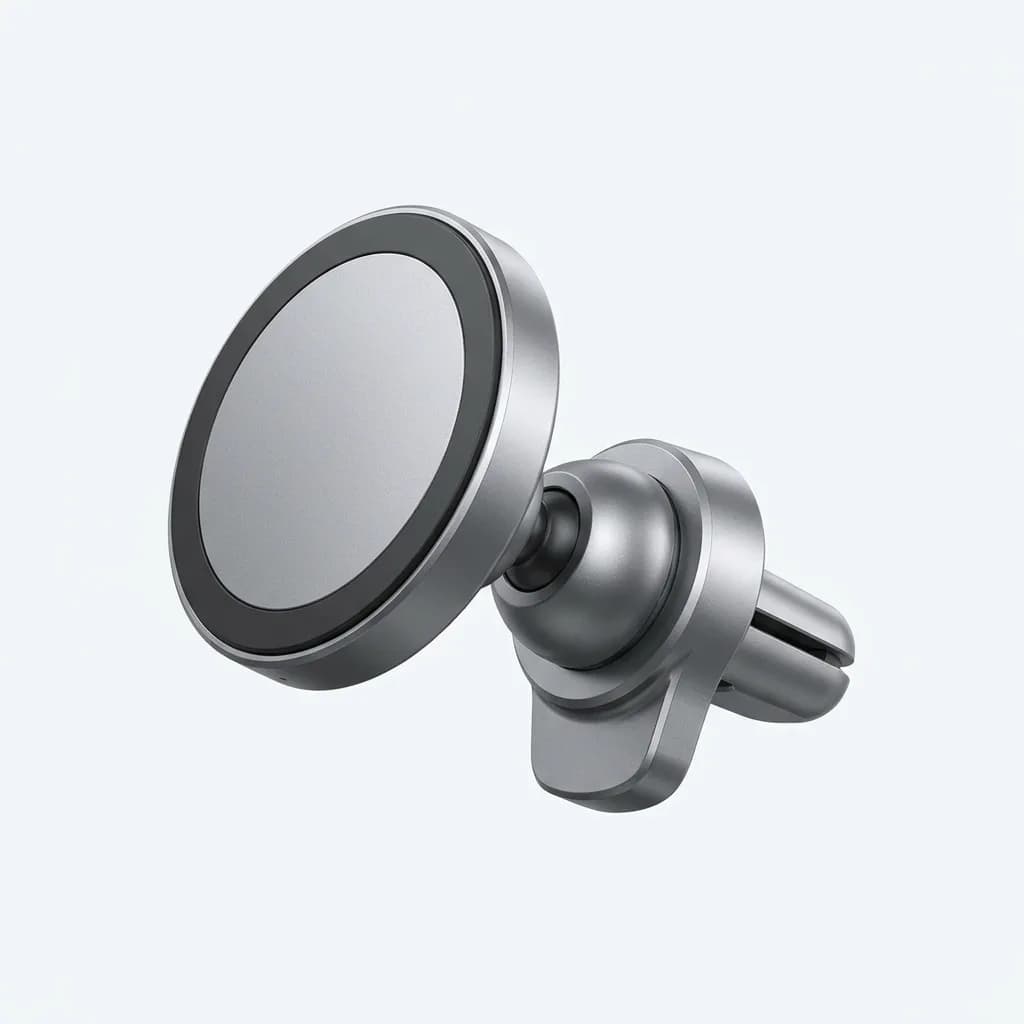
Anker 623 MagGo Magnetic Car Vent Mount
$20
No wireless charging, universal vent clip, aluminum body. Strong N52 magnets, 360-degree rotation. Under 2 ounces, minimal dashboard footprint.
This mount weighs 1.8 ounces, which is less than half the weight of charging-enabled alternatives. The low mass means less stress on your vent and less momentum during sudden stops. If your vent fins are fragile or your car already has USB-C charging built in, this is the smartest choice.
What About Wireless Charging?
Wireless charging in a car sounds convenient until you realize how much heat it generates. MagSafe delivers up to 15W, and most of that energy becomes heat before it reaches your battery. In summer temperatures, wireless charging often triggers thermal limits before your phone gains 10%.
If you commute in moderate climates or your route is short, wireless charging works. For long drives or hot weather, plugging in with a cable is faster and cooler. Some drivers keep a wireless mount for quick errands and a cable for road trips.
Charging speed also depends on your car's electrical system. Many 12V adapters deliver less than the rated wattage, especially in older vehicles. Check your adapter's output - you need at least 18W to support 15W MagSafe charging after conversion losses.
Moment Pro Mount with Vent Adapter
Moment's mount is overbuilt in the best way. The magnet array is larger than standard MagSafe - 1.5 inches in diameter versus the typical 1 inch - which increases holding force and reduces point stress. Large phones feel noticeably more secure.
The vent adapter is tool-free and adjustable for different slat thicknesses. It includes rubber pads that protect your vent fins from scratches and distribute pressure evenly. We tested it on older vents that broke cheaper mounts, and the Moment held without cracking anything.
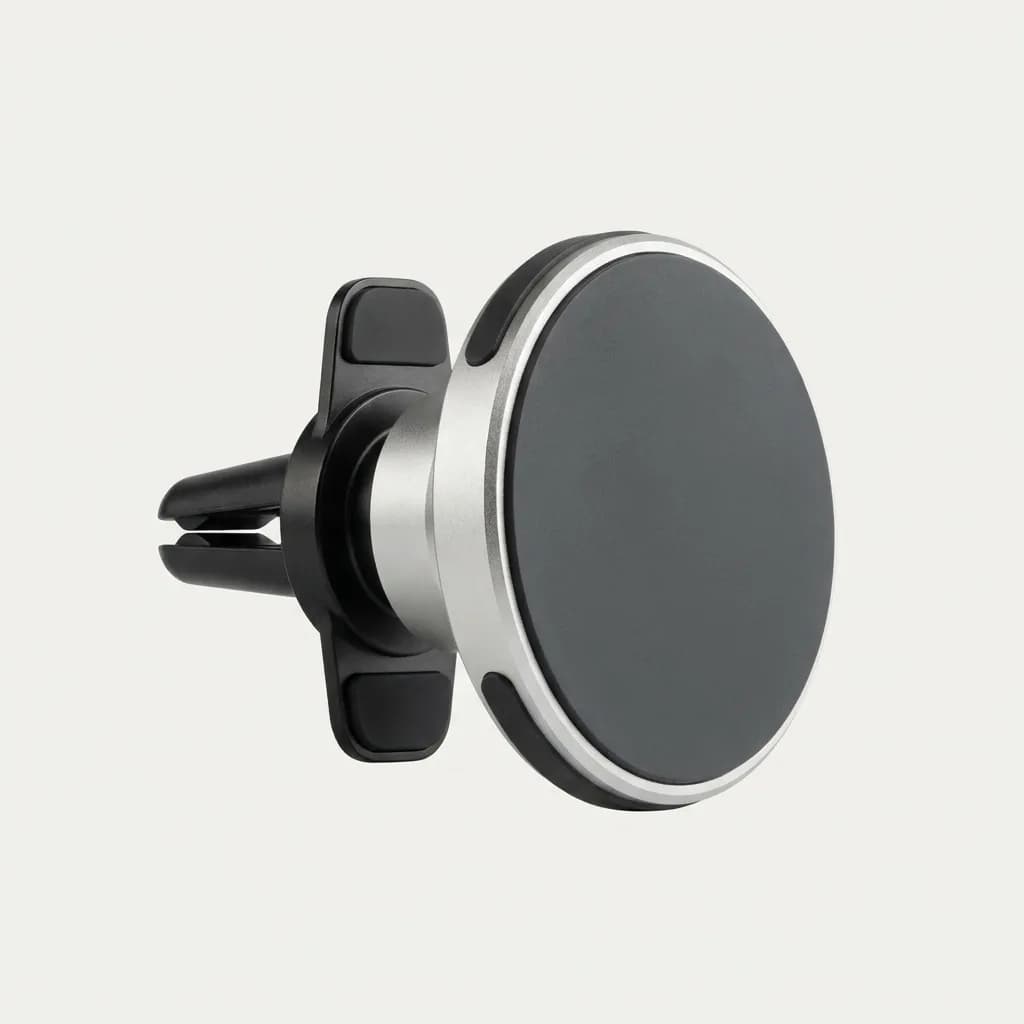
Moment Pro MagSafe Car Mount
$50
Oversized magnet array, adjustable vent adapter, premium metal construction. No wireless charging. Includes protective rubber pads. Supports phones up to 10 ounces.
At $50, this is the most expensive mount in this roundup. The build quality justifies it if you keep phones for multiple years or drive rough roads daily. The mount itself should outlast several phone upgrade cycles.
Peak Design Mobile Mount
Peak Design's mount uses their SlimLink magnetic system, which is cross-compatible with MagSafe but adds a slim case for extra holding force. The case adds 2mm of thickness and about 20 grams of weight - barely noticeable in daily use.
The mount itself is minimalist: a flat magnetic disc with a vent clip or adhesive base. No ball joint, no wireless charging, no adjustment. Your phone sits exactly where the mount points, and you tilt the whole vent blade or dashboard section to change angle.
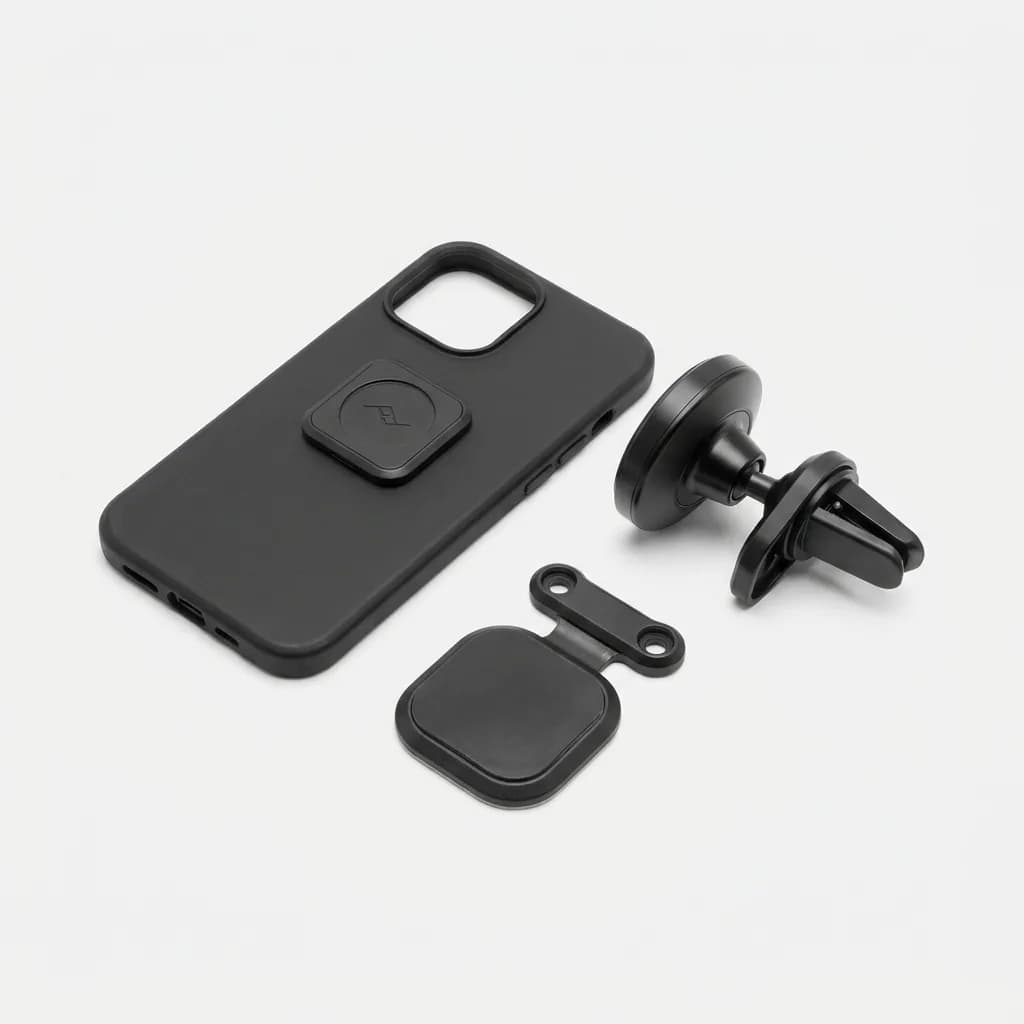
Peak Design Mobile MagSafe Car Mount
$40
SlimLink magnetic system, includes slim phone case, vent clip or adhesive base. Minimalist low-profile design. Lifetime warranty.
This setup works best in cars where your vent or dash already points where you want to look. If you need frequent adjustment, the lack of a ball joint becomes limiting. But if you value clean aesthetics and bombproof holding force, Peak Design delivers.
Do You Need MagSafe, or Just Magnets?
True MagSafe certification means Apple-approved alignment and charging specs. Generic magnetic mounts use similar magnet patterns but skip certification. The practical difference is minimal for holding your phone - magnets are magnets.
For wireless charging, certification matters more. Uncertified mounts may charge slower, generate more heat, or misalign coils enough to waste energy. If you're paying for wireless charging, make sure the mount lists Qi2 or MagSafe certification.
If you're only using magnets for mounting and charging via cable, generic magnetic mounts work fine and cost less. Just check that the magnet array matches Apple's ring pattern - some cheap mounts use a single centered magnet that doesn't align properly.
The Mounts We Didn't Recommend
Several popular mounts failed testing. Mounts with plastic ball joints loosened within weeks. Others with weak magnets dropped phones during normal driving. A few wireless charging mounts overheated so badly they triggered iOS thermal warnings within 20 minutes.
Vent mounts wider than 2 inches blocked too much airflow and caused cabin temperature issues. Dashboard mounts with thin adhesive pads peeled off in heat. Mounts that required precise alignment defeated the purpose of MagSafe's snap-on convenience.
We also skipped mounts that claim "military-grade" magnets or "aerospace materials" without spec sheets. Marketing language doesn't hold your phone - measurable magnet strength and verified materials do.
How to Install Dashboard Mounts Without Regrets
Clean your dashboard with isopropyl alcohol and let it dry completely. Skin oils and dashboard protectants prevent adhesive from bonding. Use 90% isopropyl or higher - lower concentrations leave water residue.
Warm the adhesive pad before applying. Use a hair dryer on low heat for 30 seconds. Warm adhesive flows into surface texture better and forms stronger bonds. Press firmly for 60 seconds, then let it cure for 24 hours before mounting your phone.
Test placement before committing. Use painter's tape to mock up the mount position and drive for a day. Check that it doesn't block vents, interfere with controls, or sit in a sun hot spot that will cook your phone.
What We're Testing Next
CD slot mounts are making a comeback as cars phase out CD players but keep the slots. The slot provides a sturdy mounting point without adhesive or vent stress. We're testing whether modern versions hold up better than the flimsy designs from a decade ago.
Wireless charging pads that sit in cupholders avoid heat and vibration issues entirely. Your phone charges while resting horizontally, and you grab it when needed. Less convenient for navigation, but smarter for charging during parking or long calls.
Mounts with built-in battery packs could solve the heat problem by charging your phone without drawing power through MagSafe. The added weight is a concern, but if it keeps phones cooler, it might be worth it.
The Right Mount Depends on Your Commute
Short trips with smooth roads: Any mount with decent magnets works. Save money and skip wireless charging.
Long commutes with navigation: Prioritize cooling. Skip wireless charging or choose mounts with metal heat sinks.
Rough roads or older cars: Oversized magnet arrays and reinforced vent clips prevent drops and damage.
Multiple vehicles: Modular systems like Belkin's let you move mounts between cars without buying duplicates.
The best mount is the one that holds your phone where you need it and doesn't make you think about it again. That's what you're paying for - invisible reliability.
The Weekly Dispatch
Enjoying this article?
Subscribe and get our best gear picks delivered every Sunday morning.
Related Posts
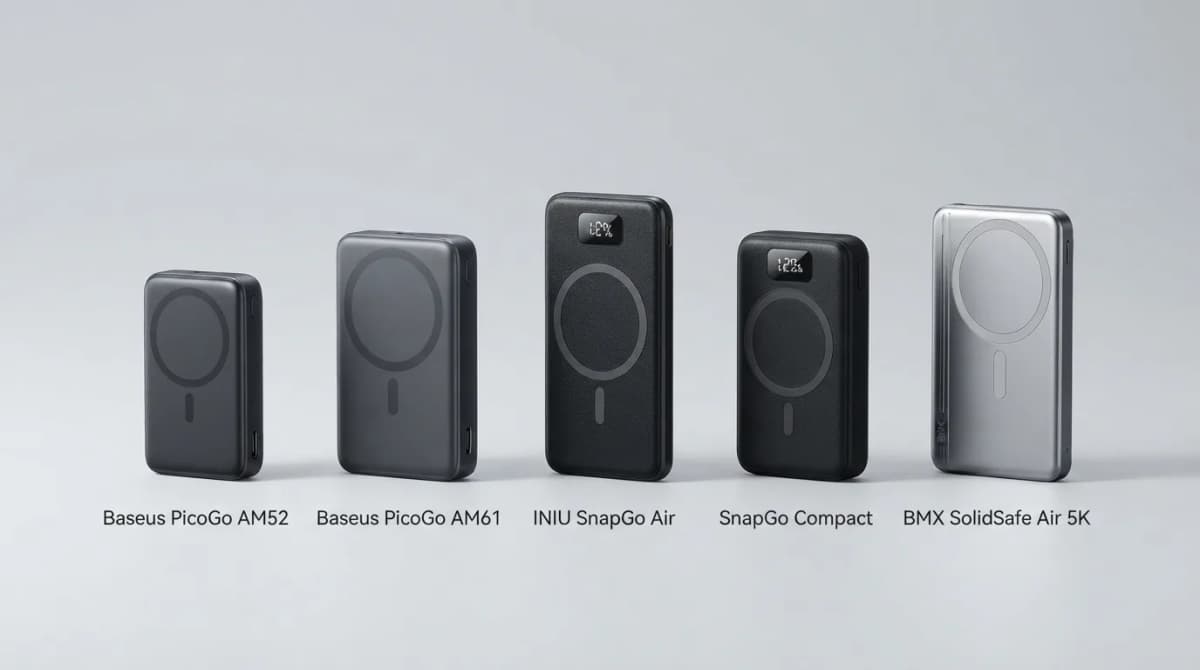
Best Qi2 Power Banks 2026 for iPhone and Android
The best Qi2 and Qi2.2 magnetic power banks for 2026: Baseus PicoGo AM52 and AM61, INIU SnapGo Air and SnapGo Compact, and BMX SolidSafe Air 5K. Prices at publish, Oct 2026.
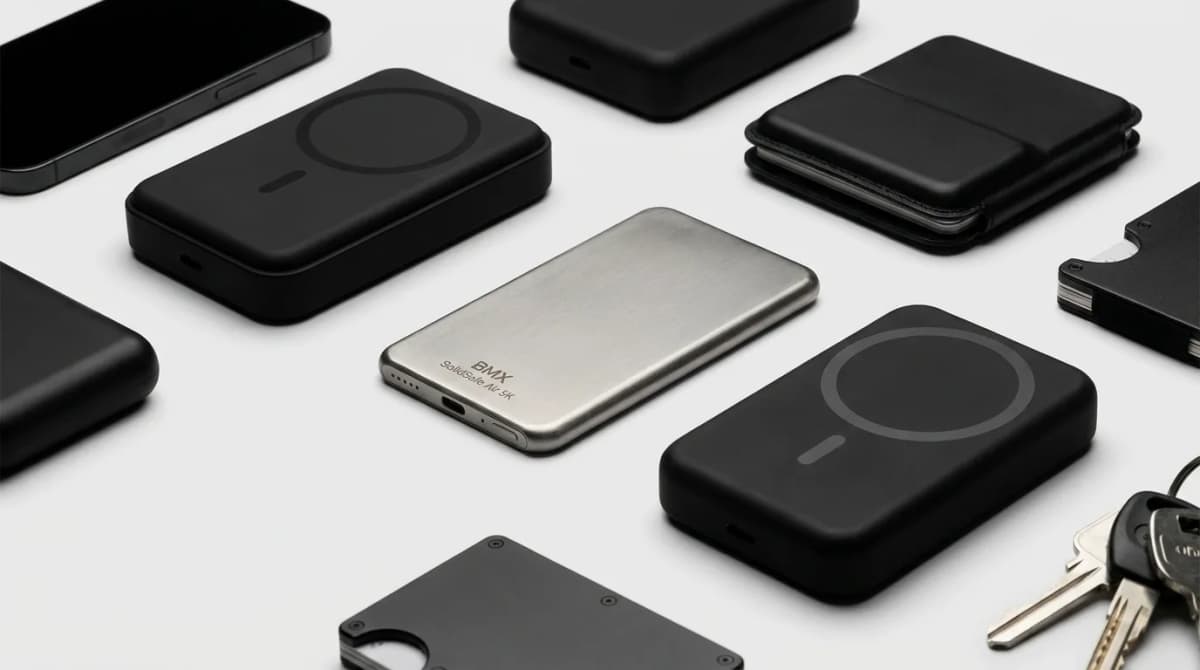
BMX SolidSafe Air 5K: Thinnest Qi2 Power Bank
Thick MagSafe banks die in the bag. BMX SolidSafe Air 5K hits 6.8mm titanium, Qi2 15W, and a semi-solid-state safety pitch — pocket-first EDC power, not another brick. Who buys, who skips.
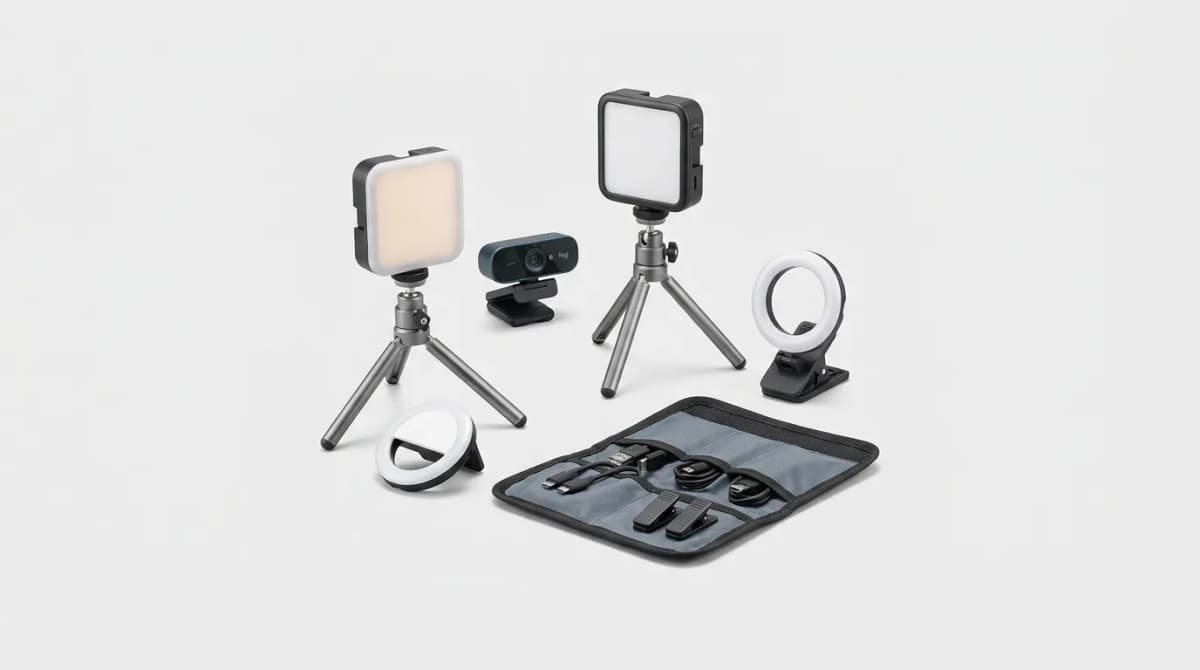
Portable Lighting for Video Calls
Portable key lights beat buying a new webcam for Zoom and Teams. We compare mounts, color temperature ranges, and kits that actually travel.
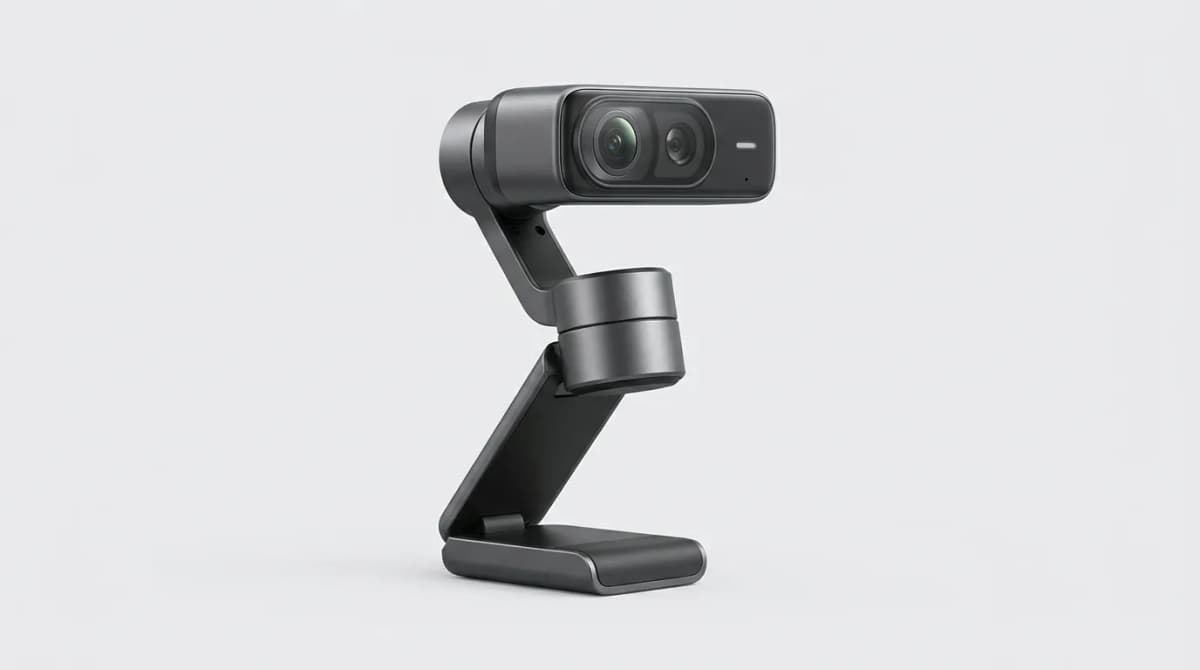
Insta360 Link 2 Pro Review: Is It Worth It
The Insta360 Link 2 Pro brings gimbal stabilization and AI tracking to your desk. We tested it for three weeks to see if the premium features justify the cost.