Commuter EDC: Everyday Gear for the Daily Grind
Daily commuting demands gear that stays organized, accessible and lightweight. We compared commuter EDC setups by maker specs, features and price.
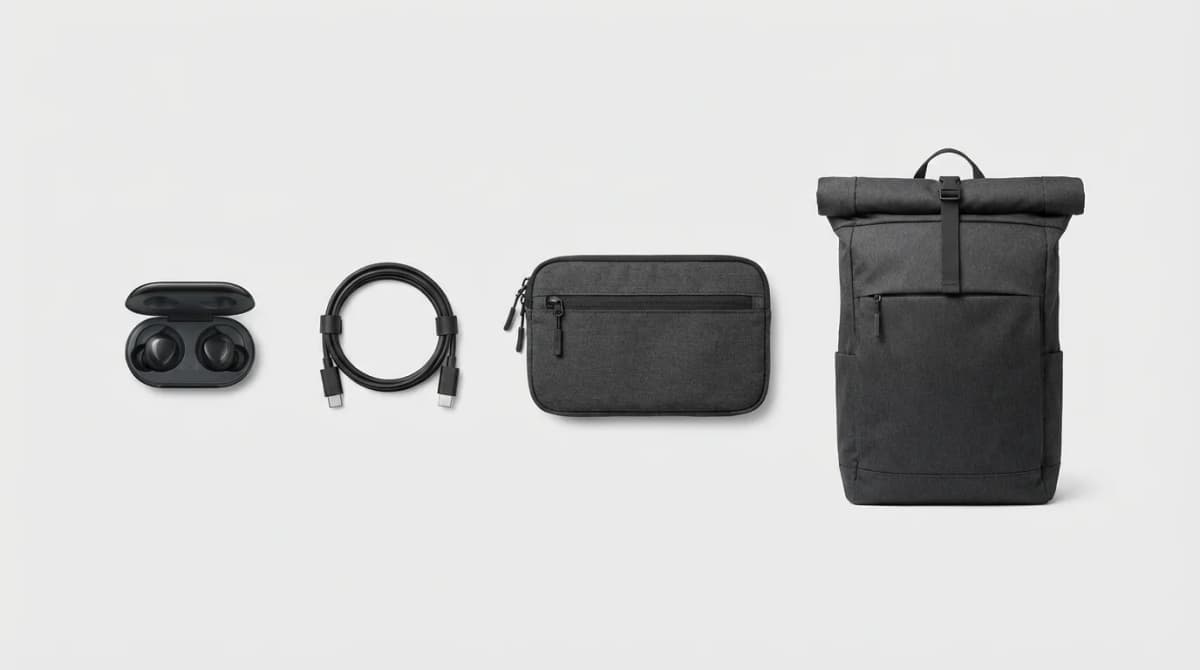
Your morning train arrives in six minutes. You need your transit card, earbuds, phone charger, and work badge without digging through a black hole of random cables and receipts. Commuter EDC isn't about carrying more - it's about carrying smarter.
We compared 30+ commuter setups for subway, bus, and bike commutes. The winners share three traits: they keep essentials instantly accessible, survive daily abuse, and add minimal bulk to your carry. Most commuter gear fails at least one of these tests.
The biggest mistake we see is treating commuter EDC like hiking gear. You don't need ruggedized everything. You need organization, quick access, and the ability to move through crowded spaces without catching on doors or bumping into people. A 40-liter tactical backpack might survive a nuclear blast, but it's overkill when you're just trying to get to your desk.
Wireless Earbuds That Actually Stay Connected
Dropouts ruin commutes. You're standing on a packed train, someone's backpack is pressed against your phone pocket, and your music cuts out every 30 seconds. The difference between budget and premium earbuds shows up most clearly in connection stability, not sound quality.
The sweet spot is earbuds with Bluetooth 5.2 or newer, multipoint pairing (so you can switch between phone and laptop without re-pairing), and at least six hours of battery per charge. ANC helps on loud trains but drains batteries faster. Transparency mode matters more than you'd think - you need to hear track announcements and approaching vehicles.
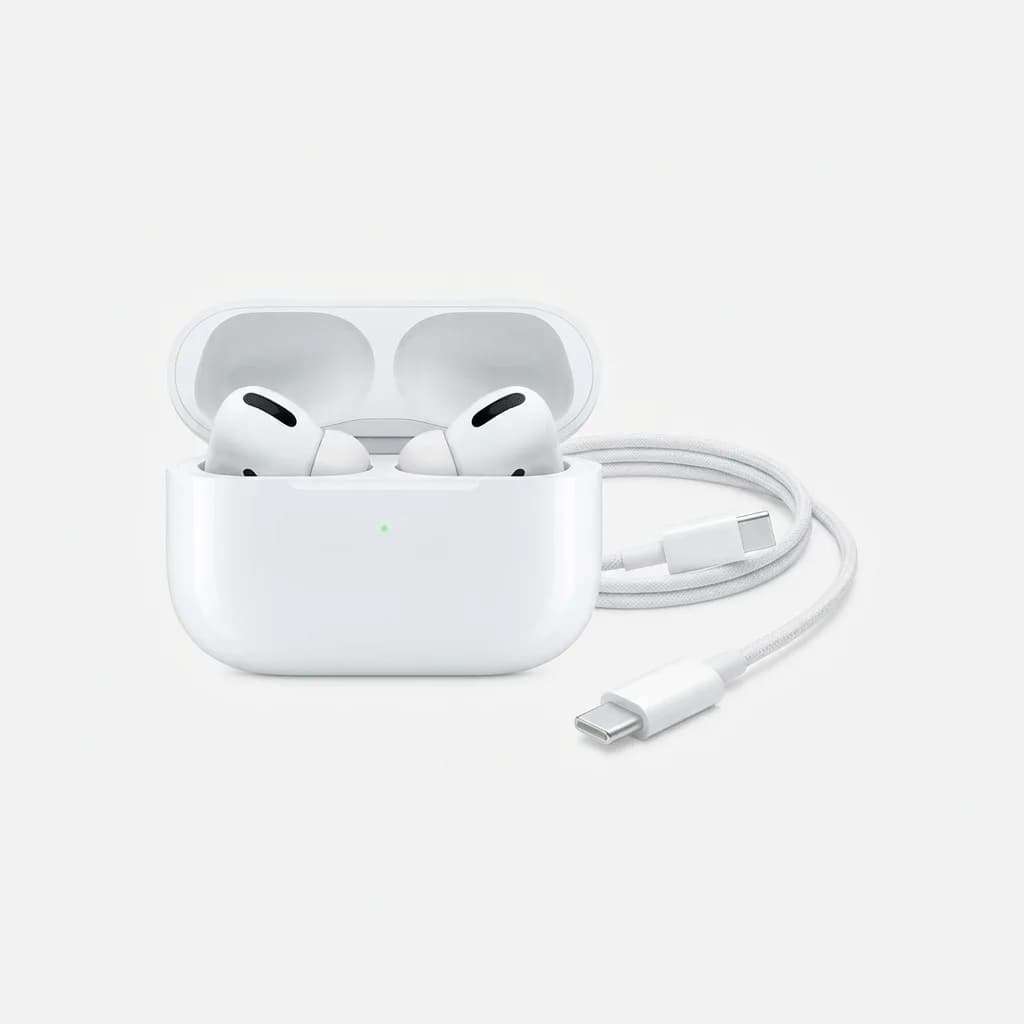
Apple AirPods Pro (2nd Generation)
$249
H2 chip delivers rock-solid connection stability, adaptive transparency mode, and 6-hour battery. USB-C charging case works with your laptop cable.
The AirPods Pro work best if you're already in the Apple ecosystem - seamless switching between iPhone, iPad, and Mac saves time. But they're overpriced if you don't use those features.
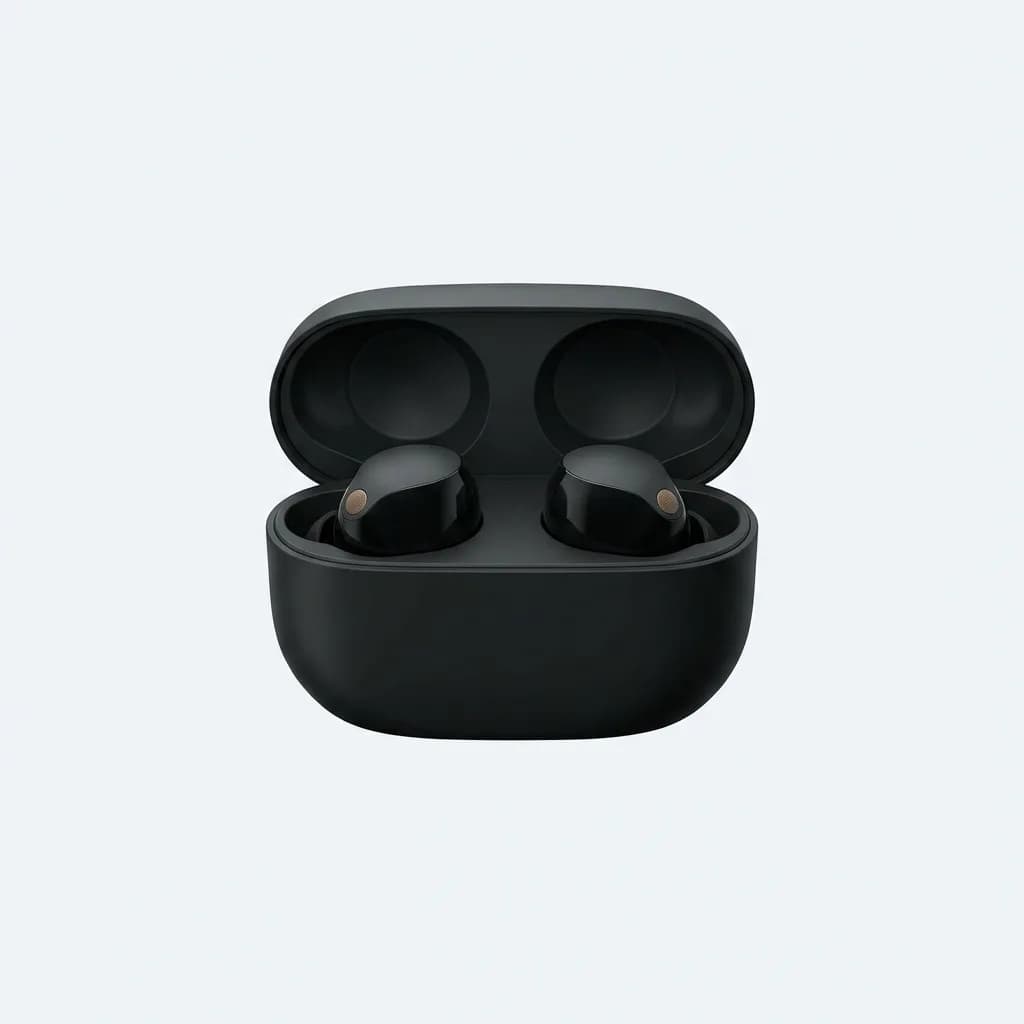
Sony WF-1000XM5
$298
Best ANC in the category, 8-hour battery life, and LDAC support for Android users. Slightly bulkier case than AirPods.
For Android users or anyone who prioritizes pure audio quality over ecosystem integration, the Sony XM5s are the better choice. They sound noticeably better than AirPods with LDAC enabled, and the noise cancellation handles subway rumble more effectively.
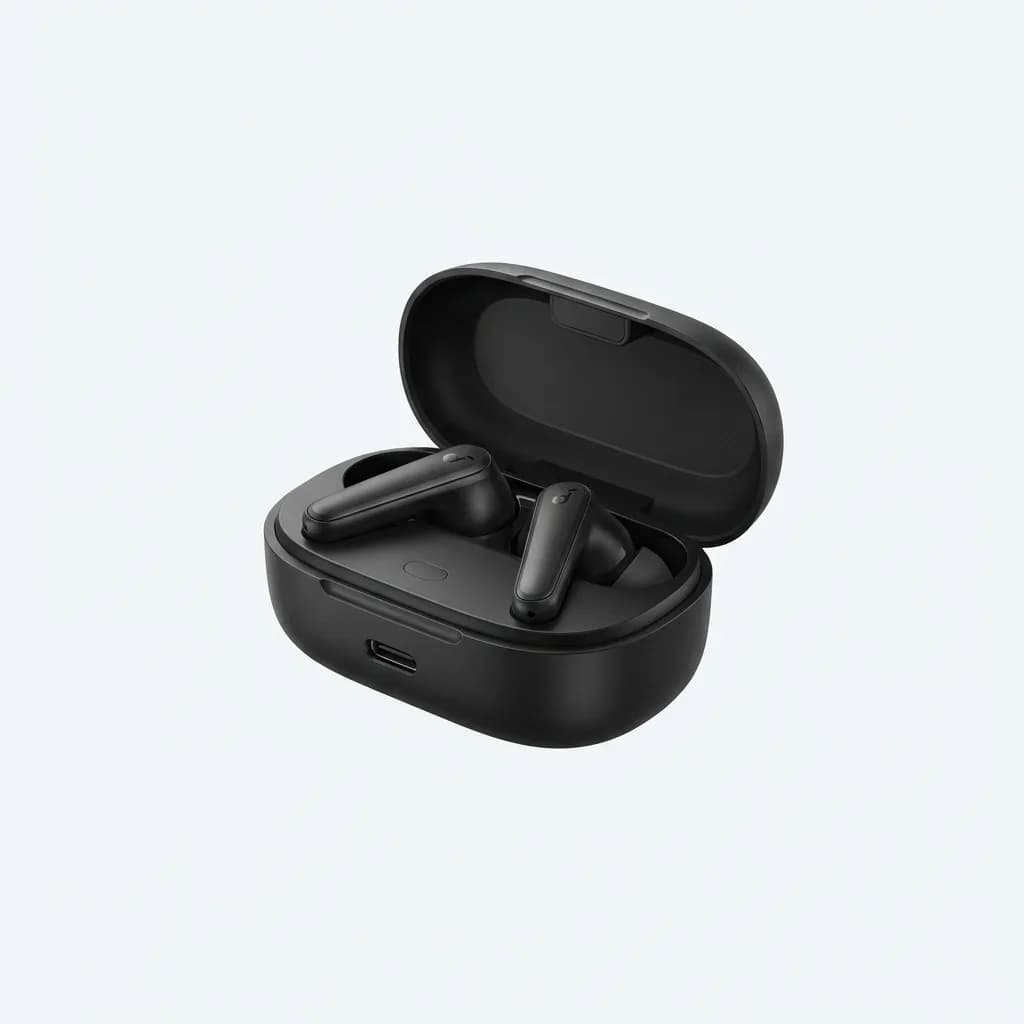
Anker Soundcore Space A40
$79
Budget pick at $79 with solid ANC, 10-hour battery, and multipoint pairing. Connection slightly less stable in crowded RF environments.
Cable and Charger Organization That Actually Works
Tangled cables in your bag waste time and fray faster. The solution isn't fancy cable wraps or elaborate organizer panels - it's carrying fewer cables and keeping them in one place.
Most people carry three cables they never use and forget the one they actually need. A single USB-C cable with 100W charging handles your laptop, phone, tablet, and earbuds case. Add a small GaN charger and you're set. Everything else is dead weight.
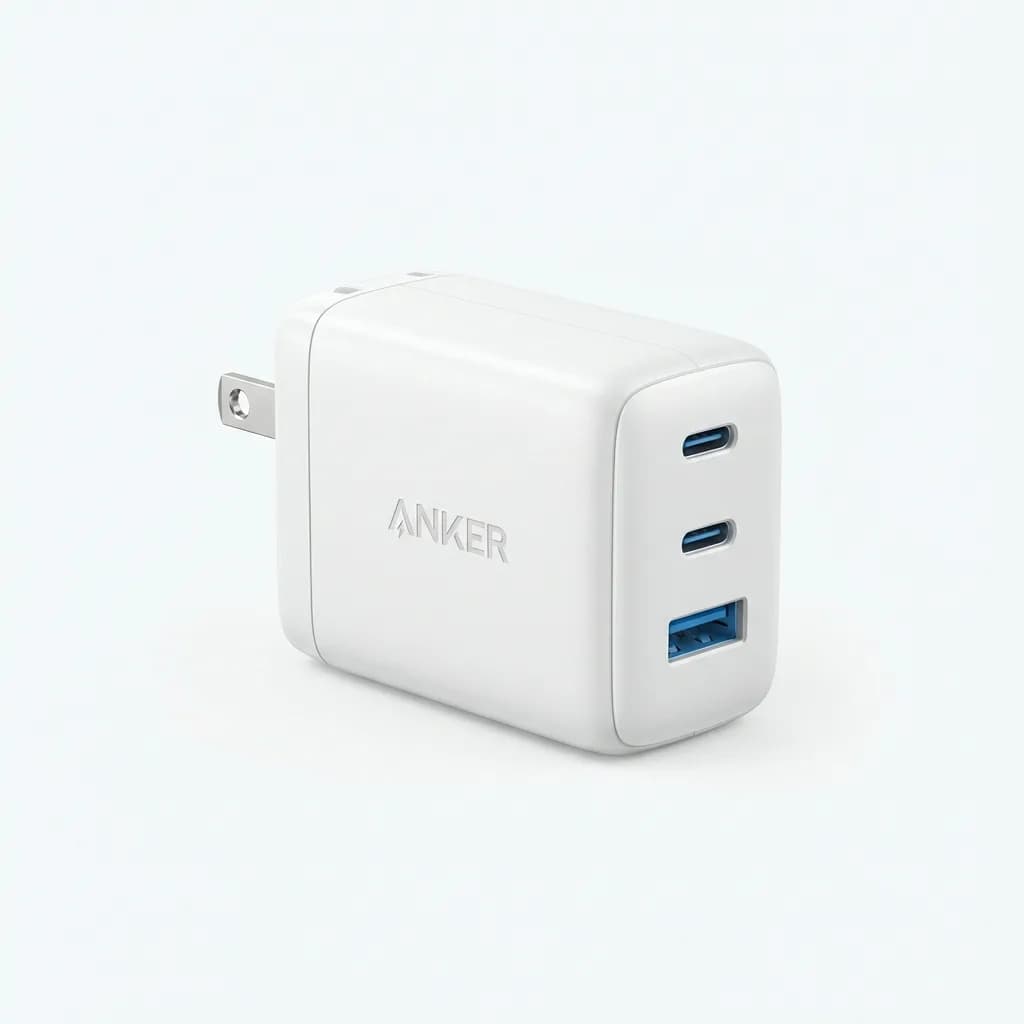
Anker 735 GaN Charger (65W)
$60
Three ports (two USB-C, one USB-A), 65W total output, folds flat. Charges laptop and phone simultaneously without overheating.
The 65W output is enough to top up a laptop quickly during lunch. The folding prongs prevent the charger from scratching your laptop or poking holes in your bag's lining. That detail matters more than you'd expect.
The cable situation is trickier. Cheap cables fail at the connector after a few months of bag carry. Braided cables tangle less than rubber-coated ones but cost more. We prefer cables between 3 and 6 feet - shorter than that limits where you can use them, longer creates a tangled mess.
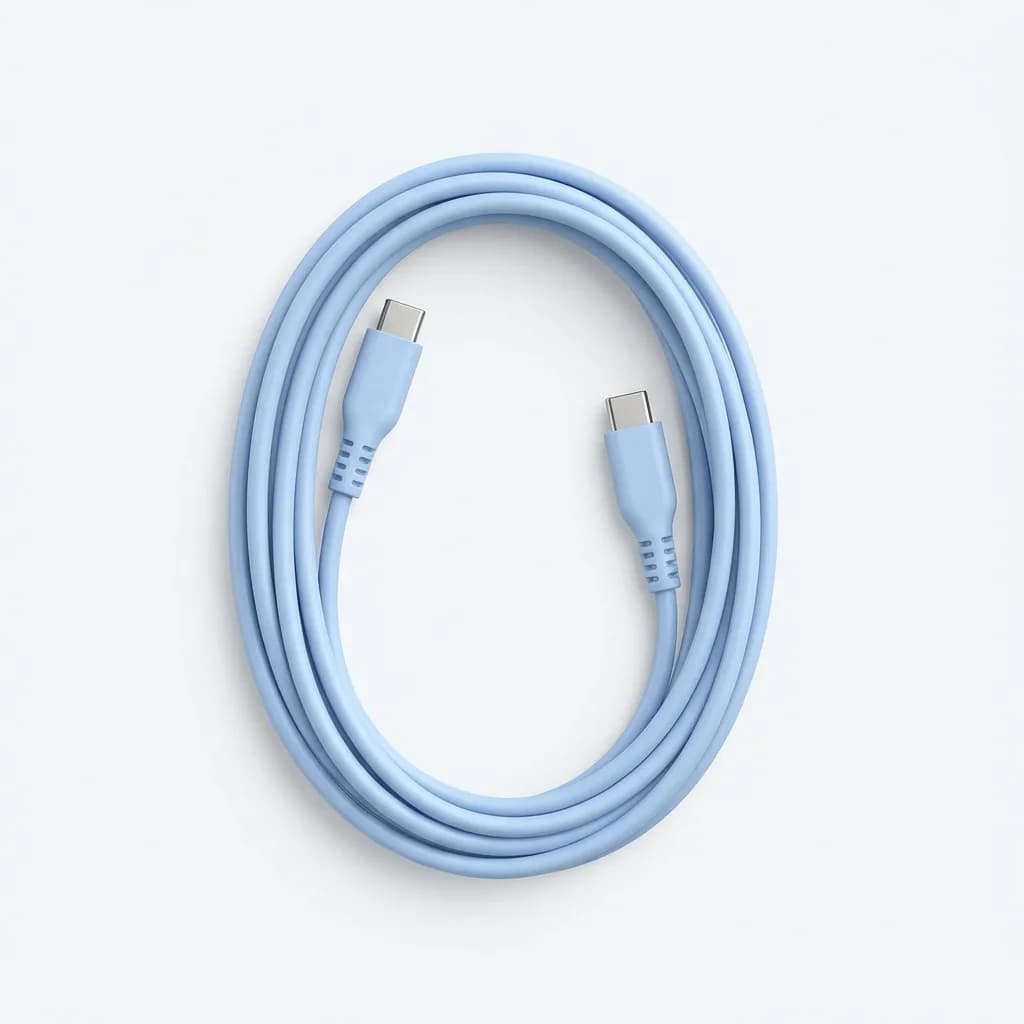
Anker PowerLine III Flow USB-C Cable (6ft)
$16
Silicone coating resists tangles, 100W power delivery, reinforced stress points. Lifetime warranty covers connector failure.
The Right Organizer Pouch for Tech Gear
Loose tech gear in your bag's main compartment is a disaster. Cables tangle, your phone scratches against keys, and finding your earbuds case requires unpacking everything.
The organizer pouch needs to balance two competing goals: enough structure to keep things separated, but not so much padding that it takes up excessive space. Hard-shell cases protect better but add bulk. Soft pouches with internal dividers hit the sweet spot for most commuters.
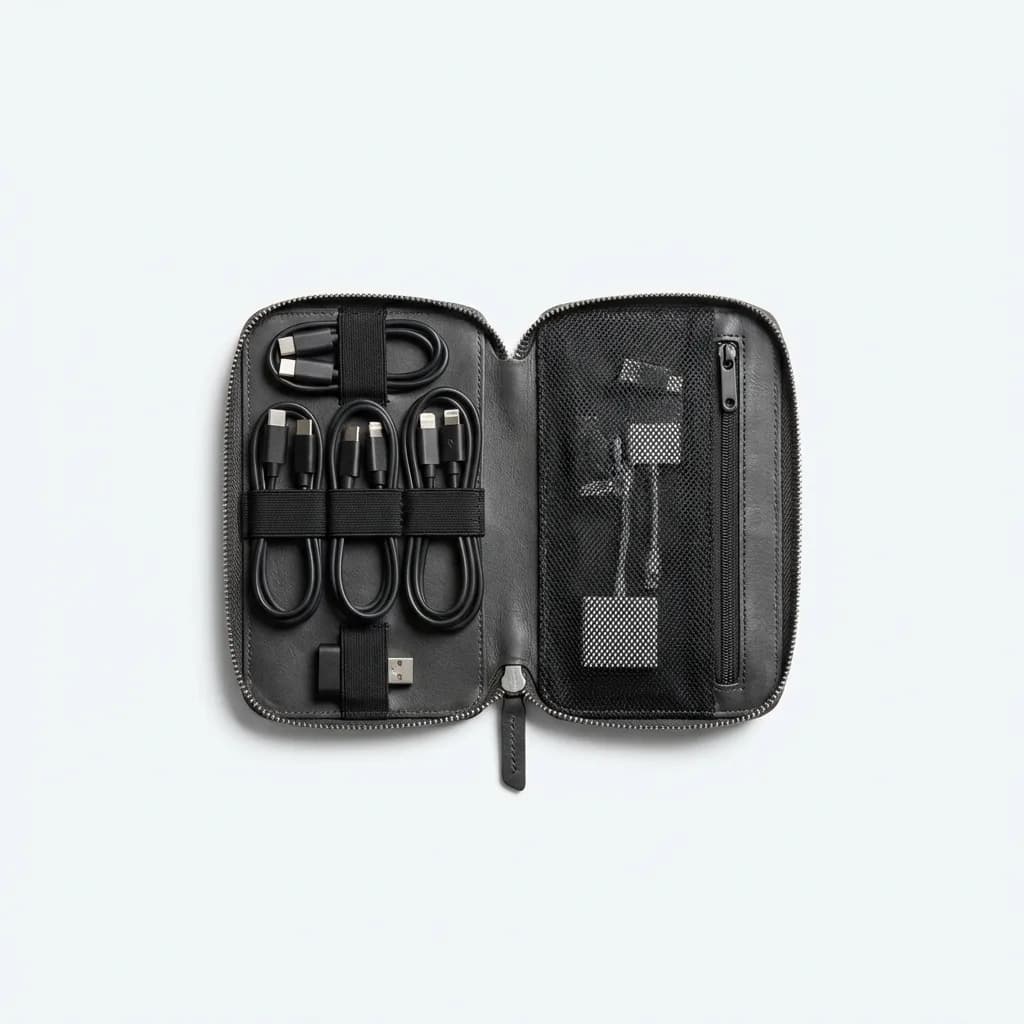
Bellroy Tech Kit Compact
$79
Premium leather construction, elastic loops for cables, zippered pocket for adapters. Slim profile (1.5 inches thick) fits in any bag.
The Bellroy justifies its price if you value aesthetics and durability. The leather ages well, the YKK zippers operate smoothly after thousands of cycles, and the elastic loops maintain tension. But it's overkill if you just need basic organization.
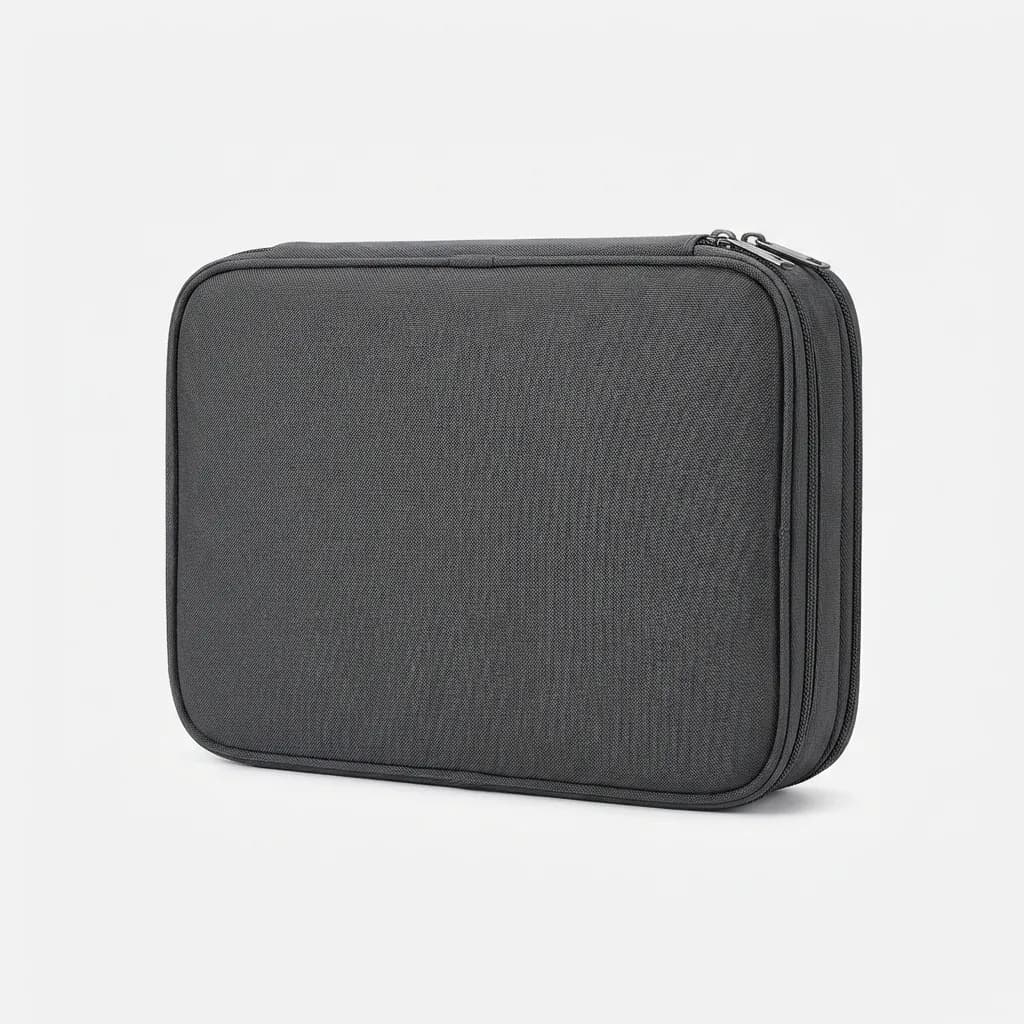
BAGSMART Electronic Organizer
$20
Budget option at $20, multiple compartments, water-resistant nylon. Bulkier than Bellroy (2 inches thick) but holds more gear.
The BAGSMART holds more - charger, cables, earbuds, battery pack, and adapters with room to spare. But the extra bulk means it won't fit in smaller bags. The Bellroy forces you to carry less, which is actually an advantage for most commuters.
What About a Portable Battery Pack?
This depends entirely on your commute length and phone usage. If you're commuting 30 minutes each way and your phone starts the day at 80%, you don't need extra battery capacity. If you're on trains for two hours daily and constantly using navigation, streaming, and messaging, you'll drain your battery before reaching home.
The math is simple: most modern phones have 3000-4000mAh batteries. A 10000mAh battery pack gives you roughly two full charges. Anything larger adds weight and bulk you probably don't need for a daily commute.
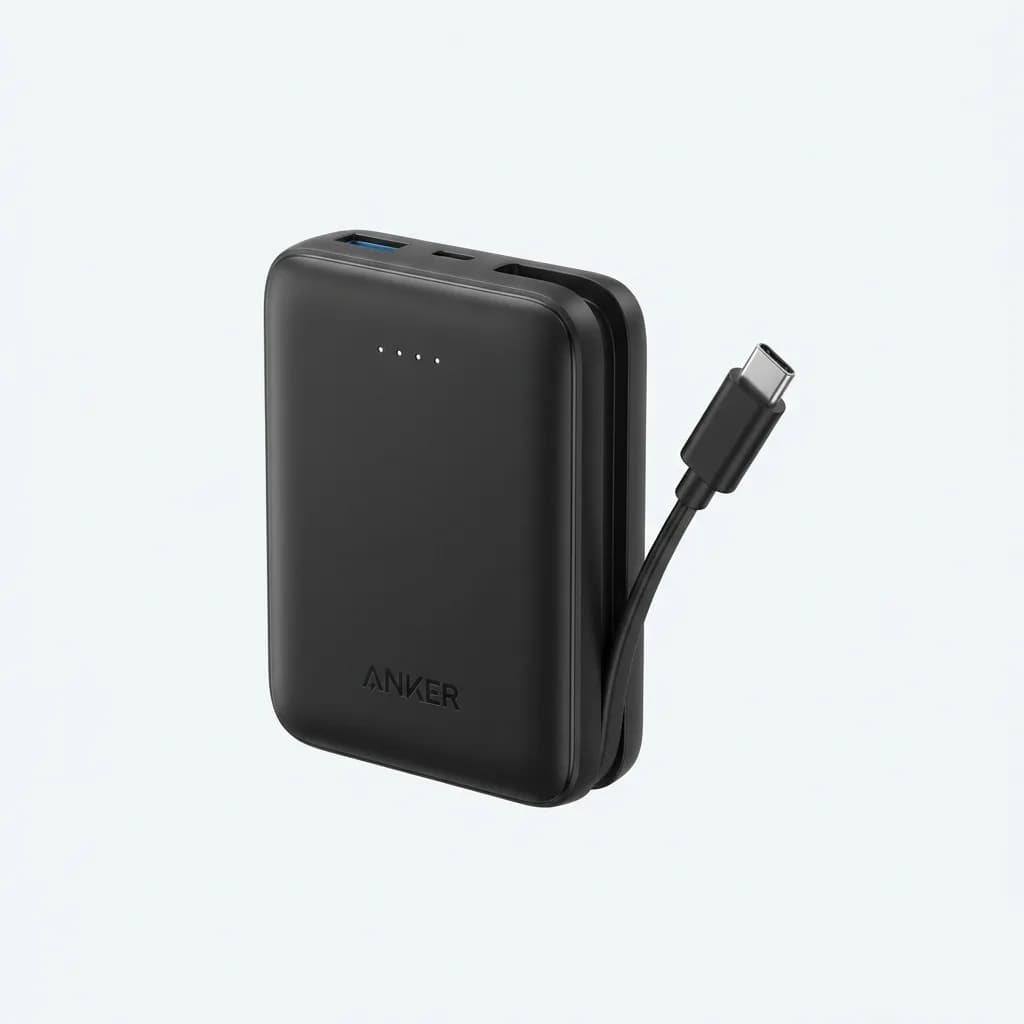
Anker Nano Power Bank (10000mAh)
$46
Built-in USB-C cable, 30W power output, weighs just 6.6oz. No separate cable needed, charges iPhone 14 to 50% in 30 minutes.
The integrated cable is the killer feature here. No fumbling with separate cables means you can charge while walking or standing on a crowded train. The 30W output charges phones fast, though it's too slow for laptops.
Carrying It All Without Looking Like a Pack Mule
The bag matters more than individual items. A poorly designed commuter bag turns organized gear into a frustrating scavenger hunt every time you need something.
Quick-access pockets for transit cards and keys should open without removing the bag. The main compartment needs enough structure to stand upright when you set it down - bags that collapse into shapeless puddles are impossible to pack efficiently. Water bottle pockets should be accessible while wearing the bag.
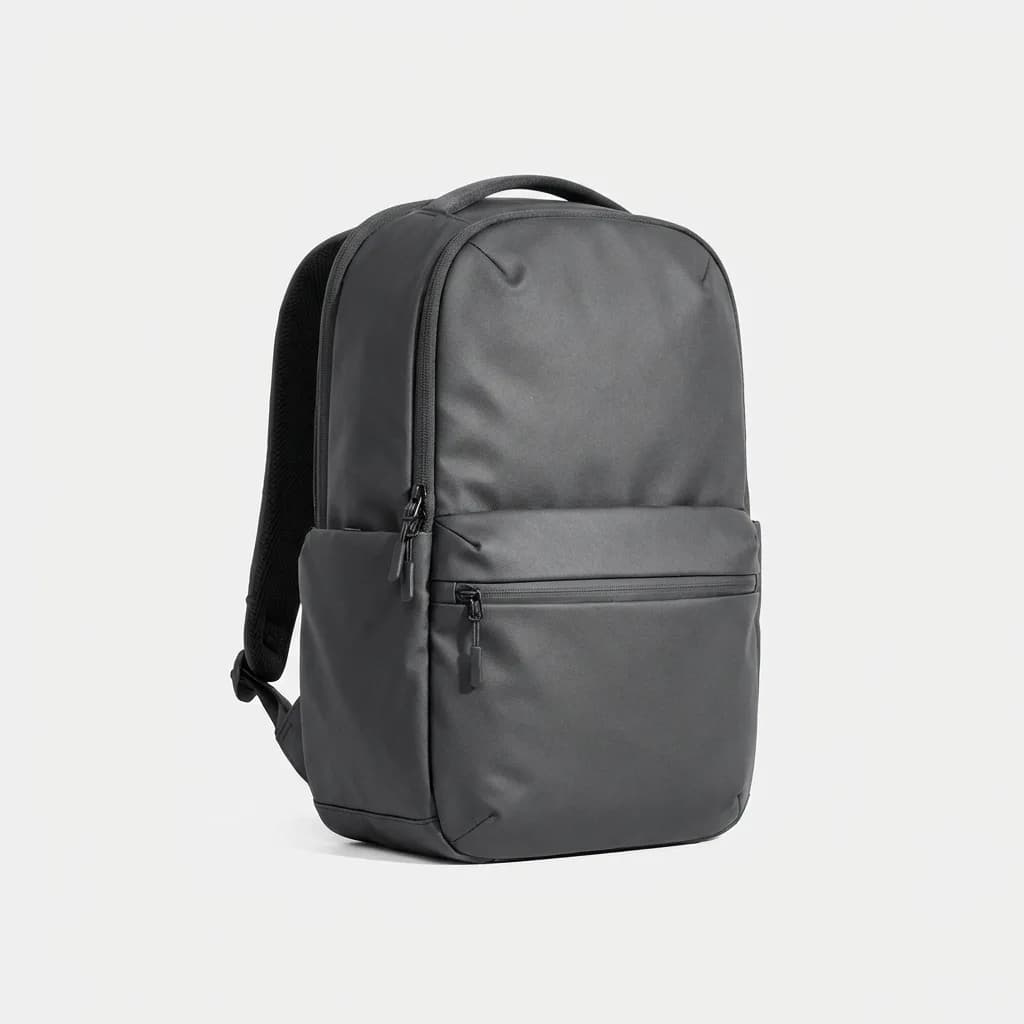
Aer City Pack Pro
$195
Laptop compartment for 15-inch devices, quick-access front pocket, water-resistant coating. Minimalist aesthetic works in business and casual settings.
This is our top pick for mixed-mode commuting (train plus walking). The 21-liter capacity holds a laptop, lunch, gym clothes, and all your EDC without looking oversized. The quick-access pocket fits phone, wallet, keys, and earbuds case - everything you need while in transit.
The $195 price point puts it in premium territory. It's worth it if you commute daily and want something that will last five years. But there are solid alternatives for half the price.
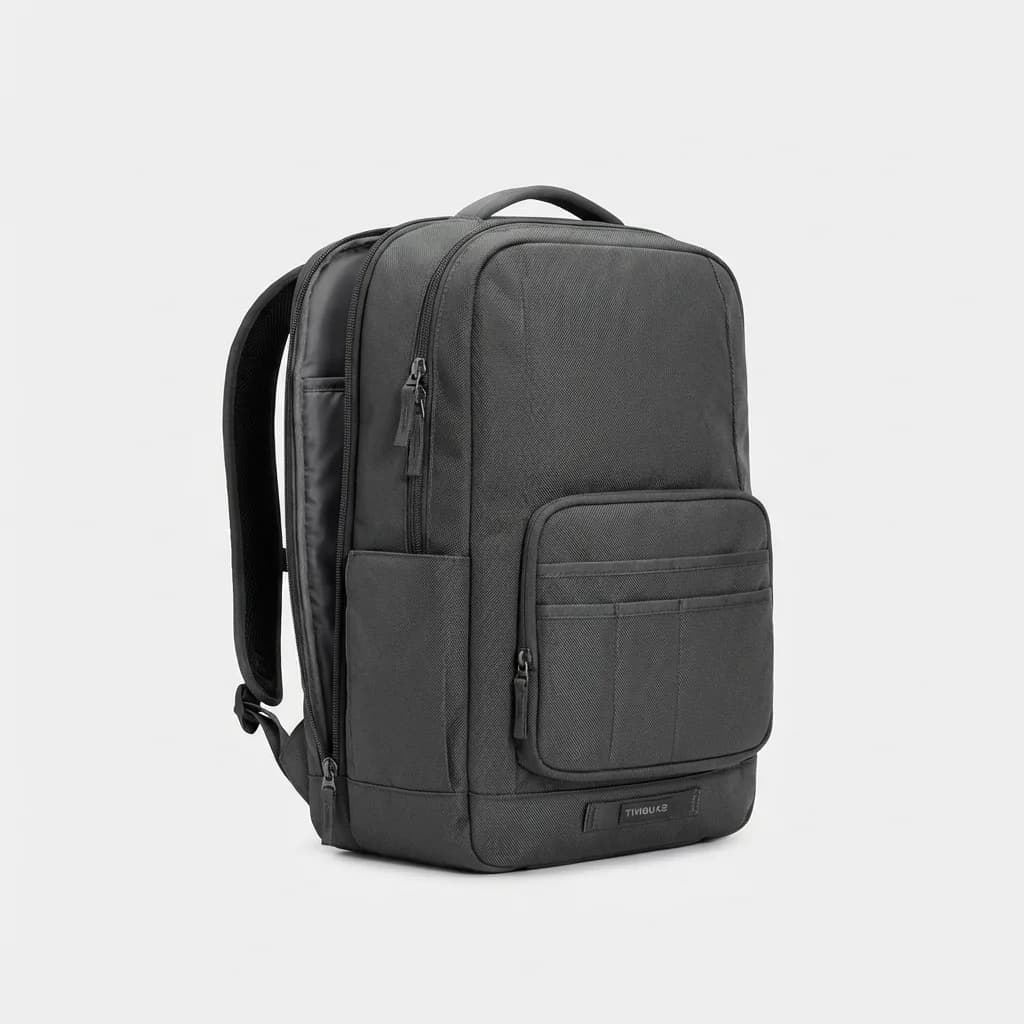
Timbuk2 Authority Laptop Backpack
$99
Water-resistant ballistic nylon, padded laptop sleeve, organized front compartment. Available in 20L and 28L sizes.
The Often-Overlooked Comfort Items
Long commutes reveal what matters beyond the obvious tech gear. A good pen for signing documents or jotting notes. Hand sanitizer after touching subway poles. Breath mints before morning meetings. Sunglasses for walking portions of your commute.
These small items improve your daily experience more than a second battery pack or backup cable. The trick is carrying them without adding bulk. We keep these in a small zippered pouch (the kind that comes with toiletries or as a bag organizer) rather than loose in the bag.
Reusable water bottles make sense for long commutes but check your bag's bottle pocket design first. Side pockets that require removing your bag to access the bottle are useless. You'll just buy water at the station instead.
Keeping Your Load Light While Staying Prepared
The real skill in commuter EDC is knowing what not to carry. Every item in your bag should serve a specific, frequent purpose. If you packed it "just in case" but haven't used it in two weeks, leave it at home or at your desk.
Start with the absolute essentials: phone, wallet, keys, earbuds, one charging cable, one charger. Use that setup for a week and note what you actually needed but didn't have. Add only those items. This approach prevents bag bloat better than any organizing system.
The second trap is redundancy. You don't need three ways to charge your phone. You don't need both wired and wireless earbuds. You don't need a laptop, tablet, and phone for a commute. Pick the minimum effective gear and stick with it.
Your commute is time you'll never get back, but the right gear makes it productive or at least tolerable. Focus on reliability over features, organization over capacity, and quick access over maximum protection. The goal is reaching your destination with everything you need and nothing you don't.
The Weekly Dispatch
Enjoying this article?
Subscribe and get our best gear picks delivered every Sunday morning.
Related Posts
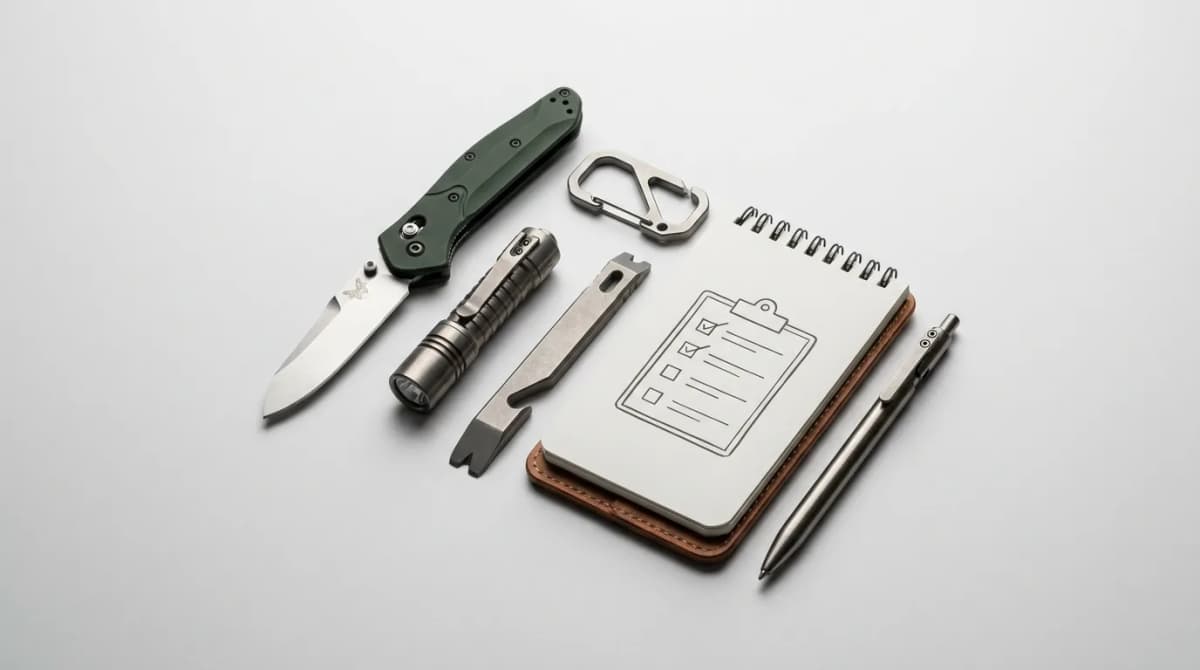
EDC Kickstarter Checklist: 10 Checks to Run First
EDC campaigns are everywhere this fall. Use this 10-point checklist, built on Kickstarter's own rules, to judge knives, lights and clips before you pledge.
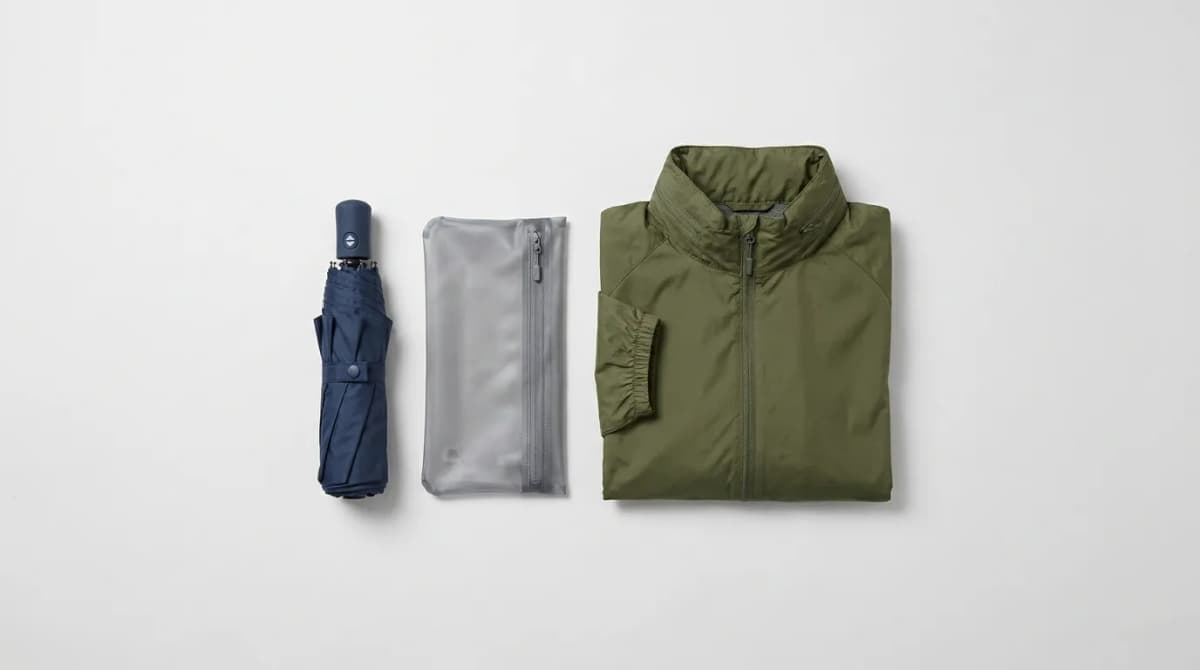
EDC for Rainy Cities: The Complete Setup
Rainy-city EDC means canopy, wet pouch, and smarter fabrics. Build a daily carry that stays dry on transit without soaking your bag or pockets.
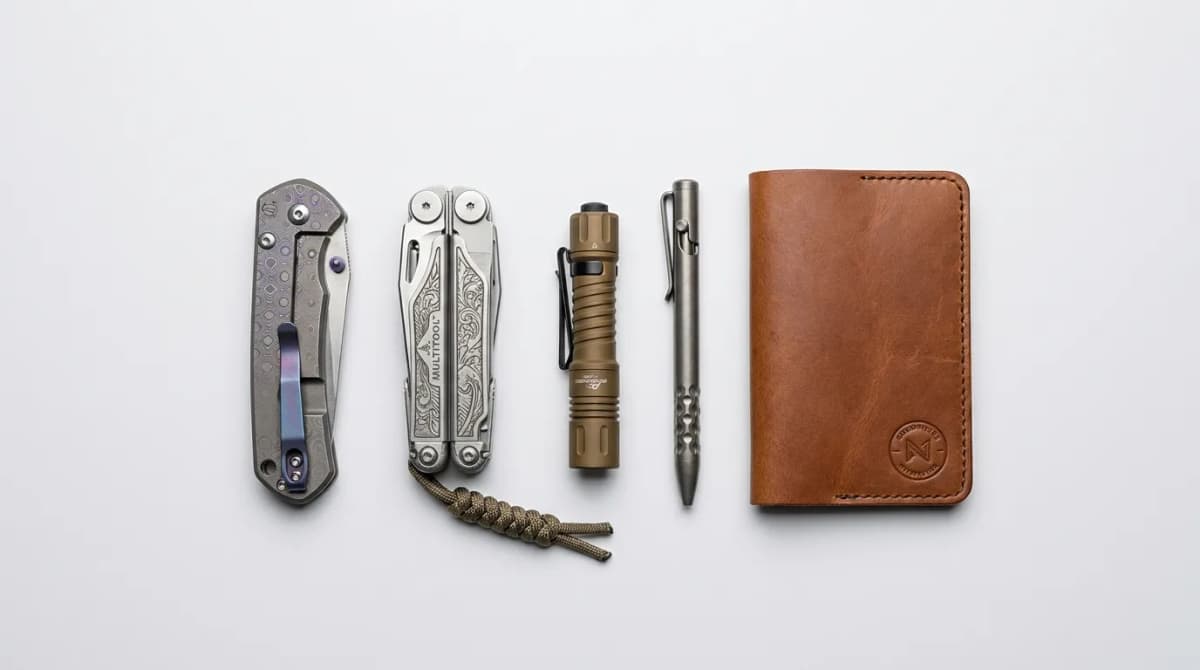
DIY EDC Mods: Personalize Your Everyday Carry Gear
Learn practical DIY modifications for your EDC gear: paracord wraps, anodizing, custom scales, and personalization techniques that improve function and style.
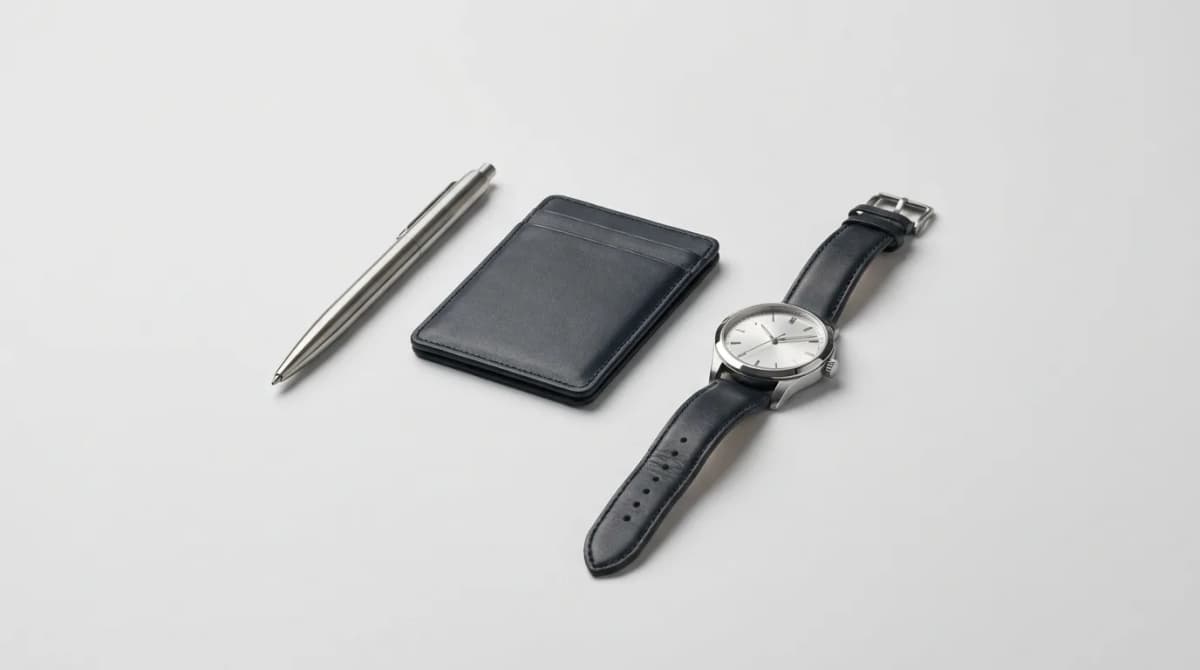
EDC for the Office and After Hours
Building an EDC that works from boardroom to bar requires smart choices, not duplicate gear. Here's how to carry less and do more.