Best Smart Home Hub for Beginners 2026
Find the right smart home hub without the confusion. We compare Echo, Google Nest, and Apple HomePod to help you pick the system that actually works.
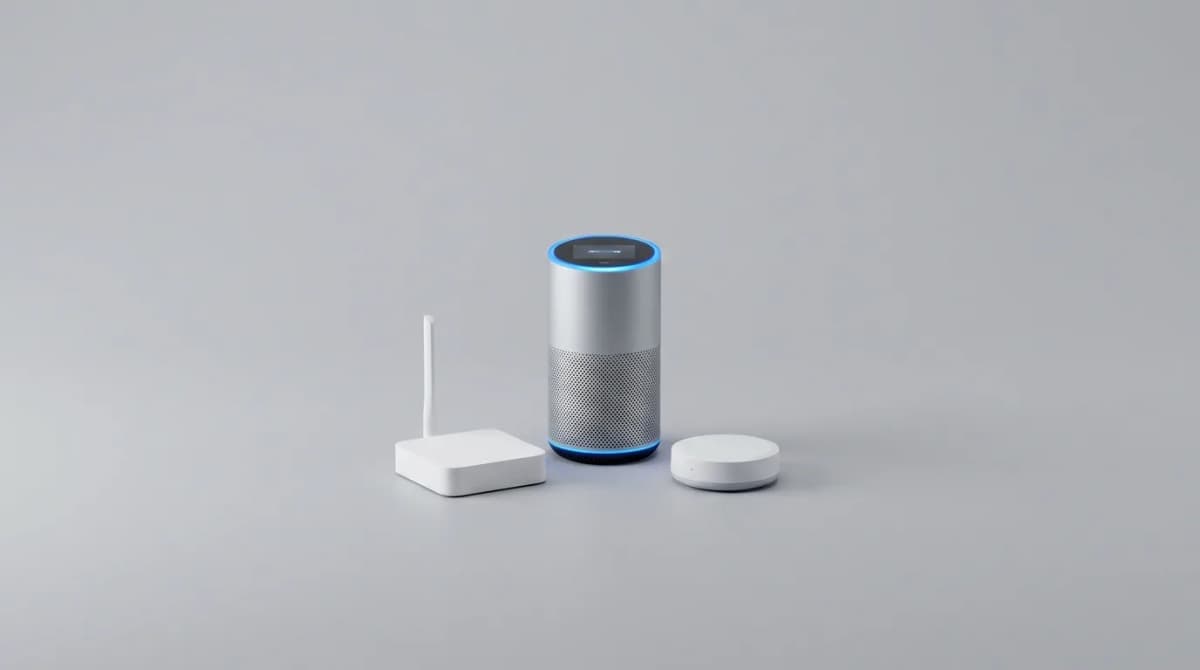
You're standing in your living room holding a smart bulb, wondering which hub to buy so the thing actually works. The sales pitch promises seamless control of everything, but the reality is messier. Each ecosystem speaks its own language, works with different devices, and some are better at certain tasks than others.
The good news? You don't need a computer science degree to get started. The bad news? Your first choice matters more than you think, because switching ecosystems later means replacing devices, relearning routines, and losing integrations you've come to rely on.
We've tested all the major platforms with dozens of devices to see which ones deliver on their promises and which ones frustrate new users. Here's what actually matters when you're building your first smart home.
What a Smart Home Hub Actually Does
A hub is the traffic controller for your smart devices. Your smart bulbs, locks, thermostats, and cameras all need something to translate their signals and connect them to your phone, your voice, and each other.
Most hubs today are built into smart speakers. The Amazon Echo with Alexa, Google Nest with Google Assistant, and Apple HomePod with Siri all function as hubs while also playing music and answering questions. Some handle local protocols like Zigbee or Thread, which let devices talk to the hub directly without clogging your WiFi network.
The hub you choose determines which voice assistant you'll use, which devices work smoothly, and how complicated (or simple) your setup process becomes. It also determines whether you can build automations that actually work reliably instead of failing randomly.
Amazon Echo: The Widest Device Compatibility
Amazon has the largest ecosystem by far. If a smart home device exists, it probably works with Alexa. That compatibility extends beyond WiFi to include built-in Zigbee support on most Echo speakers, meaning you can connect Zigbee bulbs, sensors, and switches without buying a separate bridge.
The Alexa app has improved dramatically. Routines are straightforward to build, and you can trigger them by voice, schedule, device state, or location. The interface isn't beautiful, but it's functional, and most importantly, it works consistently.
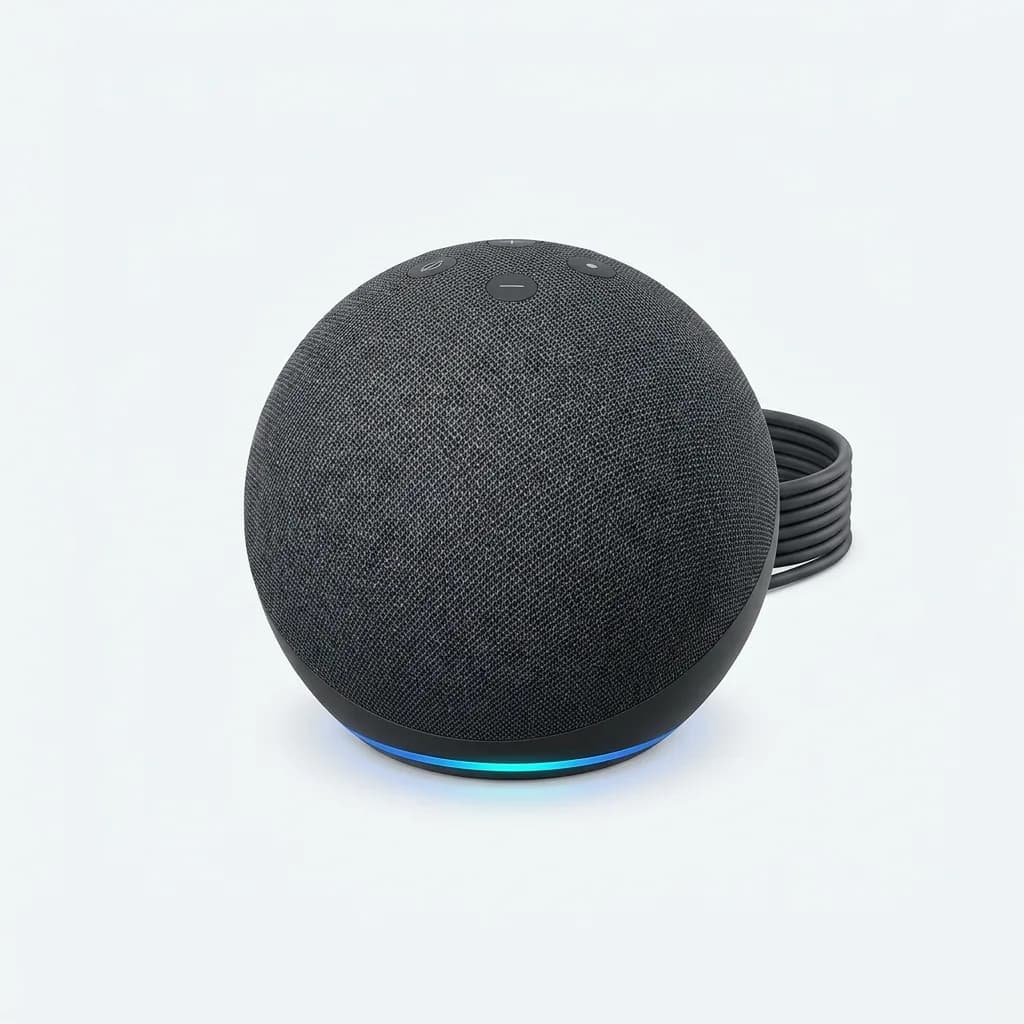
Amazon Echo (4th Gen)
$50
Spherical smart speaker with built-in Zigbee hub, 3-inch woofer, and Alexa voice assistant. Supports over 100,000 compatible devices and multi-room audio.
The Echo Dot is the entry point, but the full-size Echo (4th Gen) is worth the upgrade if you care about sound quality. The built-in Zigbee hub means you can add Philips Hue bulbs, Sengled lights, or third-party sensors without needing their individual hubs cluttering your outlet strips.
Where Alexa falls short is Apple device integration. HomeKit devices work through workarounds, and if your household is all-in on Apple, you'll fight the system constantly. Voice recognition also lags behind Google's natural language processing, so you need to phrase commands more precisely.
Google Nest: The Smartest Voice Assistant
Google Assistant understands context better than any other voice assistant. You can ask follow-up questions without repeating yourself, use more natural phrasing, and get answers that actually make sense. If you rely heavily on voice control, this is the platform that feels most like talking to a person.
The Home app is cleaner than Alexa's, with better visual organization and easier device grouping. Routines are powerful, and the integration with Google services (Calendar, Maps, Photos) creates genuinely useful automations. Morning routines that adjust based on your commute time, for example, or lights that change based on calendar events.
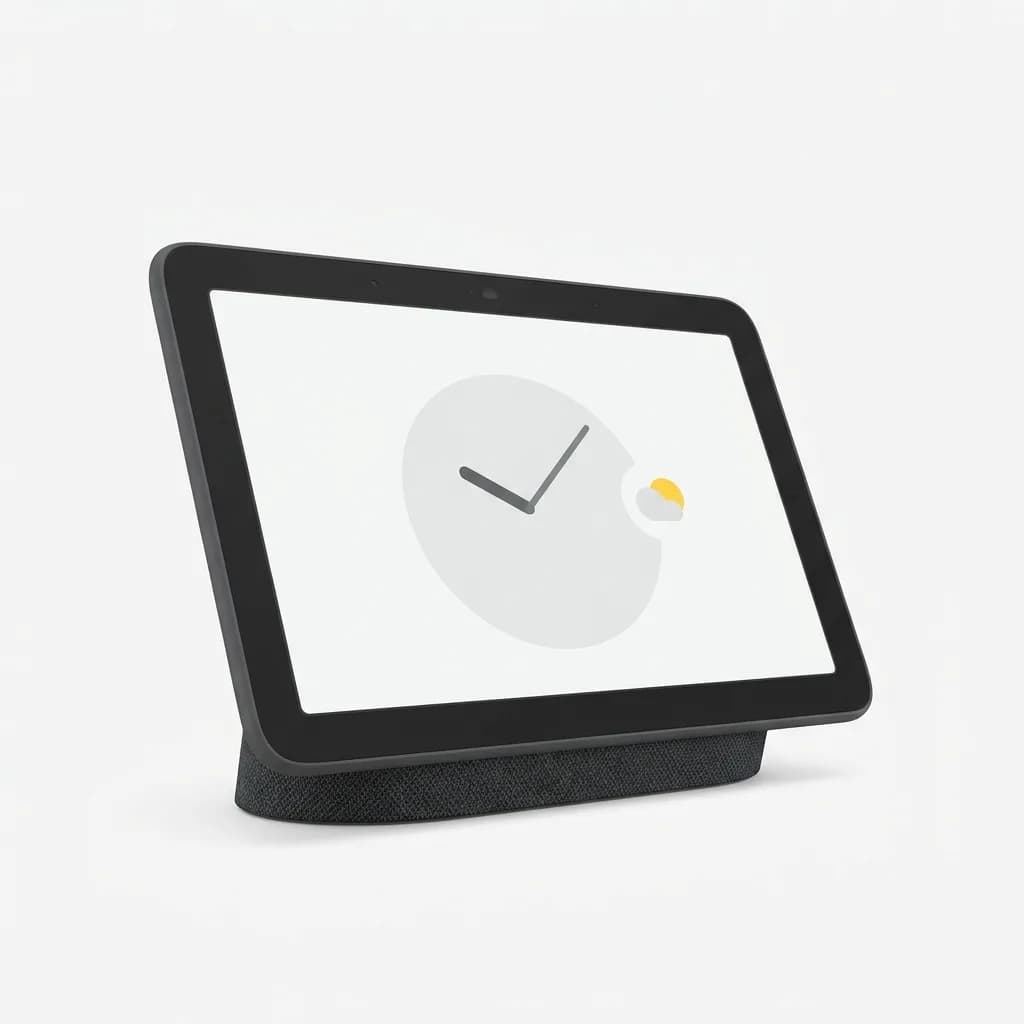
Google Nest Hub (2nd Gen)
$100
7-inch smart display with Google Assistant, Sleep Sensing technology, and gesture controls. Works as smart home hub with Thread border router support.
The Nest Hub adds a touchscreen, which makes controlling smart home devices more intuitive than voice-only control. You can see camera feeds, adjust thermostats visually, and tap controls instead of remembering exact voice commands. The built-in Thread support future-proofs your setup for the next generation of Matter-compatible devices.
Google's weakness is device compatibility. The ecosystem is smaller than Amazon's, and some niche devices don't work at all. There's no built-in Zigbee (except on the discontinued Google Home Hub), so you'll need separate bridges for most non-WiFi devices. If you want deep smart home integration with dozens of devices, you'll hit limits.
Apple HomePod Mini: For the Apple Ecosystem
If your household runs on iPhones, iPads, and Macs, HomePod Mini offers the tightest integration. Siri voice requests come through instantly, Handoff works smoothly, and the Home app is elegant and simple. HomeKit's local processing means your automations run even when the internet is down, a reliability advantage over cloud-dependent systems.
Security is the big selling point. HomeKit requires manufacturers to meet strict privacy and encryption standards, which means fewer devices work, but the ones that do handle your data more carefully. Cameras use HomeKit Secure Video, which analyzes footage locally on your home hub instead of sending it to cloud servers.
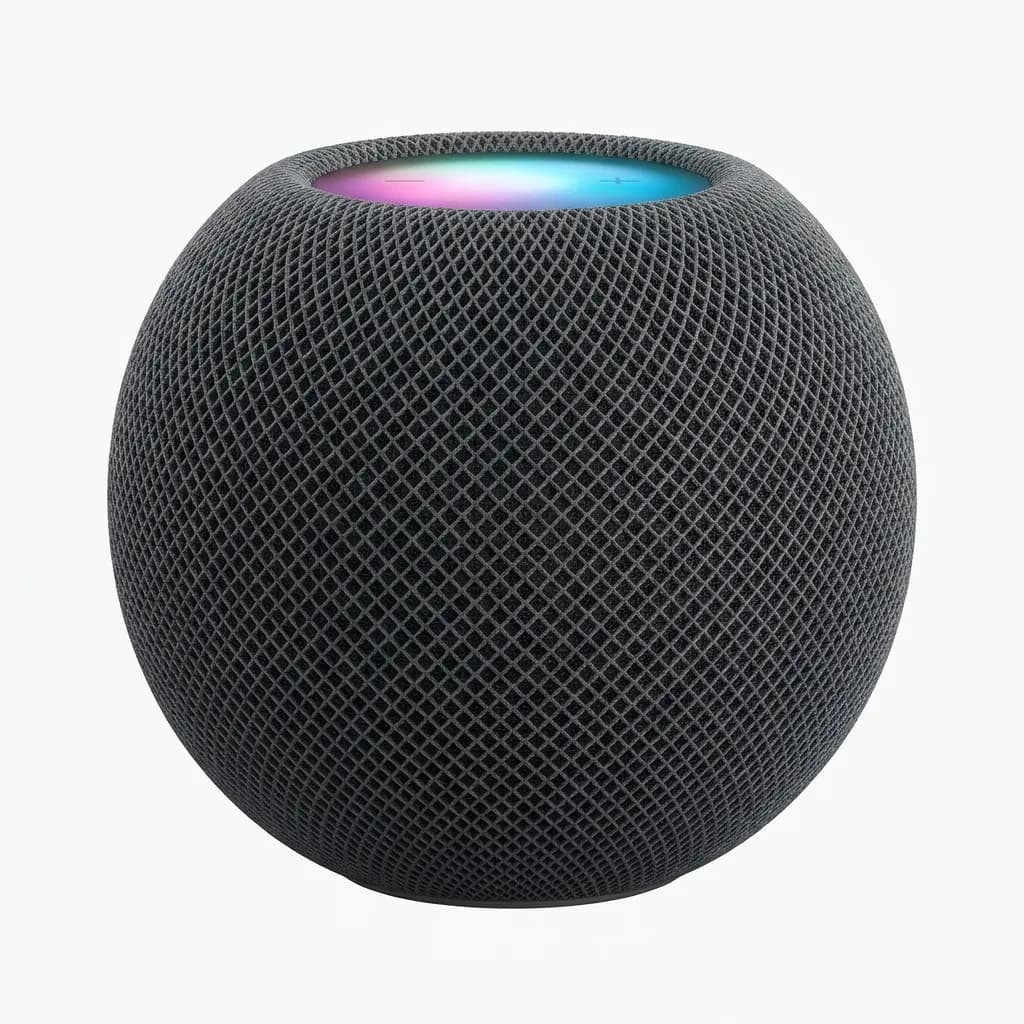
Apple HomePod Mini
$99
Compact smart speaker with Siri, 360-degree audio, Thread support, and HomeKit hub functionality. Requires iPhone or iPad for setup and control.
The HomePod Mini includes Thread radio, making it a strong foundation for Matter devices rolling out in 2026. Sound quality is impressive for the size, better than Echo Dot but not quite matching the full-size Echo.
The limitations are obvious. Siri is the weakest voice assistant of the three, prone to misunderstanding and slower to respond. The device selection is significantly smaller than Amazon or Google. If you want budget smart bulbs or niche sensors, many won't work. You're also locked into the Apple ecosystem entirely - no Android phones, no Windows PCs, no flexibility.
Which Hub Handles Multiple Users Better?
Amazon and Google both support voice profiles, recognizing different household members and responding with personalized information. This matters more than it sounds like. Your partner can ask about their calendar without hearing your appointments, or play their Spotify without mixing your recommendations.
Apple handles this differently through Home app permissions. Anyone with access to your Home sees and controls everything, but you can restrict access by room or device type. It's less granular than voice recognition but simpler to set up.
For families with kids, Google's parental controls are the most developed. You can set screen time limits on Nest displays, filter inappropriate content, and monitor what kids are asking. Amazon offers similar features but through separate FreeTime profiles that require more setup. Apple's Screen Time works across all devices but doesn't integrate specifically with HomePod beyond general restrictions.
Starting Simple: Your First Three Devices
Don't buy twenty smart devices at once. Start with three things that solve actual problems in your routine, then expand once you understand how the system works.
Smart bulbs are the classic entry point because they're cheap, easy to install, and immediately satisfying. You flip a switch or say a command and the lights change. Look for bulbs that work directly with your hub instead of requiring a separate bridge.
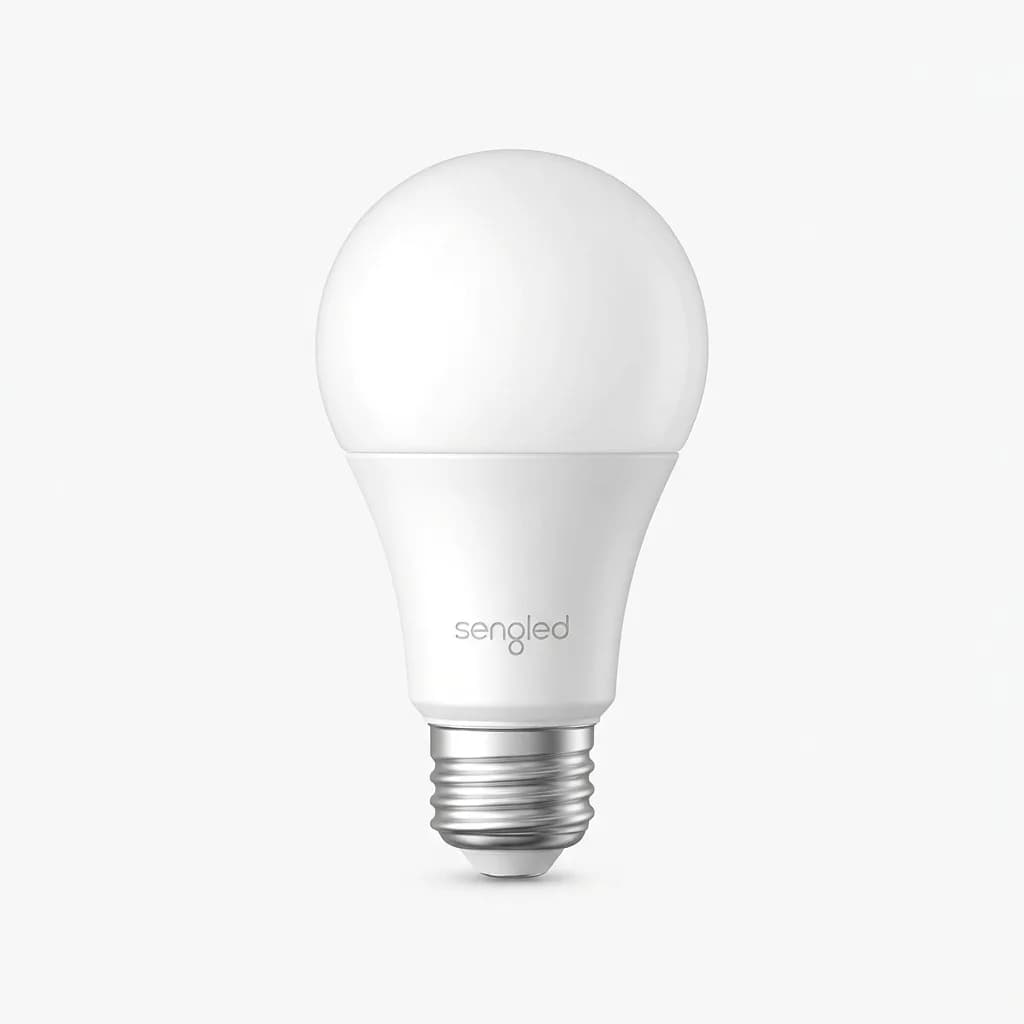
Sengled Smart WiFi LED Bulb
$10
9W WiFi bulb with 800 lumens, tunable white (2700K-6500K), and direct Alexa/Google compatibility. No hub required, 25,000-hour rated lifespan.
A smart plug turns any device into a smart device. Table lamps, fans, coffee makers, anything with a physical switch. They cost less than specialized smart versions and work with all three major platforms. The real value comes from scheduling and automations, not voice control.
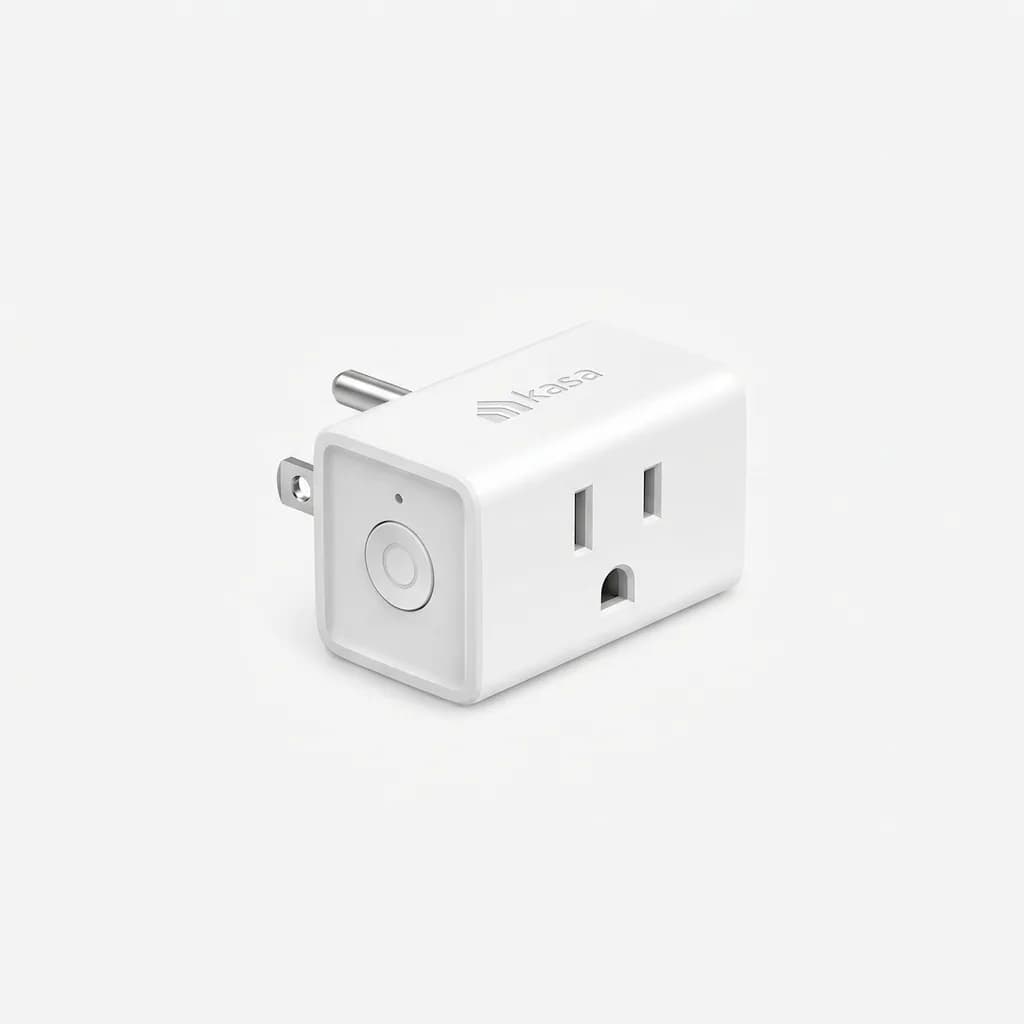
Kasa Smart WiFi Plug Mini
$25
Compact smart plug with 15A rating, scheduling, away mode, and works with Alexa/Google/IFTTT. Does not block adjacent outlets, UL certified.
A contact sensor on your front door opens up useful automations. Lights turn on when you arrive home, thermostats adjust, music stops, the system knows you're there. This is where smart homes start feeling smart instead of just voice-controlled.
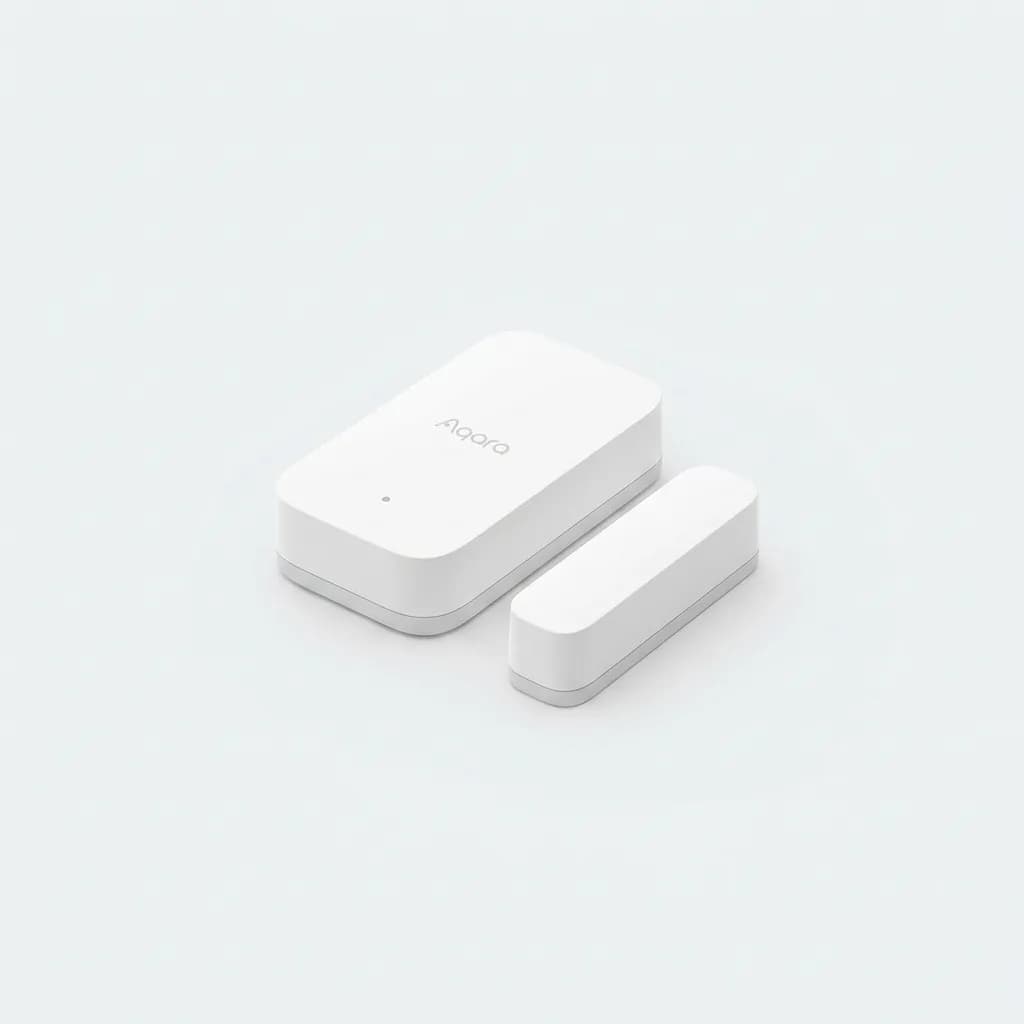
Aqara Door and Window Sensor
$18
Zigbee contact sensor with 2-year battery life, ultra-compact design (2.8mm thick), and HomeKit/Alexa/Google compatibility through compatible hub.
These three devices teach you how routines work, how voice control feels in practice, and whether you actually use the features you thought you wanted. Most people discover they use voice control less than expected and automations more. That shifts what devices you buy next.
The Matter Standard: Does It Matter Yet?
Matter is the new universal standard that promises to make all smart home devices work with all platforms. In theory, you buy one device and it works with Alexa, Google, Apple, and anything else that supports Matter. No more checking compatibility lists or buying platform-specific versions.
In practice, Matter is still rolling out. Most devices on shelves in 2026 don't support it yet, and the ones that do often work better through their native platform anyway. Early Matter devices have had firmware bugs, delayed features, and inconsistent behavior across platforms.
If you're buying a hub now, get one with Matter support (which all three options here have), but don't base your buying decisions on Matter compatibility yet. Buy devices that work well today through the traditional integrations. Matter will become important in 2027 and beyond as more manufacturers adopt it and the bugs get worked out.
Budget Reality: How Much to Spend Getting Started
The hub itself costs $50-100 depending on which model you choose. Add three starter devices and you're at $150-200 total. That's the realistic entry point for a functional smart home that does more than just play music.
From there, you can add devices gradually. Most people spend another $200-300 over the first year as they identify what actually improves their routine. A smart thermostat if you have central heat/AC, a video doorbell if package theft is a concern, smart locks if you want keyless entry.
The expensive mistake beginners make is buying cheap no-name devices to save money. They fail more often, get abandoned by manufacturers who stop updating firmware, and create frustration that makes you question whether smart home tech is worth it. Stick with established brands like TP-Link, Sengled, Wyze, Aqara, GE, or first-party options from Amazon, Google, and Apple.
What Most Beginners Get Wrong
The biggest mistake is treating voice control as the main feature. Voice is convenient for specific tasks like turning off lights from bed or setting timers while cooking, but automation is where smart homes actually save time and mental energy. Lights that turn on when you open the door, thermostats that adjust based on your schedule, fans that turn off when windows open.
Another common error is buying devices that require cloud services you don't trust or subscriptions you don't want to pay. A $30 camera sounds great until you discover the company wants $10/month for basic features like cloud recording. Look for devices that offer local storage or work without ongoing fees.
And people underestimate the importance of WiFi quality. If your router is five years old or your coverage is spotty, smart home devices will disconnect constantly and create frustration. Upgrade your network before you blame the devices.
Which Hub Should You Actually Buy?
Choose Amazon Echo if you want the widest device compatibility, the most flexibility to expand your system, and don't mind a less polished interface. This is the best option for most beginners because it rarely boxes you into a corner. The built-in Zigbee support eliminates a common pain point, and the massive ecosystem means you'll find devices for any use case.
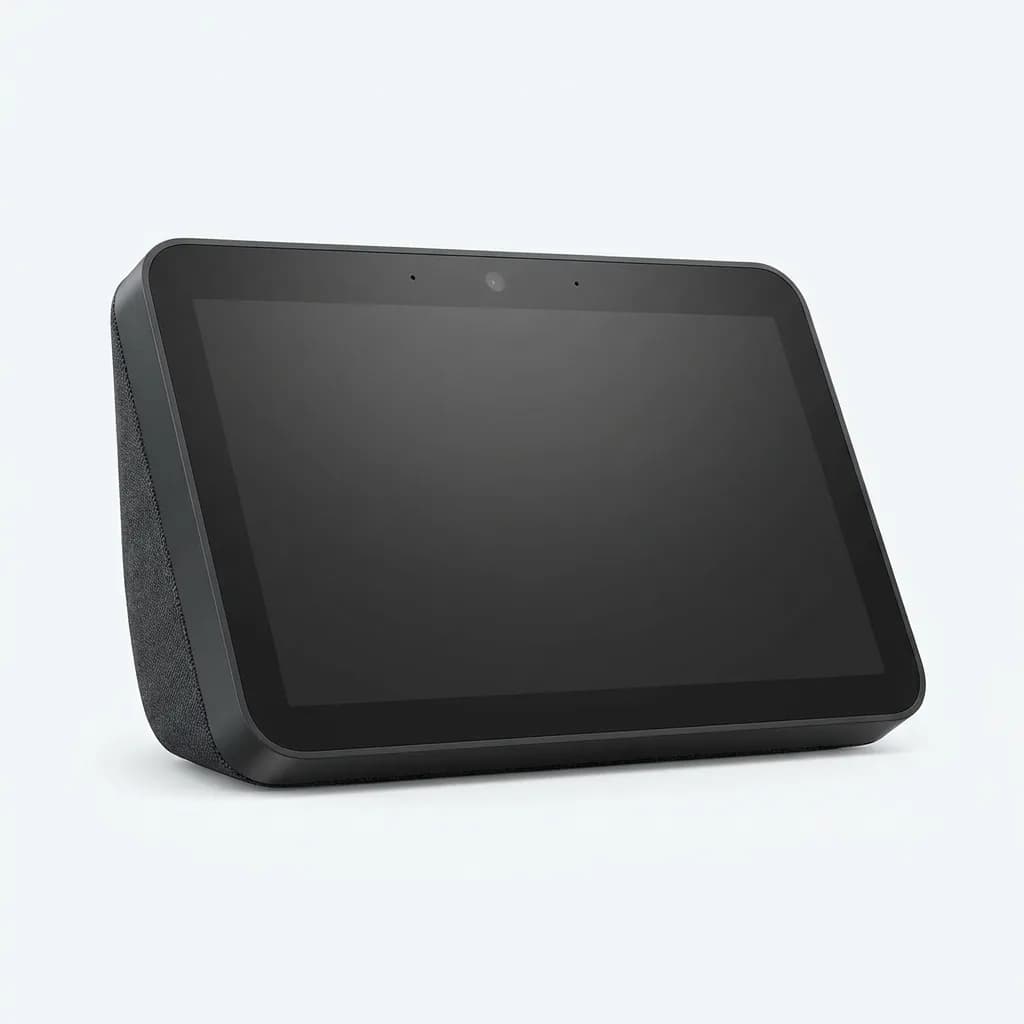
Amazon Echo Show 8 (3rd Gen)
$150
8-inch smart display with 13MP camera, spatial audio, and built-in Zigbee hub. Touchscreen interface makes smart home control more intuitive than voice-only.
Choose Google Nest if voice control is your priority, you use Google services heavily, and you're willing to accept a smaller device ecosystem in exchange for better AI and more natural interactions. The Nest Hub's visual interface makes it more approachable for household members who don't want to memorize commands.
Choose Apple HomePod Mini if you're fully invested in Apple devices, privacy is a top concern, and you're willing to pay more for fewer options. The HomeKit ecosystem is the most polished when it works, but it's also the most limiting. Only go this route if everyone in your household uses iOS.
Most people should start with Amazon. It's the path of least resistance, the easiest to expand, and the most forgiving if you change your mind later. Once you understand how smart homes work in practice, you can always add a second platform for specific features or migrate completely if another ecosystem fits your needs better.
The smart home that works is the one you actually use consistently. Start simple, focus on solving real problems instead of chasing features, and expand gradually as you figure out what improves your daily routine. The technology is finally reliable enough that beginners can build functional systems without endless troubleshooting, as long as you choose the right foundation.
The Weekly Dispatch
Enjoying this article?
Subscribe and get our best gear picks delivered every Sunday morning.
Related Stories
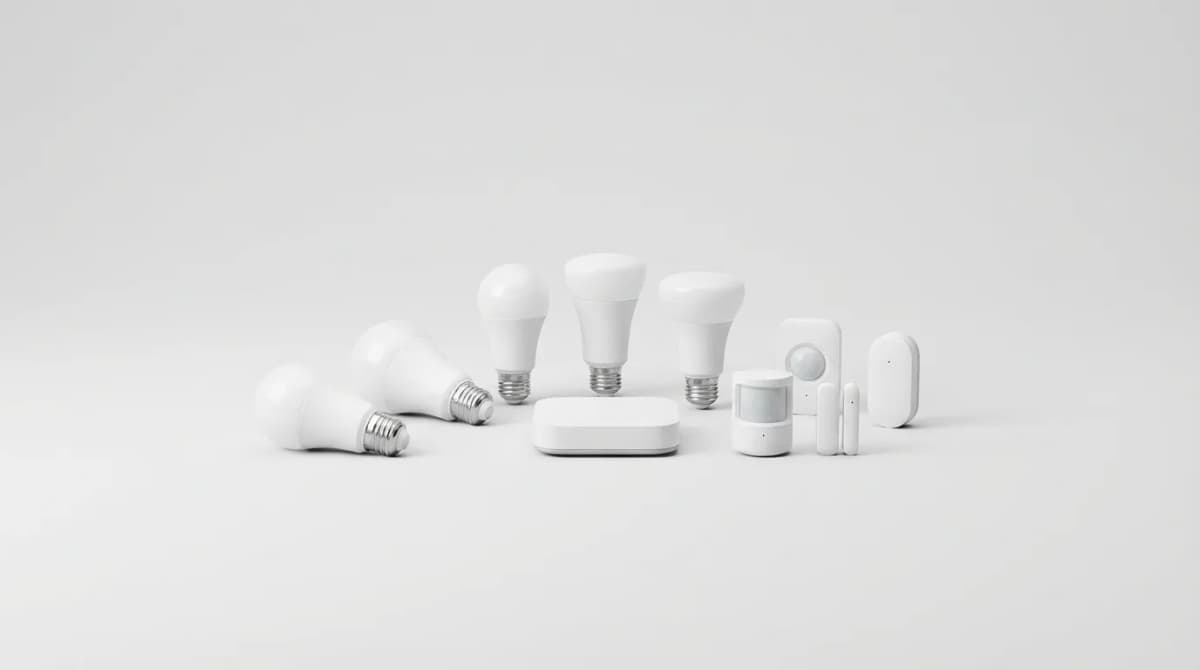
Best Matter Compatible Smart Home Devices 2026
Matter protocol finally delivers on the promise of universal smart home compatibility. Here's what actually works and what's worth buying in 2026.
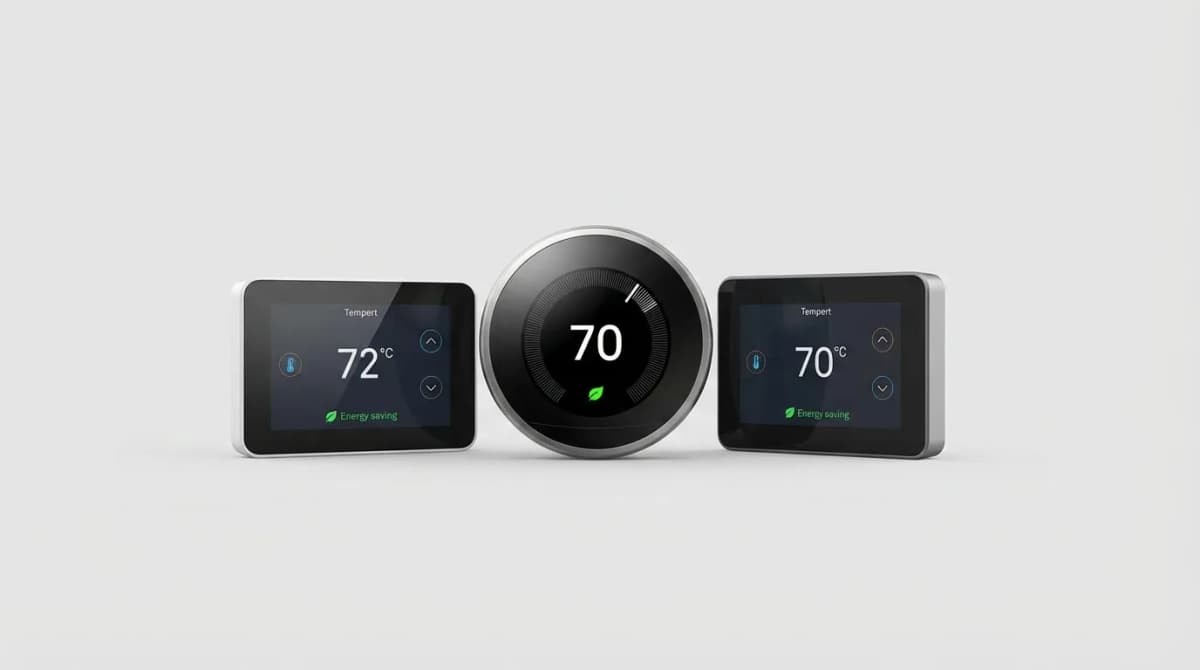
Best Smart Thermostat for Energy Savings 2026
Smart thermostats can cut heating and cooling costs by 10-23% annually. We break down which models deliver real savings and which features actually matter.

Smart Home Gadgets Worth Your Money in 2026
Skip the gimmicks. These smart home devices actually solve problems, work reliably across ecosystems, and respect your privacy without subscriptions.