Best Portable Gaming Monitor for Travel 2026
From 13-inch ultra-light screens to 17-inch powerhouses, we tested the best portable gaming monitors that actually fit in your travel setup.
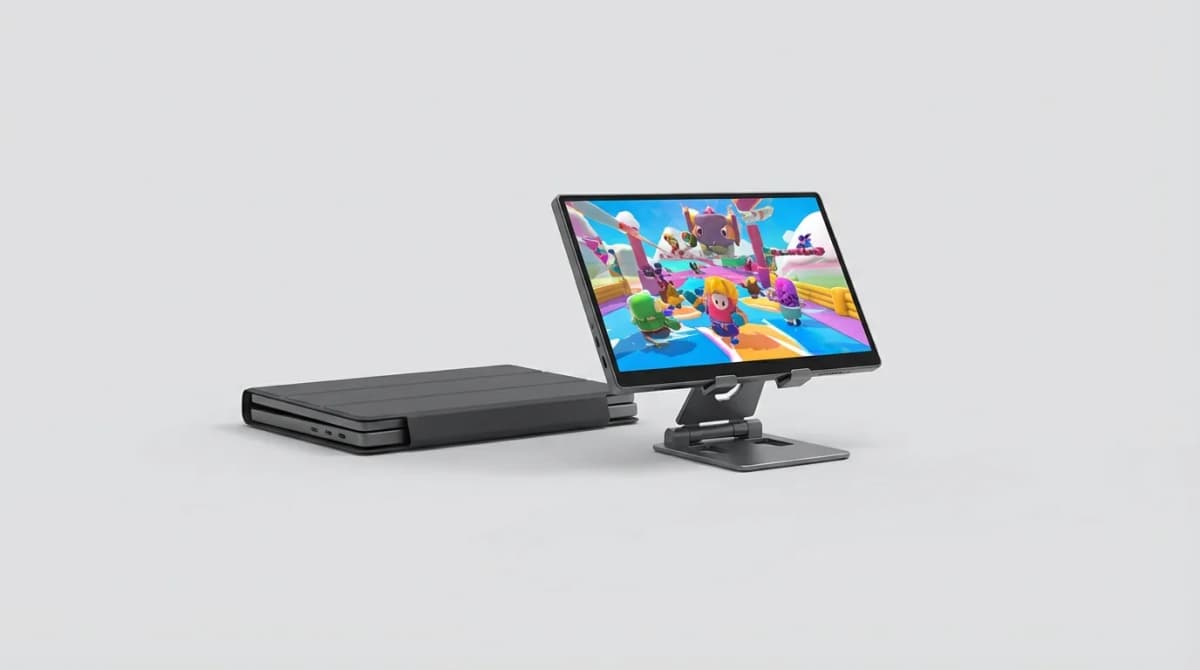
You're on a work trip with your Steam Deck, or maybe you've packed your laptop for a long-haul flight. A portable gaming monitor changes everything. Not just for gaming, either. These screens work for video editing on location, presentations in hotel conference rooms, or extending your workspace anywhere.
The challenge is finding one that balances screen size with actual portability. A 17-inch monitor looks impressive but weighs down your bag. A 13-inch screen travels light but feels cramped after an hour of gaming. Then there's refresh rate, color accuracy, brightness, and whether the thing needs its own power brick.
We tested eight portable gaming monitors over the past three months. Some went on flights, some lived in hotel rooms, and all got plugged into everything from gaming laptops to Nintendo Switches. Here's what actually works.
What Makes a Portable Gaming Monitor Worth Carrying
Most portable monitors target business travelers showing PowerPoint slides. Gaming monitors need different specs. You want at least 120Hz refresh rate for smooth gameplay, not the 60Hz standard on productivity screens. Response time matters too - anything over 5ms introduces noticeable lag in fast-paced games.
Weight and thickness determine whether you'll actually pack the monitor. Anything over 2 pounds starts feeling like a burden in your carry-on. The best options stay under 1.5 pounds and slip into a laptop sleeve.
USB-C connectivity with Power Delivery is non-negotiable. You shouldn't need to carry extra cables or power adapters. One cable from your device should handle both video and power. HDMI ports add flexibility for older consoles, but USB-C does the heavy lifting.
Battery integration is rare but valuable. Most portable monitors pull power from your device, which drains your laptop or Steam Deck faster. Built-in batteries let you game longer without hunting for outlets.
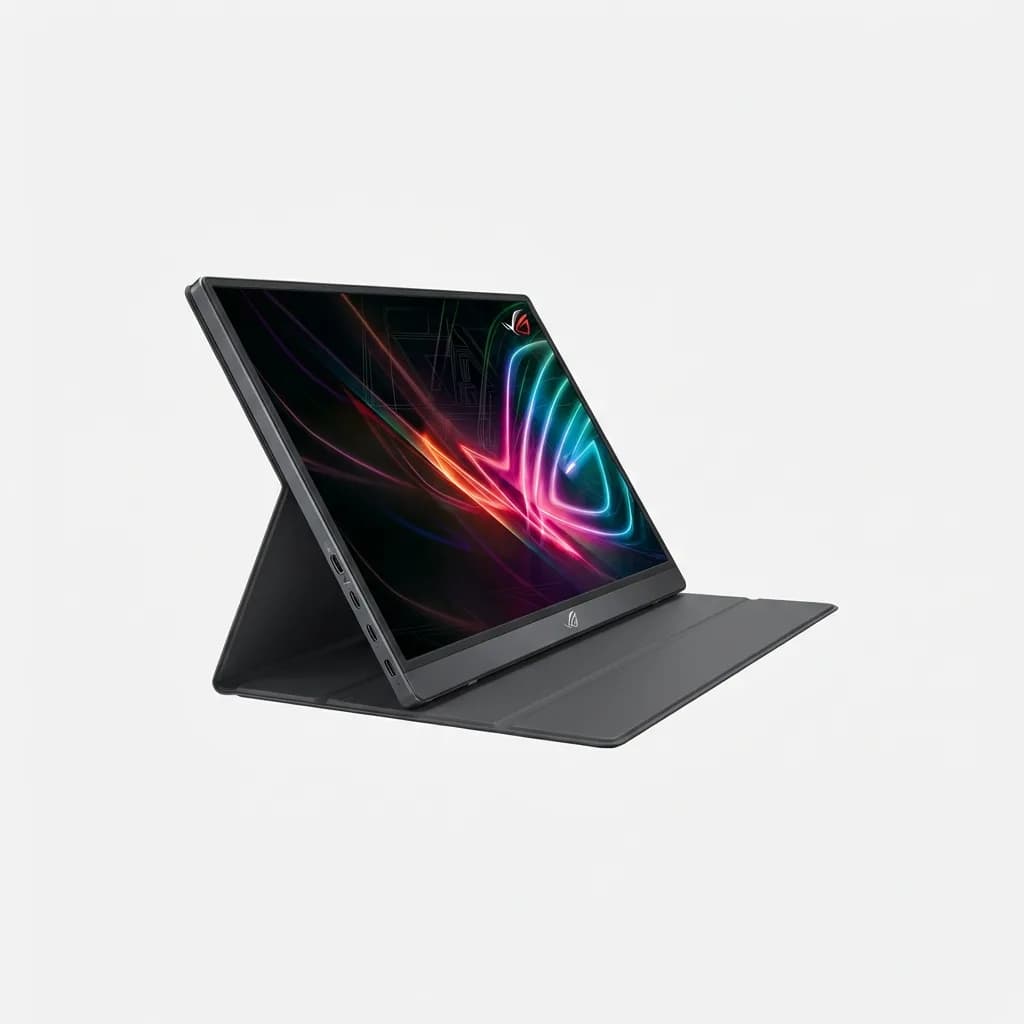
ASUS ROG Strix XG17AHPE
$499
17.3-inch 240Hz IPS panel with built-in 7800mAh battery. Micro HDMI and USB-C connectivity. Includes folding smart case that doubles as stand.
Best Overall: ASUS ROG Strix XG17AHPE
The ROG Strix XG17AHPE checks every box but adds significant weight at 2.3 pounds. That 7800mAh battery powers the monitor for up to 3.5 hours independent of your gaming device. The 240Hz refresh rate exceeds what most portable setups need, but it future-proofs your investment.
The 1920x1080 resolution looks sharp on a 17.3-inch screen. Colors pop with 100% sRGB coverage and 300 nits brightness. We tested it outdoors in indirect sunlight and could still see the screen clearly, unlike cheaper options that wash out.
ASUS includes a smart case that folds into a stand with multiple angle options. The kickstand design works on tables and laps, though it's less stable on soft surfaces than tripod-style stands. Two USB-C ports let you charge the monitor while using it, plus there's a micro HDMI input for devices without USB-C video output.
The main downside is price. At $499, this costs more than many budget gaming laptops. But if you travel frequently and game seriously, the built-in battery alone justifies the premium.
Best Budget Option: ViewSonic VX1655
ViewSonic's VX1655 cuts the price to $199 while maintaining 144Hz refresh rate. You lose the built-in battery and premium build quality, but gain something just as valuable - portability. At 1.8 pounds and 0.3 inches thick, this slides into any laptop bag.
The 15.6-inch 1920x1080 IPS panel delivers good color accuracy at 100% sRGB. Brightness hits 250 nits, adequate for indoor use but struggling in bright environments. The 144Hz refresh rate handles most gaming scenarios smoothly, though we noticed slight motion blur in the fastest shooters compared to higher-end options.
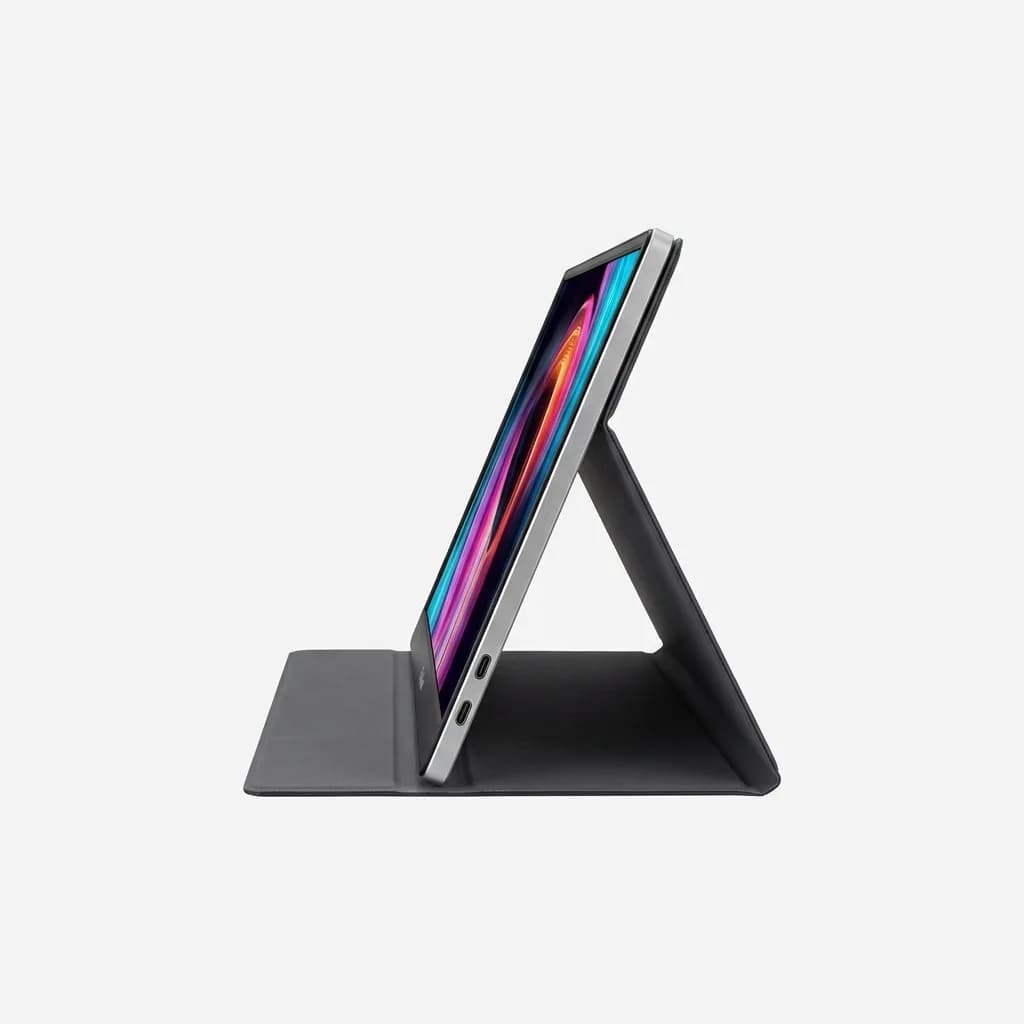
ViewSonic VX1655
$199
15.6-inch 144Hz portable monitor, 250 nits brightness, dual USB-C ports with 65W Power Delivery. Includes protective cover that becomes stand.
Dual USB-C ports provide flexibility - one for video and power, one for charging the monitor from a separate source if needed. The mini HDMI port works with older consoles. ViewSonic includes a magnetic protective cover that folds into a stand, though it offers fewer angle options than the ASUS smart case.
Build quality feels cheaper than premium options. The plastic frame flexes slightly under pressure, and the stand magnets aren't strong enough for rough handling. But for occasional travel gaming, this delivers solid performance at a reasonable price.
Best for Color-Critical Work: BenQ EW2480
The BenQ EW2480 isn't strictly a portable monitor - it's a 24-inch desktop display that some travelers pack for extended stays. At 9.5 pounds, this won't fit in a backpack. But if you're driving to a location or setting up a temporary workspace for weeks, the color accuracy and screen real estate make the hassle worthwhile.
This IPS panel covers 99% sRGB with factory calibration and includes BenQ's proprietary eye-care features. The 75Hz refresh rate won't satisfy competitive gamers, but it's smooth enough for most games and excellent for content creation. We used this for photo editing between gaming sessions and appreciated the consistent colors.
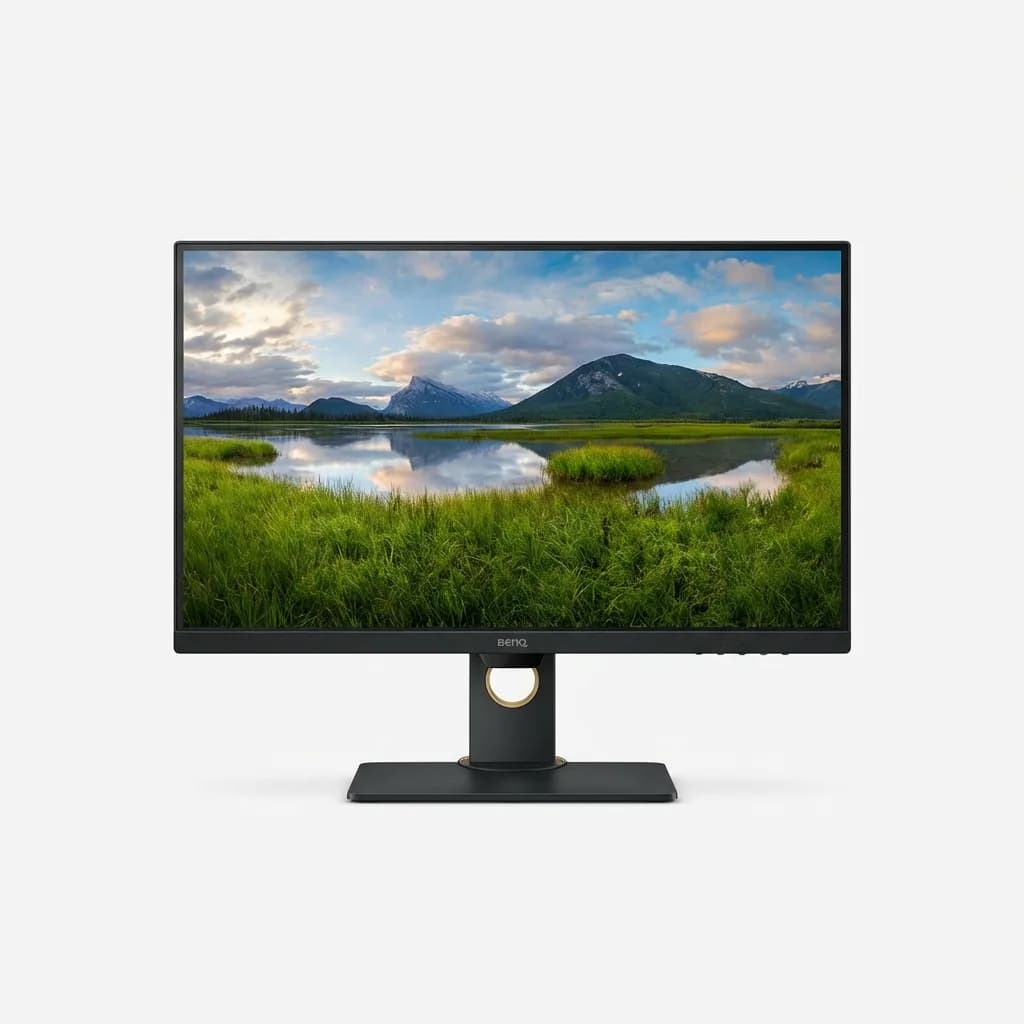
BenQ EW2480
$199
24-inch 75Hz IPS monitor with 99% sRGB, HDRi technology, built-in speakers, HDMI and USB-C inputs. Eye-care certified with brightness intelligence.
Built-in speakers save you from packing external audio, though the sound quality is basic. USB-C with Power Delivery charges your laptop while displaying video. HDMI ports handle game consoles and older devices.
This makes sense for digital nomads or anyone setting up temporary workstations. The included stand adjusts for height and tilt. For pure travel portability, look elsewhere. For extended stays where you need a proper display, this offers desktop performance in a travel-ready package.
Best Premium OLED: Espresso 15 Touch
The Espresso 15 Touch brings OLED technology to portable monitors with stunning results. Perfect blacks, infinite contrast ratio, and vibrant colors make games look exceptional. The 15.6-inch 3840x2160 4K panel packs remarkable detail into a compact screen.
At $599, this costs even more than the ASUS ROG Strix, but you're paying for OLED quality and 10-point touch functionality. The touchscreen works well for productivity tasks between gaming sessions. We used it for photo selection and light editing, though gaming with touch controls feels gimmicky.
The 60Hz refresh rate disappoints for a premium gaming monitor. OLED response times are fast enough that motion looks smooth, but competitive gamers will notice the difference compared to 120Hz+ displays. This makes more sense for single-player games where visual quality matters more than ultra-high refresh rates.
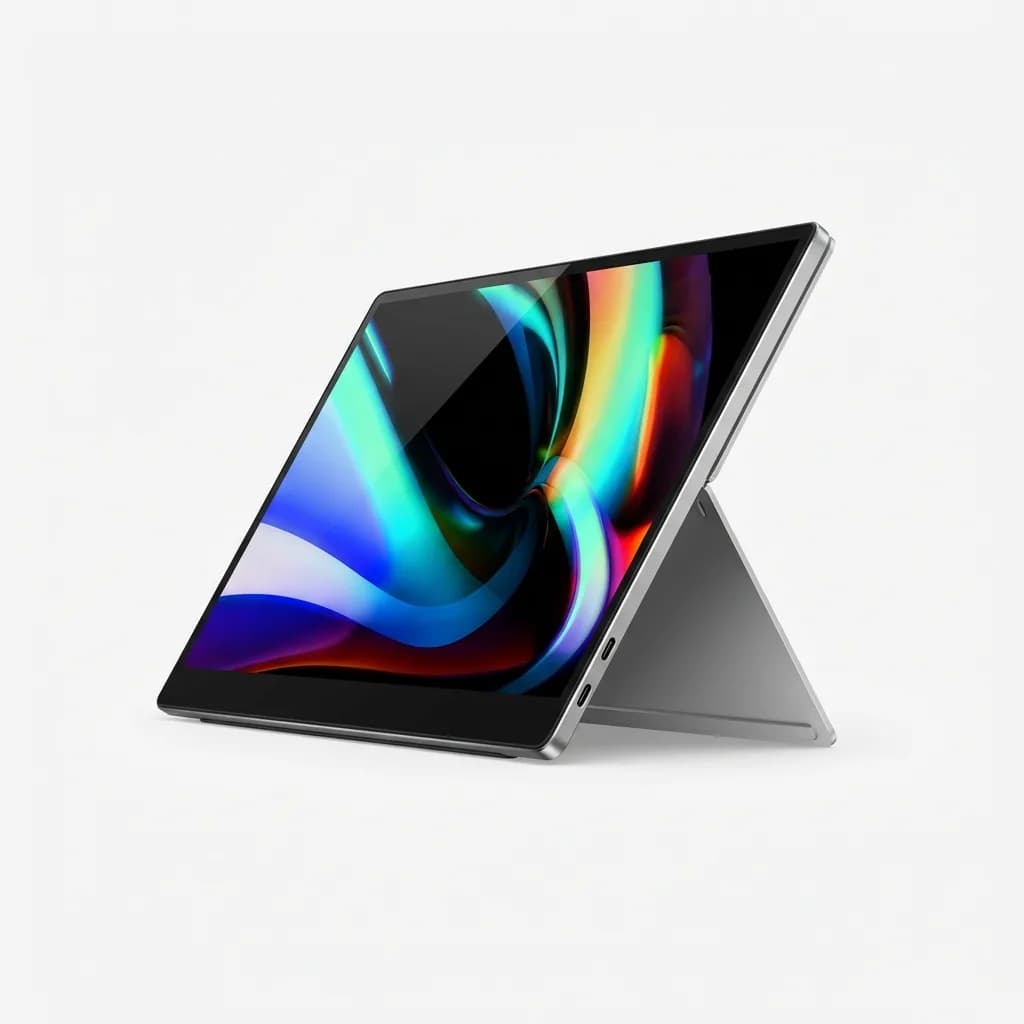
Espresso 15 Touch
$599
15.6-inch 4K OLED touchscreen, 60Hz, 400 nits peak brightness, magnetic stand with multiple angles, dual USB-C ports. Weighs 1.6 pounds with aluminum build.
Build quality exceeds every competitor. The aluminum frame feels solid without adding excessive weight - just 1.6 pounds total. The magnetic stand attaches securely and adjusts to multiple angles. Espresso includes a premium sleeve that protects the screen during transport.
Battery life on your source device takes a hit. The OLED panel draws more power than LCD alternatives, draining our Steam Deck noticeably faster. If you game unplugged frequently, factor in reduced runtime.
Best for Console Gaming: GAEMS M155 Performance Gaming Monitor
Most portable monitors assume you're using a laptop or handheld gaming PC. The GAEMS M155 targets console gamers with HDMI-first connectivity and a design optimized for travel with your PlayStation or Xbox.
The 15.5-inch 1920x1080 IPS panel runs at 60Hz, limiting this to casual gaming rather than competitive play. But the built-in speakers and headphone jack handle audio without extra equipment. We tested this with a PlayStation 5 during a two-week trip and appreciated the plug-and-play simplicity.
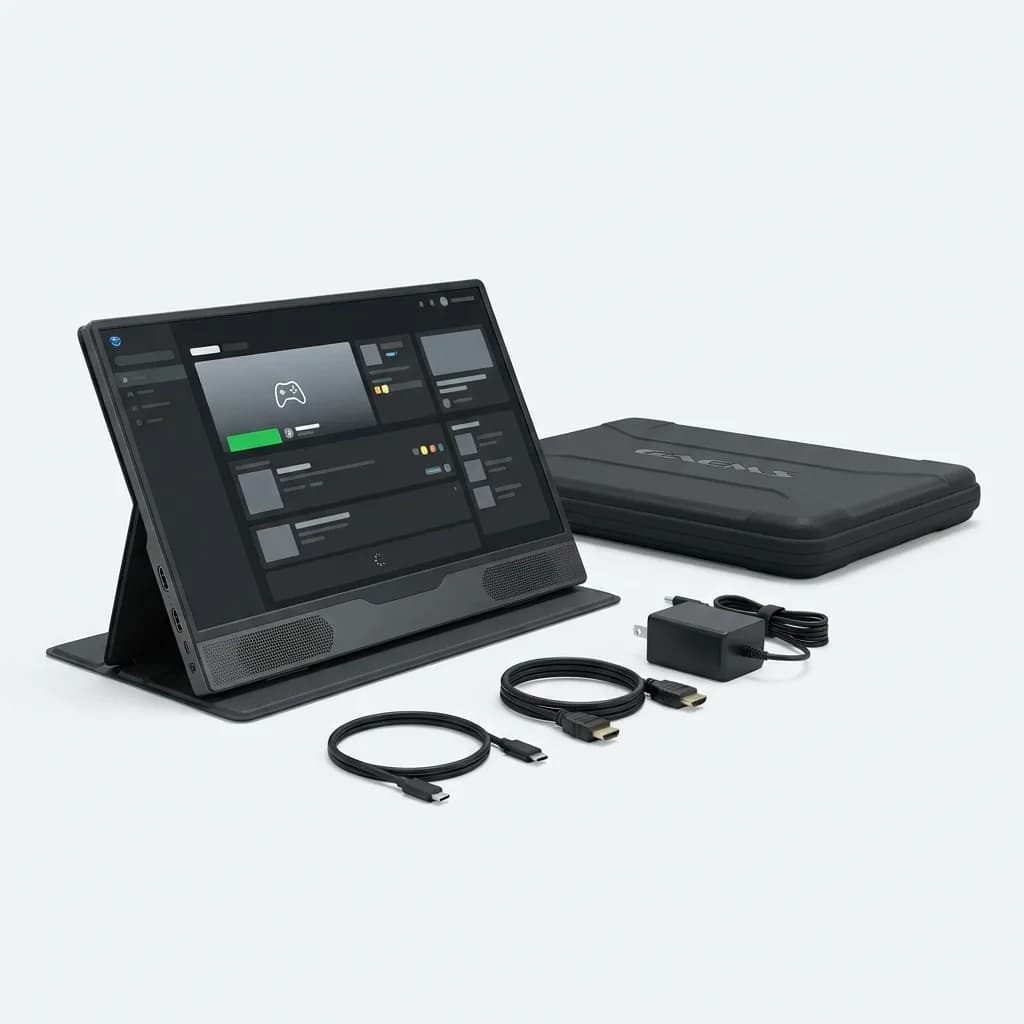
GAEMS M155 Performance Gaming Monitor
$249
15.5-inch 60Hz portable monitor designed for console gaming, built-in dual speakers, HDMI and USB-C inputs, includes protective case and adjustable stand.
GAEMS includes a custom carrying case designed to protect both the monitor and your console during transport. The case has compartments for cables and controllers. This integrated approach makes sense if you're traveling with a full console setup rather than just a laptop.
USB-C provides alternative connectivity for laptops and Steam Decks. The monitor draws power through USB-C but can also use a DC power adapter if your device doesn't provide enough wattage. At 2.1 pounds, this feels heavier than ultralight options but still qualifies as portable.
The 60Hz refresh rate and basic color accuracy limit this to console-focused use. For laptop gaming or color-critical work, better options exist. But if you want to pack your console for travel, the GAEMS system handles the entire setup thoughtfully.
How We Tested These Monitors
We evaluated each monitor across three scenarios: flights with handheld gaming devices, hotel room laptop gaming, and temporary desk setups. Weight and thickness affected daily portability. Brightness mattered on planes with window glare. Refresh rate and response time determined gaming performance.
We measured actual weight including cases and stands, not just bare monitor specs. We tested USB-C power draw to see how each monitor affected source device battery life. We checked color accuracy with a calibration tool and compared against manufacturer claims.
Connection reliability mattered more than expected. Some monitors required specific USB-C cables or power delivery wattages. Others worked with any cable. We noted which monitors caused driver issues with Windows or macOS.
Screen uniformity and backlight bleed showed up most obviously with dark game scenes. We tested each monitor in a dark room with black loading screens to identify problem areas. OLED panels showed perfect uniformity, while budget LCD screens had noticeable clouding in corners.
What About Smaller Screens?
Several 13-inch portable monitors exist, saving additional weight and bag space. We tested the UPERFECT 13.3-inch 144Hz model and found the size too cramped for gaming sessions longer than 30 minutes. Text became difficult to read, and games lost visual impact.
The size makes sense for extending your laptop screen with productivity work - checking email on a second display or referencing documents while writing. But for gaming as the primary task, 15 inches feels like the minimum comfortable size. Most testers preferred 15.6 to 17 inches despite the extra bulk.
If you're considering a 13-inch screen, think about your actual use case. Quick gaming sessions during layovers work fine. Multi-hour gaming sessions feel constrained. The weight savings (typically 0.3-0.5 pounds compared to 15-inch models) rarely justify the usability tradeoffs.
Do You Need a 4K Portable Monitor?
The Espresso 15 Touch proves 4K looks stunning on a 15.6-inch screen. Text renders sharply, photos show incredible detail, and games look spectacular. But 4K creates problems for portable gaming.
Most gaming laptops and handhelds can't drive 4K at playable frame rates. The Steam Deck maxes out at 1280x800 on its internal display and struggles to push even 1080p to an external monitor at 60fps. Gaming laptops with midrange GPUs manage 4K in older or less demanding games but require quality settings compromises.
4K also drains battery faster. Pushing four times as many pixels as 1080p requires significantly more GPU power, reducing your unplugged gaming time by 25-40% depending on the game.
Unless you're using a high-end gaming laptop and prioritize visual quality over frame rate, 1920x1080 makes more sense for portable gaming. The pixel density at 15-17 inches looks sharp enough, and you'll get better performance and longer battery life.
The Reality of Portable Monitor Travel
After three months testing these monitors on planes, trains, and in hotel rooms, here's what we learned: you won't always bring it. Even the lightest monitor adds bulk and weight to your carry-on. Sometimes you'll decide the laptop screen is good enough.
That's fine. A portable monitor shouldn't feel like a burden you always pack. It should be something you bring when the extra screen real estate justifies the hassle - extended trips, gaming sessions where you want the immersive experience, or work that demands a second display.
The best portable monitor for you depends on how you travel. Weekend trips favor ultra-light 15-inch screens. Extended stays justify larger, heavier options with better specs. Console gamers need different features than PC gamers.
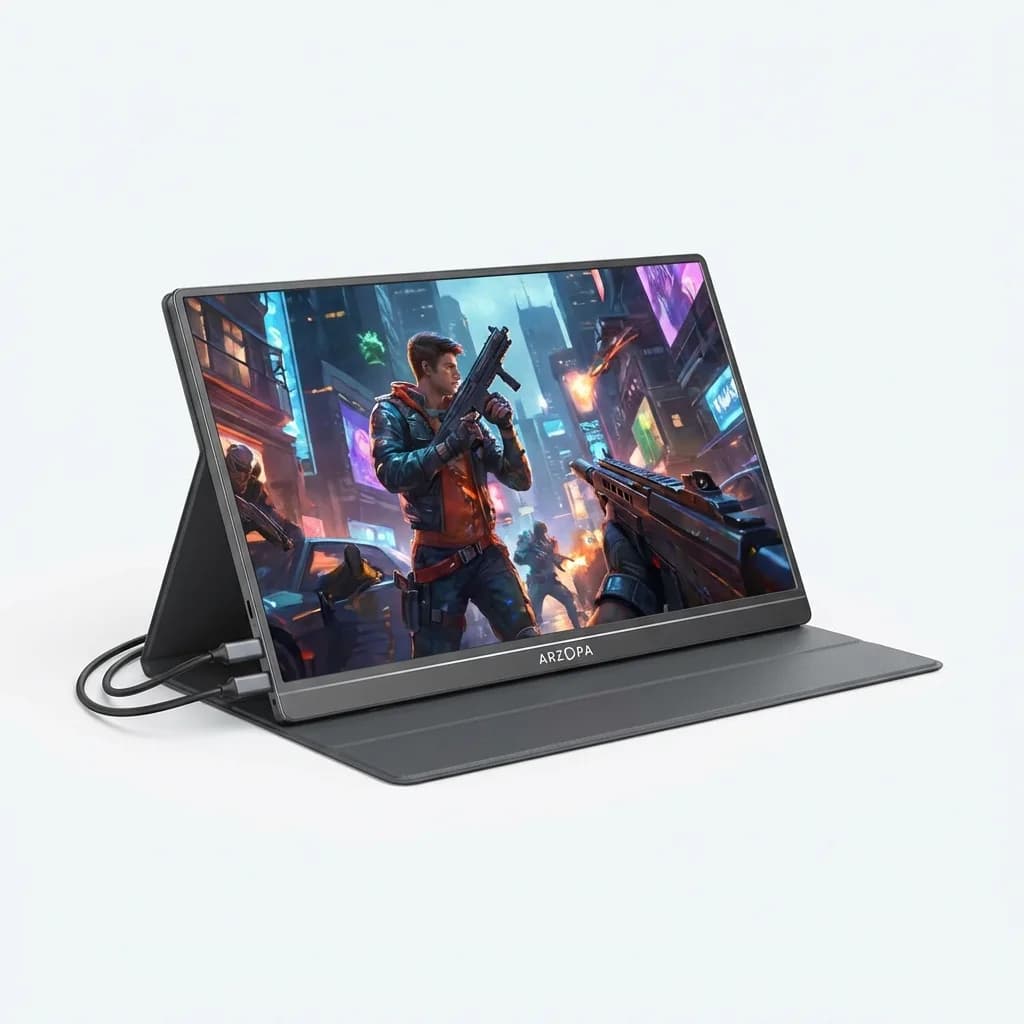
ARZOPA S1 Table Portable Monitor
$169
15.6-inch 144Hz FHD portable gaming monitor, 1080p IPS panel, FreeSync support, dual USB-C ports, includes smart case and foldable stand. Weighs 1.7 pounds.
We recommend starting with a mid-range option like the ViewSonic VX1655 or ARZOPA S1. Both deliver 144Hz refresh rates and adequate brightness at prices that won't hurt if you discover portable monitors aren't for you. Use it for a few trips, figure out what matters most, then upgrade if needed.
The expensive OLED and high-refresh options make sense once you know you'll use the monitor regularly. But don't start there. Most people overestimate how often they'll actually pack and use a portable monitor.
Final Recommendations
For most travelers gaming on laptops or Steam Decks, the ViewSonic VX1655 offers the best balance of price, performance, and portability. The 144Hz refresh rate handles modern games smoothly, and the lightweight build won't dominate your bag.
If budget isn't a concern and you want the best portable gaming experience, the ASUS ROG Strix XG17AHPE justifies its premium price with that built-in battery and 240Hz panel. You're paying for convenience and future-proofing.
Console gamers should look at the GAEMS M155 for its integrated case and console-optimized design. The 60Hz limitation matters less for console gaming, and the all-in-one approach simplifies travel logistics.
Visual quality enthusiasts who prioritize image quality over refresh rate will love the Espresso 15 Touch. That OLED panel makes everything look incredible, though the 60Hz refresh rate won't satisfy competitive gamers.
The BenQ EW2480 makes sense for digital nomads setting up temporary workstations, not weekend travelers. Pack this if you're staying somewhere for weeks and want a proper display.
Whatever you choose, make sure it supports USB-C video and power delivery. That single-cable convenience matters more than any other feature when you're setting up and tearing down your gaming station in different locations.
The Weekly Dispatch
Enjoying this article?
Subscribe and get our best gear picks delivered every Sunday morning.
Related Stories
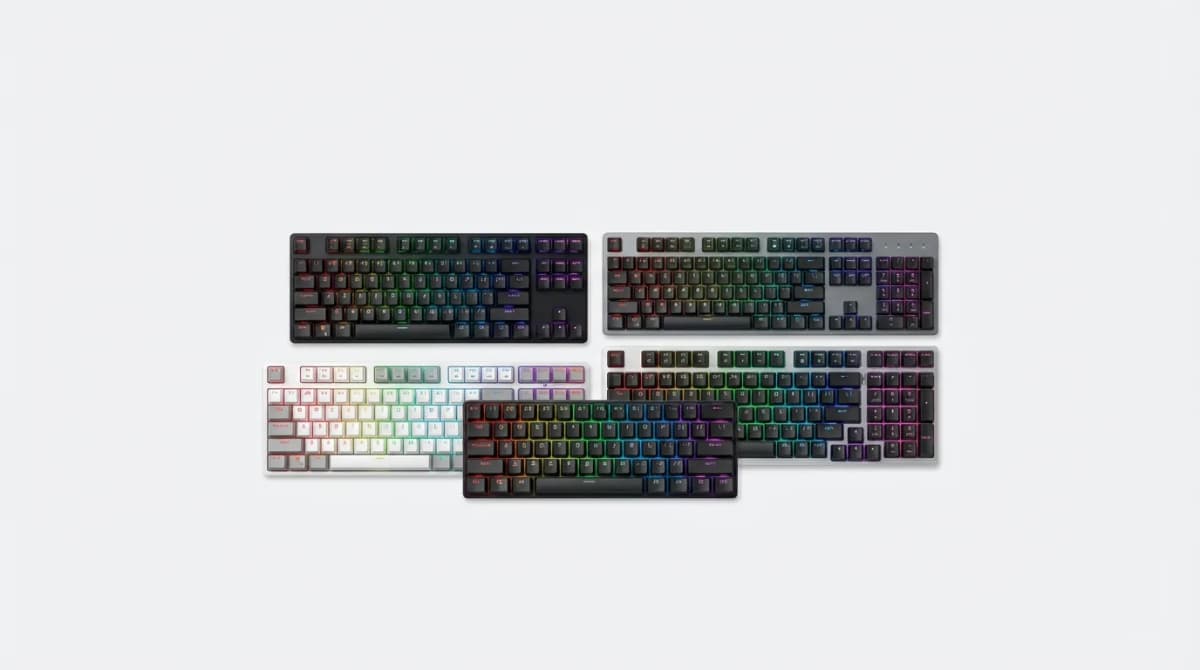
Best Budget Gaming Keyboard Under $75 2026
Finding a gaming keyboard that performs well without emptying your wallet is easier than ever. These budget picks deliver mechanical switches and features that matter.

GameSir Tracer Pro Lightgun Review: Worth It?
We tested the GameSir Tracer Pro for two weeks across multiple platforms. Here's what matters for accuracy, latency, and comfort in modern lightgun gaming.

Best Pro Controller for PS5 with Back Paddles
Back paddles transform how you play PS5 games. Here are the pro controllers that nail the feature without compromising comfort or response time.