Best Laptop Stand for Neck Pain Prevention 2026
Laptop stands prevent neck strain by raising your screen to eye level. We compare adjustable, fixed, and portable options that actually work for all-day comfort.

Your laptop screen sits too low. You know this because your neck hurts after three hours of work. The solution is simple: raise the screen to eye level. But not all laptop stands do this equally well, and some introduce new problems while solving the original one.
Quick Picks
Our top recommendations at a glance:
- 1
- 2
- 3
- 4
- 5
We compared stands across three categories: fixed-height aluminum platforms, multi-angle adjustable models, and ultra-portable folding designs. The right choice depends on whether you work at one desk all day or move between locations.
Why screen height matters more than you think
When your laptop sits flat on a desk, the screen center typically lands 8-10 inches below eye level. Your head weighs 10-12 pounds. Tilting it forward 15 degrees doubles the effective weight your neck supports. At 30 degrees (the angle most people use when looking at a low screen), you're loading your cervical spine with 40 pounds of force.
A proper laptop stand raises the screen so the top third aligns with your eyes when sitting upright. This keeps your head balanced over your spine instead of cantilevered forward. The difference is measurable: studies show neck muscle activation drops 30-40% when screens are positioned at optimal height.
But here's the catch: raising your laptop means you can't type on its keyboard anymore without hunching your shoulders. You need an external keyboard and mouse. This isn't optional. Any stand review that skips this detail is useless.
Rain Design mStand: the reference standard
The mStand has been around for over a decade, and it's still the benchmark. It's a single piece of aluminum bent into a cantilevered design, with a 5.9-inch lift that puts most 13-15 inch laptop screens exactly where they need to be.

Rain Design mStand Laptop Stand
$50
One-piece aluminum stand with 5.9-inch fixed height and cable management slot. Fits laptops 11-17 inches. Available in silver, space grey, and gold finishes.
The mStand's advantage is stability. There are no moving parts, no wobble when you're typing on your external keyboard, and no adjustment mechanisms to work loose over time. The single-piece construction means it will never sag or shift. The angled base provides cable routing, and the raised platform improves airflow under your laptop.
The disadvantage is the same: it's fixed at 5.9 inches. If you're shorter than 5'6" or taller than 6'2", this might not align perfectly with your eye level. And because it's solid aluminum, it weighs 3 pounds and takes up permanent desk space.
Twelve South Curve: when you need more height
The Curve addresses the mStand's one weakness: it goes higher. The arc design lifts your laptop 7 inches off the desk, which is ideal for taller users or setups with thicker desk pads and seat cushions that change your relative eye level.

Twelve South Curve for MacBook and Laptops
$60
Arc-shaped aluminum stand with 7-inch height. Internal cable management channel. Silicone grips protect laptop finish. Supports up to 17-inch laptops.
Like the mStand, this is a fixed-height design with no moving parts. The arc creates more visual space under your laptop, and the internal channel completely hides cables routed from back to front. At 3.5 pounds, it's slightly heavier than the mStand but offers better stability for larger 17-inch laptops.
The Curve works best if you already know you need more lift than standard stands provide. If you're experimenting with laptop ergonomics for the first time, the adjustable options below give you more flexibility to dial in the perfect height.
Nexstand K2: infinite adjustment in a portable package
The K2 collapses to 10 x 1.5 inches and weighs 7 ounces, but opens into a fully adjustable stand that goes from 2 to 15 inches high. The current K2 model fixes the original's two weak points: the legs now lock firmly at any height, and the support panels are wider.

Nexstand K2 Laptop Stand
$40
Portable folding stand with 2-15 inch height range. Eight-panel support platform. Weighs 7 ounces, folds to 10 x 1.5 inches. Includes carrying sleeve.
The adjustment mechanism uses friction hinges at each leg joint. You lift the platform to your desired height, and the hinges hold position. There's no locking mechanism to engage, no thumbscrews to tighten. This makes height changes fast, but it also means heavy laptops (over 5 pounds) can cause slight settling over the course of a day.
The K2 is the only stand here that genuinely works for both permanent desk setups and daily travel. It fits in a laptop bag's accessory pocket and sets up in 15 seconds. If you work from coffee shops, client offices, or coworking spaces, this solves the ergonomics problem without adding bulk.
Roost V3: maximum travel-friendliness with tradeoffs
The Roost takes portability further than the Nexstand. It weighs 5.6 ounces and collapses to 13 x 1.6 x 1 inches, thin enough to slide into a laptop sleeve. The Y-shaped support uses two arms instead of the Nexstand's full platform, which saves weight but limits laptop size compatibility.

Roost V3 Laptop Stand
$75
Ultra-portable stand with 6-12 inch height range. Y-shaped support arms. Weighs 5.6 ounces. Fits 11-15.6 inch laptops. Six height positions with clip-lock system.
The Roost uses discrete height positions (six of them) instead of infinite adjustment. You clip the arms into pre-set holes along the vertical supports. This gives more secure locking than friction hinges, but you can't fine-tune height between positions. The gap between settings is about 1.2 inches, which is enough that you might land between ideal positions depending on your proportions.
The Y-shaped arms work perfectly with MacBooks and most Windows laptops that have centered keyboards and trackpads. They don't work as well with laptops that have off-center keyboards or large ventilation grilles where the arms contact the bottom case.
At $75, the Roost costs more than the Nexstand but offers marginal improvement in portability. If you fly weekly and every ounce matters, the tradeoff makes sense. For most users, the Nexstand's full platform and infinite adjustment is worth the extra 1.4 ounces.
Ergotron WorkFit-T: when you need to switch between sitting and standing
Most laptop stands are single-height solutions. The WorkFit-T is a small sit-stand converter that holds your laptop and keyboard on separate platforms, both height-adjustable from seated to standing positions via a counterbalance mechanism.

Ergotron WorkFit-T Sit-Stand Desktop Workstation
$350
Dual-platform converter with 20-inch height adjustment range. Independent laptop and keyboard trays. Counterbalance lift mechanism, no assembly required. Holds up to 35 pounds total.
This is a different category of product, but it solves the same core problem: screen height that matches your posture. The WorkFit-T sits on your existing desk and adjusts from 0 to 20 inches with one hand. The counterbalance means you're not fighting weight or cranking handles.
The separate keyboard tray is critical. It stays at proper typing height (just above lap level when seated, elbow height when standing) while the laptop platform raises independently to eye level. This maintains the same ergonomic relationship whether you're sitting or standing.
The downsides are size and cost. It occupies a 28 x 24 inch footprint and weighs 37 pounds. At $350, it costs seven times more than a fixed stand. But if you want variable height without buying a full standing desk, this is the most practical solution here.
What about built-in laptop hinges?
Some laptops now have hinges that lift the rear edge when opened, creating a 5-7 degree typing angle. Dell XPS and HP Spectre models do this. It improves typing comfort slightly, but it doesn't raise the screen anywhere near eye level. You still need a separate stand for proper ergonomics.
The hinge designs do provide one benefit: better cooling. Lifting the rear edge increases bottom clearance and improves airflow through intake vents. This matters for performance laptops that thermal-throttle under sustained load. A laptop stand that creates rear-edge lift (like the mStand's angled platform) provides the same cooling benefit along with much greater screen height.
How to actually position your stand
Eye level means the top third of your screen, not the center. When you look straight ahead with your head balanced over your spine, your natural gaze angle drops about 15 degrees. This should land your eyes at the center of your screen content.
For most people with 13-15 inch laptops, this requires 5-8 inches of lift depending on desk height and chair adjustment. Measure from your desk surface to your eye level while sitting upright. Subtract your laptop's closed height. That's your minimum stand height.
If you're between sizes, go taller. It's easier to adjust your chair up slightly than to compensate for a screen that's too low. And remember: you need an external keyboard positioned at or slightly below elbow height. Your forearms should be roughly parallel to the floor when typing. If your stand raises your laptop but forces you to type with elevated shoulders, you've traded neck pain for shoulder pain.
Skip the gimmicks
Laptop stands with built-in hubs, fans, or phone holders create more problems than they solve. Hubs add latency and failure points compared to direct connections. Active cooling fans are loud enough to register on video calls and unnecessary if your stand provides adequate airflow. Phone holders add visual distraction and encourage constant notification checking.
A laptop stand has one job: raise your screen to reduce neck flexion. Anything beyond basic cable management is feature creep. Buy a simple stand and add peripherals separately if you need them.
The best laptop stand is the one that puts your screen at the right height for your body, remains stable during use, and either stays out of your way or travels with you depending on how you work. For most desk-bound setups, the mStand or Curve delivers everything you need. For flexible work arrangements, the Nexstand K2 provides adjustment range without compromising portability. And if you want to alternate between sitting and standing, the WorkFit-T handles both positions without requiring separate equipment.
The Weekly Dispatch
Enjoying this article?
Subscribe and get our best gear picks delivered every Sunday morning.
Related Posts
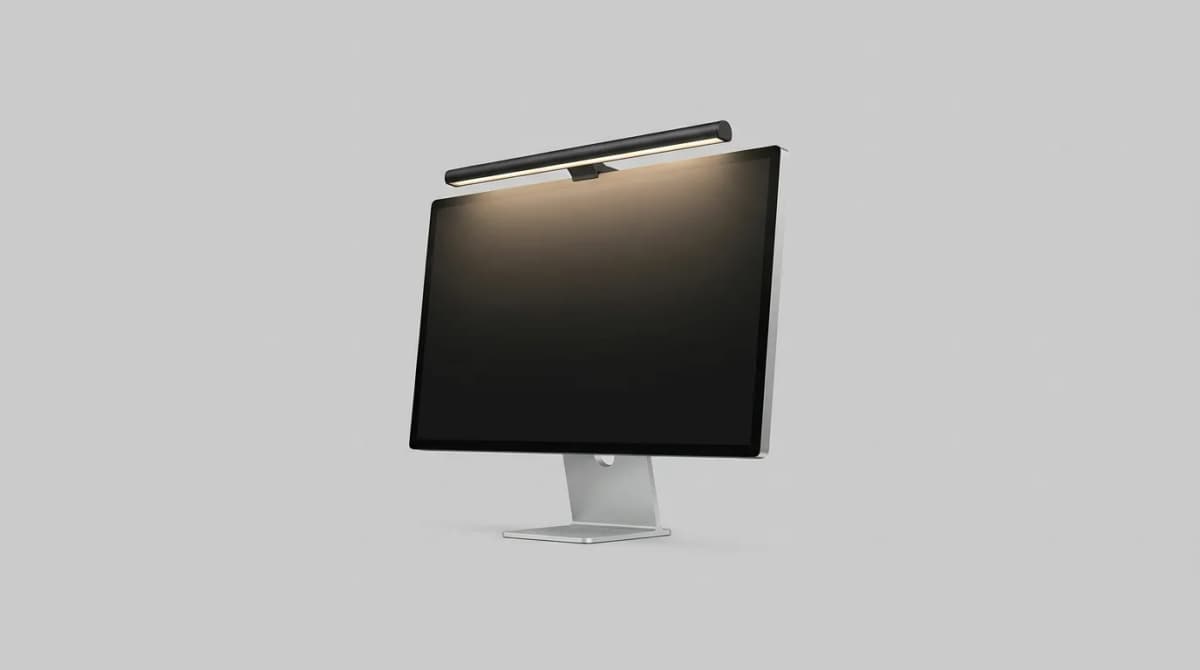
Best Monitor Light Bars for Desk Setup 2026
Monitor light bars eliminate desk clutter and reduce eye strain better than traditional lamps. We compare brightness, color temperature, and mounting systems.
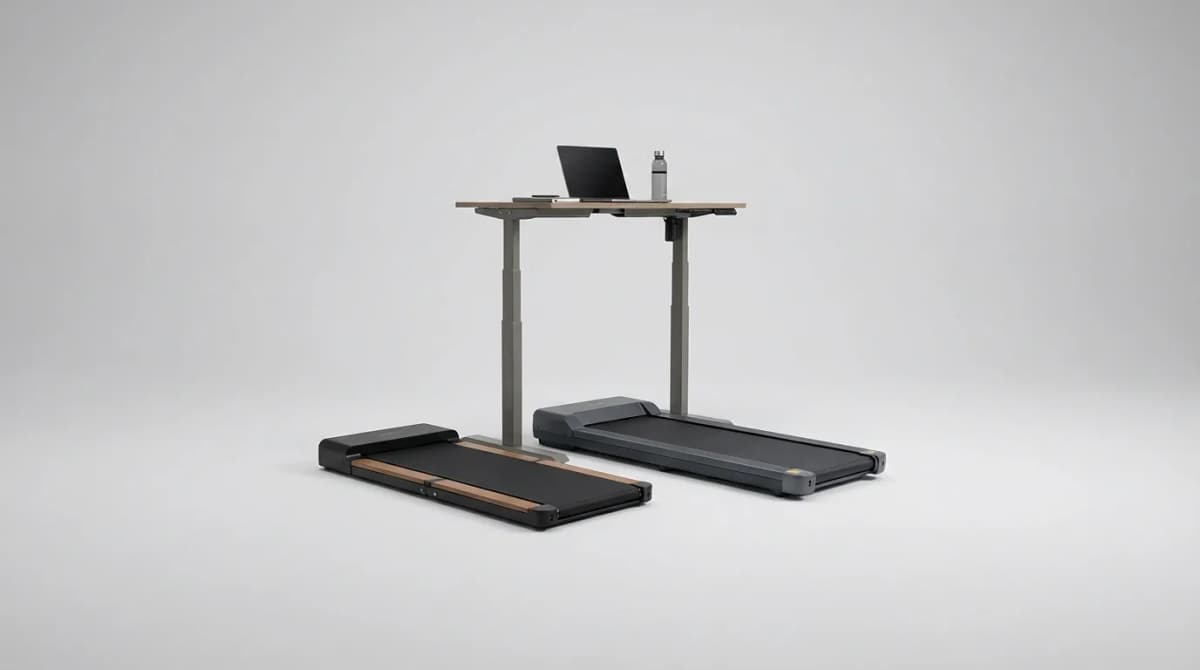
Best Under-Desk Treadmills 2026: WalkingPad, Goplus & More
WalkingPad R2, Goplus 2-in-1, RHYTHM FUN and REDLIRO walking pads compared by maker specs: footprint, noise, top speed and weight limit.
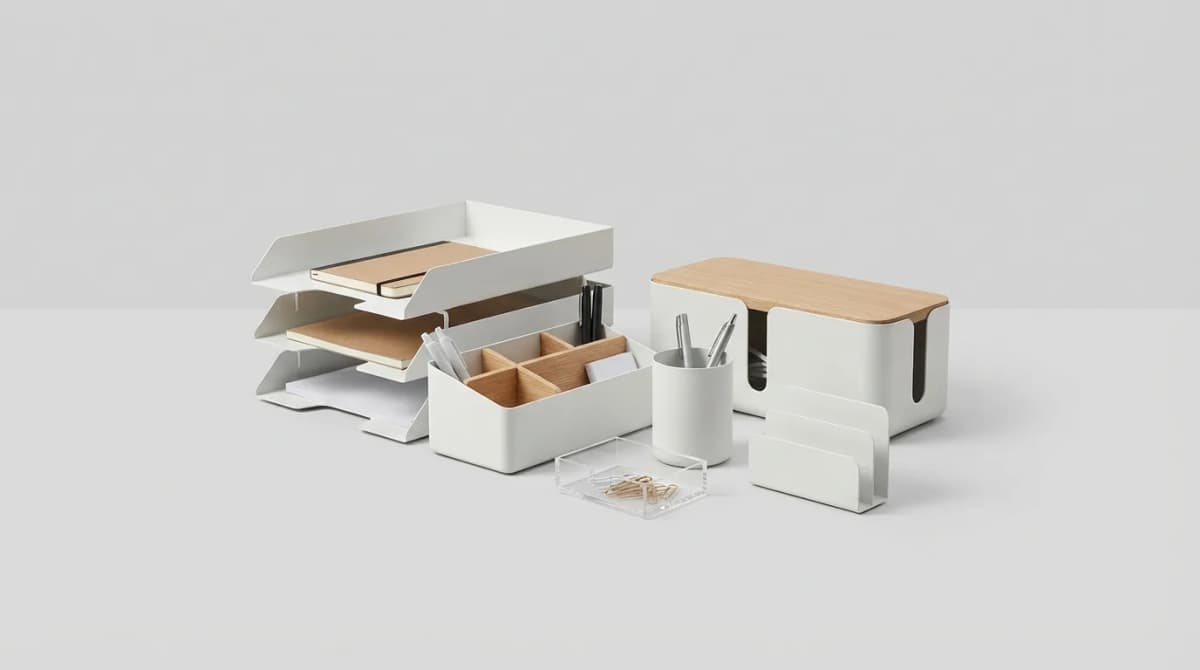
Best Desk Organizers for Small Office Spaces
The right desk organizer reclaims workspace without adding clutter. We compared compact solutions by size, features and price for tight quarters.
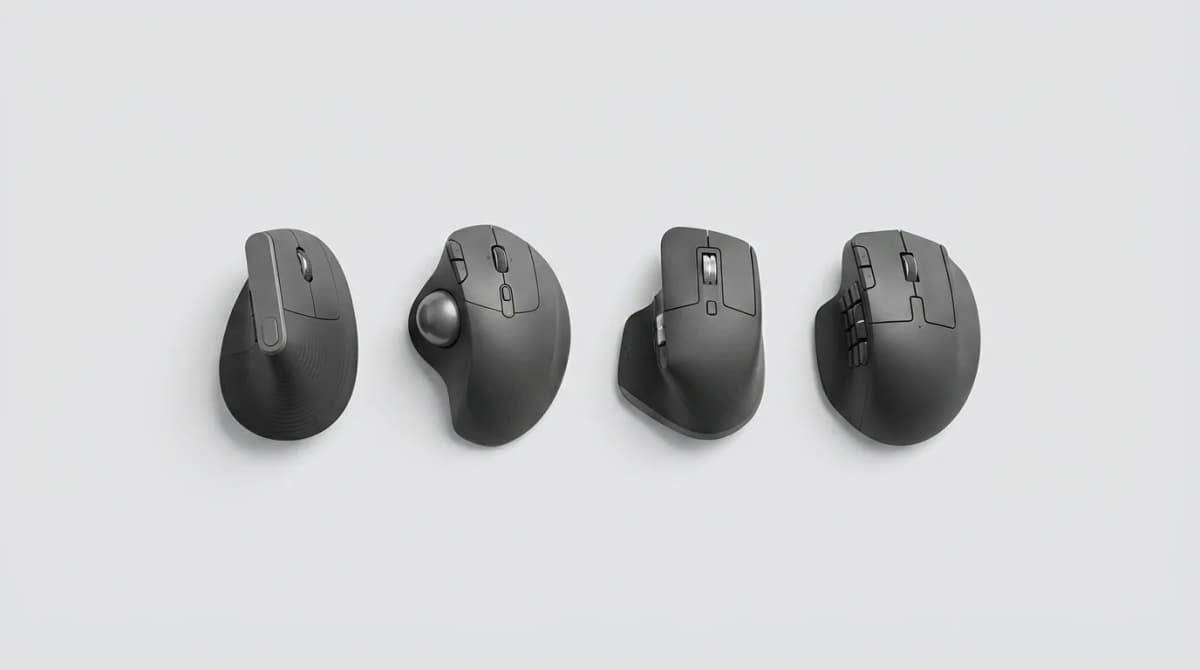
Best Ergonomic Mouse for Wrist Pain 2026
Wrist pain from mouse use is fixable with the right hardware. We compared vertical mice, trackballs and angled designs by maker specs and ergonomics.