Best Smart Instant Photo Printer for Smartphones
Smart instant printers turn phone photos into tangible prints in seconds. We compare the top models by print quality, app features, and cost per photo.

Your phone holds thousands of photos. Most of them stay trapped there. Smart instant printers fix that by turning digital shots into physical prints you can hold, stick on walls, or hand to friends. They connect via Bluetooth, run on rechargeable batteries, and fit in a backpack or large pocket.
Quick Picks
Our top recommendations at a glance:
- 1
- 2
- 3
- 4
- 5
The best ones do more than just print. They let you edit photos before printing, add filters, draw on images, and even print from social media. The catch? Film costs add up fast, and print quality varies wildly between models. Some produce vibrant, sharp images that last for years. Others fade quickly or look washed out.
We tested the leading smart instant printers across different price points and film formats. Here's what actually matters when choosing one.
What Makes a Smart Instant Printer Worth Buying
Print quality comes first. Resolution matters, but so does color accuracy, contrast, and how the print holds up over time. Instax film uses dye sublimation and produces rich colors with good longevity. ZINK (Zero Ink) technology prints without ink cartridges but often looks less vibrant and can fade faster.
App functionality separates average printers from great ones. The best apps offer real editing tools, not just basic filters. Look for manual color correction, collage makers, AR features, and the ability to print from Instagram or other apps without saving photos first.
Cost per print sneaks up on you. A $100 printer with $0.75 per photo costs more over time than a $150 printer with $0.50 film. If you print often, film price matters more than the printer price.
Print size and format create different use cases. Credit card size (2x3 inches) fits wallets and planners. Square format (2.4x2.4 inches) works for scrapbooking. Larger 3x4 inch prints have more impact but cost more per shot.
Battery life determines whether you can use it at events or trips without scrambling for a charger. Some printers manage 20 prints per charge, others hit 100. Check real-world battery specs, not marketing numbers.
Fujifilm Instax Mini Link 2: Best Overall Quality
The Instax Mini Link 2 prints 2.4x1.8 inch photos with genuine Instax film chemistry, which means better color reproduction and longevity than ZINK alternatives. It connects instantly via Bluetooth and prints in about 12 seconds. The companion app offers solid editing tools including filters, brightness adjustment, and a handy test shot feature that shows a preview before you waste film.
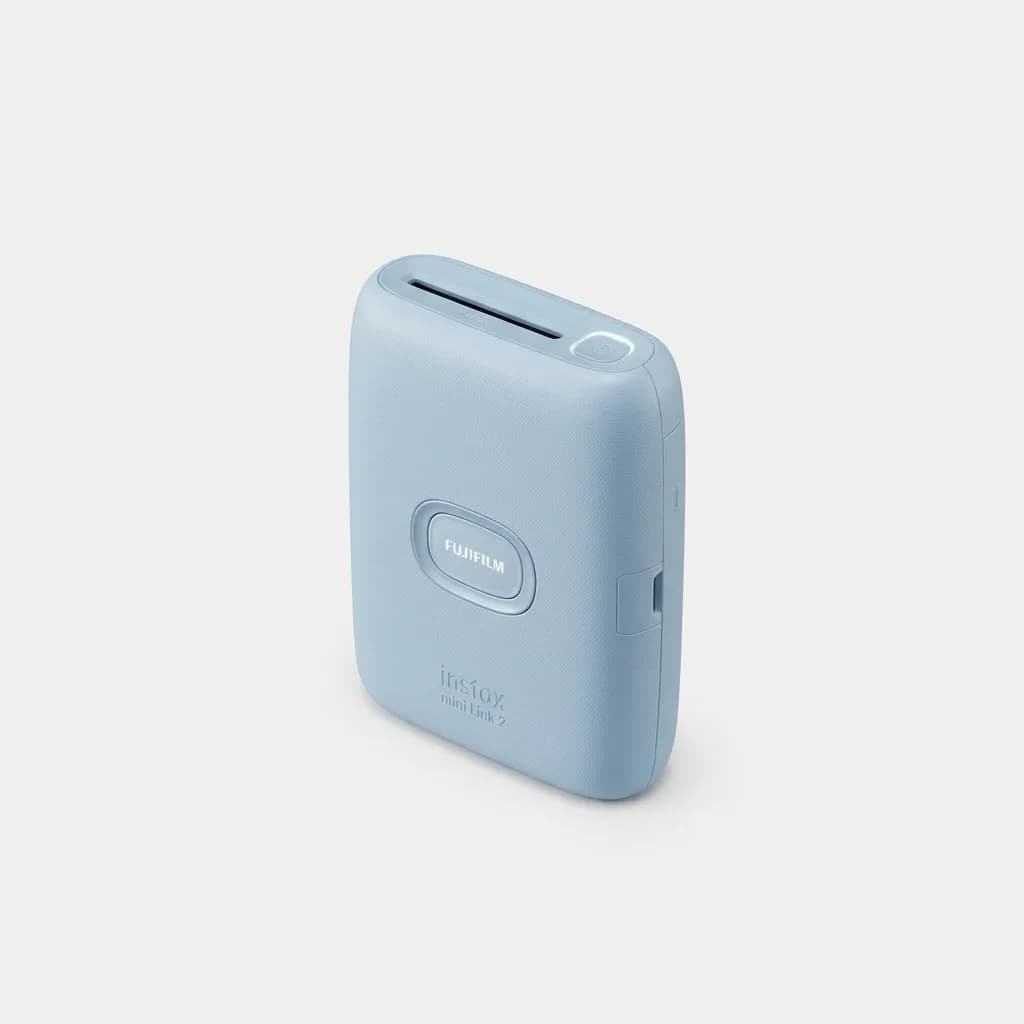
Fujifilm Instax Mini Link 2
$100
Bluetooth instant printer using Instax Mini film. Fast 12-second prints with excellent color accuracy and app-based editing tools.
Battery life hits around 100 prints per charge, making it reliable for events or travel. The big downside? Instax Mini film costs about $0.75 per print in bulk. That adds up if you print daily. But the quality justifies the cost for anyone who wants prints that look good and last.
The Link 2 also includes party modes and AR features that project frames onto your environment through the app. Gimmicky for daily use but fun at gatherings. The printer itself is compact at 3.6 x 5 x 1.7 inches and weighs just 7 ounces.
Canon Ivy 2 Mini Photo Printer: Best Budget Option
The Canon Ivy 2 uses ZINK paper and costs significantly less per print (around $0.40 to $0.50 depending on pack size). It prints 2x3 inch sticky-back photos, so you can peel and stick them anywhere. Print time is about 50 seconds, slower than Instax but still reasonable.
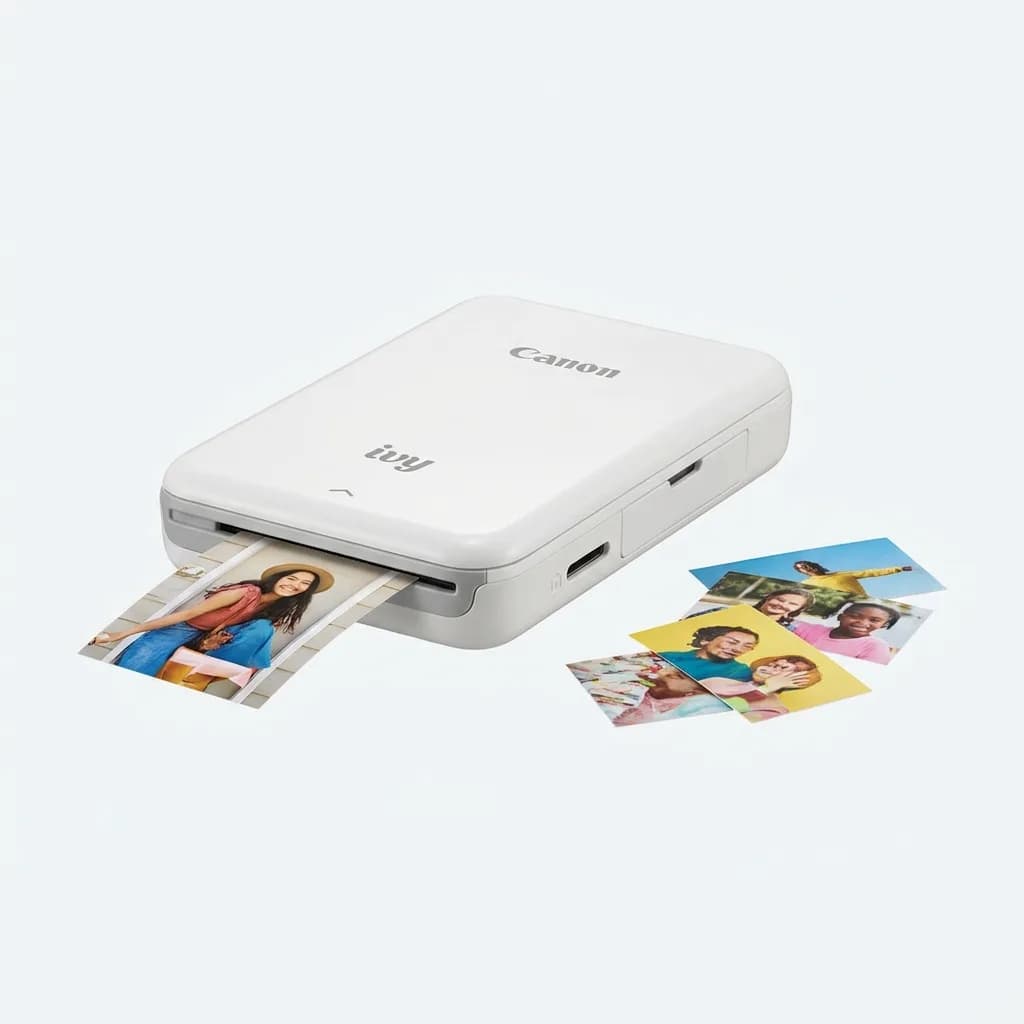
Canon Ivy 2 Mini Photo Printer
$80
Ultra-compact ZINK printer with sticky-back prints. Budget-friendly at $0.40-$0.50 per photo with decent app features.
The Canon Mini Print app works well with Instagram integration and basic editing tools. Print quality is acceptable but not impressive. Colors look slightly muted compared to Instax, and whites can appear yellowish. The prints are also more prone to smudging immediately after printing.
Battery capacity is lower at about 20 prints per charge. For occasional use or decorating planners and notebooks, the Ivy 2 delivers solid value. For higher volume or better quality, look elsewhere.
Kodak Step Printer: Best for High Volume
Kodak's Step printer uses 2x3 inch ZINK paper with sticky backing and pushes out prints in 60 seconds. What sets it apart is battery life: 40-50 prints per charge depending on temperature and usage. It's larger than competitors at 4.7 x 3.0 x 0.9 inches but still pocketable.
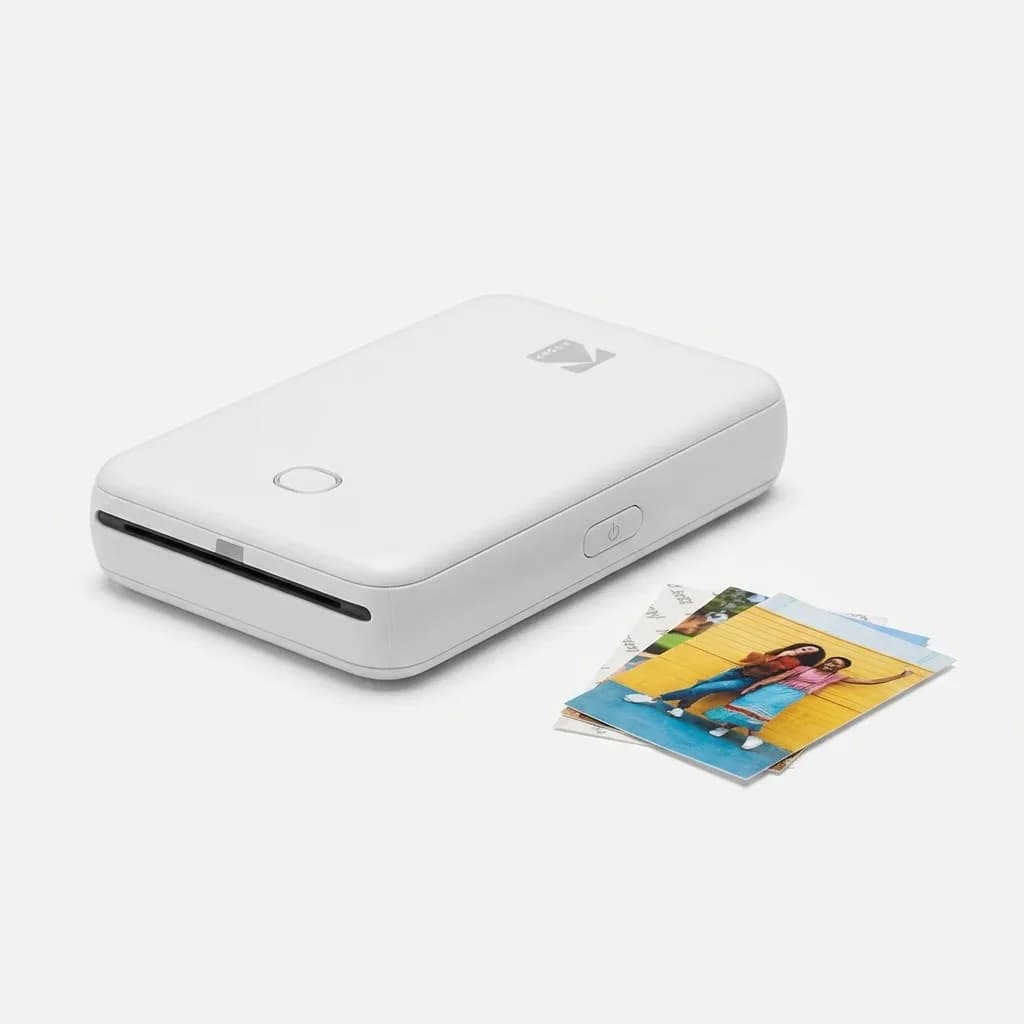
Kodak Step Instant Photo Printer
$70
High-capacity ZINK printer with 40-50 prints per charge. Reliable performance and sticky-back paper for around $0.40 per photo.
The Kodak app includes augmented reality features that embed videos into printed photos (scan the print with your phone to play the video). Neat concept but rarely used in practice. Film costs run about $0.40 per print, matching Canon.
Print quality sits between Canon and Fujifilm. Better than the Ivy 2, not as good as Instax. Colors are punchier than Canon's output but still fall short of true photo quality. If you need to print 30+ photos at an event without recharging, this is your pick.
Fujifilm Instax Square Link: Best for Creative Projects
Square format changes everything for scrapbooking, wall displays, and gift-making. The Instax Square Link prints 2.4 x 2.4 inch photos using Instax Square film, which costs about $0.85 per print. That's pricey, but the results justify it for special occasions and creative work.
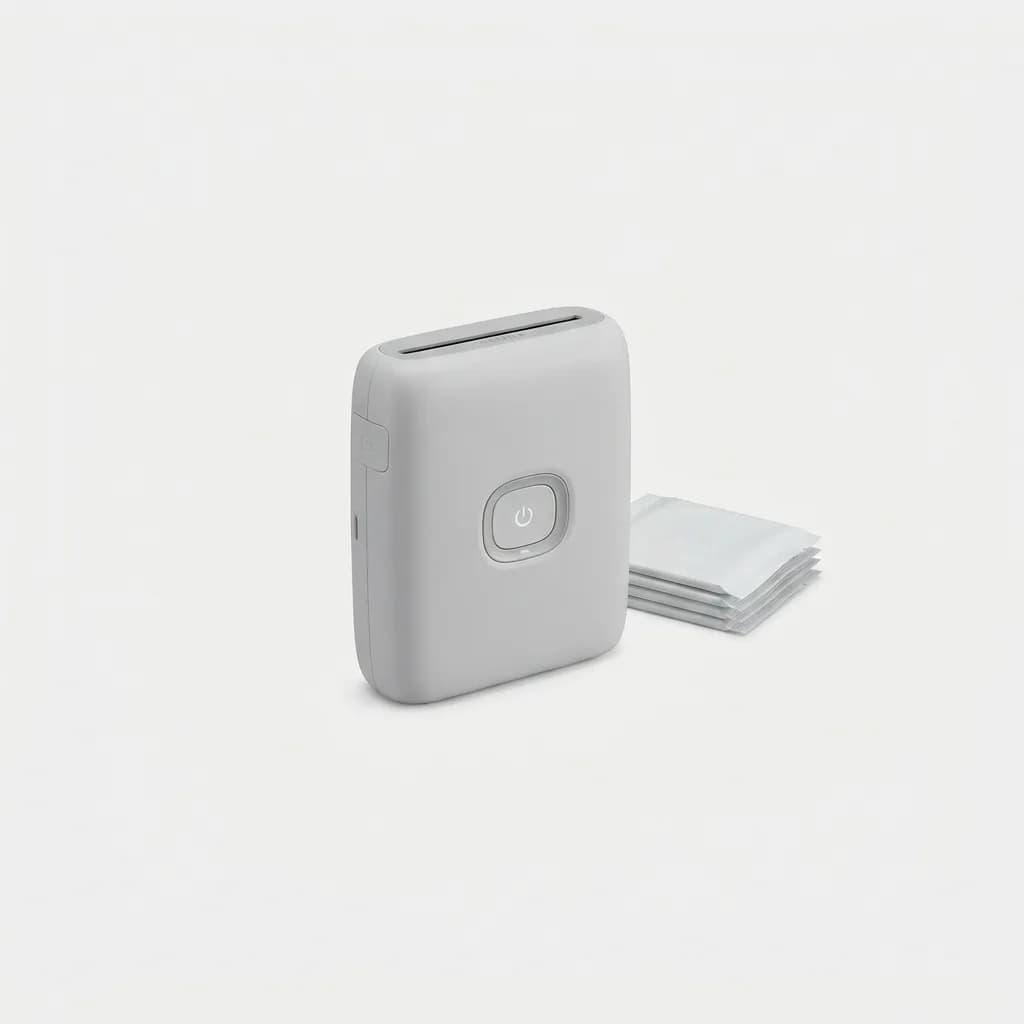
Fujifilm Instax Square Link
$130
Square format Instax printer (2.4x2.4 inches) with superior print quality and creative app features. Premium film at $0.85 per photo.
The app matches the Mini Link 2 with filters, editing tools, and match test features. Print time is about 15 seconds. Battery life reaches 100 prints per charge. The square format offers more versatility for composing images, and the larger print area shows more detail than mini formats.
Build quality feels premium with a metal finish and satisfying tactile feedback. It's slightly heavier at 9.5 ounces and measures 4.7 x 5 x 0.9 inches. Not truly pocket-sized but still portable.
HP Sprocket Select: Best App Features
HP's Sprocket Select prints 2.3 x 3.4 inch photos on ZINK paper and stands out for its app. The HP Sprocket app offers the most robust editing suite we tested, with granular color controls, text overlay tools, borders, stickers, and templates. It integrates smoothly with social media and cloud storage.
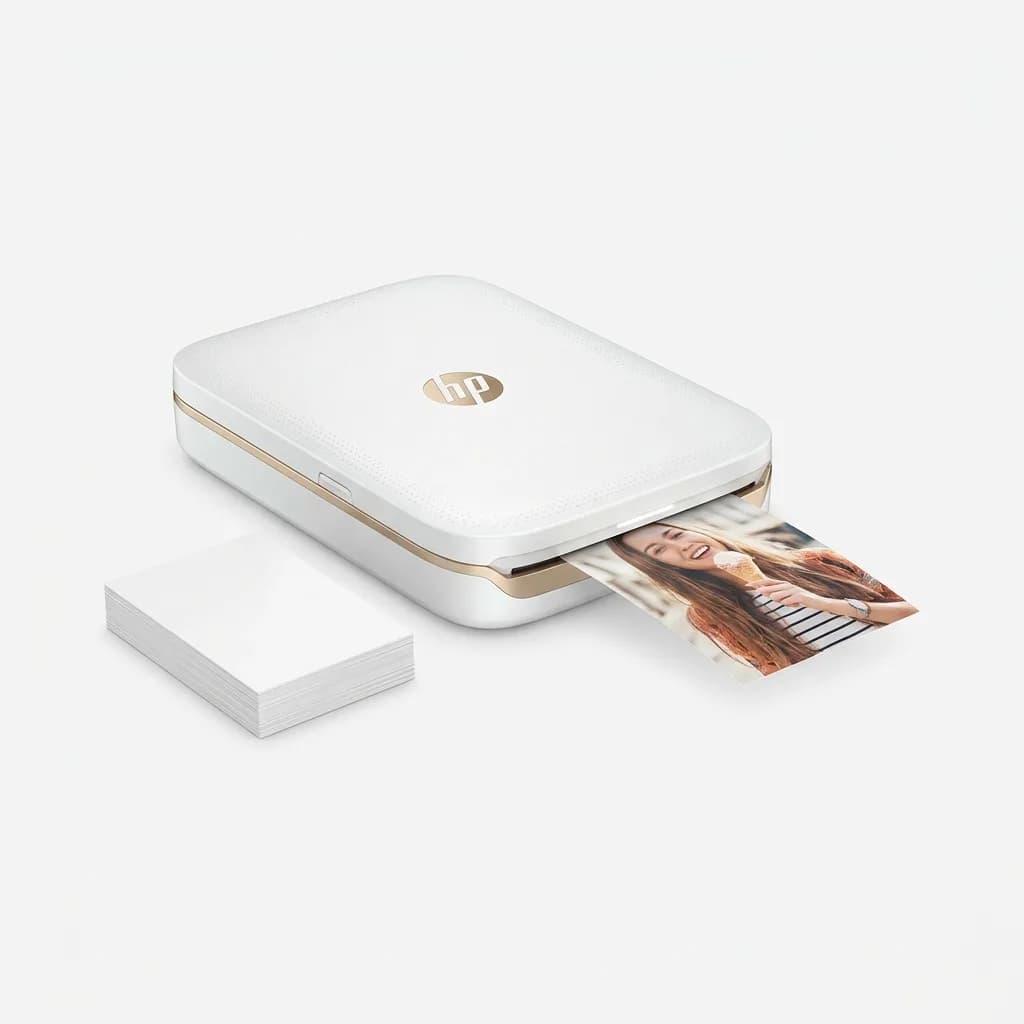
HP Sprocket Select
$130
Feature-rich printer with advanced app editing, larger 2.3x3.4 inch format, and smooth social media integration. ZINK paper at $0.50 per print.
Print quality is the best among ZINK printers but still trails Instax. Colors pop more than Canon or Kodak, and blacks look deeper. Print time averages 45 seconds. Battery life lands around 35 prints per charge. Film costs about $0.50 per print.
The larger format makes this a middle ground between pocket-sized ZINK printers and square Instax. If app features matter more than absolute print quality, the Sprocket Select delivers.
Why Most People Should Skip ZINK Paper
ZINK technology sounds convenient: no ink cartridges, no mess. But the tradeoffs hurt. ZINK prints fade faster than Instax, especially when exposed to sunlight or heat. Colors lack the depth and accuracy of dye sublimation film. Blacks often look gray, and skin tones can appear unnatural.
For temporary decorations or quick event prints, ZINK works fine. For photos you want to keep or display long-term, Instax is worth the extra cost. The longevity difference is real. We've seen ZINK prints fade noticeably after six months in indirect sunlight, while Instax prints from the same period still look vibrant.
The one advantage ZINK offers beyond cost is the sticky backing. Peel-and-stick convenience matters for planners, journals, and quick wall decorations. Instax prints require tape or adhesive corners.
Film Cost Reality Check
Do the math before buying. If you print 10 photos per week:
- Instax Mini at $0.75 per print: $390 per year
- ZINK at $0.45 per print: $234 per year
That's a $156 annual difference. Over two years, you save enough to buy another printer. But you're also getting lower quality prints. For casual users printing 1-2 times per week, film cost matters less. For daily users or families, it becomes a budget consideration.
Buying film in bulk reduces costs. Instax Mini 100-packs drop to around $0.65 per print. ZINK value packs can hit $0.35 per print. Never buy film in 10-packs unless absolutely necessary.
What to Actually Look for When Buying
Start with intended use. Scrapbooking and gifts? Square format makes sense. Quick event printing and stickers? ZINK with sticky backing works. High quality keepsakes? Instax Mini or Square wins.
Check your phone compatibility. Most printers work with iOS and Android via Bluetooth, but older phone models sometimes have connectivity issues. Read recent app reviews for your specific OS version.
Consider print longevity. If you're printing memories you want to last, Instax chemistry beats ZINK. If you're printing temporary decorations or test shots, ZINK saves money.
Think about portability versus battery life. Tiny printers fit in pockets but often sacrifice battery capacity. Slightly larger models print more per charge and may include better components.
The Bottom Line
For most people, the Fujifilm Instax Mini Link 2 offers the best combination of print quality, reliability, and app features. It costs more per print, but the results justify it. If budget is tight or you need sticky-back prints, the Canon Ivy 2 provides decent value. For high-volume printing, the Kodak Step's battery life makes it practical. Creative projects benefit from the Instax Square Link's format, while app enthusiasts will appreciate the HP Sprocket Select's editing tools.
Smart instant printers bridge digital convenience and physical photos. The right one depends on whether you prioritize quality, cost, format, or features. Start by calculating your expected film costs over a year, then match that to your quality requirements.
The Weekly Dispatch
Enjoying this article?
Subscribe and get our best gear picks delivered every Sunday morning.
Related Posts
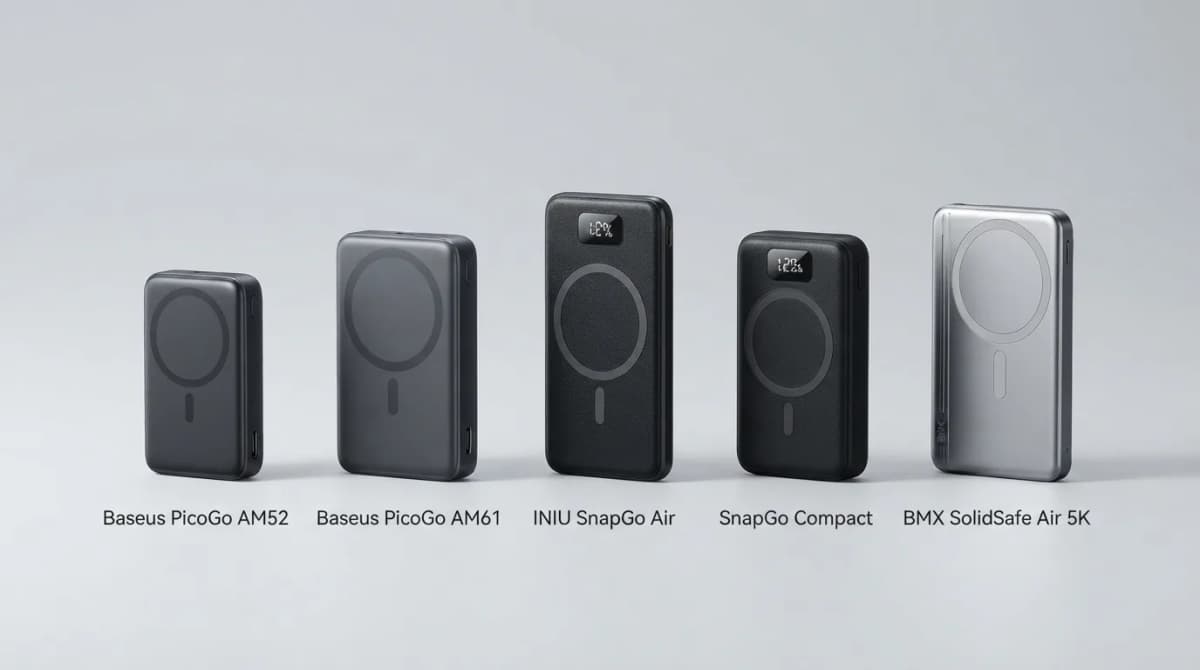
Best Qi2 Power Banks 2026 for iPhone and Android
The best Qi2 and Qi2.2 magnetic power banks for 2026: Baseus PicoGo AM52 and AM61, INIU SnapGo Air and SnapGo Compact, and BMX SolidSafe Air 5K. Prices at publish, Oct 2026.
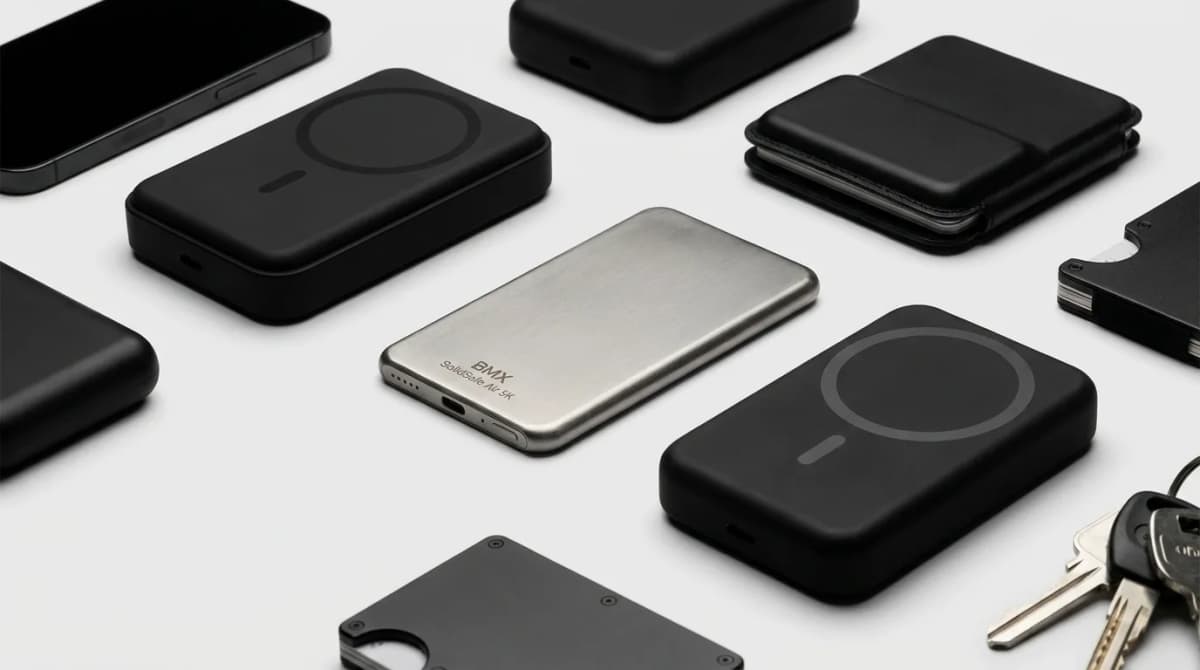
BMX SolidSafe Air 5K: Thinnest Qi2 Power Bank
Thick MagSafe banks die in the bag. BMX SolidSafe Air 5K hits 6.8mm titanium, Qi2 15W, and a semi-solid-state safety pitch — pocket-first EDC power, not another brick. Who buys, who skips.
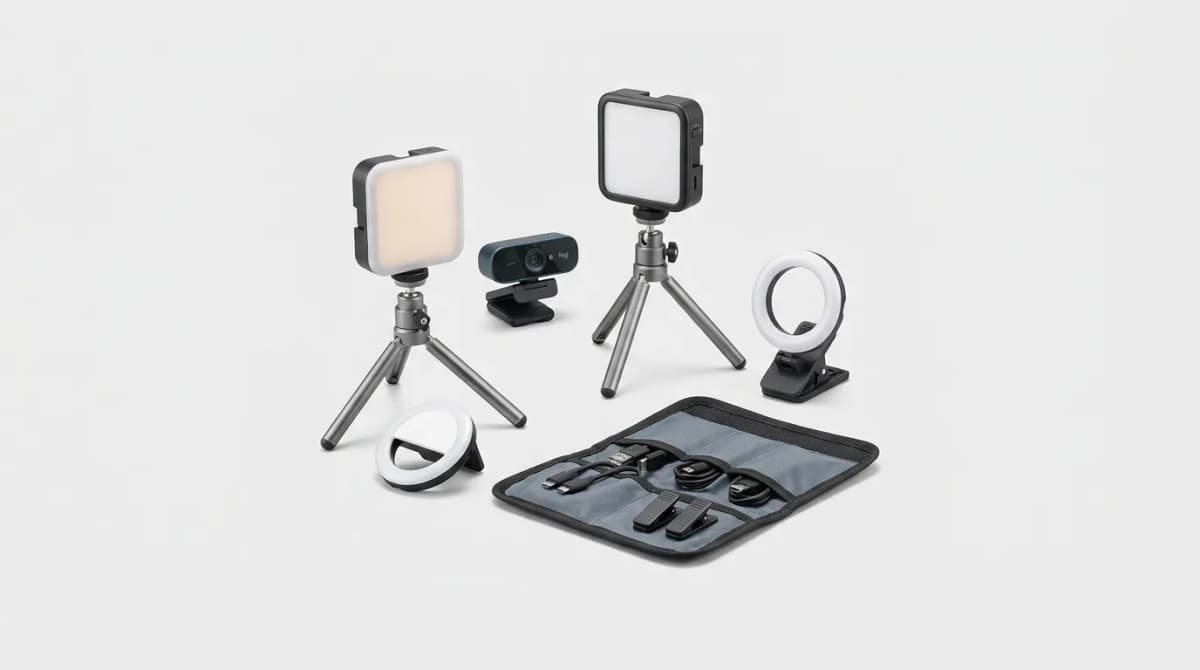
Portable Lighting for Video Calls
Portable key lights beat buying a new webcam for Zoom and Teams. We compare mounts, color temperature ranges, and kits that actually travel.
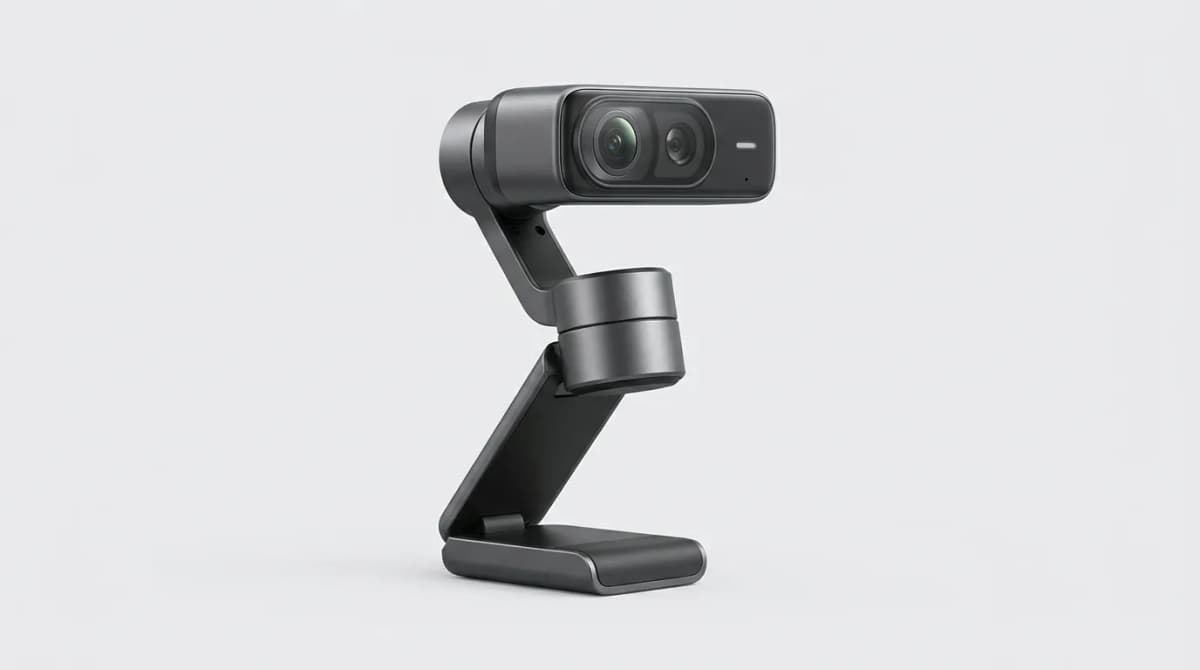
Insta360 Link 2 Pro Review: Is It Worth It
The Insta360 Link 2 Pro brings gimbal stabilization and AI tracking to your desk. We tested it for three weeks to see if the premium features justify the cost.