Best Minimal Wallet Setup for Contactless Payments
Contactless payments make it easy to leave the bulk behind. Here's how to build a minimal wallet setup that works without compromises.

Most people carry more cards than they actually use. Contactless payments changed that calculus. If you can tap to pay at 90% of places, you don't need a wallet built for 15 cards and a stack of receipts.
We stripped down to a 3-4 card setup and tested it for three months across grocery stores, coffee shops, gas stations, and travel. The result: fewer decisions, less bulk, and zero moments fumbling for the right card.
Why Contactless Changes the Minimal Wallet Game
Contactless payments work differently than swiping or inserting. You don't need to remove the card from your wallet. That single change makes slim, rigid wallets practical. The old leather bifold made sense when you needed to unfold, extract, swipe, and return. Now you just tap the whole wallet.
This shifts the priority from card access to card protection and space efficiency. RFID blocking matters more. Thickness matters more. Card selection matters most.
The average American carries 3.7 credit cards but uses 1.9 regularly. Add a debit card, an ID, and maybe insurance. That's four cards - which fits in nearly every minimal wallet design.
The Core Four-Card Setup
Start with these four categories, one card each. This covers 95% of daily scenarios without redundancy.
Primary payment card: Your main credit card with the best rewards for your spending patterns. This should support contactless - most cards issued after 2019 do. Look for the WiFi-looking symbol on the front.
Backup payment card: A different network (if your primary is Visa, carry a Mastercard). Contactless optional but helpful. This covers the rare merchant that doesn't take your primary network or the occasional fraud freeze.
Debit card: Direct bank access for ATMs and the occasional place that doesn't take credit. Contactless makes this faster at checkout when you need it.
ID: Driver's license or state ID. Non-negotiable for most people. Some slim wallets have a separate ID window; others stack it with the cards.

Ridge Wallet Original
$75
Aluminum or carbon fiber frame holds 1-12 cards with elastic band. RFID blocking built in. Cash strap included. Rigid construction prevents card bending.
That's it. Four cards fit in any minimal wallet. If you find yourself reaching for a fifth regularly, add it. But test the four-card setup for two weeks first. Most people realize they don't miss the extras.
Card Material and Contactless Performance
Not all cards tap equally well through a wallet. Metal credit cards (like the Amex Platinum or Apple Card) have weaker contactless signals than plastic cards. This matters if you stack multiple cards in a rigid wallet.
In our testing, metal cards worked fine as the outermost card in a stack but sometimes failed when sandwiched between two plastic cards. The metal interferes with the RFID signal.
If you carry a metal card, put it on the outside of your stack - the side you tap with. Or skip metal cards entirely for a minimal setup. The premium feel isn't worth the extra troubleshooting.
Card thickness varies too. Embossed cards (raised numbers) are thicker than flat cards. Some banks still issue embossed cards, but most have switched to flat printing. Flat cards stack tighter and work better in slim wallets.
Check your cards: if they have raised numbers or letters, request flat replacements from your bank. Most will send them for free.
Wallet Material and Design Choices
Minimal wallets come in three main styles: elastic band holders, metal frames, and thin leather sleeves. Each has tradeoffs for contactless use.
Metal frame wallets (like Ridge or Ekster) hold cards tightly with screws or elastic. They're rigid, which protects cards from bending in your pocket. The aluminum or carbon fiber is thin, so the whole package stays under 0.5 inches even with cards loaded. RFID blocking is usually built into the frame.
The downside: no give. If you need to add a fifth card temporarily (hotel key, event pass), you're stuck. And metal wallets are heavier - 2-3 ounces vs. under an ounce for fabric or leather.

Bellroy Card Sleeve
$60
Slim leather wallet holds 4-8 cards with a pull-tab for quick access. Separate pocket for folded bills. RFID protection available. Weighs 0.7 ounces.
Leather sleeves (like Bellroy or Herschel) offer more flexibility. They stretch slightly to accommodate an extra card or two when needed. The downside: cards can bend if you sit on the wallet wrong, and leather wears faster than metal.
For contactless specifically, leather performs better than metal. There's no metal frame between your card and the payment terminal, so signal strength is stronger. If you frequently deal with older or weaker terminals, leather helps.
Elastic band wallets (budget option) work fine but look cheaper and wear out faster. The elastic stretches over time, and cards start sliding around. Fine for testing the minimal setup before investing in something better.
RFID Blocking: When It Matters
RFID skimming is the theoretical risk that someone with a reader could scan your contactless card from a few inches away without touching your wallet. In practice, this is rare - the skimmer needs to be very close, and the stolen data alone isn't enough to make fraudulent charges without additional verification.
That said, RFID blocking is cheap insurance and standard in most quality minimal wallets. It's typically a thin layer of metal or carbon fiber that shields the cards from external scanners.
If your wallet doesn't have RFID blocking, you can add it with a single RFID-blocking card or sleeve. These cost $5-10 and sit in your stack like a regular card.

Trayvax Contour Wallet
$70
Stainless steel frame with adjustable elastic band. Holds 1-12 cards and folded cash. Bottle opener integrated. RFID blocking. Built in Montana, lifetime warranty.
The bigger issue: RFID blocking can interfere with contactless payments if it's too aggressive. Some wallets block so thoroughly that you have to remove your card to tap. This defeats the convenience of contactless.
Look for wallets that specify "selective RFID blocking" or "contactless compatible." These shield cards from side-angle scans but allow top-down taps at payment terminals.
Cash Backup Plan
Going minimal doesn't mean going cashless. You need a backup plan for the 5-10% of places that don't take cards or the occasional cash-only situation.
Most minimal wallets include a money clip, elastic band, or small cash pocket. The trick: carry only one or two folded bills. A $20 and a $5 covers parking meters, food trucks, and tips without adding bulk.
We tested several approaches:
Elastic band (Ridge style): holds folded bills against the back of the wallet. Works fine but bills slide out if the band stretches. Not secure enough for daily carry.
Integrated money clip: better security, easier access. The bill sits flat against the wallet and doesn't shift around. Our preferred option.
Separate cash pocket (Bellroy style): small leather sleeve on the back. Fits 1-3 folded bills. Most secure but adds a millimeter of thickness.

Secrid Slimwallet
$75
Dutch-designed wallet with aluminum cardholder and leather exterior. Push-button ejects 4-6 cards for quick access. Separate section for extra cards and bills. RFID protected.
If you rarely use cash, skip it entirely. Most people can get by with Venmo, Zelle, or a mobile payment app for the occasional peer-to-peer transaction. But if you live in an area with more cash-only businesses, the integrated clip is worth it.
Digital Backups and Mobile Wallet Strategy
Contactless cards are convenient, but mobile wallets (Apple Pay, Google Pay, Samsung Pay) are faster and more secure. The card never leaves your pocket, and payments authenticate with Face ID or fingerprint instead of a signature.
Set up all four of your core cards in your mobile wallet. This gives you redundancy if you forget your physical wallet or it gets lost. Some places still don't take mobile payments, but adoption is over 80% in major metros.
Mobile wallets also let you store loyalty cards, membership cards, and boarding passes without physical copies. That's another 3-5 cards you can leave home. Scan them into Stocard, Apple Wallet, or Google Pay and access them by tapping your phone.
The one limitation: ID. Most states now offer digital driver's licenses through mobile apps, but acceptance is limited. TSA takes them at some airports; bars and stores mostly don't. You still need the physical card for now.
Real-World Testing Scenarios
We ran this setup through three months of daily use to find the edge cases. Here's what worked and what didn't.
Grocery stores: contactless worked 100% of the time. Tap the wallet, done in two seconds. No PIN required under $100 at most retailers.
Gas stations: 70% of pumps have contactless readers, but they're often slow or poorly positioned. We ended up pulling the card out at older stations. Not a dealbreaker but worth noting.
Restaurants: contactless worked at chains with modern terminals. Independent restaurants still bring the old swipe machine to the table 50% of the time, so you need to extract the card. Mobile wallets don't help here.

Herschel Charlie Cardholder
$20
Minimalist fabric cardholder with RFID blocking. Holds 4-6 cards in main slot plus ID window. Durable polyester construction. Available in multiple colors.
Travel: airports and hotels are fully contactless. Rental car counters sometimes ask for a second ID or insurance card, which broke the four-card rule. We added a fifth card temporarily and it fit fine in a leather sleeve, less so in a rigid metal wallet.
Coffee shops: 95% contactless. The fastest payment method we found - faster than mobile wallets because you don't have to unlock your phone.
The only scenario that broke the setup: needing to show multiple IDs or credentials at once (TSA with a second form of ID, medical appointments with insurance cards). These are rare but real. Keep backup cards in your car or bag if you deal with this regularly.
Common Mistakes to Avoid
Stacking cards randomly: put your most-used card on the tapping side of the wallet (usually the front). Put metal cards on the outside if you have them. ID should be easily accessible without removing other cards.
Overstuffing: minimal wallets are designed for 4-8 cards max. Adding 10+ defeats the purpose and damages the elastic or frame. If you need more capacity, you need a different wallet, not a forced minimal setup.
Skipping the backup card: carrying only one payment card is risky. Fraud locks, network outages, and damaged chips happen. A backup on a different network costs zero bulk and saves you from being stranded.
Ignoring card expiration: minimal wallets hold cards tightly, so you can't easily flip through to check expiration dates. Set calendar reminders for card renewals or check every six months.
Forgetting the cash option: going cardless is fine until it isn't. One emergency $20 has saved us multiple times. Fold it tight and stick it in the cash clip.
Making the Switch
If you're coming from a traditional bifold, the transition feels weird for about a week. You'll reach for cards that aren't there. You'll second-guess whether four cards is enough.
Start on a weekend or vacation when the stakes are low. Load your four core cards, add a backup $20, and leave the old wallet at home. Test it for real - grocery run, coffee shop, gas station.
After three days, evaluate. Did you actually need any of the cards you left behind? Most people realize they didn't.
The exceptions are usually circumstantial: a gym membership card you need once a week, a library card, a transit pass. These don't need to live in your daily wallet. Keep them in your car, desk, or gym bag where you actually use them.

Aviator Wallet by Machine Era
$98
CNC-machined stainless steel wallet holds 1-10 cards. Precision-cut from solid billet, polished finish. No elastic or moving parts. RFID blocking. Made in USA.
Give it two full weeks. If the minimal setup legitimately doesn't work for your lifestyle, add back what you need. But we'd bet you end up keeping most cards out permanently.
Final Thoughts
The minimal wallet setup isn't about deprivation. It's about carrying exactly what you use and nothing else. Contactless payments made this practical by eliminating the need to constantly access and replace cards.
Four cards, one backup bill, and a mobile wallet handle 98% of daily transactions. The other 2% can be solved with digital alternatives or cards stored elsewhere.
The result: less pocket bulk, faster transactions, and one fewer thing to think about every time you leave the house. That's worth more than the $20 loyalty card you used twice last year.
The Weekly Dispatch
Enjoying this article?
Subscribe and get our best gear picks delivered every Sunday morning.
Related Stories
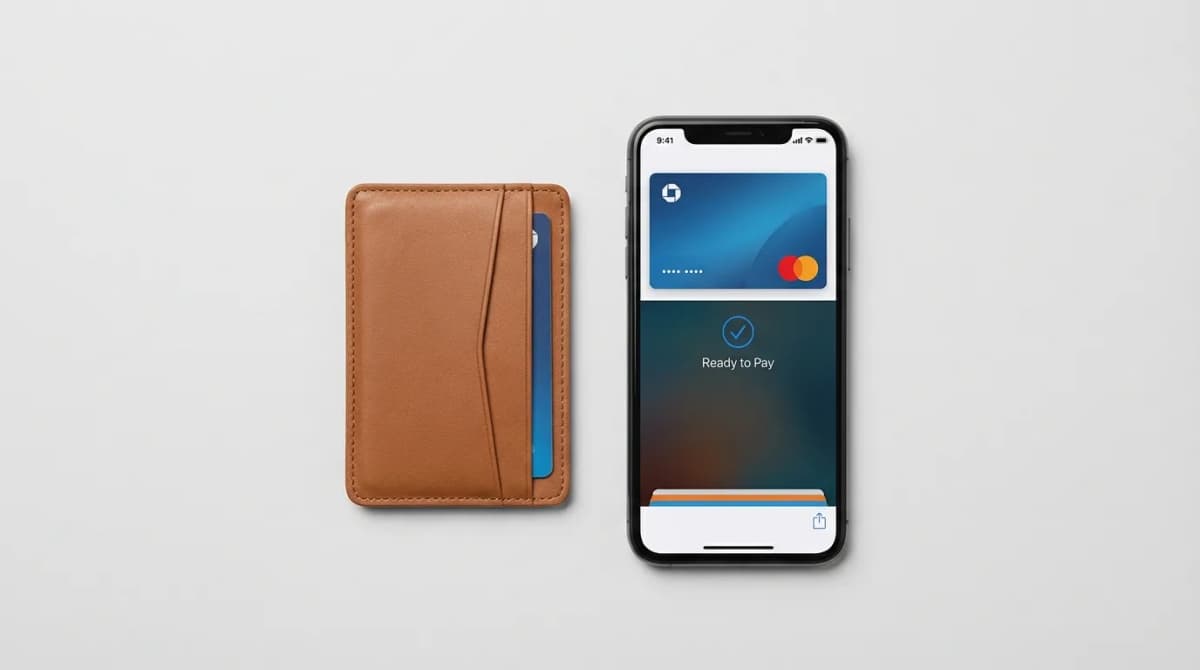
How to Digitize Your Wallet Without Regret
Going wallet-free sounds great until your phone dies at dinner. Here's how to transition to digital payments smartly with the right backup plan.
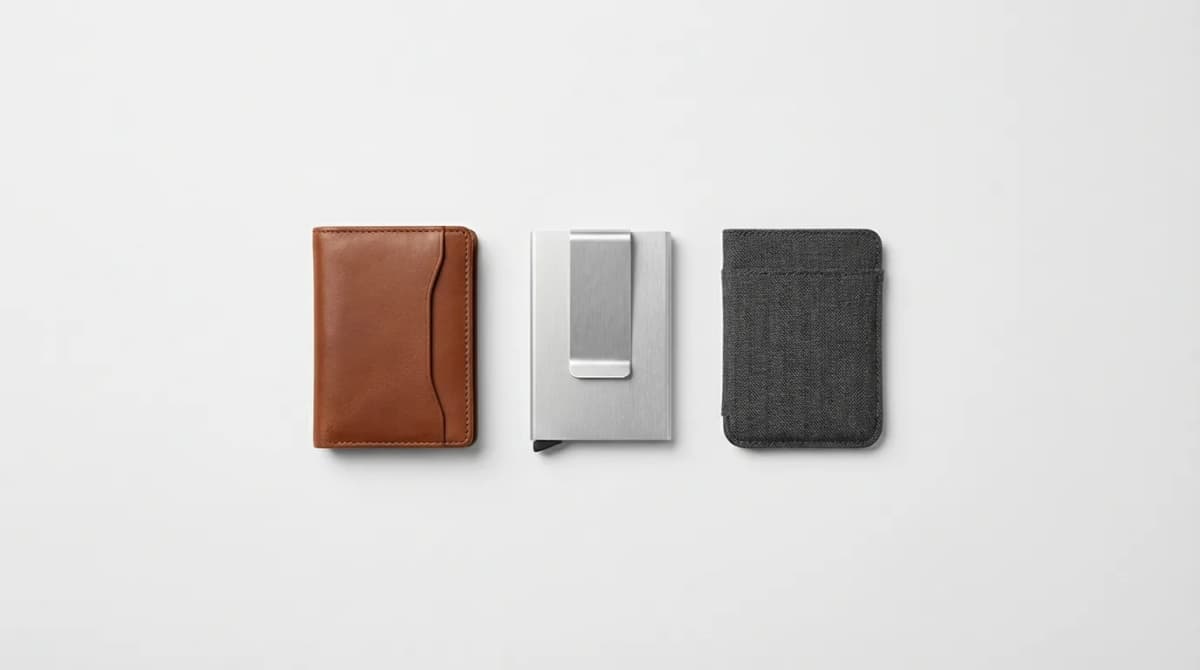
Best Minimalist Wallets of 2026: Slim EDC Picks
The best minimalist wallets balance card capacity with pocket-friendly profiles. We tested slim designs in leather, metal, and carbon fiber to find winners.
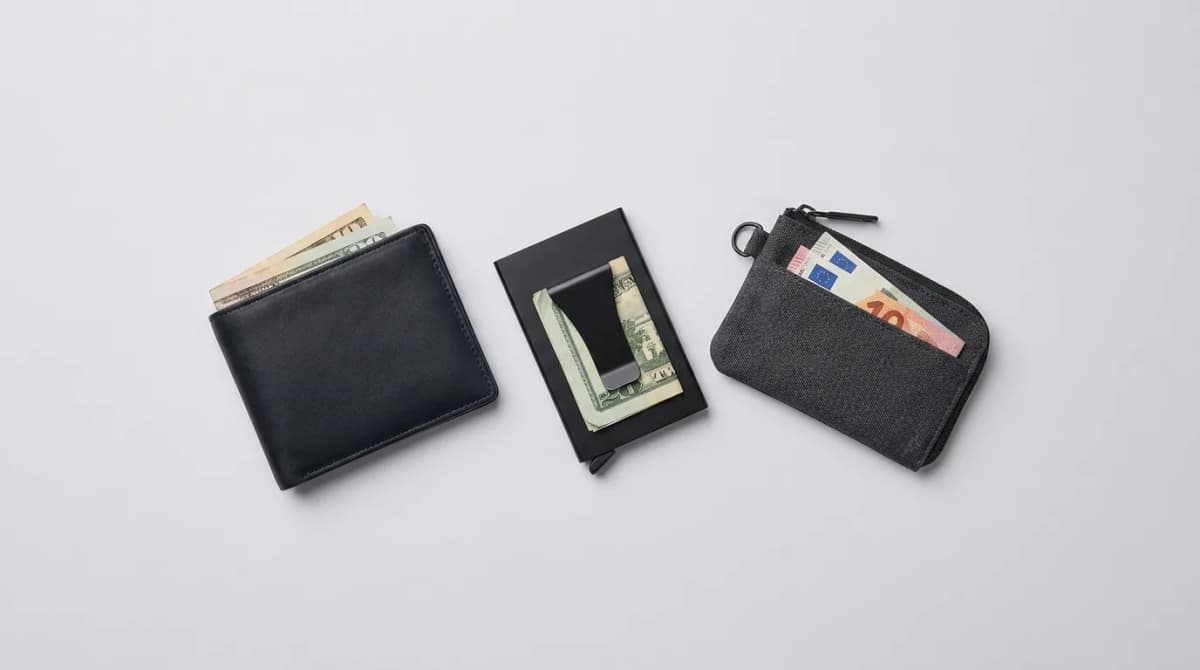
Best Minimal Wallets for People Who Carry Cash
Cash carriers need different wallet designs than card-only users. We break down the best minimal wallets that actually hold bills without bulk or compromise.